
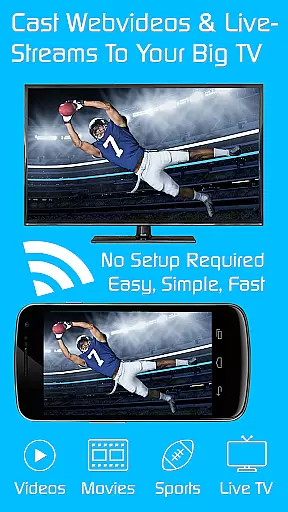
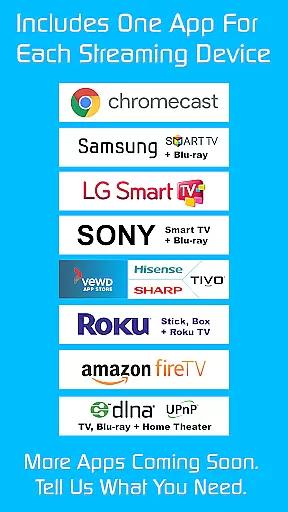
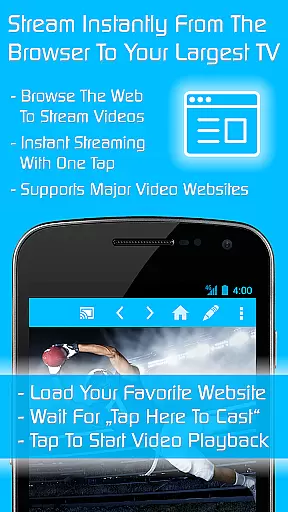

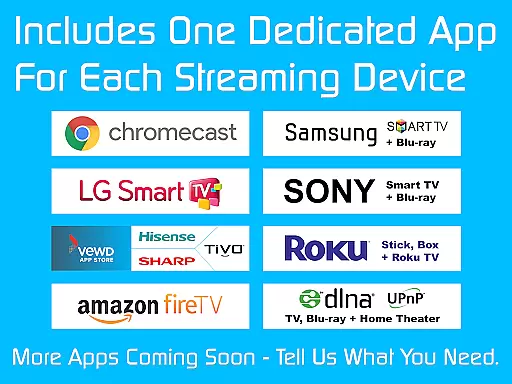
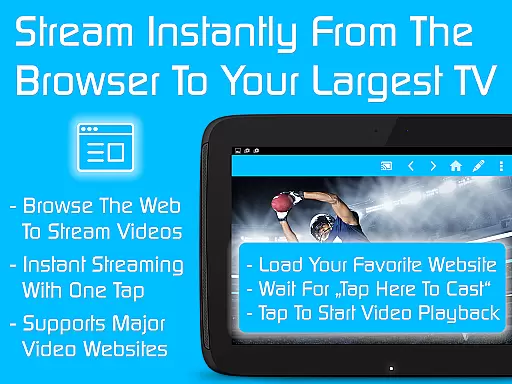

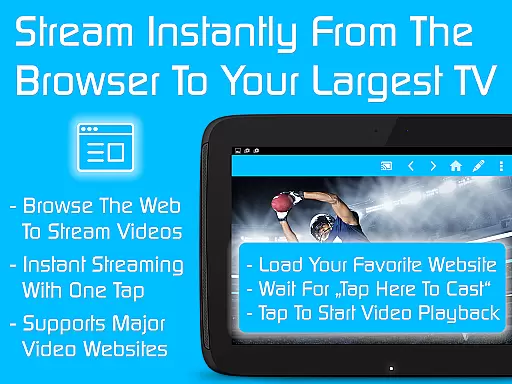
TV Cast is a versatile streaming browser app that allows users to stream and watch web videos, online movies, livestreams, and live TV shows on various devices. Compatible with Chromecast, Samsung TV, LG TV, Sony TV, Hisense TV, Sharp TV, TiVo, Roku, Fire TV, DLNA, and Google Cast-powered devices, it offers an all-in-one solution for media streaming needs.
This Ultimate app serves as a LICENSE KEY, unlocking premium features in all FREE Video & TV Cast app editions on your Android device. With more than 70% discount, users can access nine apps for the price of two, enhancing their streaming experience across different platforms.
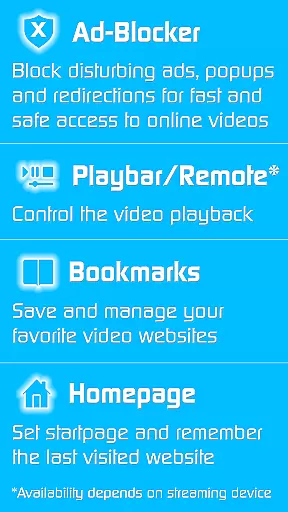
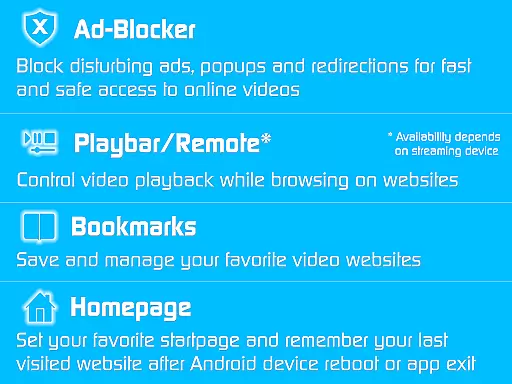
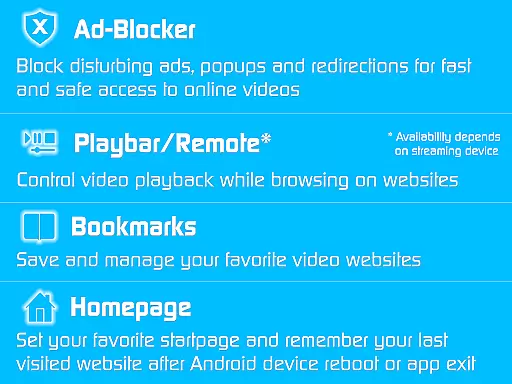
TV Cast stands out with its ability to unlock premium features across multiple FREE Video & TV Cast app editions. The app includes an Ad-Blocker for websites, blocking all advertisements, popups, and redirections caused by visited websites. Additionally, the Playbar/Remote feature enables fast forward, rewind, and video scrubbing while browsing.
Users can also change the homepage, set personal preferences, and enable remembering the last visited website. The Desktop Mode cloaks the device as a desktop PC, aiding in detecting videolinks on some websites. With unlimited bookmarks, users can save and manage their favorite websites and videos without any sponsoring advertisements.
Video format compatibility is a crucial feature for any video player or editor, ensuring that users can access and stream content across various devices without technical hindrances. TV Cast excels in this area by supporting a wide range of streaming devices including Chromecast, Samsung TV, LG TV, Sony TV, Hisense TV, Sharp TV, TiVo, Roku, Fire TV, DLNA, and Google Cast-powered devices.
The app's ability to cast videos from web sources to these different devices means it must handle multiple video formats efficiently. Whether you're streaming online movies, live TV shows, or web videos, TV Cast ensures seamless playback without the need for format conversion or additional codecs.
For users, this broad compatibility translates into convenience and flexibility. You can enjoy your favorite content on virtually any modern smart TV or streaming device without worrying about format support. This makes TV Cast an ideal solution for households with multiple entertainment systems, allowing effortless content sharing across different brands and platforms.
While TV Cast primarily focuses on streaming capabilities, its AI-powered editing features provide added value for users who want more control over their viewing experience. The app includes an Ad-Blocker that intelligently detects and blocks all advertisements, popups, and redirections from websites, creating a cleaner, uninterrupted viewing environment.
Additional intelligent features include the Playbar/Remote functionality, which uses smart algorithms to enable fast forward, rewind, and video scrubbing while browsing. The Desktop Mode feature cleverly masks your mobile device as a desktop PC, helping to detect video links on websites that typically restrict mobile streaming.
These AI-driven enhancements demonstrate the app's commitment to improving user experience through smart technology. While not a traditional video editor, TV Cast's intelligent features give users powerful tools to customize and optimize their streaming sessions, making it more than just a casting application but a comprehensive entertainment solution.
Wide device compatibility
Ad-free streaming experience
Fast forward and rewind capabilities
Personalized homepage settings
Unlimited bookmark storage
Premium features require constant app installation
Limited troubleshooting support
Device capability-dependent features
No refunds after 24 hours
Separate app downloads needed

Online Videos Player
 3.90
3.90
You can play SWF format file!
2.50
IPTV-Smarters Player Pro M3U - Watch Live Stream TV Channels with Chromecast
4.00
Search & download videos from net with all video downloader, auto-detect & safe.
4.60
KineMaster, Your Ultimate Video Editor!
4.40
VLC Remote lets you control your VLC Media Player on Mac, PC or Linux.
4.60
This app was created to edit the metadata of music files.
4.20
Explore the largest library of free GIFs, Stickers & Memes - or create your own!
3.90
convenient, safe and fast at Video Downloader & Player
4.60
Play ALL formats in 4K & HD. Video downloader, MP3 player, Chromecast & more.
4.80
Screen recorder with audio to take live videos & Screenshot in high quality!
4.70
Full HD Video mp3 Player, MP4 player play 1080p, File manager, Video Downloader
4.40
Video player, file manager for all formats, 4K/HD media player supports subtitle
4.30
Create & edit videos with AI
4.30
Kodi media center, a free and open source cross-platform entertainment hub
3.60
Save photos and videos from social apps in one tap.
3.60
All in one multi protocols stream receiver for AirPlay, Cast and DLNA.
3.60
IPTV Player - Watch live TV from m3m & m3u8 playlist, stream IPTV on mobile
3.30
Stream high quality video from your camera over NDI protocol
4.5


User Reviews