
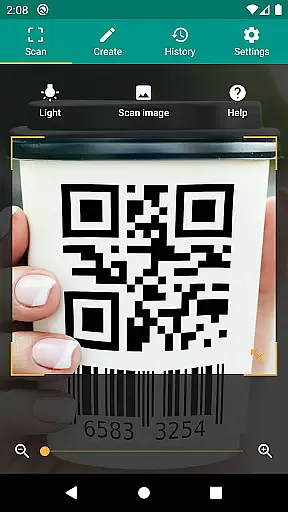
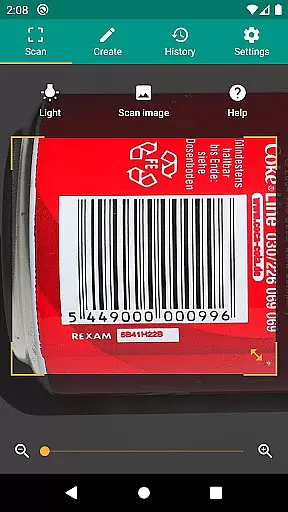
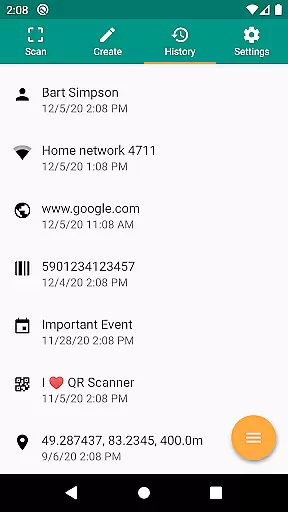
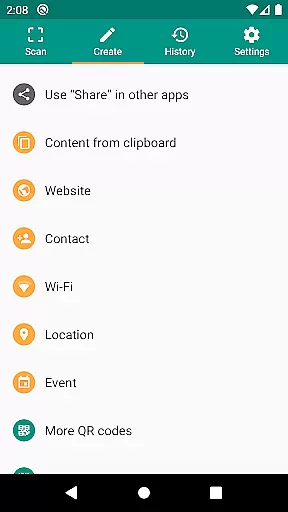
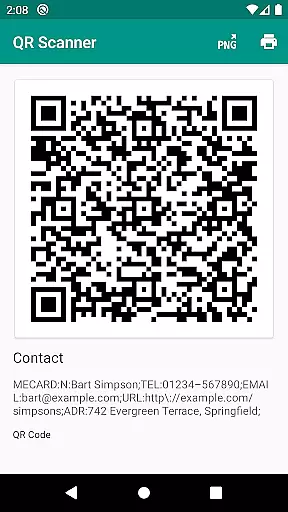
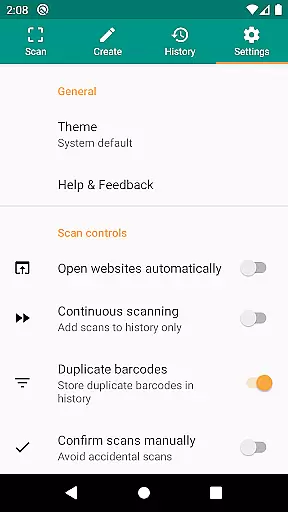
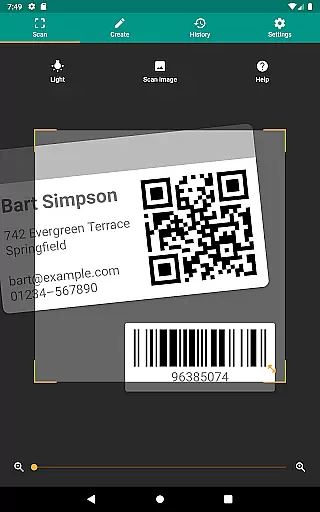
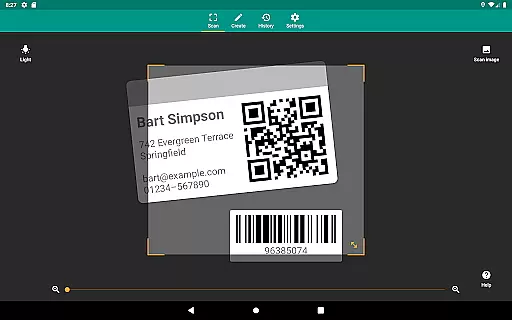
QR & Barcode Scanner is a versatile productivity tool designed to streamline code scanning and data management. This application supports all common barcode formats, including QR, Data Matrix, Aztec, UPC, EAN, Code 39, and many more, making it an essential utility for both personal and professional use.
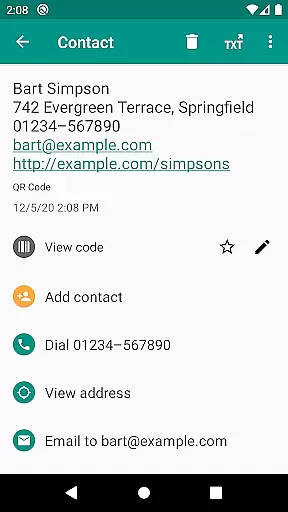
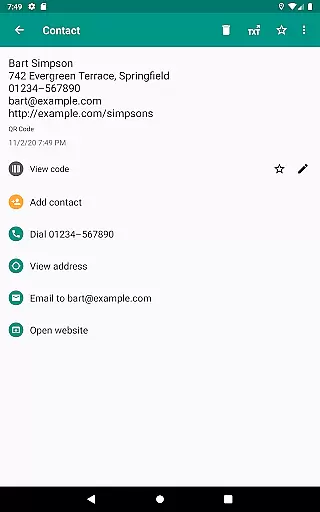
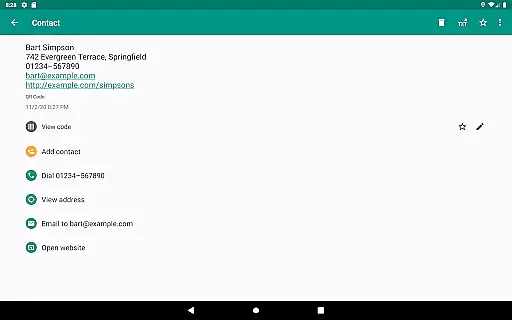
Beyond simply scanning codes, the app provides relevant actions based on the scanned content. Users can open URLs, connect to WiFi hotspots, add calendar events, read VCards, and find product information from popular services like Amazon, eBay, and Google. The built-in QR code generator allows sharing of website links and other data by displaying them as scannable QR codes.
The app also features advanced security measures through Google Safe Browsing technology, ensuring safe access to links. With capabilities like flashlight activation, zoom functionality, CSV export, and scan annotations, QR & Barcode Scanner proves to be an indispensable tool for inventory management, quality assurance, and everyday scanning needs.
QR & Barcode Scanner stands out with its comprehensive feature set tailored for productivity. One of its key strengths is the support for a wide range of barcode formats, which ensures compatibility with virtually any code you might encounter. This versatility makes it suitable for various use cases, from retail to small business inventory management.
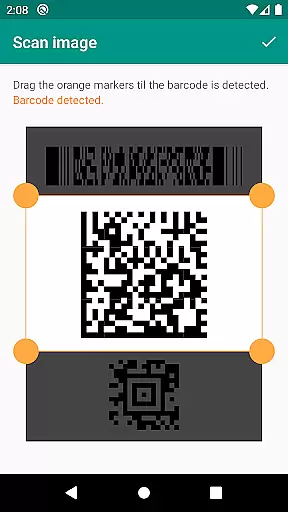
The app goes beyond basic scanning by offering practical actions such as opening URLs, connecting to WiFi, adding calendar events, and reading VCards. Its integrated security features, powered by Google Safe Browsing, protect users from malicious links while maintaining fast loading times through Chrome Custom Tabs. Additionally, the ability to scan from images without needing device storage access enhances user privacy.
Other notable features include flashlight activation for low-light environments, pinch-to-zoom functionality for distant codes, and a built-in QR code generator for sharing data. The CSV export feature allows users to manage unlimited scan history and import it into Excel or cloud storage services like Google Drive. These robust features make QR & Barcode Scanner an invaluable tool for both individual and business use.
QR & Barcode Scanner excels in core task management by offering a comprehensive suite of tools for scanning and generating codes. This app supports all common barcode formats, including QR, Data Matrix, Aztec, UPC, EAN, and Code 39, ensuring that users can manage a wide variety of tasks related to code reading and creation.
The application allows users to perform relevant actions based on the scanned content, such as opening URLs, connecting to WiFi hotspots, adding calendar events, and reading VCards. These features are crucial for streamlining workflows and enhancing productivity, whether for personal use or within a business environment.
With the built-in QR code generator, users can also share arbitrary data such as website links by displaying them as QR codes on their screens. This functionality facilitates easy sharing of information between devices without the need for traditional input methods, thus saving time and reducing errors.
Cross-device synchronization is a vital feature for users who operate in multi-device environments. QR & Barcode Scanner ensures reliable synchronization across devices by allowing seamless data sharing and access. Whether you're scanning a barcode on your smartphone or using the app on a tablet, the information is consistently updated and accessible from any device.
This reliability extends to the app's export capabilities, where scan history can be managed and exported as a CSV file. Users can import this data into Excel or save it to any cloud storage service like Google Drive, ensuring that their information is always backed up and available wherever they go.
Additionally, the app provides annotation features for scans, which is particularly useful for managing product inventory or implementing quality assurance processes in small businesses. The ability to maintain and synchronize detailed records across devices enhances collaboration and ensures that teams are always working with the most current data.
User-friendly interface
Comprehensive format support
Advanced security features
Customizable search options
Free to use
Limited design customization
No offline database
Occasional slow scans
Ads in free version
Requires internet for some features

Take control of your clipboard with Clipper!
 3.90
3.90
Send files, sync SMS, notifications & clipboard across devices via local network
4.40
A simple, portable logger for POTA, SOTA, Field Day, and more
4.5
ID.me Authenticator is a simple and free Two Factor Authentication solution
3.50
Tally and goal counter for Wear OS & mobile
4.50
Best Tool for the professionals Electrician, Electrical contractors, etc.
4.90
A beautiful digital clock with autostart and many other functions
4.70
To do list widget with a notebook organizer, checklist, simple shopping list
4.60
QuickEdit is a fast, stable and full featured text and code editor.
4.20
Use powerful, industry-leading AI tools to generate visual charts from any data
4.80
Secure, fast, open-source, VNC and SSH Remote Desktop for Windows, Linux and Mac
4.70
Subscribe to Webcal & .ics calendars and keep them up-to-date!
4.50
A lightweight JSON & XML files creator, editor and viewer (Premium Version)
4.40
Docker, Kubernetes management over Portainer Mobile
4.40
All in One PDF Reader: Manage, Read and Edit your Documents
4.20
Cloud storage, automatic phone backup, and more.
4.10
Mega cloud explorer plugin for Solid Explorer
3.80
Remotely view listen control and record cameras.
3.70
Find and delete junk files & block unwanted notifications & manage files
3.70


User Reviews