
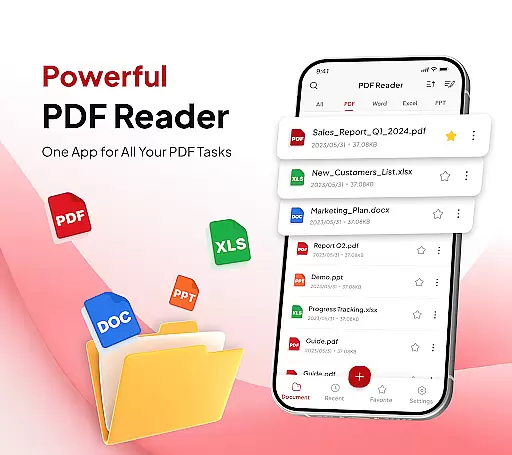
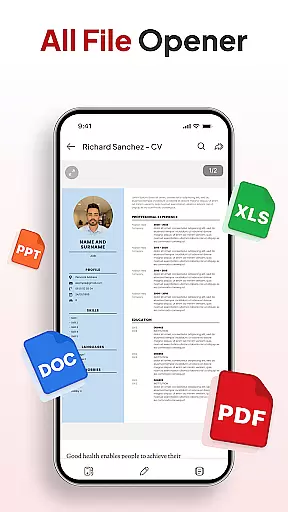
PDF Reader - Document Editor is a comprehensive productivity tool designed to streamline document management. This app allows users to read, edit, organize, and convert PDF files with ease. Whether you're a student, professional, or someone who handles documents daily, this app offers an efficient solution for all your PDF needs.
The app supports multiple file types including XLS, DOCX, and PPT, making it versatile for various document formats. With features like smooth PDF reading, smart conversion tools, and AI-powered assistance, users can enjoy a seamless experience while handling their files. Its intuitive interface ensures that even beginners can navigate and utilize its powerful functions effectively.
PDF Reader - Document Editor is particularly useful in office settings where quick access to organized documents is crucial. By providing tools for adding signatures, scanning documents, and sharing files instantly, it enhances workflow efficiency significantly. The app's ability to declutter storage with folder organization and search functionalities adds tangible value to any user looking to manage their digital paperwork effortlessly.
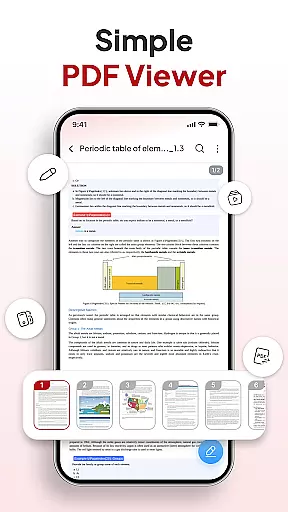
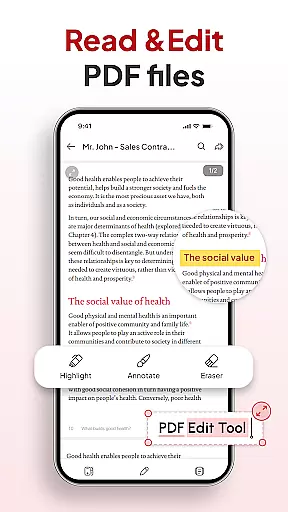
PDF Reader - Document Editor stands out with its robust feature set tailored for productivity enthusiasts. One of the key highlights is its all-in-one PDF toolkit which includes smooth reading capabilities, allowing users to open and scroll through large PDFs without lag. The zoom function helps in focusing on details while highlighting important text enhances readability.
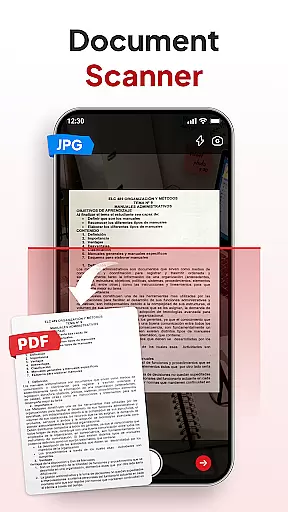
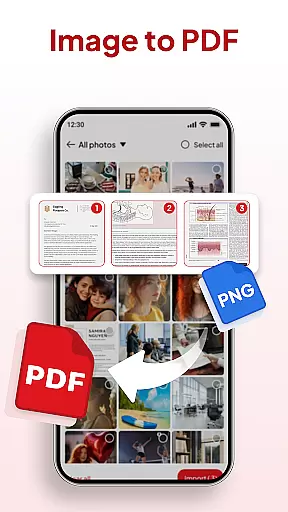
Smart PDF conversion tools are another major advantage. Users can scan physical documents into clear PDFs using the built-in document scanner. Additionally, converting images into professional-quality PDFs is straightforward thanks to the image-to-PDF feature. These functionalities ensure that users can digitize content quickly and efficiently.
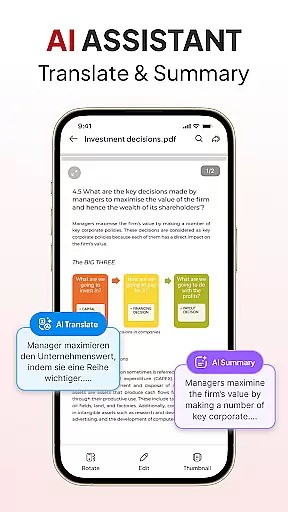
Productivity is further boosted by advanced file management options such as organizing files into folders, sorting by name or date, and searching within documents. The inclusion of an AI assistant provides summarization and translation services, making complex tasks simpler. Instant sharing via favorite apps completes the package, ensuring that collaboration remains effortless regardless of location.
Task management is a cornerstone of productivity applications, and PDF Reader - Document Editor excels in this area. This functionality allows users to organize, prioritize, and track their document-related tasks efficiently.
The app provides an all-in-one PDF toolkit that supports reading, editing, organizing, and converting PDFs, which streamlines the workflow for students, professionals, and everyday users. With features like file organizer, sort and search, and instant sharing, users can declutter their storage and locate any document swiftly by name, date, or size.
PDF Reader - Document Editor also includes smart AI tools that assist with summarizing or translating documents, adding another layer of utility to the task management feature. These capabilities ensure that users can handle their documents effortlessly and efficiently, making it an ultimate productivity partner.
By integrating these comprehensive task management features, the app not only saves time but also enhances the precision and effectiveness of document handling, allowing users to focus on their core activities without getting bogged down by cumbersome file management processes.
Cross-device synchronization is vital for users who operate on multiple devices and need their data to be consistently updated across all platforms. PDF Reader - Document Editor ensures reliable synchronization, enabling users to access their documents from any device at any time.
This app supports real-time updates and cloud integration, ensuring that every change made on one device is immediately reflected on all others. Whether you're switching from your phone to a tablet or a computer, your files, annotations, and organizational structures remain consistent and up-to-date.
Moreover, the synchronization process is designed to be seamless and automatic, eliminating the need for manual updates or data transfers. This reliability is crucial for maintaining workflow continuity and ensuring that team collaborations or individual tasks are not disrupted by synchronization issues.
With its robust cross-device synchronization, PDF Reader - Document Editor offers peace of mind to users who rely on timely and accurate document access, regardless of the device they are using. This feature underscores the app's commitment to providing a versatile and dependable document management solution.
User-friendly interface
Multi-format support
Efficient file management
Advanced AI tools
Seamless document sharing
Limited free features
Occasional bugs
Ads in free version
Subscription cost
Learning curve for new users

AI Video AI Image Private LLM AI Browser Llama Gemma Ollama Connect LLM Studio
 4.1
4.1
Professional calendar app for Google Calendar, MS Outlook & Exchange
4.20
Android Wallet Password Manager
4.80
App lock - lock apps with fingerprint, password, pin or pattern, protect privacy
4.70
Great calculator for Android named one of USA TODAY's "25 Essential Apps".
4.90
A simple Whisper AI keyboard for reliable speech transcription and rewording
4.60
Experience and share your SolidWorks designs on your Android® phone and tablet.
2.50
This small app MUST BE INSTALLED after purchase, else license won't work
4.40
Set up, print, and get support—in one place
4.20
Calendar 2023 widget for Android. Appointment scheduler, planner, and reminder
4.60
The Pro Version of Android's tiniest Notepad app. Just 0.3MB but feature-packed!
4.60
Planet Free VPN - The best Fast Unlimited and Secure VPN Without Logs
4.50
Translate text/voice/photos in 150+ languages. Offline & fast translator app.
4.50
Tally and goal counter for Wear OS & mobile
4.50
Docker, Kubernetes management over Portainer Mobile
4.40
⏰ Finally a timer app which can run multiple timers simultaneously on your watch
3.90
Ultimate Virtual AI Character for immersive Roleplay Chat. Perfect Companion
3.90
Find and delete junk files & block unwanted notifications & manage files
3.70
Easiest event planning, volunteer signups & parent teacher conference scheduling
2.20


User Reviews