
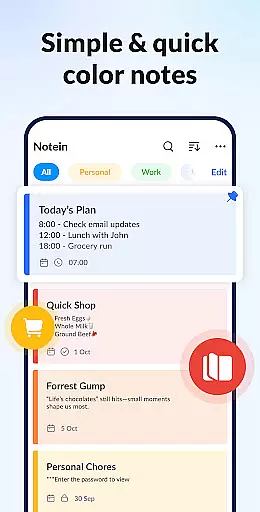
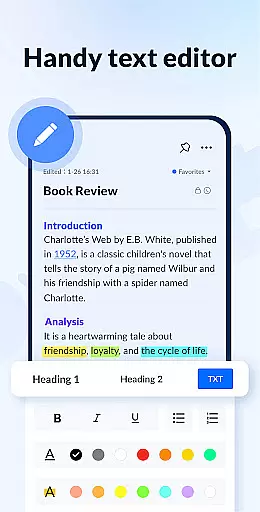
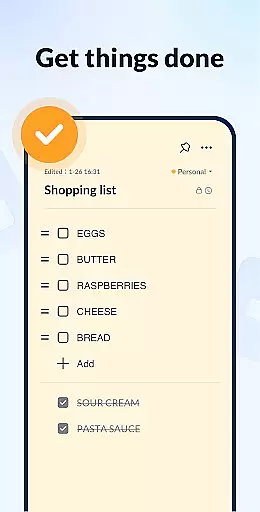
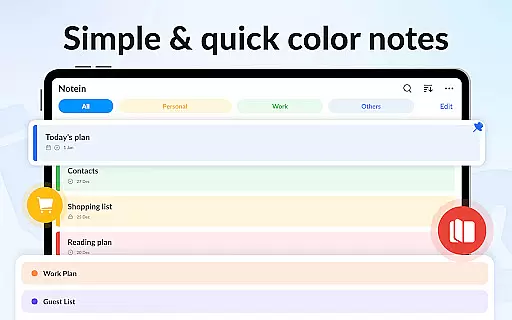
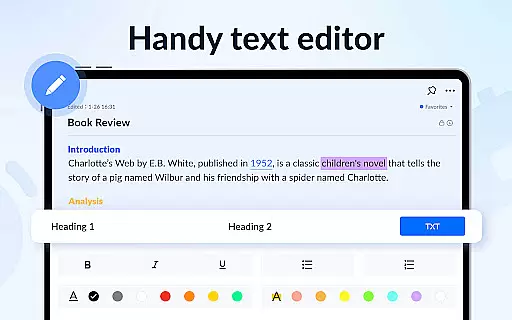

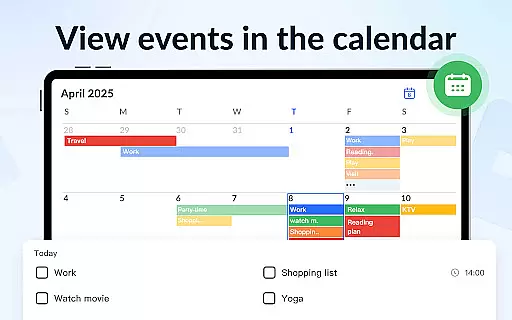
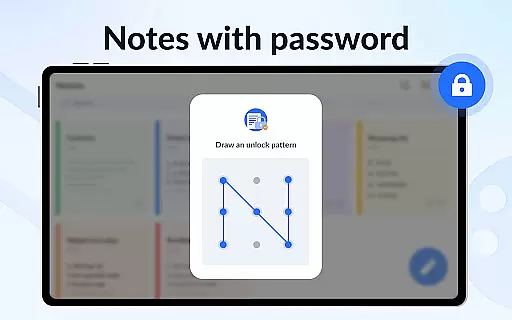

Notein - Notepad, Notes, Lists is a versatile productivity app designed to streamline note-taking and task management. This free notepad app offers multiple note-taking modes including text and checklist formats, automatic saving, and an intuitive interface for creating quick notes, to-do lists, and reminders.
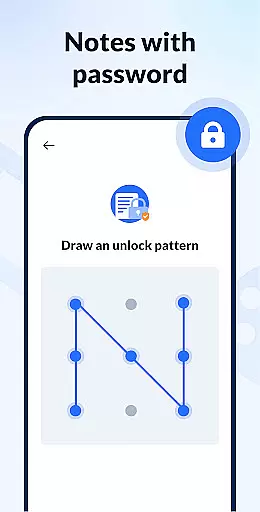
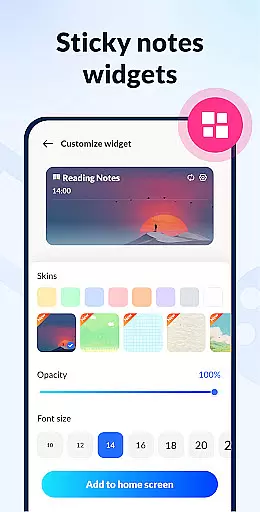
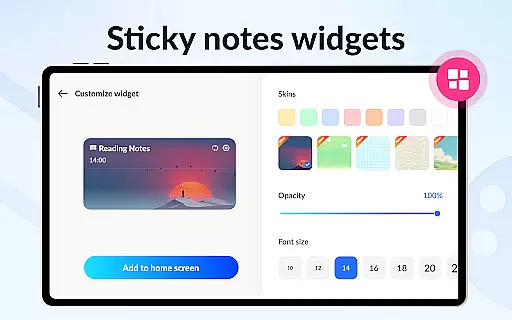
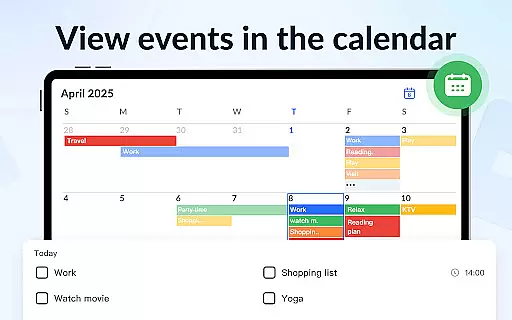
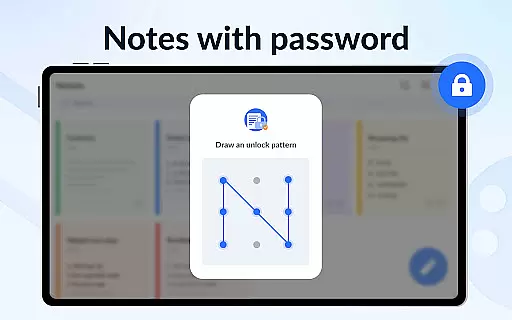
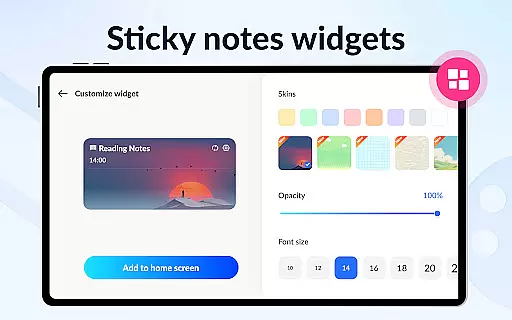
With features like calendar integration, color-coded organization, password protection, and sticky notes widgets, the app ensures users can efficiently manage their schedules while keeping important information secure and easily accessible. Whether for personal or professional use, Notein provides a comprehensive solution for staying organized.
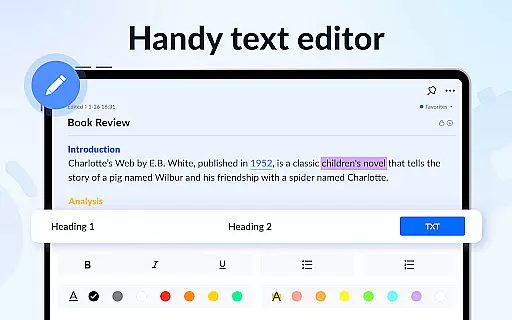
Notein stands out with its rich feature set tailored for productivity enthusiasts. The app provides a robust platform for taking various types of notes such as class notes, book summaries, and meeting minutes. Its ability to pin crucial notes and display them through home screen widgets enhances accessibility.
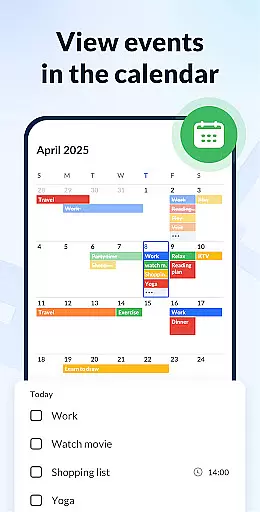
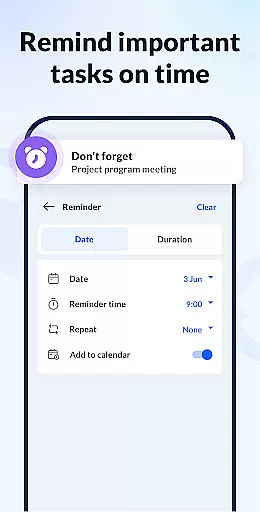
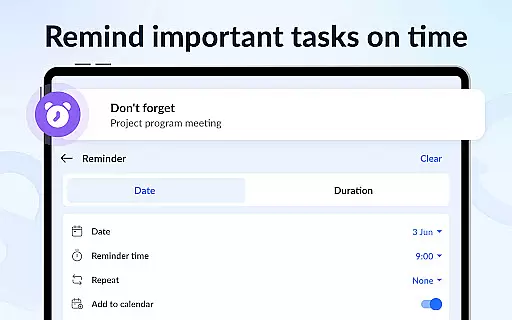
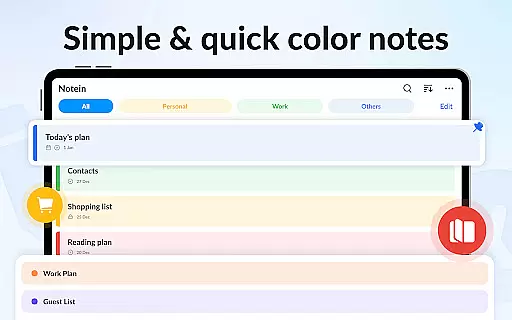
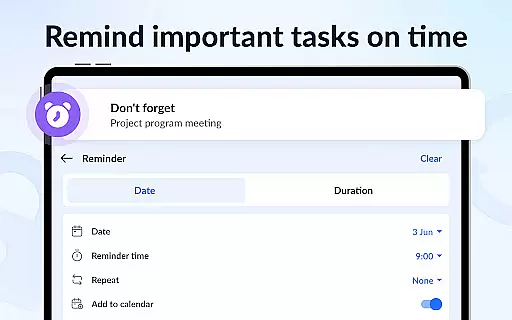
Users can leverage the calendar mode to schedule tasks and manage time effectively. The app supports sorting and filtering by color and time, making it easy to locate specific notes. Additionally, features like GTD (Get Things Done) methodology support, notification reminders, and cloud backup ensure that users never miss important deadlines while maintaining data security.
Effective task management is essential for productivity applications, serving as the backbone for organizing and tracking tasks. Notein - Notepad, Notes, Lists excels in this area by offering versatile note-taking modes including text and checklist formats.
The application automatically saves notes as you type, ensuring no information is lost. This feature supports quick notes, school notes, meeting notes, memos, to-do lists, and shopping lists, making it a comprehensive tool for managing various aspects of your life.
Users can easily view, add, check, and edit notes through the convenient notes widget. The ability to check off, archive, edit, delete, and share notes enhances the overall task management experience, providing a seamless workflow that adapts to different user needs.
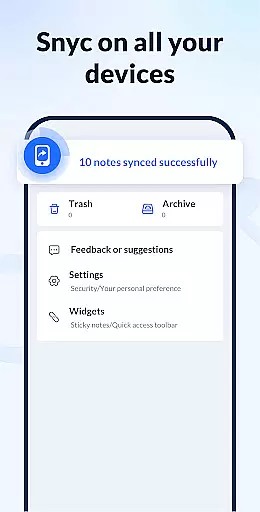
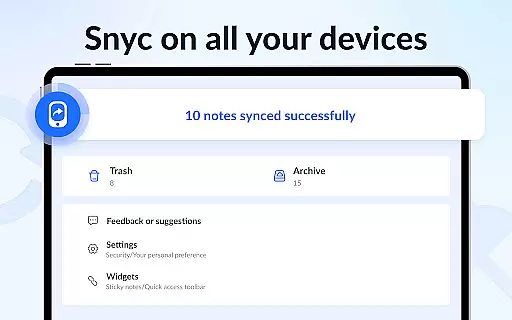
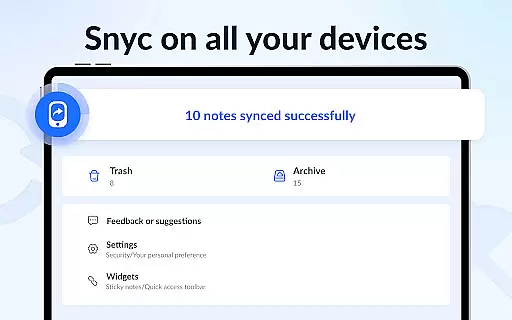
Cross-device synchronization is crucial for users who need access to their notes across multiple devices. Notein ensures reliable synchronization, allowing users to start a note on one device and seamlessly continue on another without any data loss or inconsistencies.
This notepad app supports backing up all notes and lists to the cloud, safeguarding against data loss. With automatic backups and restoration features, users can trust that their information is secure and accessible wherever they go.
In addition to cloud support, the app's small size and efficient design ensure smooth performance and synchronization. Users can stay organized with the peace of mind that their notes are always up-to-date and available, enhancing both personal and professional productivity.
User-friendly interface
Automatic note saving
Colorful organization options
Secure password protection
Efficient widget access
Limited collaboration tools
No real-time syncing
Basic drawing tools
Few advanced formatting
Occasional bugs reported

Secure, fast, open-source, VNC and SSH Remote Desktop for Windows, Linux and Mac
 4.70
4.70
Unlock AutoNotification
4.00
Smart PDF reader & editor to view, organize and manage PDF documents easily.
3.70
The Pro Version of Android's tiniest Notepad app. Just 0.3MB but feature-packed!
4.60
Functional QR scanner and barcode reader that requires little storage space.
4.60
Tally and goal counter for Wear OS & mobile
4.50
The ultimate file manager for rooted devices. The original and still the best.
4.00
Scientific calculator for Android - looks and operates like the real thing!
4.90
Set up, print, and get support—in one place
4.20
Protect and view your important info on your phone and tablet with eWallet®
4.80
App lock - lock apps with fingerprint, password, pin or pattern, protect privacy
4.70
Scan paperwork into PDF/JPG, generate your own e-signature and send fax or email
4.70
A simple Whisper AI keyboard for reliable speech transcription and rewording
4.60
CalenGoo is a very flexible and feature-rich calendar app
4.40
A Pixel Art watchface inspired by other iconic 90s designs for Wear OS devices!
4.40
Professional calendar app for Google Calendar, MS Outlook & Exchange
4.20
Pwnagotchi companion app
4.20
Secure, open-source, SPICE and SSH Remote Desktop for QEMU KVM virtual machines
4.00
Code on-the-go with VScode for Android. Edit,debug and collaborate from mobile!!
3.10


User Reviews