
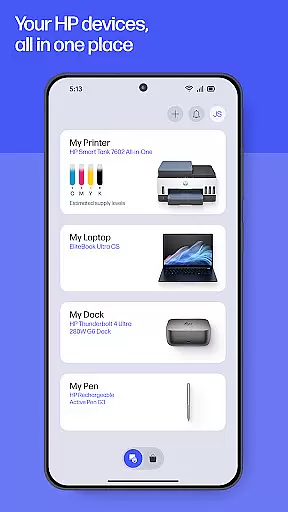
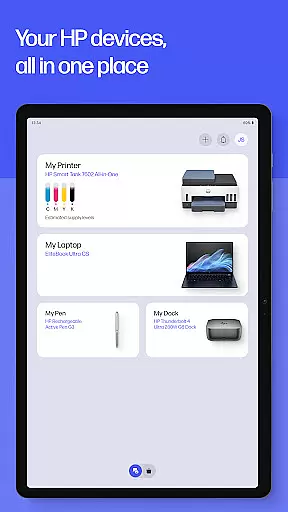
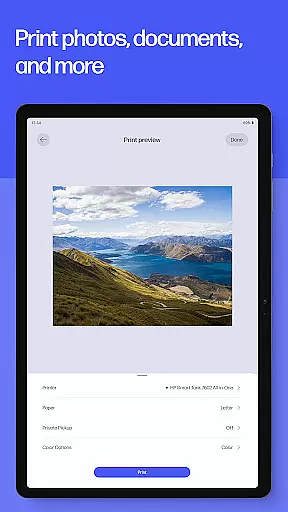
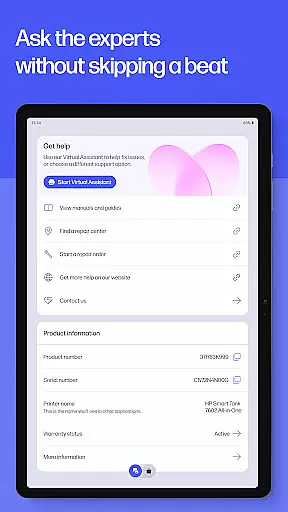
HP is a comprehensive productivity app designed to maximize the potential of your HP devices. This all-in-one solution allows users to effortlessly set up new printers, personalize device settings, and manage printing and scanning tasks with ease. Whether you're at home or in the office, the app provides essential tools for everyday productivity.
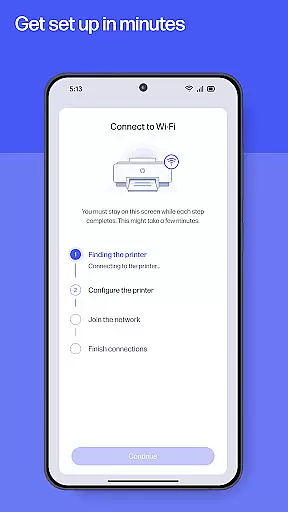
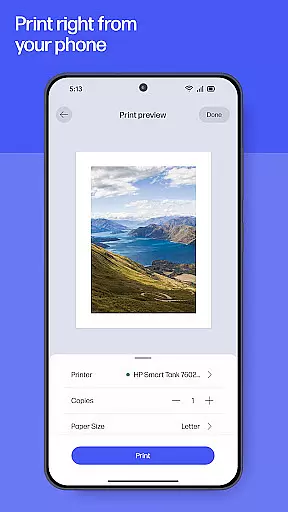
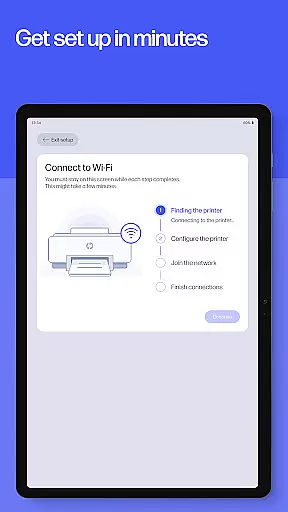
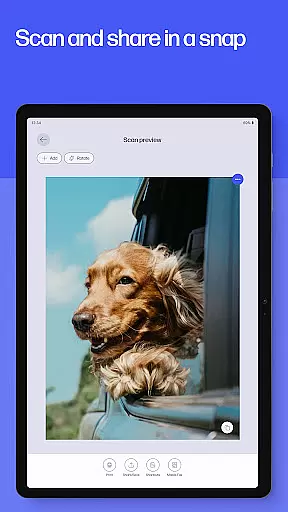
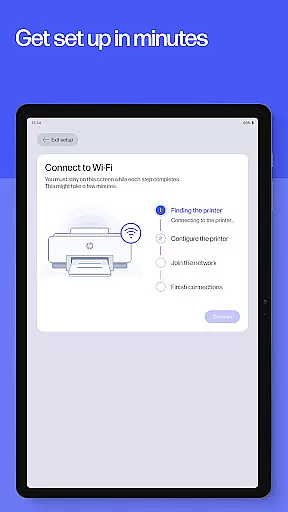
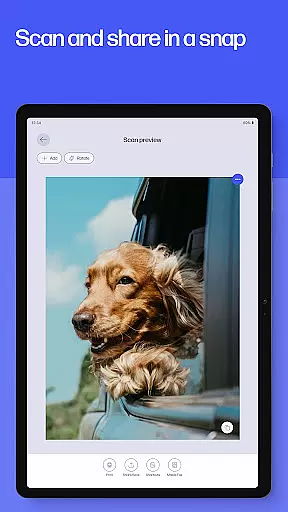
The app's guided setup feature ensures that even first-time users can get their devices up and running quickly. Once configured, users can monitor ink levels, print documents, scan receipts, and even send faxes directly from their mobile devices. The intuitive interface makes it easy to adjust document settings before printing and offers quick access to frequently used print tasks through custom shortcuts.
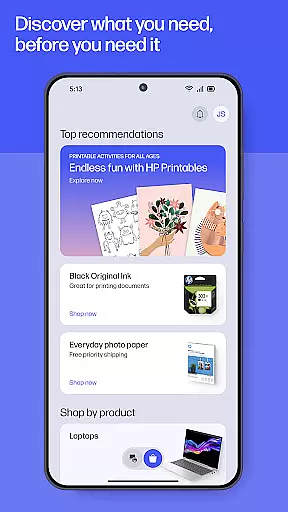
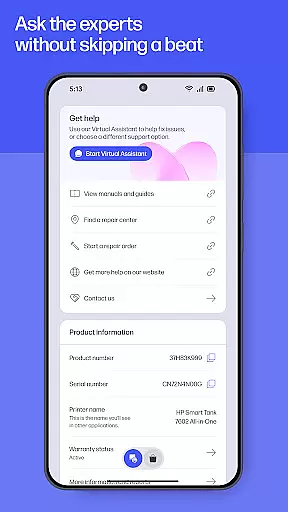
Beyond basic functionality, HP app enhances user experience by offering creative tools like HP Printables, which unlock a world of printable content including educational worksheets and fun craft projects. With instant help features and automatic update notifications, users can maintain optimal performance while staying informed about their device's status and available supplies.
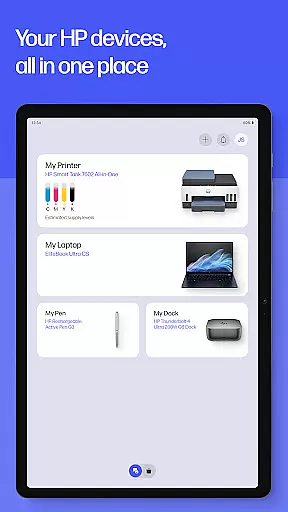
The HP app stands out with its extensive range of productivity-enhancing features. One of its key strengths is the comprehensive device management system that allows users to control multiple aspects of their HP printers and computers from a single platform. The guided setup process simplifies initial device configuration, while ongoing management tools enable users to monitor ink levels and order supplies seamlessly.
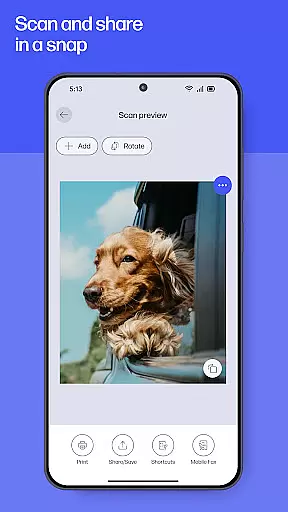
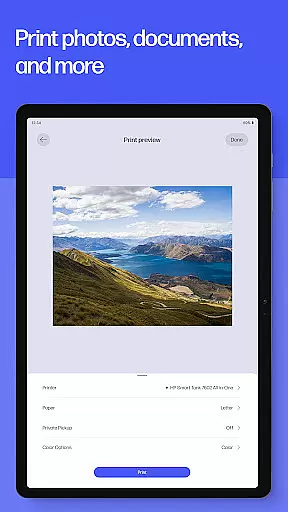
Printing capabilities are particularly robust, supporting various document types and offering advanced options such as photo printing and document editing before final output. The app also includes innovative features like Print Shortcuts for frequently used tasks and Scan Documents for quick digitization. These functions are complemented by additional tools including fax capabilities and HP Warranty Check for tracking device coverage.
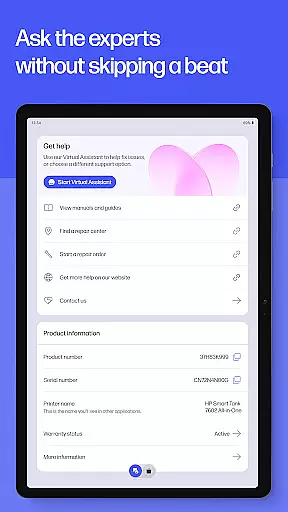
What sets HP apart is its commitment to continuous improvement and user engagement. The app regularly receives updates with new features, ensuring that users always have access to the latest productivity tools. Specialized functions like HP Printables provide unique value by offering exclusive printable content, while instant support options including live chat and phone assistance ensure that help is always readily available when needed.
Task management is a cornerstone of productivity, and the HP app excels in this area by offering users an intuitive platform to handle their printing, scanning, and device management tasks efficiently. The app provides a guided setup for new devices, ensuring that users can quickly get their HP printers and computers operational with minimal hassle.
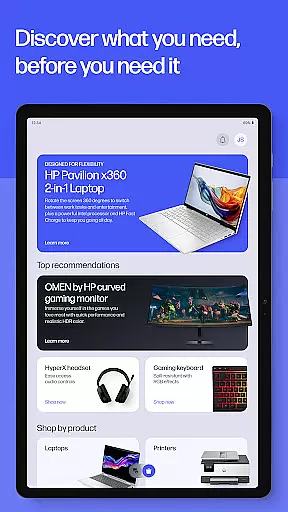
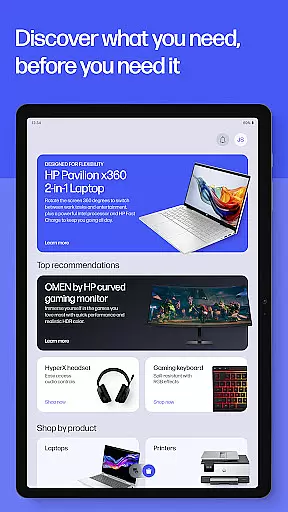
The HP app goes beyond basic task management by enabling users to check ink levels, adjust device settings, and discover products that suit their needs. This comprehensive approach ensures that users are not only managing tasks but also optimizing their device usage for a personalized experience.
With features like Print Shortcuts, users can set up custom shortcuts for frequently used print tasks, streamlining their workflow further. This level of customization and control makes the HP app a powerful tool for anyone looking to enhance their productivity without getting bogged down by complex processes.
Cross-device synchronization is vital for users who operate in multi-device environments, and the HP app delivers reliable performance in this aspect. By allowing users to manage their HP devices from a centralized platform, the app ensures that all your devices are in sync, whether you're at home or in the office.
The synchronization extends to various functionalities such as printing, scanning, and even ordering print supplies when they run low. This seamless integration means that users can expect consistent performance and access to their documents and settings across different devices without missing a beat.
Moreover, the HP app supports auto-updates, ensuring that users always have the latest features and improvements at their fingertips. This commitment to keeping devices updated and synchronized enhances the overall user experience, making the HP app an indispensable tool for productive cross-device management.
User-friendly interface
Comprehensive device management
Innovative printing features
Regular feature updates
Instant support options
Limited to HP devices
English-only features
Potential future charges
Internet connection required
Account registration needed

Customizable calendar widget for seamless event sync, planning & scheduling.
 4.00
4.00
aCalendar+ makes your day, week and month
4.70
Fill, sign & send docs, forms, agreements & contracts via electronic signature.
4.50
Stay on top of your to-dos with Google Tasks, part of Google Workspace.
4.60
Font maker keyboard with your own handwriting
4.10
Secure, open-source, SPICE and SSH Remote Desktop for QEMU KVM virtual machines
4.00
Calendar 2023 widget for Android. Appointment scheduler, planner, and reminder
4.60
Scientific calculator for Android - looks and operates like the real thing!
4.90
Access your phone's notifications, calls, apps, photos & texts on your PC
3.90
Use powerful, industry-leading AI tools to generate visual charts from any data
4.80
Quickly and easily keep track of your work shifts
4.70
Client for Nextcloud Deck
4.60
Planet Free VPN - The best Fast Unlimited and Secure VPN Without Logs
4.50
This small app MUST BE INSTALLED after purchase, else license won't work
4.40
Cloud storage, automatic phone backup, and more.
4.10
Intelligent AI Assistant
4.10
A Revolutionary All-in-One Artificial Intelligence Tools
3.80
Smart PDF reader & editor to view, organize and manage PDF documents easily.
3.70
Code on-the-go with VScode for Android. Edit,debug and collaborate from mobile!!
3.10


User Reviews