
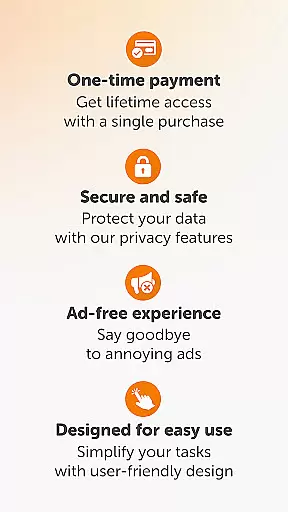
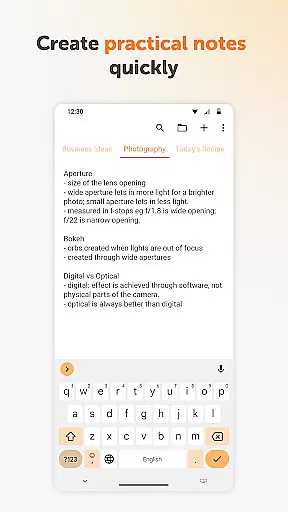
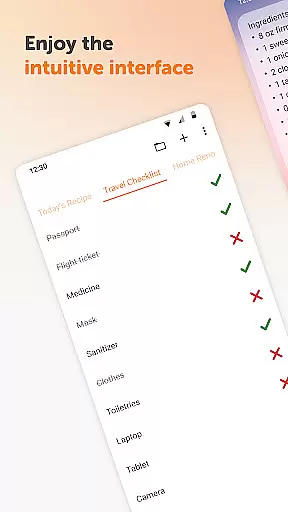
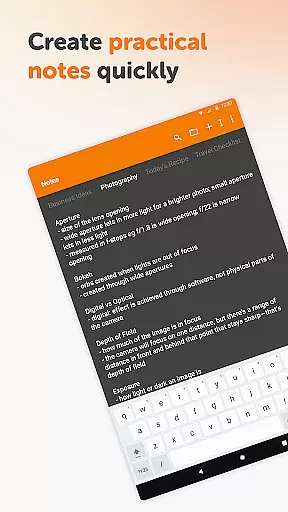
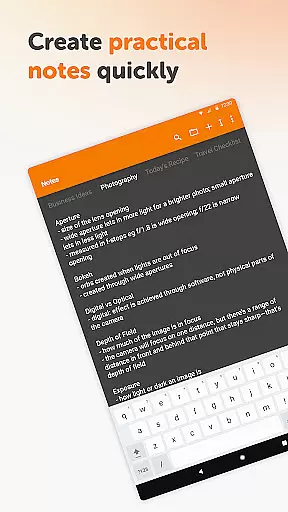
Simple Notes Pro is a productivity-focused note-taking application designed to help users quickly capture ideas, create shopping lists, and manage daily tasks. The app emphasizes simplicity and efficiency, offering an intuitive interface that allows users to start taking notes immediately without any complex setup.
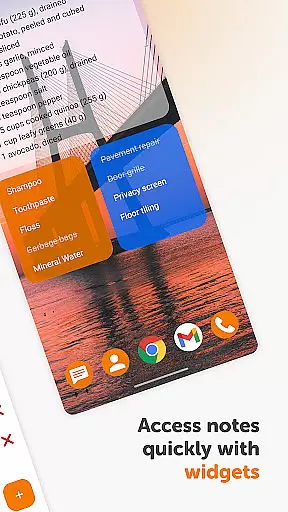
Key features include autosave functionality, support for multiple independent plain text notes, and customizable resizable widgets. These widgets provide instant access to your notes and lists, making organization effortless. The app also offers a clean material design with dark theme support, ensuring a pleasant user experience across different environments.
This application is particularly useful for professionals and students who need a reliable tool to organize their thoughts and tasks on the go. With its offline functionality, Simple Notes Pro ensures privacy and stability, while the open-source nature provides transparency and flexibility for tech-savvy users.
Simple Notes Pro stands out with its comprehensive feature set tailored for productivity enthusiasts. The app's autosave function ensures you never lose important information, while the ability to create multiple independent notes allows for better organization of different projects or topics.
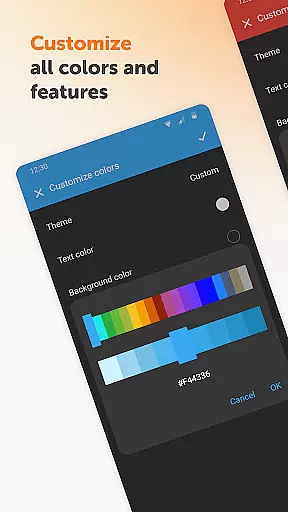
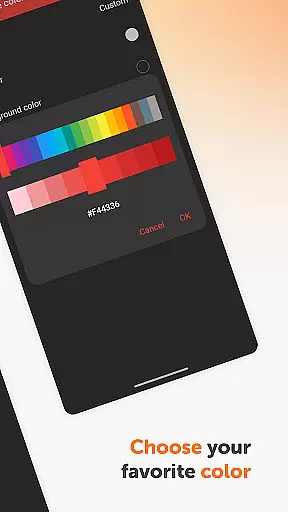
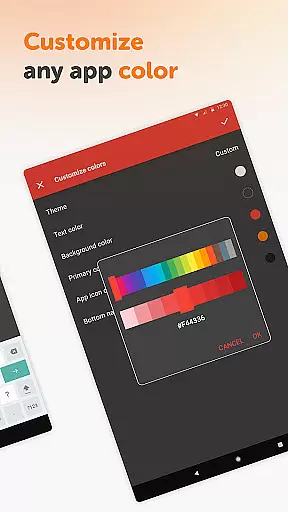
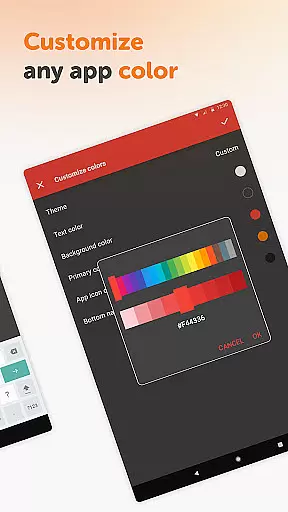
One of the app's notable innovations is its customizable and resizable widget system. These widgets not only provide quick access to your notes but also allow personalization through adjustable colors and sizes. The app maintains a lightweight footprint while delivering essential functionalities like plain text formatting and list creation.
The application's commitment to user privacy is evident through its offline-only operation, eliminating the need for internet permissions. This approach, combined with the absence of ads and unnecessary permissions, creates a focused environment for note-taking. Additionally, being fully open-source, Simple Notes Pro offers developers the opportunity to contribute to or customize the application according to their specific needs.
Effective task management is essential for staying organized and productive. Simple Notes Pro excels in this area by providing users with a straightforward yet powerful tool to manage their daily tasks and responsibilities.
The app allows you to create multiple independent plain text notes and lists rapidly, ensuring that your ideas and duties are captured instantly. With an autosave feature, you can be confident that your changes are stored automatically, eliminating the risk of losing important information due to accidental closures or errors.
Additionally, Simple Notes Pro offers a customizable and resizable widget, which provides quick access to your notes and lists. This means you can organize and retrieve your to-do lists without having to navigate through the app, saving you valuable time and effort.
By focusing on simplicity and efficiency, Simple Notes Pro ensures that managing your tasks becomes a seamless part of your daily routine, helping you stay on top of your responsibilities effortlessly.
In today's interconnected world, reliable cross-device synchronization is crucial for maintaining consistency and accessibility across all your devices. Simple Notes Pro addresses this need by ensuring that your notes and lists are consistently updated and available wherever you go.
Although Simple Notes Pro operates without internet access to enhance privacy, security, and stability, it still maintains reliable synchronization capabilities. This means that your data remains consistent and up-to-date across all instances of the app on different devices, providing you with peace of mind and uninterrupted access.
The appu2019s synchronization process is designed to be fast and efficient, ensuring that your notes and lists are always current without consuming excessive bandwidth or battery life. This reliability makes it an invaluable tool for users who need constant access to their information on the go.
With Simple Notes Pro, you can trust that your notes and lists will be synchronized accurately and promptly, allowing you to focus on what matters most without worrying about data discrepancies or availability issues.
User-friendly interface
Offline functionality
No ads or unnecessary permissions
Customizable widgets
Autosave feature
Limited formatting options
No cloud sync
Basic collaboration tools
Android only
No voice notes

Experience real multitasking on your Android!
 4.00
4.00
All in one sketching tool. Technical and General drawing. Online Maps support.
3.70
Todo reminder
4.10
Find and delete junk files & block unwanted notifications & manage files
3.70
Cloud storage, automatic phone backup, and more.
4.10
Activate Two Factor Authentication (2FA or Multi OTP), Password manager and more
4.10
ID.me Authenticator is a simple and free Two Factor Authentication solution
3.50
A comprehensive suite of tools designed specifically for Lactation Consultants
4.1
Put a lock on your cloud: Take the security of your data into your own hands
3.70
Best Tool for the professionals Electrician, Electrical contractors, etc.
4.90
App lock - lock apps with fingerprint, password, pin or pattern, protect privacy
4.70
The long-awaited modern gallery app for your Nextcloud server
4.70
Secure, fast, open-source, Remote Desktop Client for Windows and Linux with SSH
4.60
App Lock with fingerprint, password: Lock apps & hide photos with lock screens
4.60
Calendar 2023 widget for Android. Appointment scheduler, planner, and reminder
4.60
Send files, sync SMS, notifications & clipboard across devices via local network
4.40 4.20
4.20
Easiest event planning, volunteer signups & parent teacher conference scheduling
2.20
Create study competitions, track your hours, and stay consistent with friends
4.5


User Reviews