
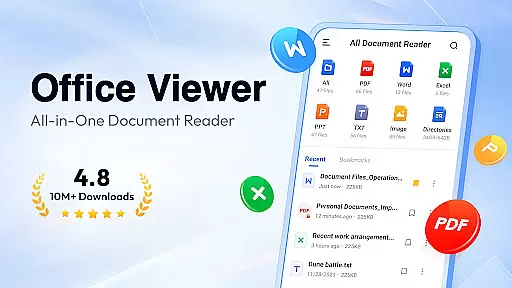
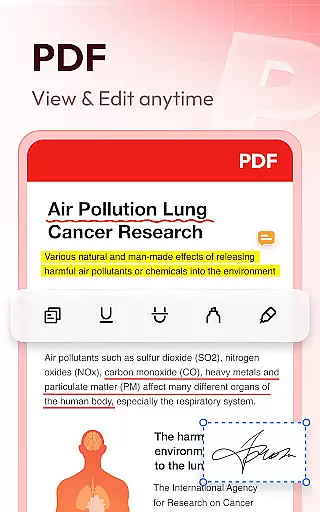
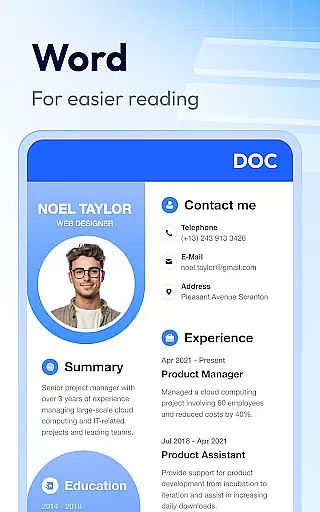
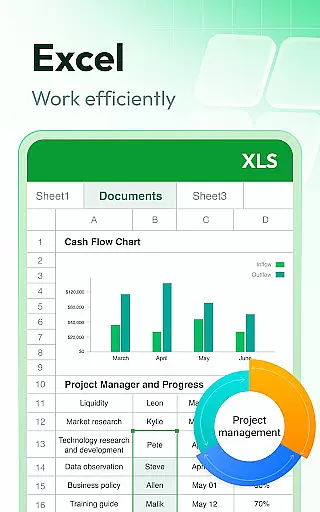
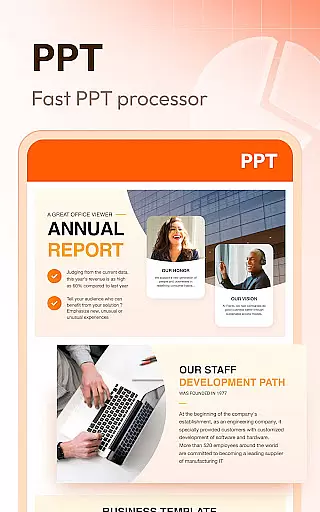

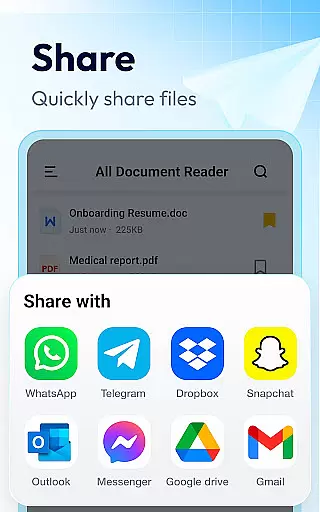
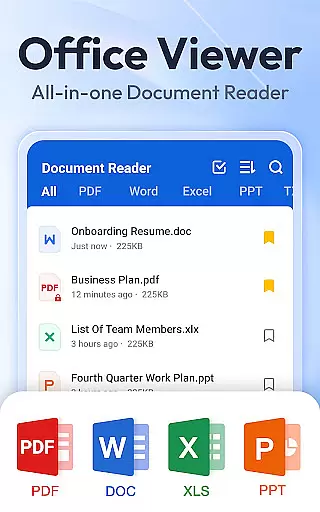
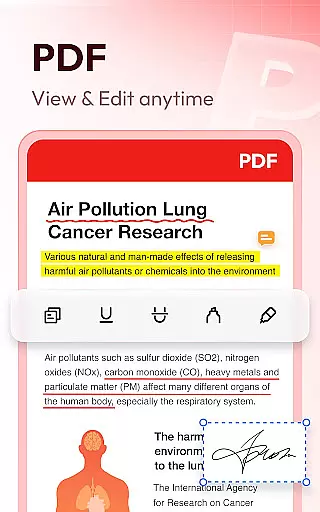

Document Reader & PDF Editor is a versatile productivity tool designed to streamline document management across various formats. This all-in-one solution supports PDF, Word, Excel, PPT, TXT, and more, ensuring users can open, read, and manage files effortlessly. The app's intuitive interface organizes documents into clear file lists, enabling quick search and easy navigation.
Beyond basic viewing capabilities, Document Reader offers advanced features like bookmarking for quick access, offline reading without internet requirements, and multiple viewing modes. Users can zoom in/out, switch between landscape and portrait modes, and sort documents by various parameters. Its compatibility with all office formats makes it an essential tool for professionals and students alike.
This application proves particularly valuable for those needing to handle multiple document types on the go. Whether reviewing business reports, studying lecture notes, or managing project files, Document Reader provides a seamless experience across devices, enhancing productivity while maintaining document security and accessibility.
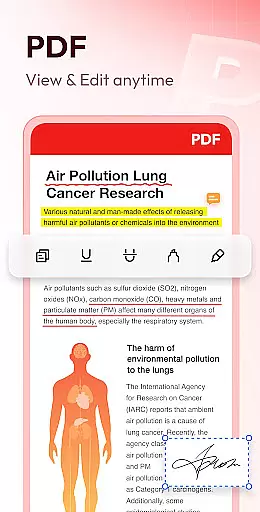
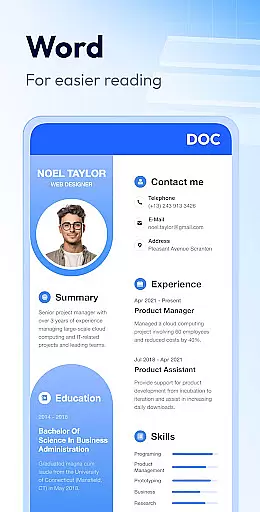
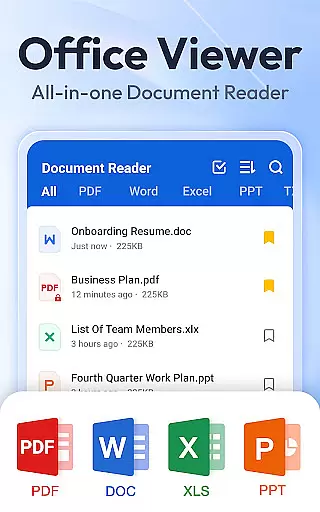
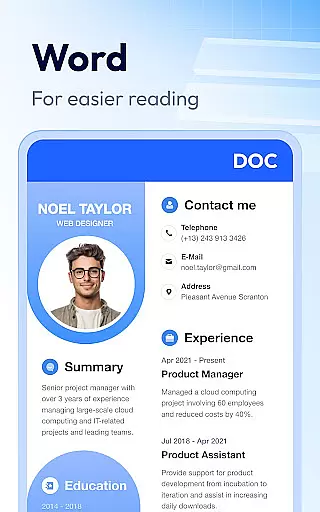
Document Reader distinguishes itself through its comprehensive feature set tailored for efficient document handling. The application's core functionality includes robust PDF reader capabilities with page navigation, zoom controls, and printing options. Its Word viewer supports DOC, DOCX formats with advanced sorting options by file path, size, name, and modification date.
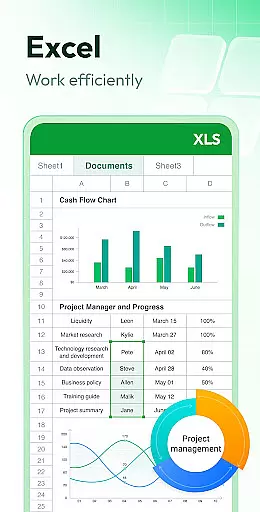
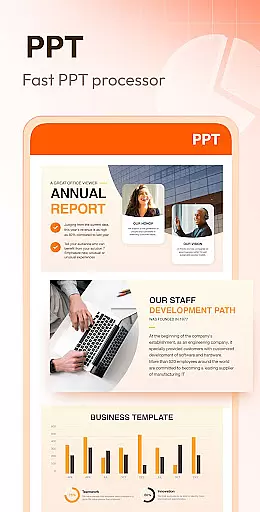
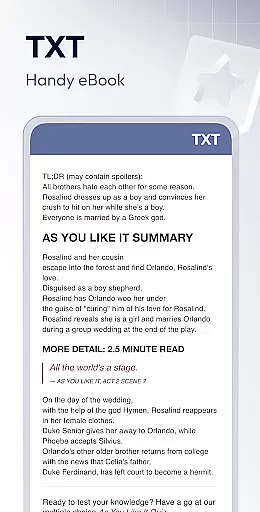
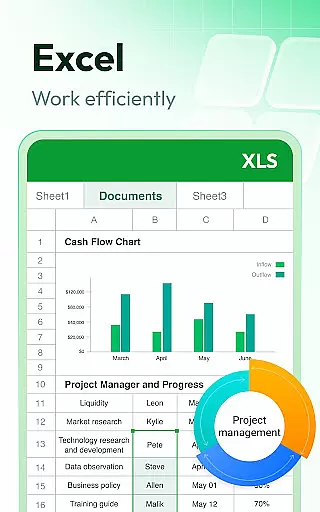
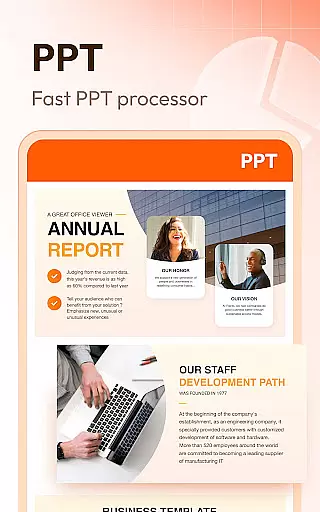
Excel and Text file viewing is equally impressive, offering quick data search and straightforward spreadsheet navigation. The PPT viewer ensures stable performance with HD quality presentations. Additional features include image to PDF conversion, night mode for comfortable reading, and text search within documents. These capabilities are continually expanding with regular updates.
The app's technical implementation ensures fast loading times and maintains document integrity across all supported formats. Its lightweight design doesn't compromise device performance while delivering professional-grade document management tools. The required MANAGE_EXTERNAL_STORAGE permission (for Android 11+) enables secure file handling, assuring users of their data's safety during editing and management operations.
Task management is essential for productivity applications, and Document Reader & PDF Editor excels in this area by offering a comprehensive suite of tools to manage various document formats efficiently.
This app supports an extensive range of file types including PDF, DOC, DOCX, XLS, XLXS, PPT, TXT, PNG, JPG, and RTF, allowing users to handle all their documents in one place. The simple and clear file lists make it easy to search and manage files, enhancing the overall user experience.
Document Reader goes beyond basic viewing by providing features like bookmarking documents for quick access and enabling offline reading without the need for an internet connection. These capabilities ensure that users can organize and retrieve their documents swiftly, regardless of their location.
By integrating advanced functionalities such as jumping to specific pages, switching between landscape and portrait modes, and sorting documents by various criteria, this application significantly boosts productivity. Users benefit from a streamlined workflow, making document management not just easier but also more efficient.
Cross-device synchronization is crucial for users who need consistent access to their documents across multiple devices. Document Reader & PDF Editor ensures reliable synchronization, empowering users to continue their work seamlessly from different locations.
The app's ability to read and manage documents offline means that even without an internet connection, users can still access their files. This feature is particularly beneficial for individuals who travel frequently or work in environments with limited connectivity.
Moreover, the upcoming features such as image to PDF conversion, editing capabilities, and support for additional formats like RAR, ZIP, MOBI, and HTML indicate a commitment to expanding the appu2019s functionality. Such enhancements will further solidify its position as a versatile tool for document management.
With a focus on stability and performance, Document Reader & PDF Editor provides fast and dependable access to documents, ensuring that users can rely on the app for their professional and personal needs. This reliability fosters trust and encourages continued use of the application across various devices.
User-friendly interface
Multi-format support
Offline functionality
Quick search feature
Regular updates
Limited editing tools
Premium features locked
Occasional bugs
Storage permission
Ads in free version

 4.20
4.20
Seamlessly integrate data and reports to build your presentation to impress
4.80
When you Focus, so will your Bean in this cozy focus timer
4.30
Easily read and manage all your PDF files
4.10
Automates browsing any website and notifies you of important changes or events
4.30
Fill, sign & send docs, forms, agreements & contracts via electronic signature.
4.50
Functional QR scanner and barcode reader that requires little storage space.
4.60
* block pre-roll ads, pop-up and forced redirect ads * Samsung certification app
4.00
AI Chatbot and AI writing assistant powered by ChatGPT.
4.60
Scientific calculator for Android - looks and operates like the real thing!
4.90
Android Wallet Password Manager
4.80
Secure, fast, open-source, VNC and SSH Remote Desktop for Windows, Linux and Mac
4.70
Share files & memories safely. Keep your photos and videos secure.
4.40
Todo reminder
4.10
Font maker keyboard with your own handwriting
4.10
Cloud storage, automatic phone backup, and more.
4.10
Intelligent AI Assistant
4.10
Access your phone's notifications, calls, apps, photos & texts on your PC
3.90
A comprehensive suite of tools designed specifically for Lactation Consultants
4.1


User Reviews