
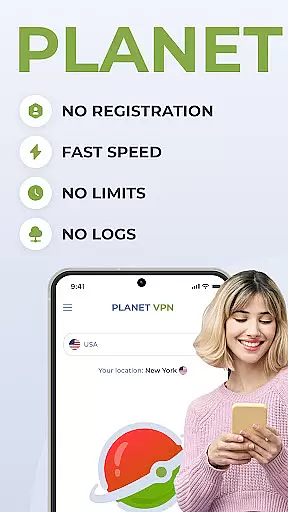
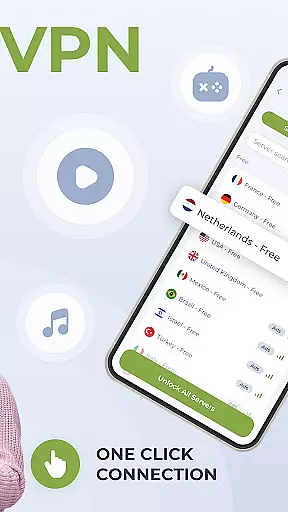
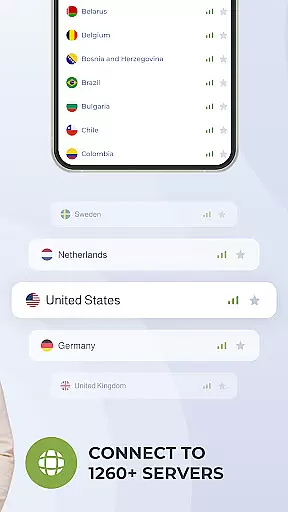
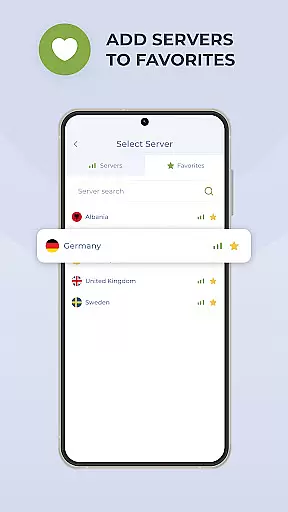
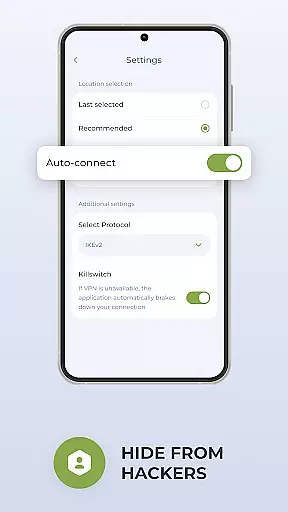
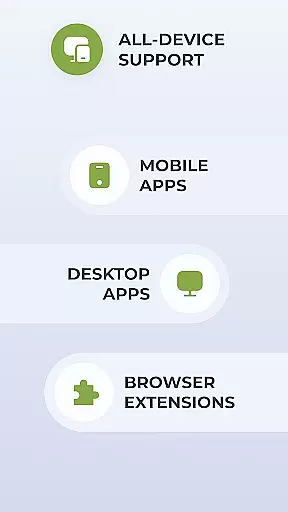
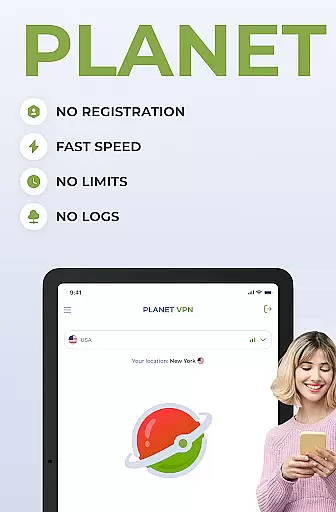
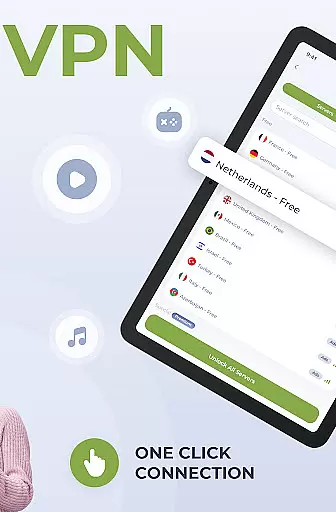
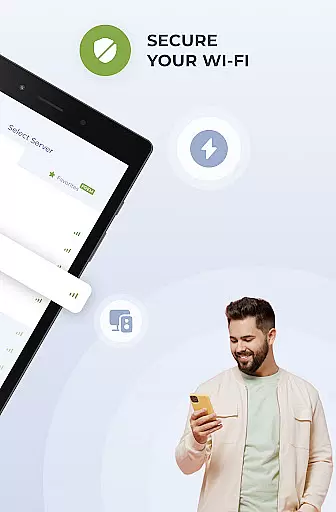
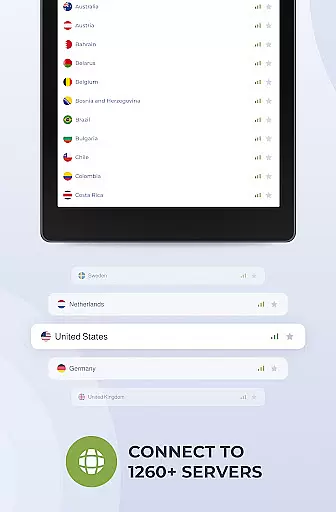
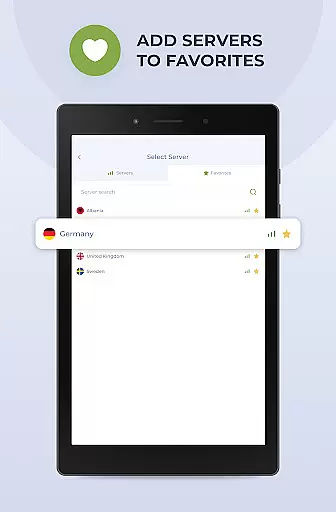
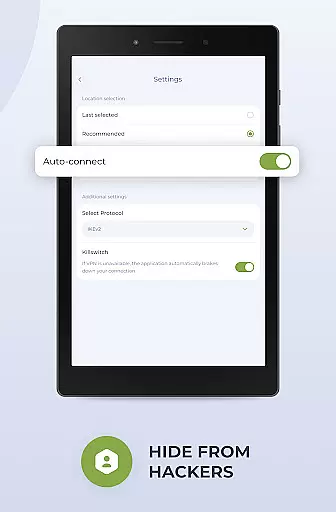
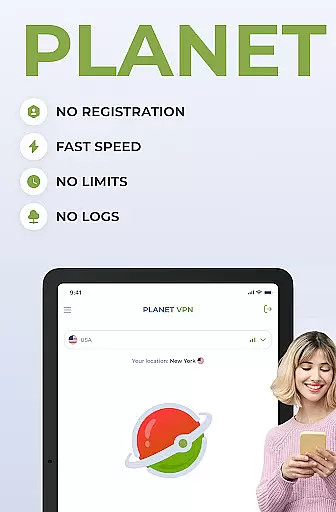
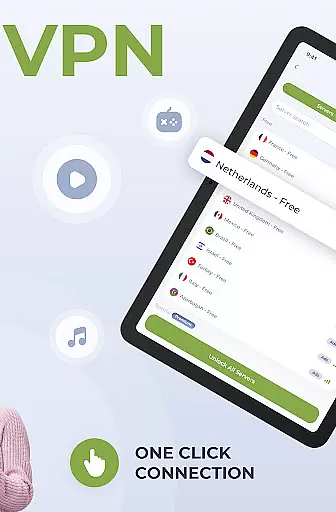
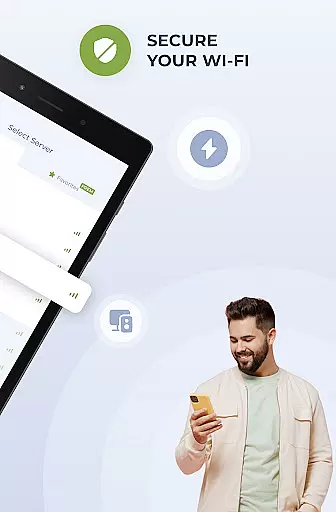
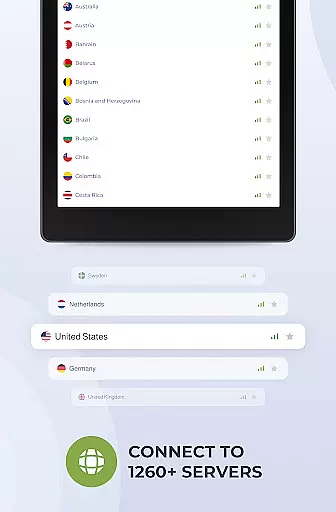
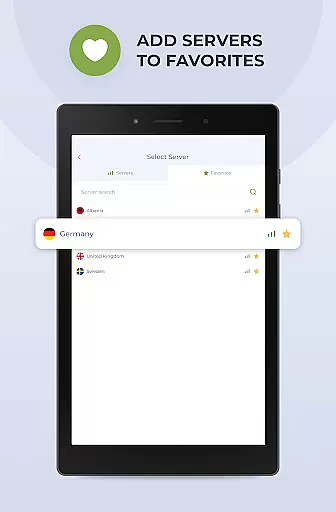
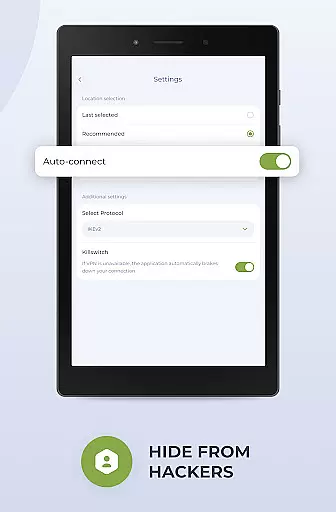
Planet Free VPN Super Proxy is a powerful productivity tool that provides users with complete online privacy and security. This Android-compatible app offers instant access to unlimited free servers worldwide without requiring registration or personal data. With 11 server locations available, users can enjoy unrestricted browsing with no limitations on time, bandwidth, or speed.
The app's standout features include robust privacy protections, flexible protocol options, and high-speed connections with strong encryption. The built-in kill switch ensures internet disconnection if the server connection is lost, while its optimized design delivers seamless performance on Android devices. Whether you need to protect personal data, access local services abroad, or browse sites safely, Planet Free VPN has you covered.
This app is ideal for individuals seeking true online freedom and privacy protection. By encrypting your internet activity and hiding your IP address, it shields you from hackers, ISPs, and government surveillance. With 24/7 support and adherence to strict no-logs policies, Planet Free VPN ensures a secure and private browsing experience.
Planet Free VPN Super Proxy stands out with its comprehensive feature set designed to maximize user privacy and convenience. One of its key highlights is the instant access functionality, which eliminates the need for registration or sharing personal data, making it incredibly user-friendly right from the start.
The app provides unlimited free server access across 11 global locations, ensuring users experience fast and unrestricted browsing. Its flexible protocol options allow customization based on individual preferences, while the high-speed connection guarantees strong encryption without compromising performance. Additionally, the kill switch feature automatically disconnects the internet if the VPN connection drops, maintaining consistent security.
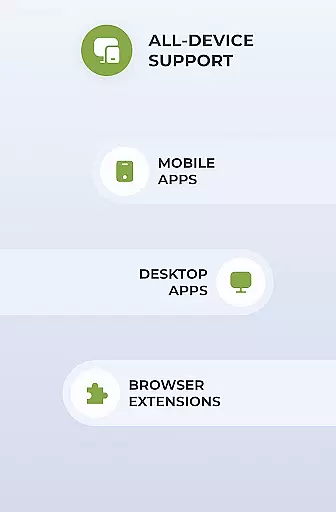
Designed specifically for Android, this app ensures smooth and seamless operation. It also includes wide compatibility with various devices and operating systems, 24/7 customer support, and advanced features like ad blocking and app filtering in the Premium version. These innovations make Planet Free VPN an essential tool for safeguarding online activities.
Planet Free VPN Super Proxy offers a robust approach to managing online tasks with privacy and efficiency at its core. The app's instant access feature eliminates the need for registration, allowing users to dive straight into secure browsing without the hassle of personal data submission.
The inclusion of unlimited free servers across 11 locations worldwide ensures that users can perform tasks without restrictions on time, bandwidth, or speed. This global server access is crucial for maintaining productivity, as it allows seamless switching between tasks that require different geo-locations.
Moreover, the flexible protocol options and high-speed connection with strong encryption enable users to handle data-intensive tasks securely. Whether it's transferring sensitive documents or engaging in private communications, Planet VPN's infrastructure supports these activities with ease.
With a killswitch function that automatically disconnects the internet if the server connection is lost, users are guaranteed an uninterrupted task flow, ensuring their activities remain private even in unexpected disconnections.
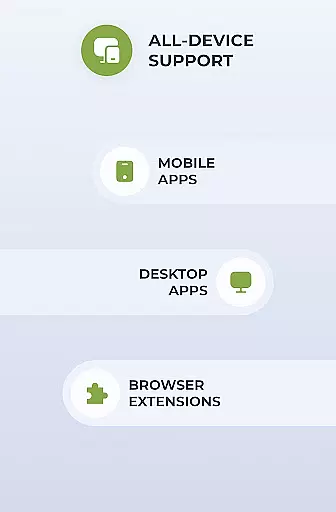
Cross-device synchronization is vital for users who operate on multiple platforms, and Planet Free VPN Super Proxy excels in providing reliable service across various devices. Its wide compatibility ensures that whether you're on an Android phone, tablet, or any other operating system, your VPN settings and preferences are consistently applied.
The app's optimization for Android guarantees smooth performance, but its true strength lies in enabling users to maintain a consistent security posture regardless of the device in use. This means that your personal data protection, such as credit card information and login credentials, remains intact as you switch between devices.
Furthermore, with 24/7 support available via live chat or email, assistance is always at hand should any issues arise with cross-device functionality. This support network reinforces the reliability of synchronization across devices.
Premium features like the ad blocker and app filter enhance this experience by allowing selective routing through the VPN, thus giving users control over which apps synchronize data while using Planet VPN's secure connection.
Unlimited server access
No registration required
Strong encryption protocols
Wide device compatibility
24/7 customer support
Premium version costs
Limited free servers
Occasional connection drops
Ads in free version
Complex settings for beginners

Client for Nextcloud Deck
 4.60
4.60
Remotely view listen control and record cameras.
3.70
⏰ Finally a timer app which can run multiple timers simultaneously on your watch
3.90
Fill, sign & send docs, forms, agreements & contracts via electronic signature.
4.50
Code on-the-go with VScode for Android. Edit,debug and collaborate from mobile!!
3.10
This small app MUST BE INSTALLED after purchase, else license won't work
4.40
Secure your apps with lock screens, use custom themes and different features.
4.40
Ultimate Virtual AI Character for immersive Roleplay Chat. Perfect Companion
3.90
Set up, print, and get support—in one place
4.20
Use powerful, industry-leading AI tools to generate visual charts from any data
4.80
Quickly and easily keep track of your work shifts
4.70
Scan paperwork into PDF/JPG, generate your own e-signature and send fax or email
4.70
PDF scanner & converter for files, photos, lottery, QR codes. One swipe away!
4.50
Tally and goal counter for Wear OS & mobile
4.50
Activate Two Factor Authentication (2FA or Multi OTP), Password manager and more
4.10
Find and delete junk files & block unwanted notifications & manage files
3.70
Auto-shutoff Alarm with Sunrise, Sunset & Fixed Options.
3.50
Simple and reliable communication between inmates, friends and family
3.20
Experience and share your SolidWorks designs on your Android® phone and tablet.
2.50


User Reviews