

Diet tracker for weight loss - track calories, food and macros. Simple and easy!
 4.70
4.70
Christmas watch face. For Wear OS devices.
4.30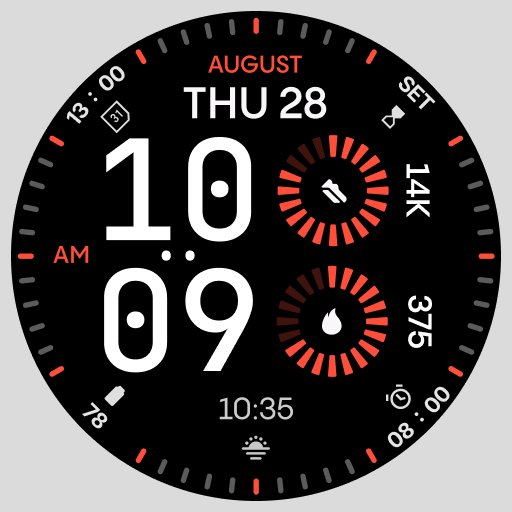
Stunning modern digital watch face with 7 complications and strong contrast
4.0
Ideal for surviving in the wasteland left after nuclear fallout
4.50
Hybrid Vibrant Health Watch Face for Wear OS
4.4
Animated video-game inspired “secret agent” simulation, right on your wrist!
4.20
Simple, helpful messaging by Google
4.60
Track airplanes and follow flights with our real-time flight tracker
4.50
Spam call blocker and caller ID for automatic call protection!
4.40
Real-time weather radar with temperatures, warnings, hurricanes, and widgets
4.80
The Chevron App allows you to pay for fuel from the comfort of your car!
4.80
Kia Access makes getting your vehicle information easier than ever
4.60
A realistic hybrid watch face with many customization options.
4.60
MyNISSAN® lets you remotely control your car from your phone.*
4.50
Embrace the holiday spirit with this magical animated watch face!
4.40
Beautiful artistic animated digital watch face, with a customizable layout!
4.40
Premium hybrid watch face with many customizations for Wear OS devices.
4.40
Find EV charging stations
4.30
Daily Weather forecast with 15 weather images for Day & Night plus Big Bold time
4.10


