
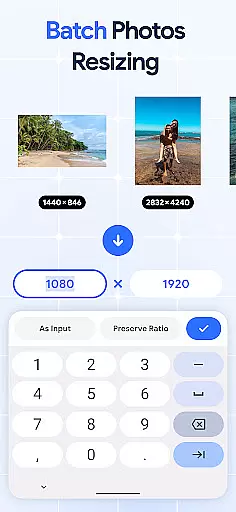
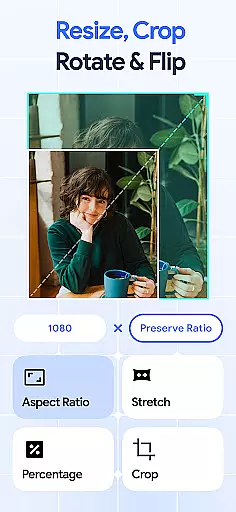
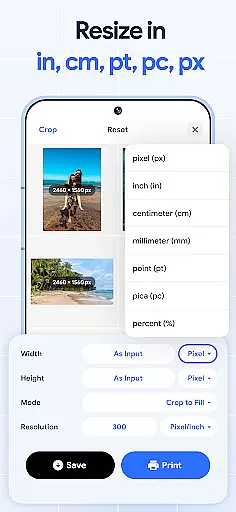
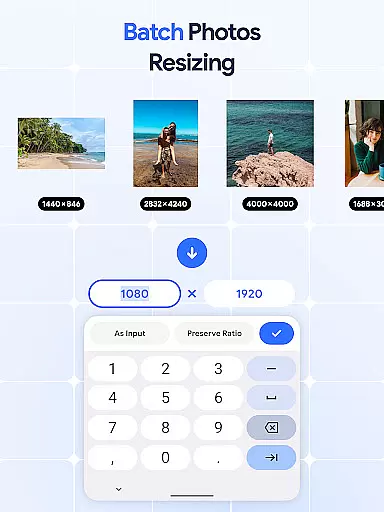
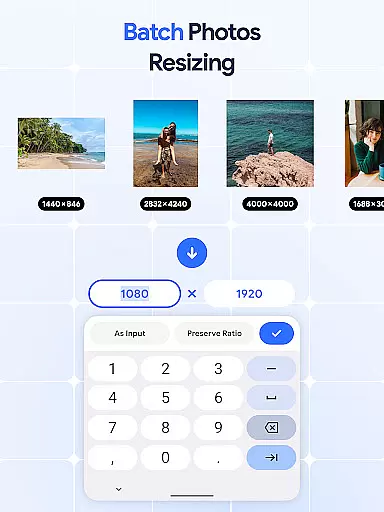
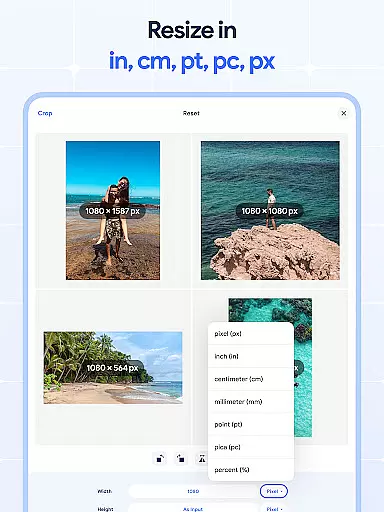
Image Resizer: Crop Photo is a versatile tool designed for resizing, cropping, rotating, flipping, and compressing images with ease. This app is perfect for users who need to adjust photo resolution, change image size, or optimize storage for social media and personal use. With its intuitive interface, the app allows you to resize multiple images at once using the batch resize feature, making it an efficient solution for bulk editing.
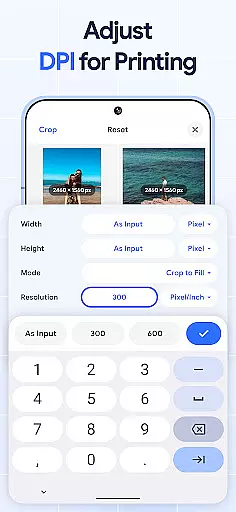
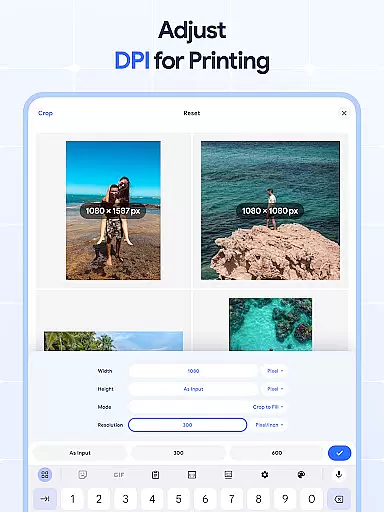
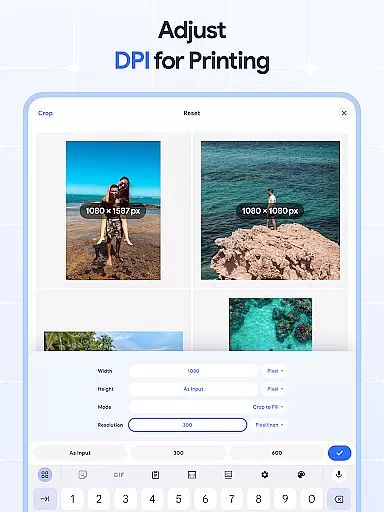
The application also offers advanced features such as dpi changer for better print quality and photo compressor for reducing file sizes without compromising quality. Whether you need to rotate pictures, flip images for creative effects, or crop photos for precise edits, Image Resizer provides all the necessary tools in one place. Its comprehensive functionality makes it an essential app for anyone involved in photo editing or digital content creation.
Image Resizer stands out with its robust set of features tailored for both casual users and professionals. The app allows you to quickly resize images and adjust photo size for various needs, whether for social media optimization or storage efficiency. The batch resize feature enables users to handle multiple images simultaneously, saving valuable time when managing large photo libraries.
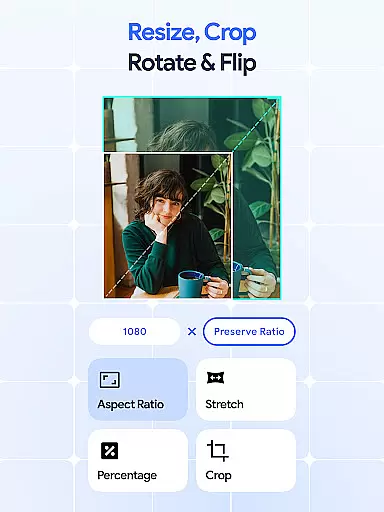
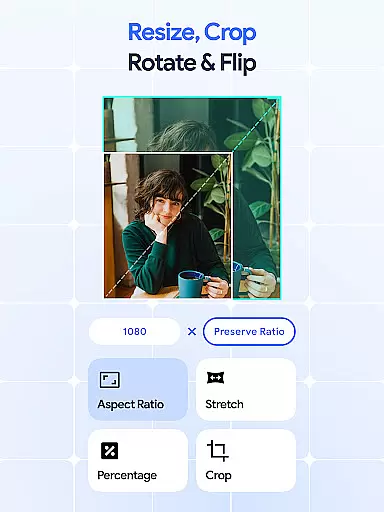
In addition to resizing, the app includes powerful cropping and rotation tools. Users can crop images to remove unwanted parts or adjust orientation with the photo rotator. The ability to flip images horizontally or vertically adds a creative touch, while the dpi changer ensures high-quality prints by allowing adjustments to image resolution. These features collectively provide a complete toolkit for effective and efficient photo editing.
In the realm of digital art and design, having access to comprehensive tools is essential for bringing creative visions to life. Image Resizer stands out by offering a wide array of features that cater to various image editing needs.
From resizing and cropping to rotating and flipping images, this application provides artists and designers with everything required to modify pictures accurately. The inclusion of a dpi changer and photo compressor further extends its utility, allowing users to prepare their artwork for both digital and print mediums without compromising on quality.
The app's batch processing capabilities ensure that creatives can apply changes to multiple images simultaneously, saving valuable time and effort. This feature is particularly beneficial for professionals handling large volumes of images, as it streamlines workflow and enhances productivity.
By consolidating these powerful tools into a single platform, Image Resizer empowers users to execute their projects efficiently, whether they are adjusting photos for social media or optimizing images for storage. This complete suite of creative tools makes the app an invaluable asset for anyone involved in art and design.
Flexibility in canvas and format options is crucial for designers who need to adapt their work across different platforms and mediums. Image Resizer excels in providing versatile solutions that accommodate a broad spectrum of design requirements.
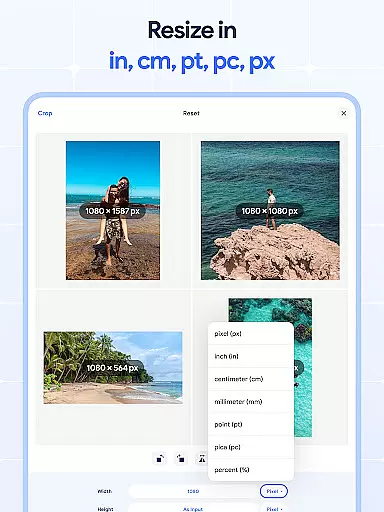
Users can easily adjust the dimensions and resolution of their images to fit specific project guidelines, ensuring consistency and precision in every piece they create. The ability to change dpi settings allows for high-quality prints, while the photo compressor helps in reducing file sizes for web use without losing noticeable quality.
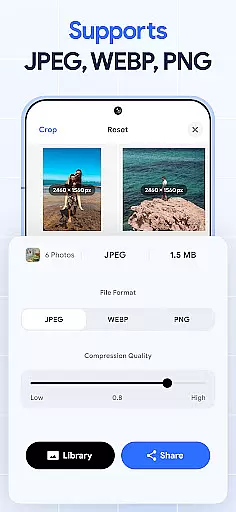
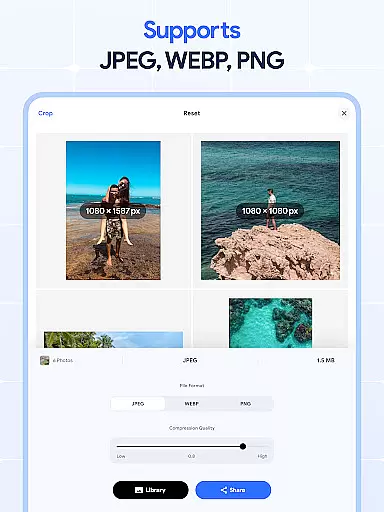
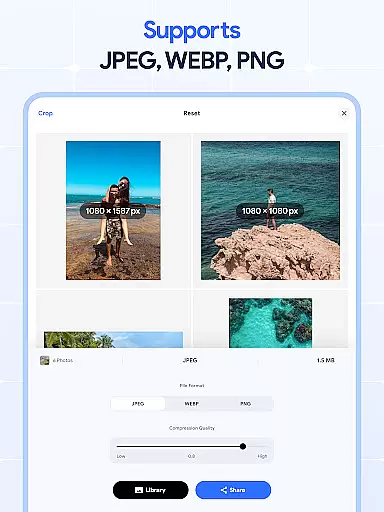
Moreover, the app supports a variety of image formats, enabling seamless integration into diverse workflows. Whether working on detailed illustrations or simple graphics, creatives can rely on Image Resizer to deliver adaptable and reliable results.
This level of canvas and format flexibility not only enhances the creative process but also expands the possibilities for artistic expression, making Image Resizer a go-to tool for designers seeking efficiency and versatility in their projects.
User-friendly interface
Batch processing capabilities
High-quality compression
Comprehensive editing tools
Cross-platform compatibility
Limited advanced filters
No cloud integration
Premium features require subscription
Occasional performance lags
Basic tutorial support

The ultimate tool for creating animations
 4.60
4.60
Transform photos into amazing monochrome dither art with professional algorithms
4.4
Get creative and make art with your Sesame Friends!
4.00
Art of Combination Wear OS Watch Faces
3.30
Unleash the artist in you with our AR drawing and tracing tool for photo drawing
4.10
Retouch photos. Create or edit images. Endless capabilities.
2.70
Video AI: Revolutionize Your Content Creation with Advanced Video Generation
4.50
Kling AI is an image and video generation and editing studio powered by AI.
4.50
An intuitive, high-performance painting app that lets you focus on creating
4.40
Make your phone cooler and have a fantastic experience
4.80
Learn how to draw with step-by-step tutorials, fun lessons & multiplayer drawing
4.70
Logo Generator powered by AI: Create stunning logos effortlessly!
4.70
Photo editor for art, avatars, filters & fun transformations.
4.60
Turn your drawings into flipbook-style animations with simple creative tools
4.60
Create and Design Custom Logos in Seconds with AI-Powered Tools!
4.40
Resize photos and print photos in exact size with our powerful photo printer!
3.80
Create cute cat emojis & PFPs! Fun, custom avatars for cat lovers.
3.70
Create stunning video, photo & magic from text with FlixAI GPT video generator.
3.10
Art of Combination Wear OS Watch faces
4.0


User Reviews