
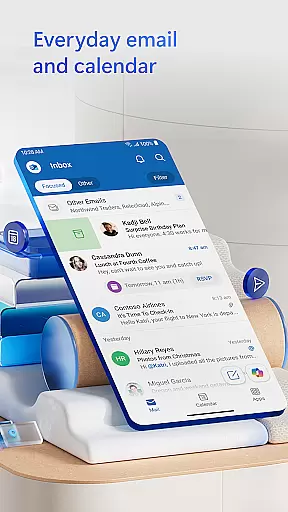
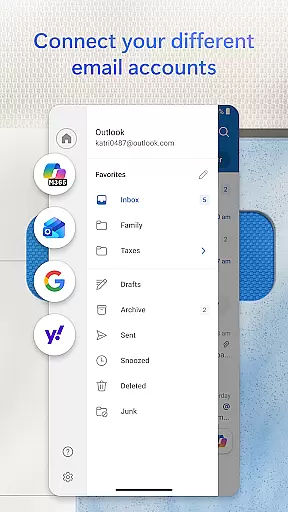
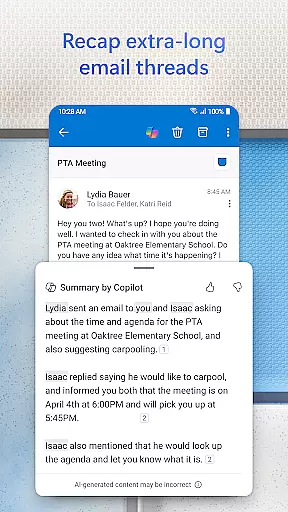
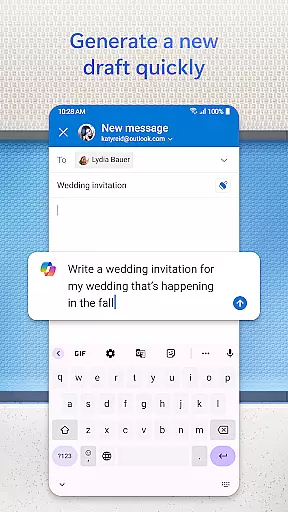
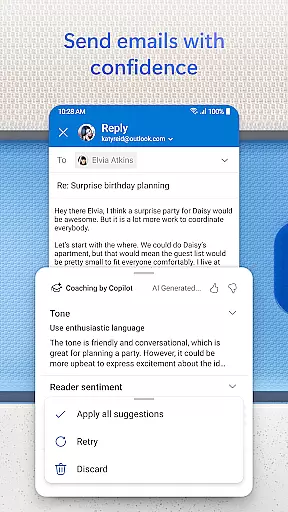
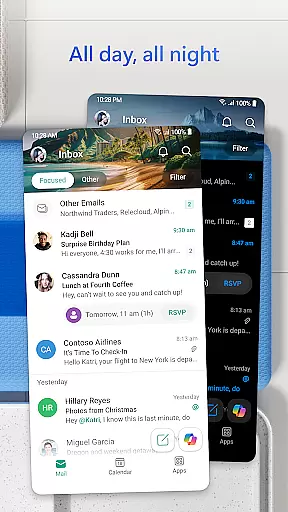
Microsoft Outlook is a comprehensive email and calendar app designed to streamline your busy life. It consolidates your emails, files, and calendar into one secure platform, ensuring you stay productive regardless of the source of your messages - be it work, school, or personal accounts. The app intelligently organizes your inbox, filtering emails into Focused and Other categories for easy access to critical communications.
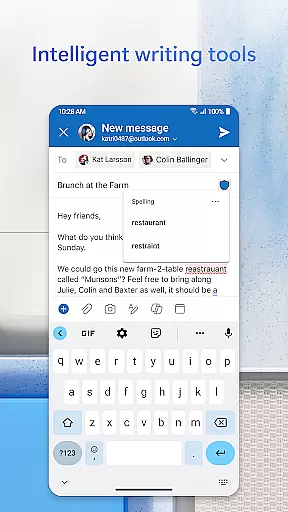
Outlook offers flexibility by supporting multiple account types including Microsoft Exchange, Gmail, Yahoo Mail, and iCloud, making it adaptable to various user needs. With built-in intelligent editing tools, users can craft professional-quality emails with ease. The app also allows direct interaction with Word, Excel, and PowerPoint documents from your inbox, enhancing workflow efficiency.
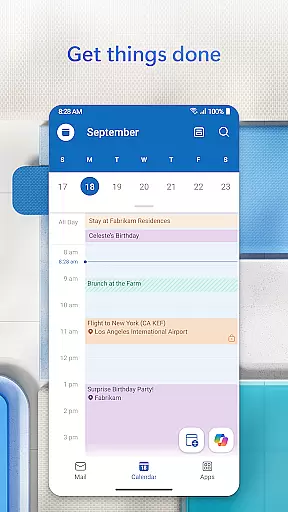
Beyond email management, Outlook helps keep your day structured through multi-calendar views and robust planning features. Swipe gestures enable quick actions like deleting or archiving, while enterprise-grade security protects against phishing and spam. Whether you're managing emails, scheduling meetings, or handling documents, Outlook provides a unified solution to manage all aspects of your digital communication securely and efficiently.
Microsoft Outlook stands out with its robust feature set tailored for both personal and professional use. One of its key strengths is the ability to integrate various email providers such as Microsoft Exchange, Gmail, Yahoo Mail, and iCloud into a single interface. This consolidation simplifies the management of multiple accounts, allowing users to handle their emails, contacts, and files seamlessly within one app.
The app's intelligent email organization tools are another highlight. Outlook filters incoming messages into Focused and Other tabs, ensuring that important communications are easily accessible. Users benefit from advanced search capabilities, enabling them to find specific emails, contacts, or attachments quickly using voice commands or text input. Additionally, productivity features like suggested replies and Play My Emails enhance responsiveness and convenience.
Security is a top priority in Outlook's design. The app employs enterprise-grade protection measures to safeguard against viruses, phishing attempts, and spam. For users requiring enhanced privacy, Outlook supports email encryption to prevent unauthorized forwarding of sensitive information. These features collectively ensure that Outlook not only boosts productivity but also maintains high standards of data protection and user privacy.
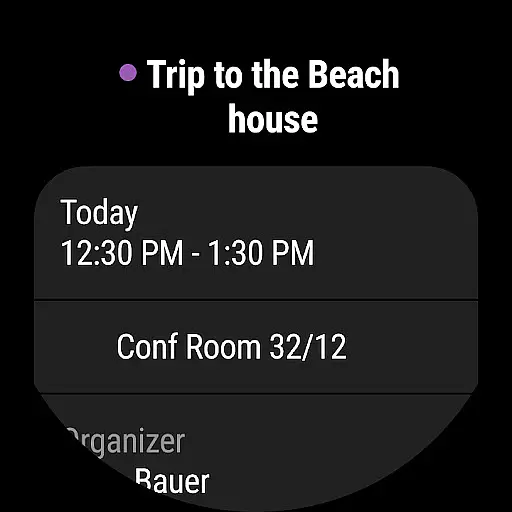
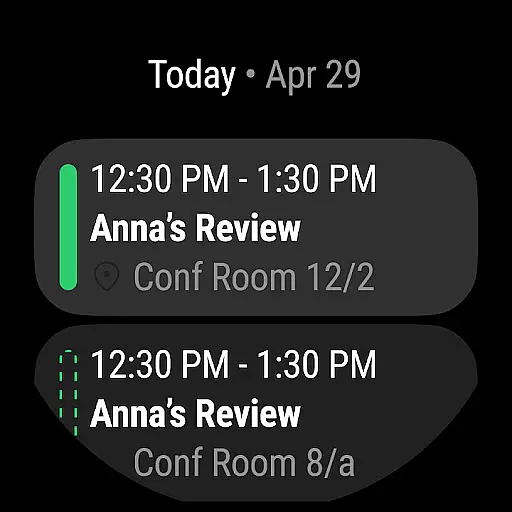
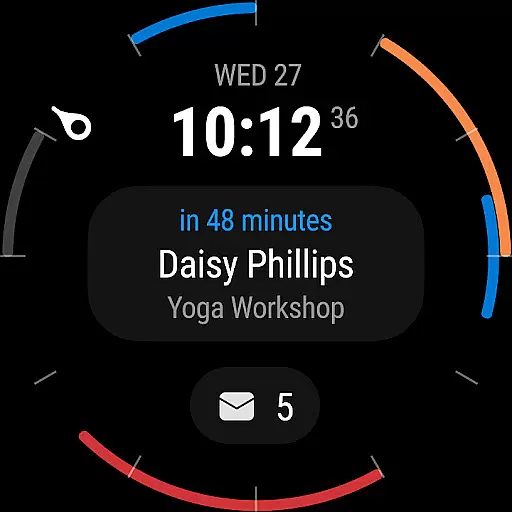
Companion app integration is a crucial feature for users who rely on wearable devices to manage their daily tasks and communications. Microsoft Outlook offers seamless synchronization between its mobile app and Wear OS, ensuring that your emails, calendar events, and notifications are always up-to-date on your smartwatch.
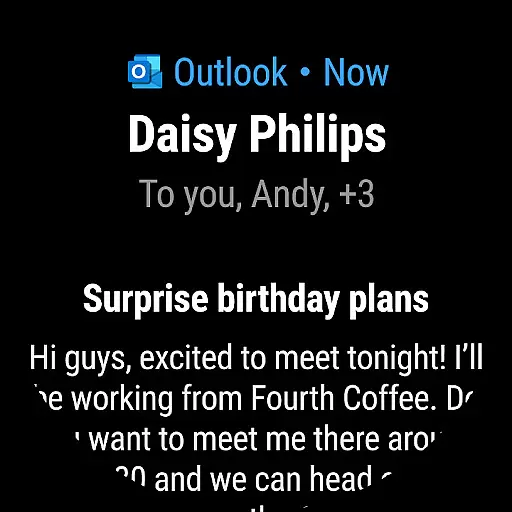
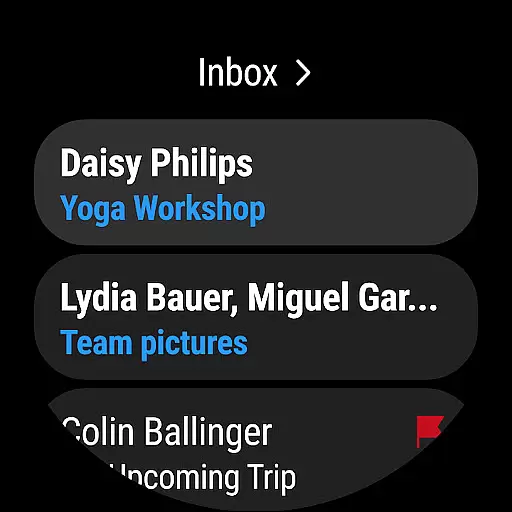
The integration allows users to receive real-time alerts for new emails and upcoming meetings directly on their wearable devices. This ensures that you never miss an important message or appointment, even when your phone is not immediately accessible. The companion app provides a simplified interface optimized for smaller screens, making it easy to scan through your inbox or check your schedule with just a glance.
Outlook's Wear OS app goes beyond basic notifications by enabling key actions such as responding to emails using predefined templates or voice commands. Users can also snooze reminders or archive messages directly from their watch, streamlining their workflow and maintaining productivity throughout the day.
This level of integration demonstrates Microsoft's commitment to creating a cohesive ecosystem where users can effortlessly transition between devices while maintaining access to their essential information. By extending core functionalities to wearable platforms, Outlook ensures that professionals remain connected and in control of their communications regardless of their location or current activity.
Device compatibility is a fundamental aspect of any successful wearable application, and Microsoft Outlook excels in this area by supporting a wide range of Wear OS devices. The app has been optimized to work seamlessly across various smartwatch models, ensuring consistent performance and user experience regardless of your specific device choice.
Outlook's engineering team has implemented adaptive design principles that automatically adjust the interface layout based on screen size and resolution. This approach guarantees that all key features remain accessible and visually appealing, whether you're using a small round display or a larger rectangular screen. The app maintains full functionality across different hardware specifications, from basic smartwatches to premium models with advanced capabilities.
Beyond basic compatibility, Microsoft has incorporated device-specific optimizations that enhance battery efficiency and processing speed. These enhancements ensure that the Outlook companion app runs smoothly without significantly impacting your smartwatch's battery life or overall performance. The development team regularly updates the application to maintain compatibility with new Wear OS devices as they enter the market.
This comprehensive approach to device compatibility reflects Microsoft's dedication to providing users with maximum flexibility in choosing their preferred wearable technology while maintaining access to their essential email and calendar services through the Outlook ecosystem.
User-friendly interface
Multi-account support
Advanced security features
Integrated calendar management
Intelligent email sorting
Limited offline functionality
Occasional sync issues
Heavy on storage
Premium features require subscription
Complex setup for beginners

Wear Os Watch Face - Animated Snow - Sesonal for Christmas & Winter
 4.3
4.3
A heartwarming Christmas scene featuring a cute image of Santa and Rudolf
4.3
Fitness interactive virtual pet super fighter boy watch face
4.2
sleep, alarm, snoring, stress, healing, focus, sound therapy, circadian rhythm
4.10
Your second brain for organizing your life: to-do, calendar, reminder.
4.70
Reliable phone calls with spam protection, caller ID and more helpful features
4.40
Bold weather Digital watchface with forecast & optional animated background
4.40
Premium hybrid watch face with many customizations for Wear OS devices.
4.40
Control your Samsung Smart TVs, appliances, and SmartThings-compatible devices
4.60
Christmas Theme Watch Face for Wear Os
5.00
Period, ovulation & pregnancy tracker. Fertility insights & menstrual calendar.
4.90
Monitor health with the stress test and pulse checker in the heart rate app.
4.60
Real-time results, stats, schedules and player profiles for all leagues
4.60
Stylish, Energizing and Modern Watch Face crafted by Dominus Mathias.
4.50
Current temperature, weather hourly, weather radar by the weather forecast app
4.40
A customizable Christmas watch face for Wear OS with a countdown.
4.20
The #1 source of faces for your smartwatch!
4.00
an Analog Watch Face for winter season with freeze winter background for Wear OS
4.0
Artistic Digital Watchface
4.1


User Reviews