

Rose gold watch face with festive lights & customizable features.
 4.60
4.60
Analog watch face with 8 complications and expedition styling
4.2
Deck out your Wear OS Watch face with a beautifully decorated pine wreath!
4.50
Elegant animated Christmas tree with multiple customization options
4.20
Digital, flexibly customizable watch face. For Wear OS 5.0, API 34+ and later.
5.00
3 Complications. All shadow on/off. 30 Themes color palette...
4.3
Structured watch face with seven complications and modular UI elements
3.90
sleep, alarm, snoring, stress, healing, focus, sound therapy, circadian rhythm
4.10
Viewer for Wyze/Yi/Eufy/Arlo/ONVIF/RTSP/P2P IP cams w/ adv. features & DIY DVR
4.00
Christmas - Festive - Christmas Village - Winter - Christmas lights
5.00
WTW M17 is a premium and luxurious hybrid watch face
4.70
The most customizable minimal watch face. For Wear OS 5.0, API 34+ and later
4.70
MyNISSAN® lets you remotely control your car from your phone.*
4.50
Locate your family members by GPS phone location tracker everywhere and anytime
4.30
Get helpful reminders, take progress photos and find answers to your questions.
3.90
Christmas is near, let's count together the days left until Santa comes
4.1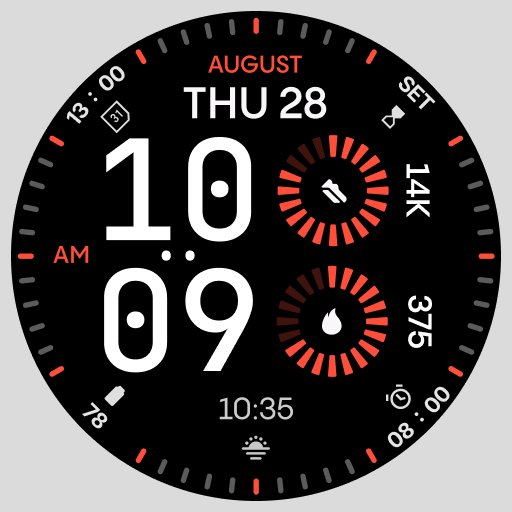
Stunning modern digital watch face with 7 complications and strong contrast
4.0
Simple Analog-Digital Watchface For Wear OS 3.0 and Up Smartwatches
4.4
Sleek, highly customizable watch face inspired by Galaxy Watch Circle Dashboard.
4.3


