

Remote control of the phone camera from your Wear OS smartwatch
 3.70
3.70
Long exposure camera with computational photography
2.60
Safe & smart flight with Go Fly drone controller for 40+ drone camera, zone map
4.50
An interval timer to automate photo taking process for timelapse
2.90
Create AI Photos, Improve and restore quality of blurry, old or damaged pics.
4.20
Gallery Slideshow is slideshow maker app for slideshow from your gallery photos.
3.90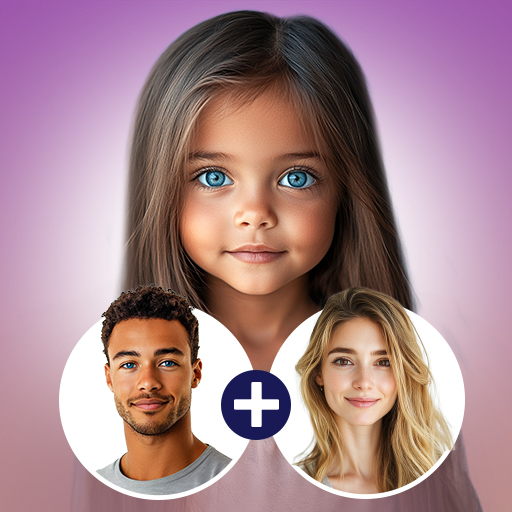
Future baby face generator: AI kids generator, kid face! What my baby look like?
4.40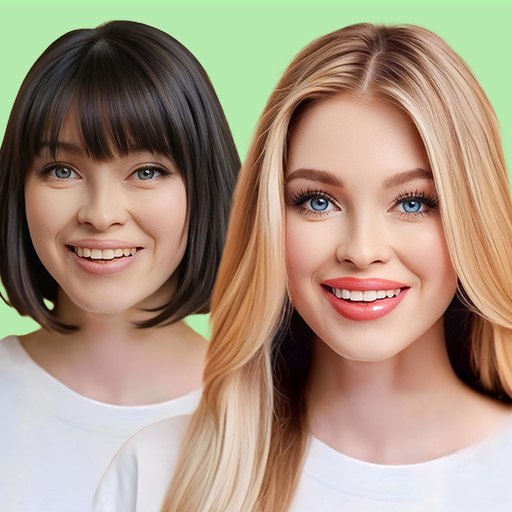
Hair color changer, AI haircut app, fun hair editor and buzz cut filter for all!
3.80
Try an anime version, cartoon yourself, and generate AI hug or aging videos!
3.70
Perfect body tune & face app - photo retouch, makeup, slim body & beautify face.
4.80
AI Photo Editor with 100+ Filters, Effects! Remove BG, Retouch & Photo Enhancer.
4.80
A collection of tools and reference tables for DPs, ACs, DITs and Operators.
4.70
Easily view, share, delete photos with Gallery.
4.70
The original Rarevision VHS look seen everywhere!
4.70
Automatically backup your photos and videos to computer, NAS and Cloud services
4.60
Unblur, enhance & restore photos with powerful AI photo enhancer tools.
4.60
Professional quality photo edits with the new Snapseed.
4.00
Remote control the phone camera shutter from your smartwatch and take a picture
1.60
Add a dreamy vibe to your selfies and videos with soft style filters
4.5


