
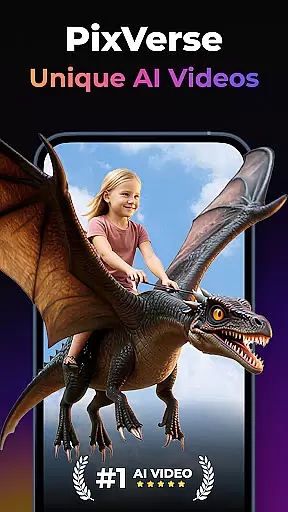

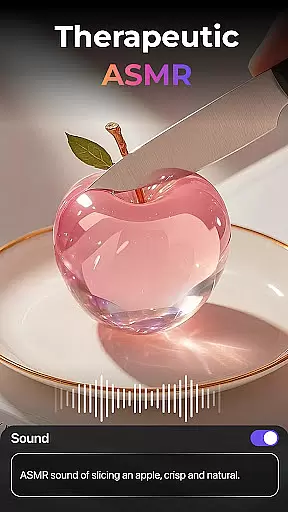
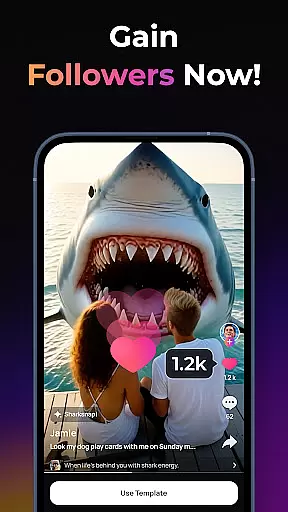
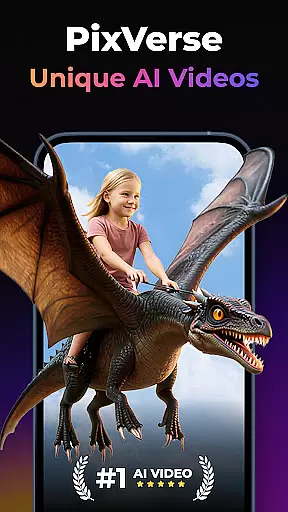
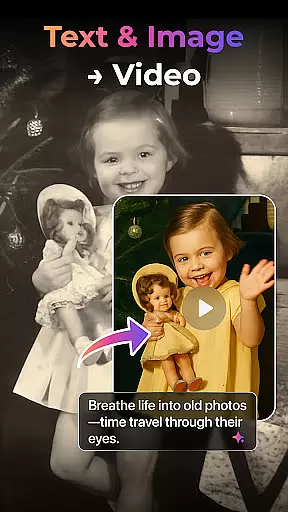

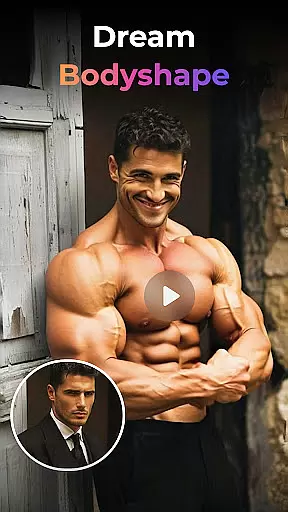
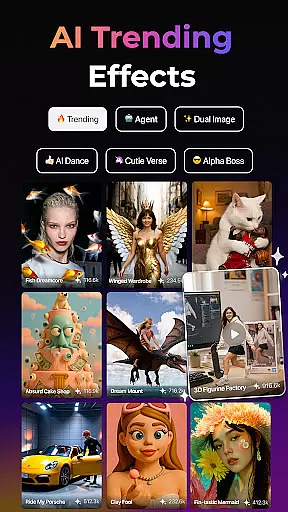
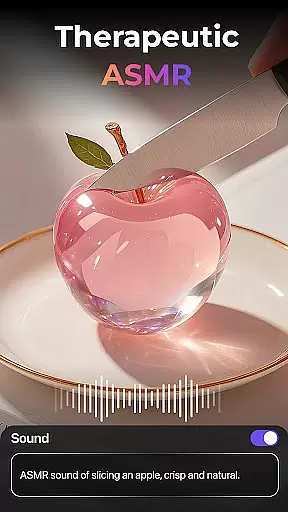
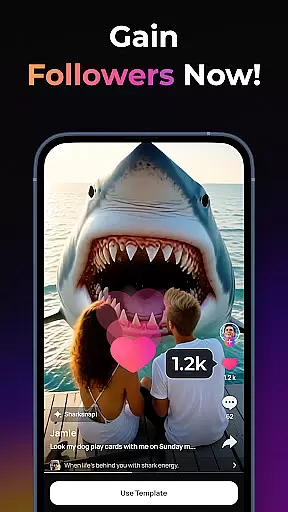
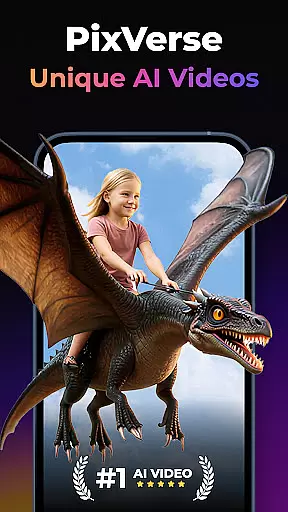

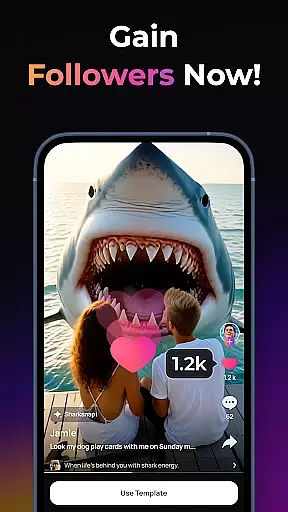
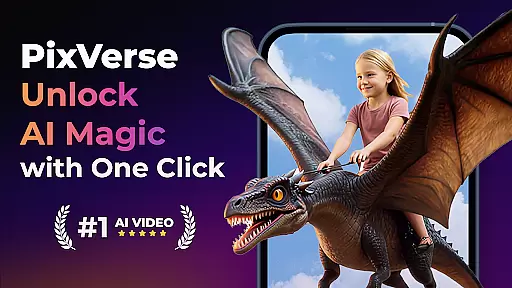

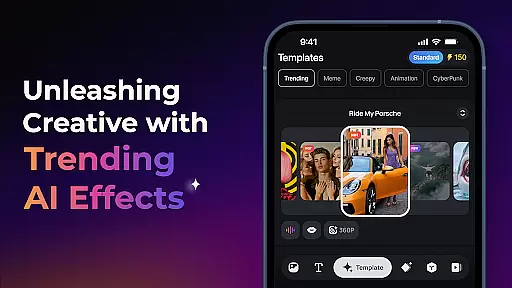
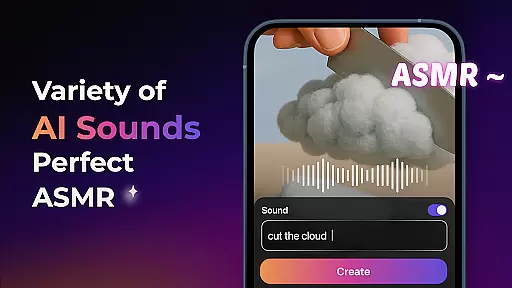
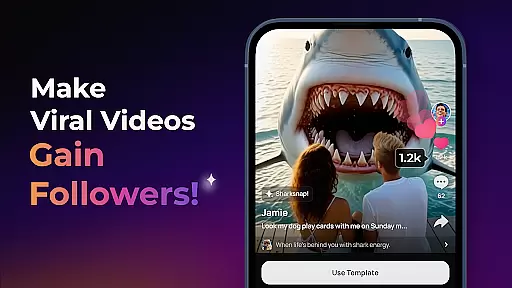
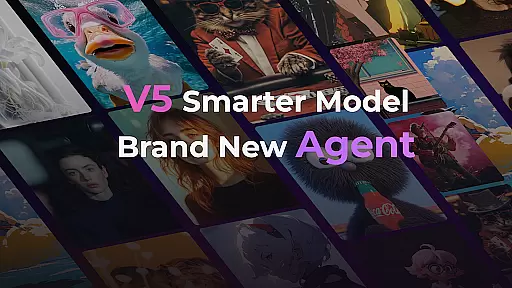
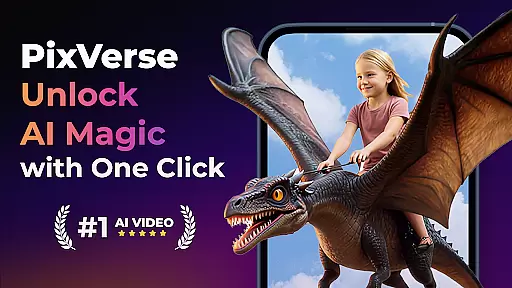

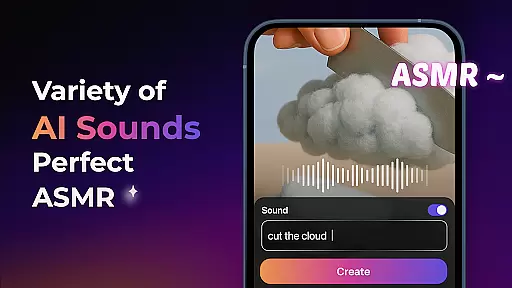
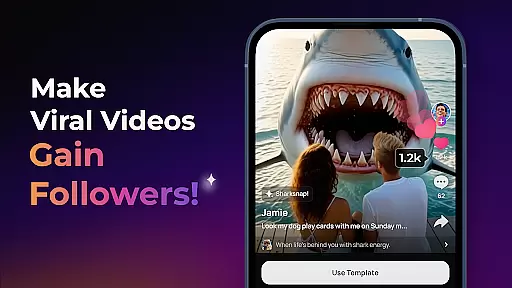
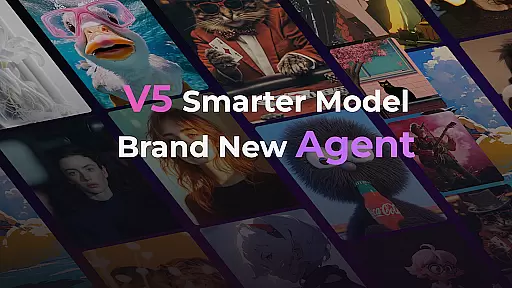
PixVerse is an innovative AI-powered video creation suite that empowers users to transform photos, text, and videos into captivating content within seconds. With its advanced V5 model, the app ensures perfect prompt alignment, lifelike details, and smooth animations, making it a top choice for creative professionals and casual users alike.
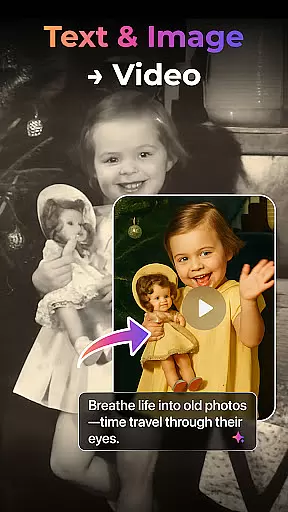
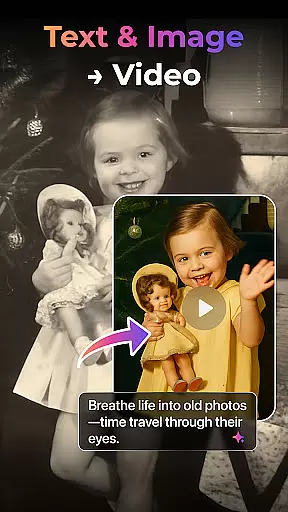
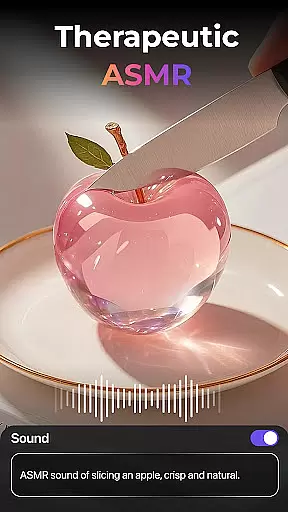
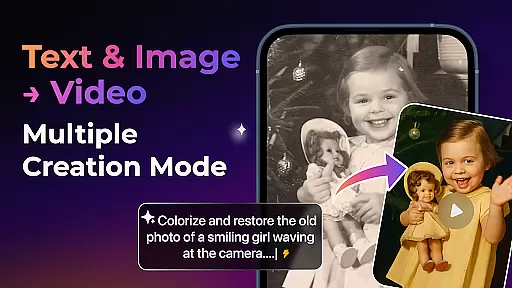
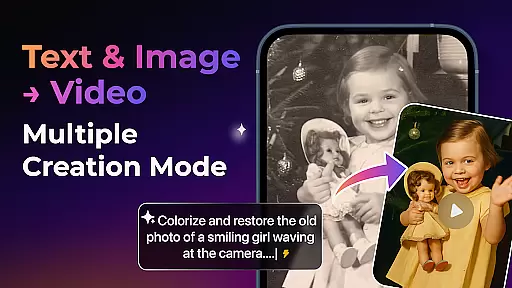
The app offers multiple creation modes including Image to Video, Text to Video, and Video Extension, along with unique AI effects like Old Photo Revival and AI Dance Revolution. These features make PixVerse not just a tool, but a creative partner that helps bring ideas to life with stunning precision and cinematic quality.
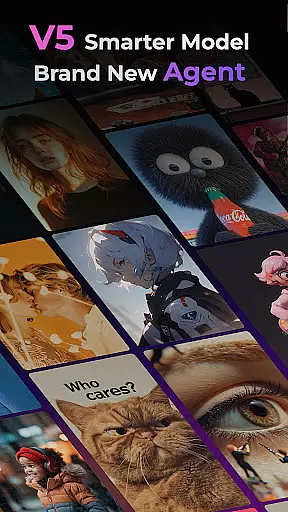
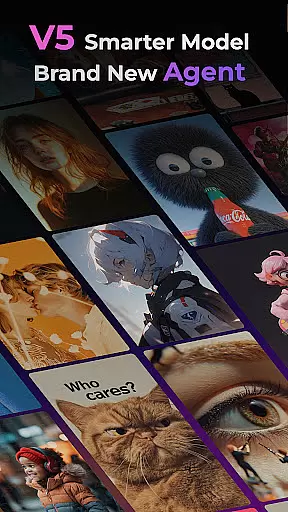
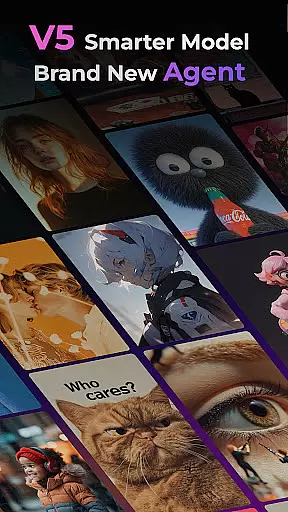
PixVerse stands out with its cutting-edge features designed to enhance creativity. The Smarter V5 Model provides lifelike detail and natural movement, while the Brand New Agent acts as a creative co-pilot, streamlining the content creation process.
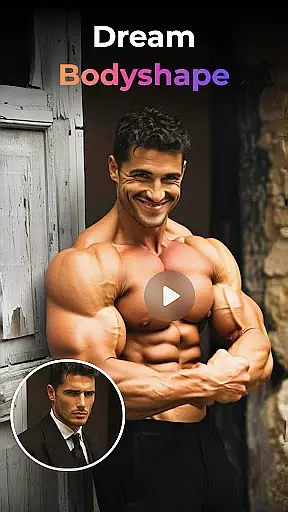
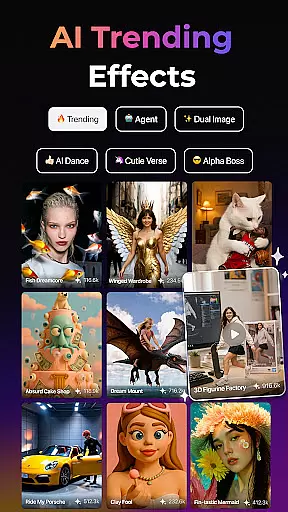
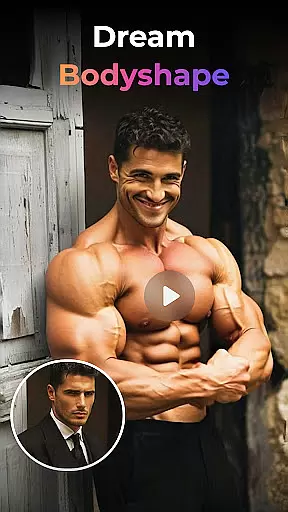
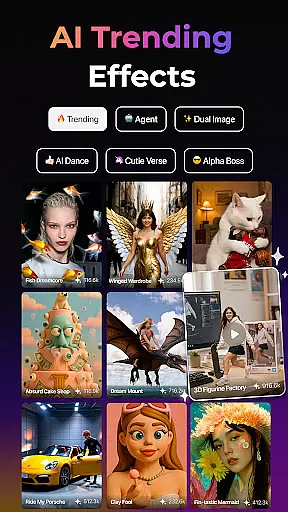
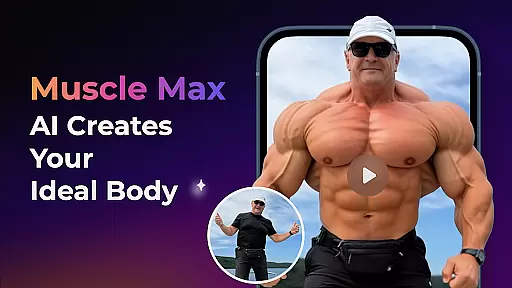
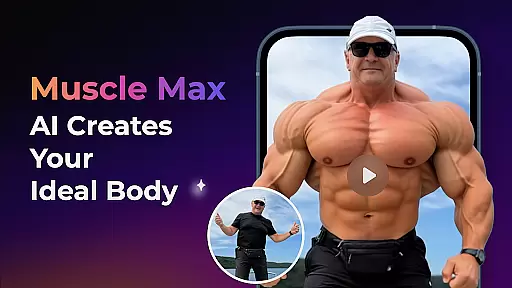
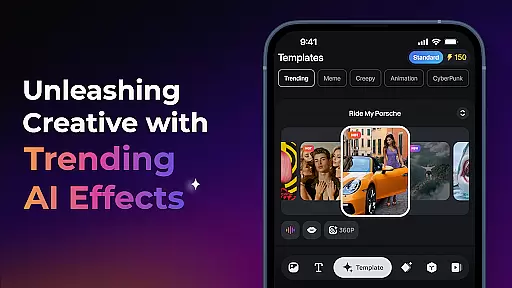
Users can explore various creation modes such as Image to Video, Text to Video, and Video Extension, each powered by AI to deliver professional-grade results. Additionally, Trending AI Effects like Earth Zoom Challenge and Muscle Max offer unique ways to engage with content, ensuring every creation is nothing short of extraordinary.
Real-time capture and preview functionality is essential for ensuring that every photo or video taken meets the user's expectations without delay. PixVerse offers an advanced real-time capture system that leverages AI to provide instantaneous feedback on your creations.
This feature allows users to see a live preview of their transformations, whether it's converting text to cinematic masterpieces or animating static images. The immediacy of this process empowers creators with the ability to make adjustments on-the-fly, thus refining their work before finalizing it.
With PixVerse, you can witness the magic unfold as AI brings your ideas to life right before your eyes. This seamless interaction between creator and tool ensures that the end product not only matches but exceeds the original vision, providing a truly immersive creative experience.
The AI Beauty and Enhancement features in photography apps are designed to elevate the aesthetic quality of images while maintaining a natural look. PixVerse stands out by offering hyper-realistic enhancements that respect the authenticity of the original content.
Utilizing state-of-the-art AI algorithms, PixVerse can revive old photos, sculpt physiques, and create heartwarming scenes with precision. These enhancements are applied in a way that feels organic, preserving the essence of the subject matter while adding a touch of magic.
Users benefit from having professional-grade editing tools at their fingertips, allowing them to enhance their visuals effortlessly. Whether it's for personal memories or professional projects, PixVerse ensures that each enhancement enriches the narrative without overshadowing the reality it represents.
Lightning-fast rendering
Cinematic HD quality
Advanced AI effects
User-friendly interface
Multi-platform support
Subscription fees apply
Internet connection required
Limited free features
Occasional bugs
Steep learning curve

Shooting photos and records video easily and efficient with professional Camera
 4.30
4.30
HD Photo gallery and photo manager to edit, hide private photos, videos & albums
4.3
Edit like a pro with Hypic. Apply filters, AI effects, & magic touch.
4.40
Light-weight Media Gallery app for Android made with Jetpack Compose
4.60
Movie camera, supports pro recording settings for filming. Try it and be amazed!
4.50
AI photo enhancer with Sora 2! Enhance, descratch, and colorize your old photos.
4.50
Smart, light, and fast photo and video gallery
4.30
Enhance, upscale, and transform your images — on your device, without limits
4.70
Effortlessly make high-quality GIFs from images & videos without any watermarks.
4.70
Gallery show photo, video, slideshow, is perfect 3D effect private photo albums.
4.80
A collection of tools and reference tables for DPs, ACs, DITs and Operators.
4.70
The original Rarevision VHS look seen everywhere!
4.70
A must-have app for landscape photographers
4.60
PhotoSync Bundle Add-On License. Enables all features and services in PhotoSync.
4.60
Cut and paste photo editor & eraser to customize photos easy and swap faces fun
4.50
Create AI Photos, Improve and restore quality of blurry, old or damaged pics.
4.20
All-in-One Editor & AI Photo Enhancer, Collage, Cartoonify, Funny Stickers & BGS
4.10
GCamera allows all GCam features on all phone models! Better photos with GCamera
3.30
Application for remote controlling DSLR
3.00


User Reviews