
Long exposure camera with computational photography
 2.60
2.60
Easily stitch panoramas from multiple photos or video.
4.40
Transform photos into videos! Create realistic or anime-style images easily!
4.50
Create amazing frames with up to five photos. Rounded corners, effects and more!
3.60
A reflected light meter with spot metering and incident light metering.
4.40
Create AI photos & videos with Enhancer; restore, fix, beautify, enhance photos
4.50
GCamera allows all GCam features on all phone models! Better photos with GCamera
3.30
AI photo enhancer with Sora 2! Enhance, descratch, and colorize your old photos.
4.50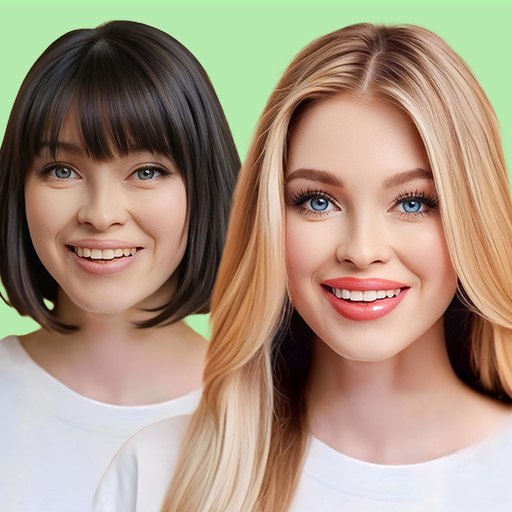
Hair color changer, AI haircut app, fun hair editor and buzz cut filter for all!
3.80
Collage your moments in one tap: 1000+ layouts, filters, stickers, and texts.
4.90
Perfect body tune & face app - photo retouch, makeup, slim body & beautify face.
4.80
A collection of tools and reference tables for DPs, ACs, DITs and Operators.
4.70
Create collages easily! Nice pic collage maker & background eraser for Instagram
4.50
Movie camera, supports pro recording settings for filming. Try it and be amazed!
4.50
Search, tag and rate your way to an organized image gallery
4.40
Catch sunlight, sunrise sunset times and sun phases with the AR sun tracker.
4.10
live datamoshing
4.00
Astrophotography with your smartphone, photo live stacking and much more!
3.90
Perfect photos with body shaping, BG changer and object remover.
3.70


