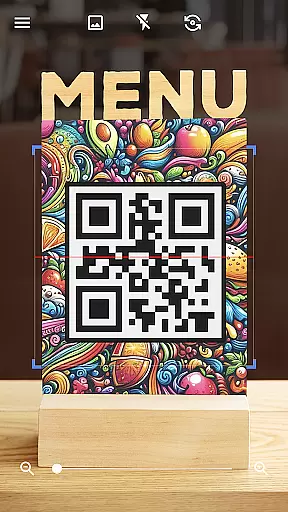
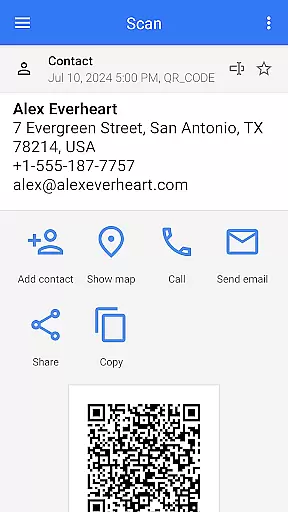
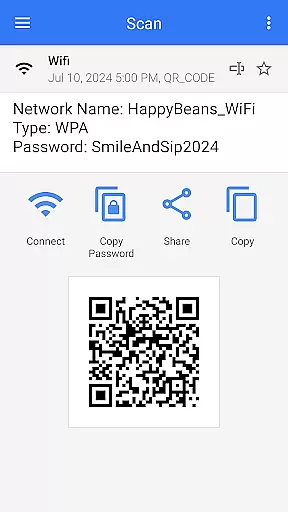
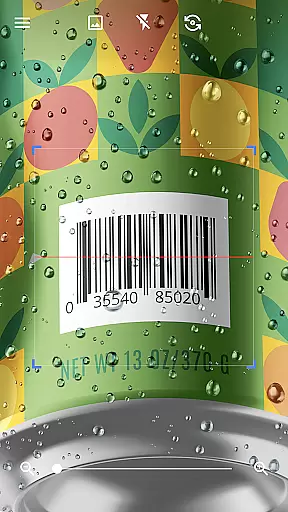
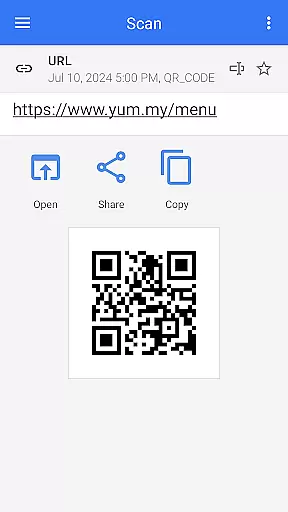
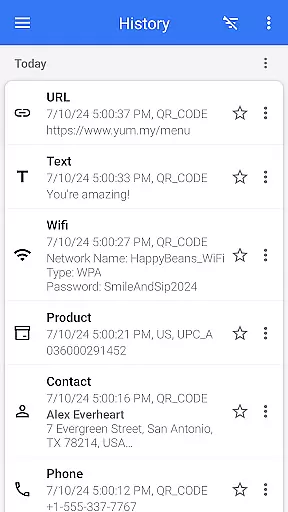
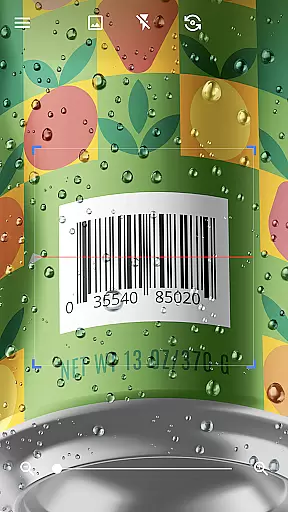
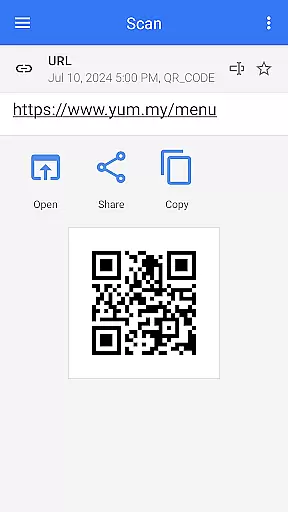
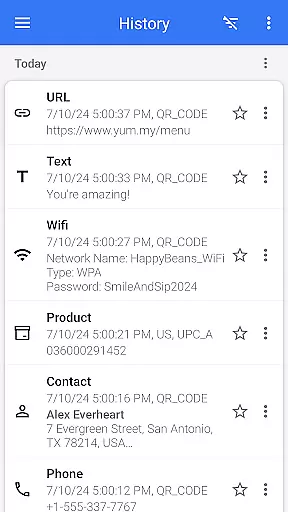
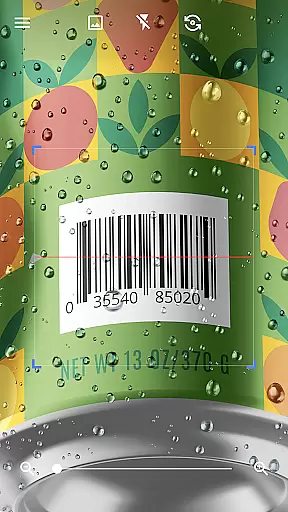
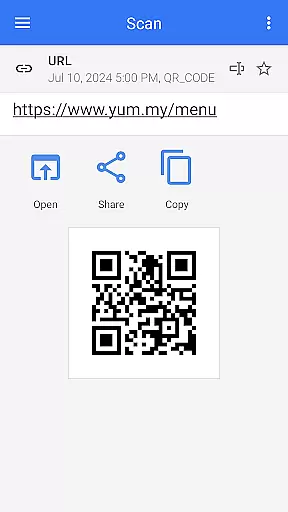
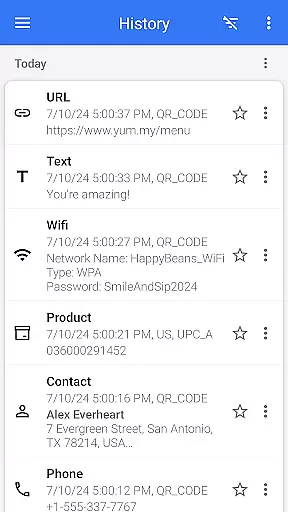

QR & Barcode Scanner is a versatile tool designed for Android users who need fast and reliable scanning capabilities. This app allows users to effortlessly scan various types of QR codes and barcodes, including text, URLs, ISBNs, product details, contacts, calendar events, emails, locations, Wi-Fi information, and more. With its intuitive interface, the app automatically scans and decodes QR codes without requiring any additional actions from the user.
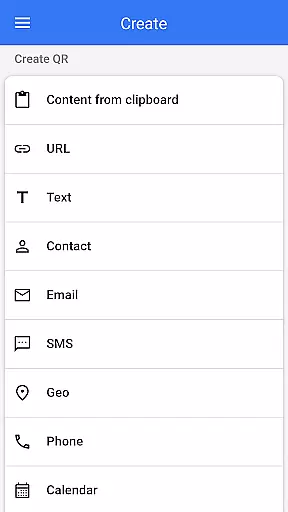
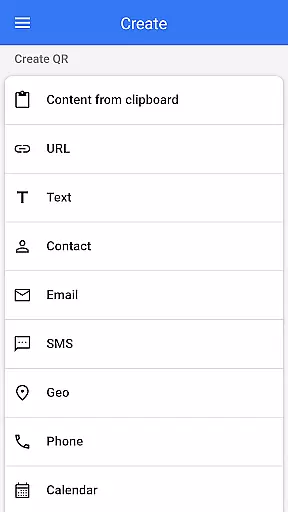
In addition to its scanning capabilities, QR & Barcode Scanner also functions as a QR code generator. Users can easily create QR codes by entering desired data and generating the corresponding code. The app offers numerous features such as flashlight support for low-light conditions, pinch-to-zoom functionality for distant codes, and batch scanning for multiple codes at once. These features make it an indispensable tool for both personal and professional use, ensuring seamless integration with your daily activities.
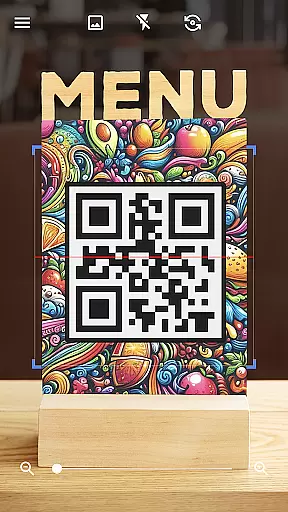
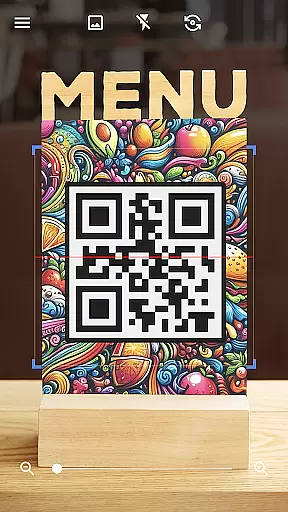
QR & Barcode Scanner stands out due to its comprehensive feature set tailored for efficiency and convenience. One of its key features is the automatic scanning capability, which eliminates the need for manual input or adjustments. Simply pointing the camera at a QR code or barcode initiates the scanning process, providing quick and accurate results. This feature is particularly useful in environments where speed and precision are crucial, such as retail stores or event check-ins.
Another notable feature is the app's ability to generate QR codes. Whether you need to share contact information, Wi-Fi passwords, or other data, the QR generator simplifies the process. Additionally, the app supports advanced functionalities like scanning codes from images or the gallery, sharing scanned content with other apps, and exporting/importing data in .csv or .txt formats. These features enhance productivity and streamline workflows, making QR & Barcode Scanner an essential tool for managing digital information efficiently.
QR & Barcode Scanner stands out for its exceptional core functionality, which centers on the accurate and efficient scanning of various codes. The app is designed to automatically detect and scan QR codes and barcodes without any user intervention, such as pressing buttons or adjusting zoom. This seamless operation ensures that users can quickly obtain the information they need with minimal effort.
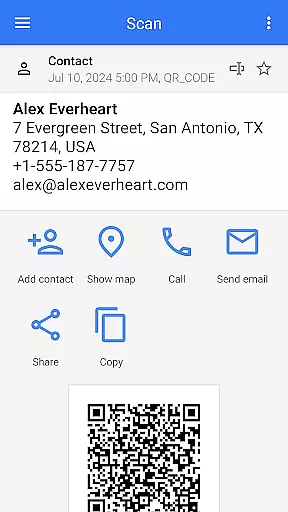
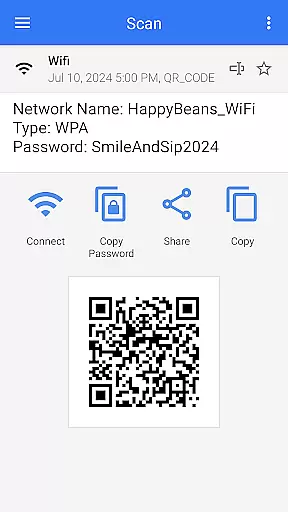
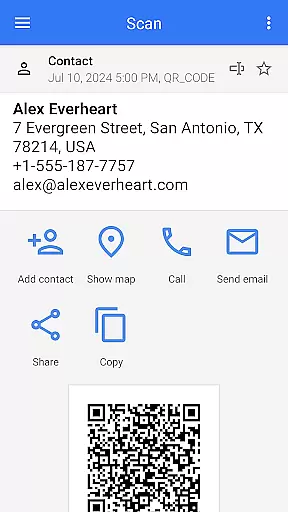
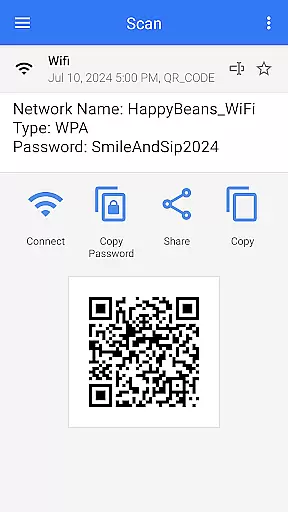
The effectiveness of this tool is demonstrated by its ability to read a wide array of code types, including URLs, product details, contact information, and even Wi-Fi passwords. By providing relevant options based on the scanned content, it allows users to take immediate and appropriate actions. Whether it's accessing a website, saving contact details, or connecting to a Wi-Fi network, the app delivers precise results every time.
Moreover, the app extends its utility beyond just scanning; it also offers a built-in QR code generator. Users can easily create QR codes by entering desired data, making it an all-in-one solution for both personal and professional needs. This dual capability enhances the overall value of the app, positioning it as an indispensable tool for Android users who require reliable code scanning and generation.
The interface of QR & Barcode Scanner is crafted to ensure a user-friendly experience through its simplicity and intuitiveness. Upon opening the app, users are greeted with a clean and straightforward layout that requires no extensive learning curve. The main feature, the scanning function, is immediately accessible, allowing users to point their device at any QR code or barcode for instant scanning.
One of the key aspects of its intuitive design is the automatic scanning feature. There's no need for users to manually trigger the scan; the app begins reading the code as soon as it comes into view. This effortless interaction significantly reduces the time and effort required to obtain information, making the app suitable for users of all technical skill levels.
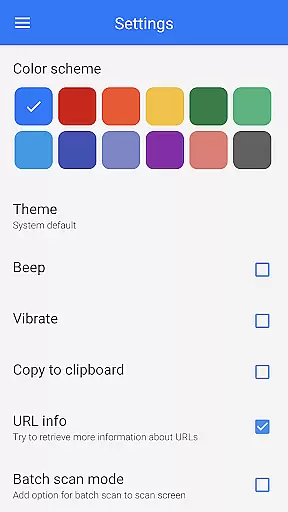
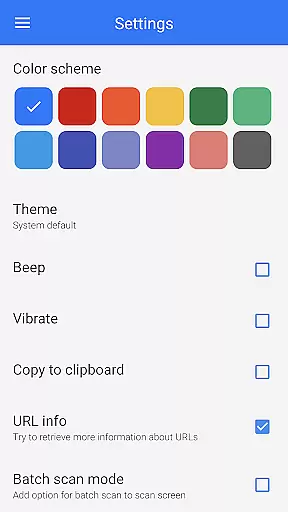
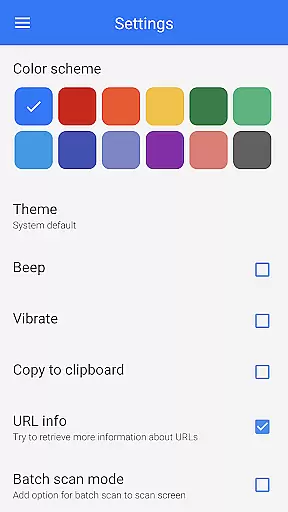
In addition to its ease of use, the app provides several customization options that enhance the user experience. Features like dark mode, color changes, and theme adjustments allow users to tailor the interface to their preferences. These options not only improve usability but also contribute to prolonged user engagement by offering a personalized touch. Overall, the app's commitment to maintaining an intuitive and customizable interface underscores its dedication to delivering a superior user experience.
User-friendly interface
Fast scanning speed
Versatile QR code generation
Comprehensive format support
Batch scanning capability
Limited iOS compatibility
No cloud backup option
Occasional ads in free version
Advanced features require learning
Interface may feel cluttered

 4.50
4.50
Remote for Roku, Fire TV, Samsung TV, LG TV, Android TV, Chromecast and VIZIO TV
4.20
HD Video player and downloader for all formats, fast & smooth 4K video playback.
4.60
App that Recover your pictures, videos or files after you delete them.
4.20
Excellent scientific calculator with symbolic algebra, integrals, derivatives
4.80
View detailed information about your Nissan Leaf the dealer never shows you.
4.10
The Ultimate Bluetooth Keyboard & Mouse. Securely control your PC, Mac, and more
4.50
Screen Mirroring for Roku Sticks, Roku TCL TV and Roku Hisense TV
4.50
Play your X-Box games remotely in 1080p with any controller and zero latency
4.60
Powerful collection of electronics tools and reference.A must for any enthusiast
4.90
Extremely fast, secure, and protects your privacy
4.80
Monitor car performance in real time and troubleshoot malfunctions.
4.80
NFC Tools can read and write NFC tags.
4.70
Planner and Tracker for Stardew Valley
4.60
Button mapper, mouse toggle, sleep timer and a lot of another features
4.50
Complete kernel toolbox with features to manage and tweak your rooted device
4.30
Making emulation easy for everyone!
4.30
Automate everything from settings to photos, SMS to speech. ADC2 prize winner.
4.10
Safely recover deleted photos, videos, and files with a single easy tap.
3.70


User Reviews