

Diet tracker for weight loss - track calories, food and macros. Simple and easy!
 4.70
4.70
Christmas and New Year - Themed Watchface
4.4
Precision analog watch face with 7 complications and style options
4.0
MyNISSAN® lets you remotely control your car from your phone.*
4.50
Embrace the festive spirit with our Christmas Countdown watchface for Wear OS
4.10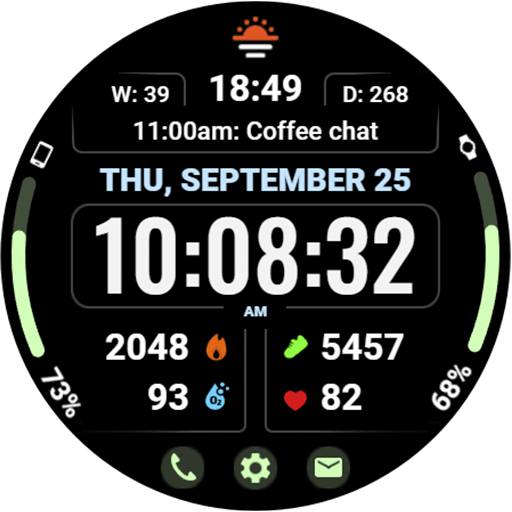
Beautiful, colorful and practical watch face. For Wear OS devices.
5.00
Your second brain for organizing your life: to-do, calendar, reminder.
4.70
Locate your family members by GPS phone location tracker everywhere and anytime
4.30
Hyper-Realistic Airplane Dashboard Watch Face With 10 Skins and Custom AOD
4.00
Period, ovulation & pregnancy tracker. Fertility insights & menstrual calendar.
4.90
Hybrid watch face for Wear OS with customizable complications by Matteo Dini MD
4.70
Kia Access makes getting your vehicle information easier than ever
4.60
To-Do List: daily schedule planner, task organizer, to do reminder app, calendar
4.60
Simple, helpful messaging by Google
4.60
A white realistic classic analog watch face with many customization options.
4.40
Christmas is near, let's count together the days left until Santa comes
4.3
Contemporary digital watch face with five complications
4.3
Simple Analog-Digital Watchface For Wear OS 3.0 and Up Smartwatches
4.5
Stylish digital watch face for Wear OS devices with customizable features
4.0


