
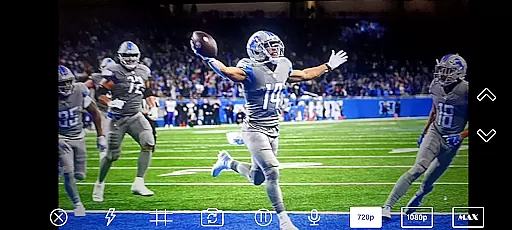
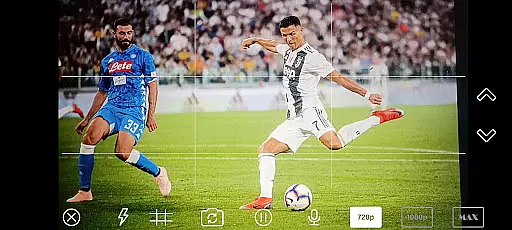
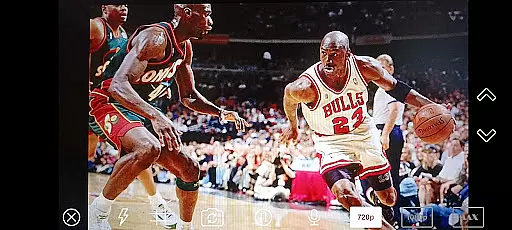
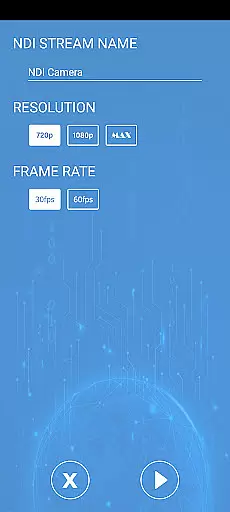
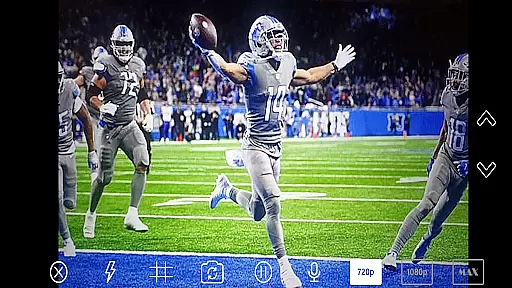
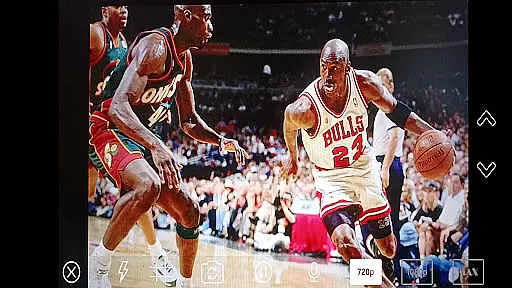
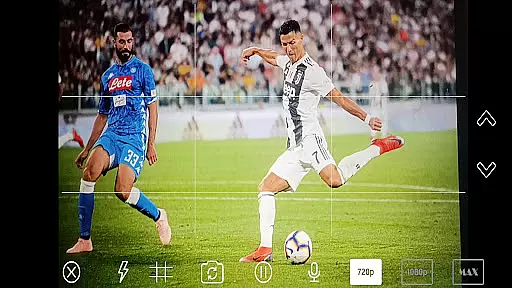
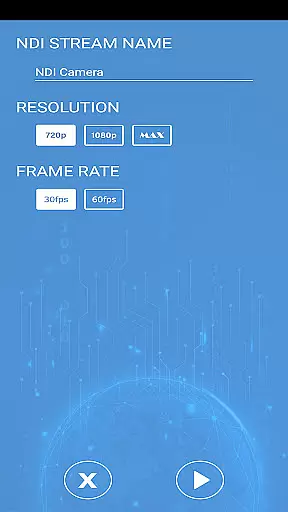
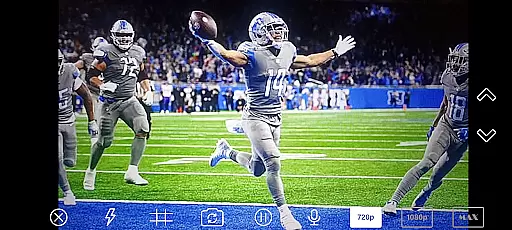
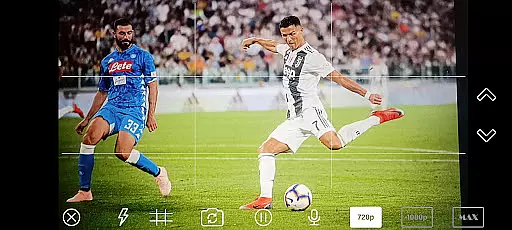
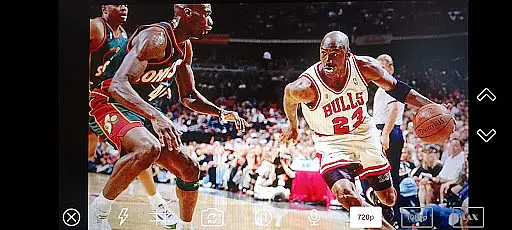
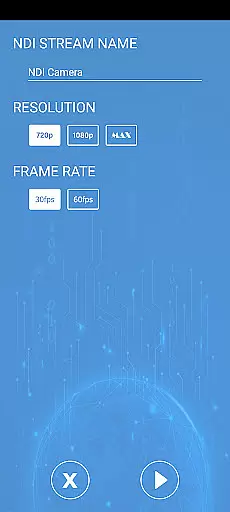
NDI Camera PRO is a powerful tool designed for live video production, enabling users to send NDI video streams directly from their device's camera. This application supports the NDI protocol, which ensures low-latency transmission and high-quality video streaming. It is particularly useful in professional broadcasting environments where seamless integration with systems like OBS Studio is crucial.
The app caters to broadcasters, content creators, and video professionals who require reliable and efficient video streaming solutions. By leveraging the NDI protocol, it allows users to effortlessly stream video over IP networks, making it an essential tool for modern video production workflows.
NDI Camera PRO offers a range of advanced features tailored for professional use. One of its standout capabilities is the seamless integration with NDI-compatible systems, allowing users to transmit video streams with minimal delay. The app also provides high-definition video output, ensuring that the quality of the stream matches professional standards.
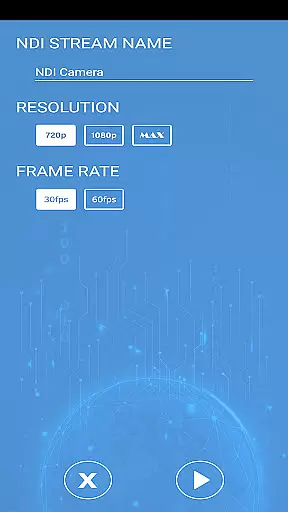
Additionally, the application supports various customization options, enabling users to adjust settings according to their specific needs. Whether it's tweaking video parameters or configuring network settings, NDI Camera PRO empowers users to optimize their streaming experience. Its compatibility with a wide array of transmission systems further enhances its versatility in different production setups.
NDI Camera PRO excels in video format compatibility, ensuring seamless integration with a wide range of broadcasting applications. The app supports the NDI protocol, which is designed for low-latency IP video transmission.
This compatibility allows users to stream high-quality video from their camera directly into professional production systems like OBS Studio without any additional conversions or loss of quality.
The extensive support for various formats and protocols makes it an ideal choice for live video production environments where time and quality are critical factors.
While NDI Camera PRO focuses primarily on video streaming, it also incorporates AI-powered features that enhance the overall video production process. These intelligent tools assist users in optimizing their video streams for different platforms and use cases.
The app's AI capabilities ensure that the video feed remains stable and clear, even in varying lighting conditions or when the camera is in motion. This results in a more professional and polished final product.
By leveraging these advanced features, content creators can focus on their creative work while the app handles the technical aspects of video optimization and delivery.
User-friendly interface
High-quality video streaming
Low-latency transmission
Wide system compatibility
Customizable settings
Requires NDI knowledge
Higher bandwidth usage
Limited free features
No offline functionality
Premium version costly

The smartest M3U IPTV Player your playlists have ever seen.
 4.2
4.2
Fast video downloader & private browser. Save HD clips to watch offline.
4.40
This app was created to edit the metadata of music files.
4.20
1)AirPlay/DLNA Mirroring/Streaming, up to 4 connections; 2)Samba/NAS/DMS Player.
4.00
Explore the largest library of free GIFs, Stickers & Memes - or create your own!
3.90
Download videos and play them offline
4.70
Cast movies, tv shows and live streams to Chromecast, Roku, DLNA, Fire TV & more
4.60
AI Video Editor with Music, Filter, Slideshow, Effect, Merge & Trim Video.
4.80
VLC for Android is the best open source video and music player, fast and easy!
4.10
Download Hub, easy and private way to download and enjoy your videos offline
4.80
Screen recorder with audio to take live videos & Screenshot in high quality!
4.70
Video Player - Unlimited features, 30 days money back guarantee.
4.60
Snaptubè Video Downloader app allows to download videos and music in Snaptube. .
4.60
Fast, private downloading, video saving, social media
4.50
AirMirror Receiver - Screen mirroring/cast web videos to Android TV by AirPlay.
4.40
Movie maker & video editing app with AI effects and green screen
4.30
Powerful Video Editor & Photo Editing App —— Quick Edits & Stunning Effects!
4.30
IPTV Player - Watch live TV from m3m & m3u8 playlist, stream IPTV on mobile
3.30
Play and download HD videos from all sources — fast, simple, and all-in-one.
4.0


User Reviews