
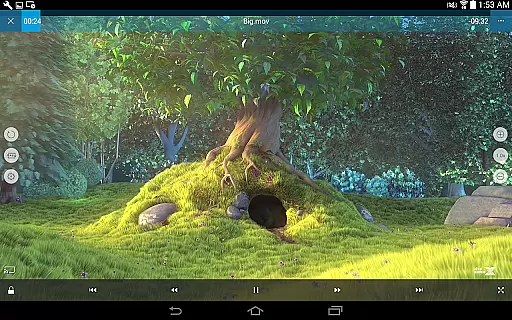
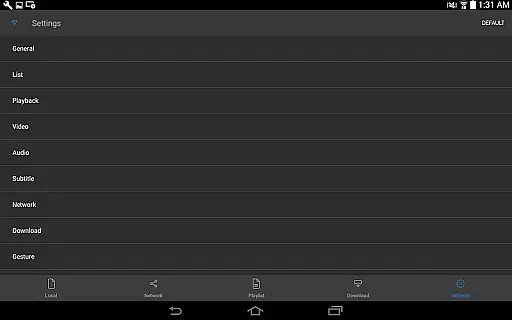
nPlayer is a versatile video player designed for seamless playback of various media formats without the need for prior conversion. Supporting an extensive range of video, audio, and subtitle files, it ensures you can enjoy your content on mobile devices with ease.
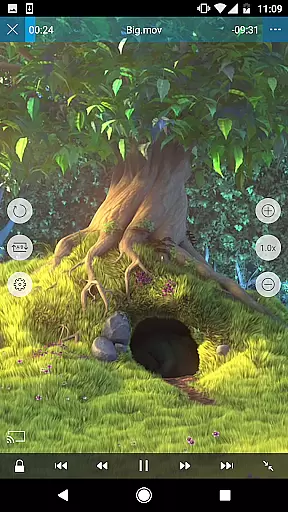
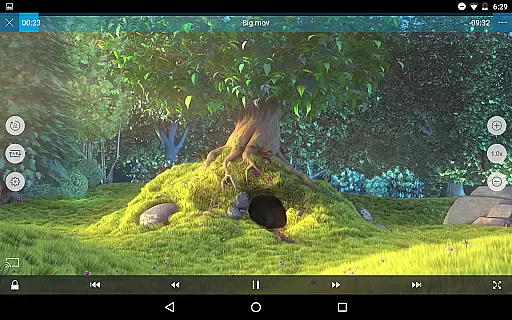
With intuitive touch controls, users can effortlessly adjust playback settings, manage subtitles, and control volume and brightness. The app also supports advanced features like DTS audio codec, multi-track audio, and external subtitles, making it ideal for both casual viewers and audiophiles.
Whether you're streaming from cloud services or managing local files, nPlayer provides a comprehensive solution for all your media playback needs, enhancing your viewing experience across multiple platforms.
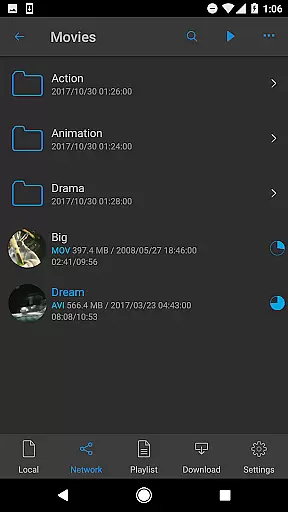
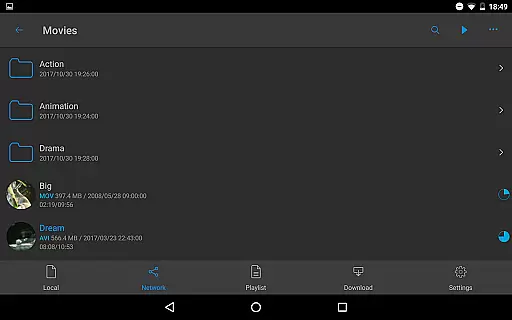
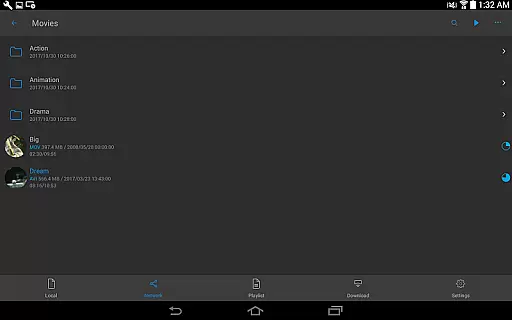
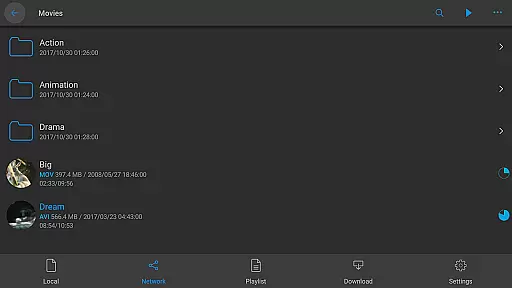
nPlayer stands out with its robust feature set tailored for diverse media consumption. It supports device file playback and management, allowing users to organize and play their media effortlessly. Additionally, the app facilitates downloads for offline access and offers pop-up play functionality for multitasking.
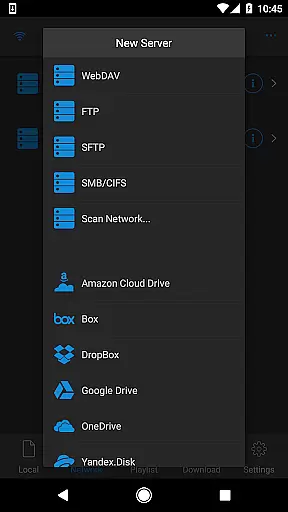
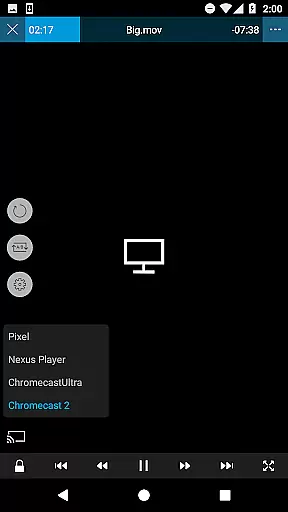
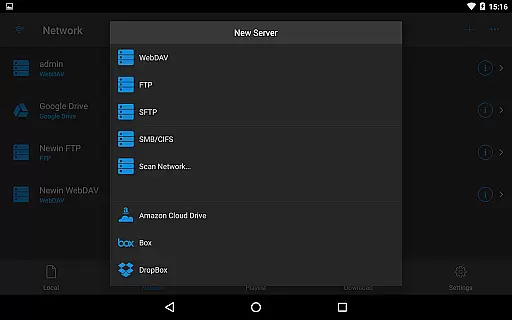
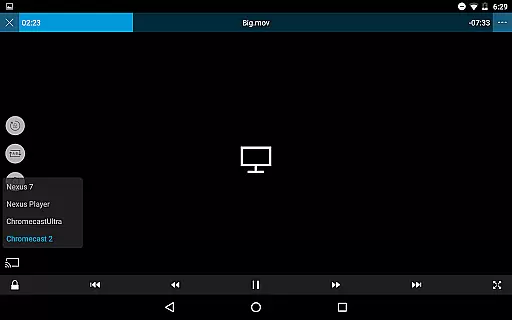
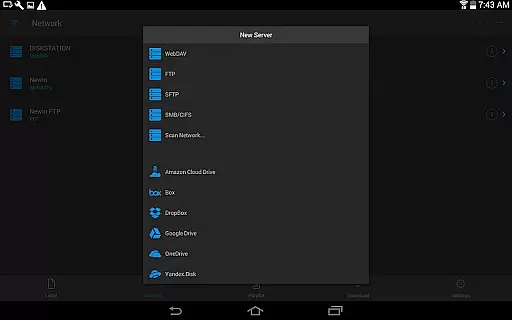
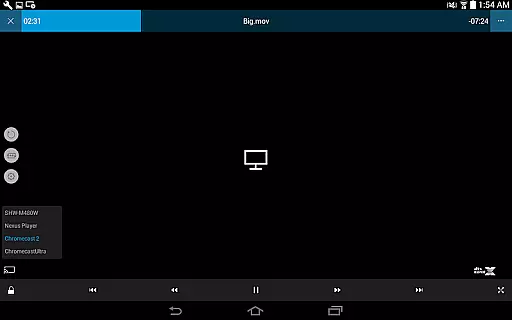
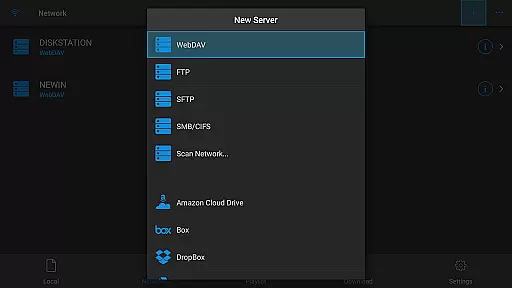
The player excels in connectivity, supporting HDMI output, video casting to Smart TVs, and protocols like WebDAV, FTP, and SMB/CIFS. With compatibility for cloud services such as Google Drive and Dropbox, accessing remote content has never been easier.
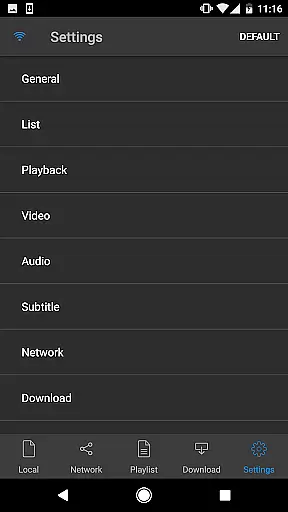
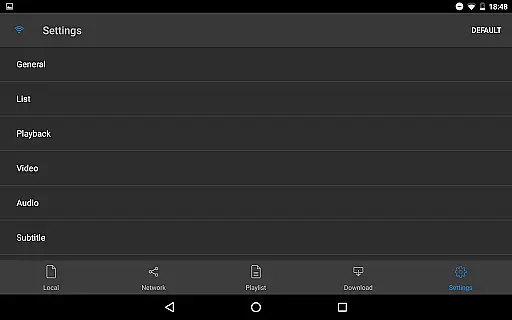
Subtitle customization is another highlight, offering support for embedded and external subtitles with adjustable fonts and styles. These features collectively ensure a personalized and uninterrupted media experience tailored to individual preferences.
One of the standout features of nPlayer is its extensive video format compatibility, eliminating the need for users to convert files to MP4 for mobile playback.
This Video Players & Editors app supports a wide array of video formats including MP4, MOV, MKV, AVI, WMV, ASF, FLV, OGV, RMVB, and TP. This ensures that regardless of the source or original format of your video files, you can enjoy seamless playback without any pre-processing efforts.
The benefit to users is significant time savings and convenience. Whether you're watching downloaded movies, home videos, or professional media files, nPlayer handles them all with ease.
This versatility makes the app suitable for various user groups, from casual viewers to professionals who work with different video formats regularly. The comprehensive format support truly sets nPlayer apart in the realm of mobile video players.
While nPlayer focuses primarily on video playback, it also offers some innovative AI-powered editing features that enhance the viewing experience.
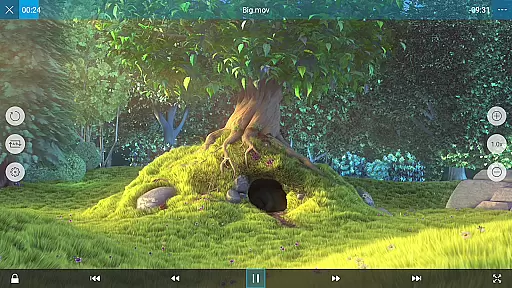
Through intuitive touch controls, users can adjust playback position, navigate between subtitles, modify subtitle location and font size, and control volume and brightness effortlessly. These smart editing capabilities are designed to give users complete control over their viewing preferences.
The practical advantage for users is the ability to customize playback according to personal preferences and environmental conditions. For instance, adjusting subtitles for better readability or changing brightness for comfortable nighttime viewing.
These intelligent features demonstrate how AI can be effectively integrated into media players, offering users both convenience and enhanced functionality without compromising on quality or performance.
User-friendly interface
Wide format compatibility
Advanced subtitle options
Cloud service integration
Multi-track audio support
Premium version required
Occasional bugs reported
High system requirements
Limited free features
No built-in media converter

Auto video maker with music & exclusive filters. Video editing made simple.
 4.50
4.50
Client application for NextPVR software
3.00
Create & edit videos with AI
4.30
Movie maker & video editing app with AI effects and green screen
4.30
IPTV Player - Watch live TV from m3m & m3u8 playlist, stream IPTV on mobile
3.30
Cast to Smart TV, Fire TV. Cast video, photo - Fast & Stable!
3.90
Viddo: Generate Action Figure, AI Anime, AI kiss, AI hug Video from image & text
4.40
VLC for Android is the best open source video and music player, fast and easy!
4.10
Create, Publish & Maximize
4.70
An easy-to-use and all-round screen recorder with audio
4.80
VLC Remote lets you control your VLC Media Player on Mac, PC or Linux.
4.60
Watch IPTV on your Android device
4.60
Video Downloader is an utility that can save videos and music from web sites
4.20
Browser for Samsung TV to stream webvideos, online movies and livestreams in HD
4.10
IPTV-Smarters Player Pro M3U - Watch Live Stream TV Channels with Chromecast
4.00
Save photos and videos from social apps in one tap.
3.60
Watch full episodes of your favorite Cartoon Network and Cartoonito shows!
3.50
This app is an emulator of some specific IPTV boxes
3.50
You can play SWF format file!
2.50


User Reviews