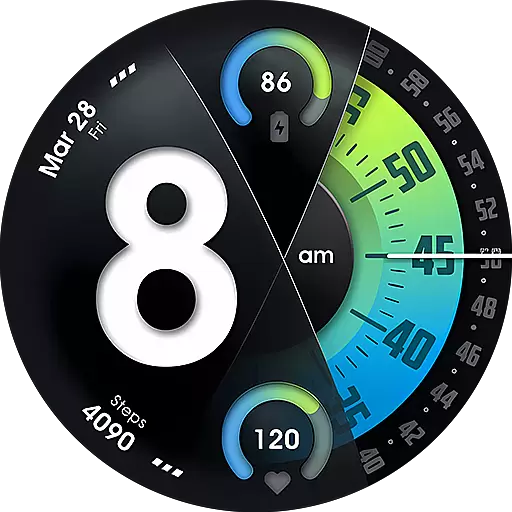
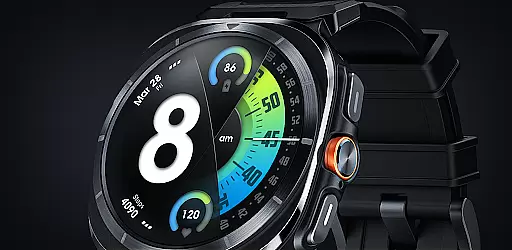
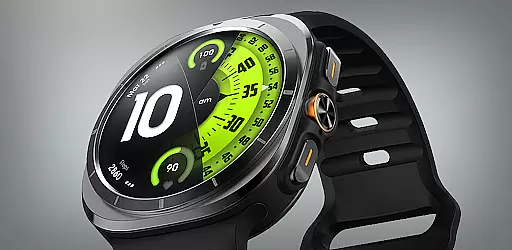
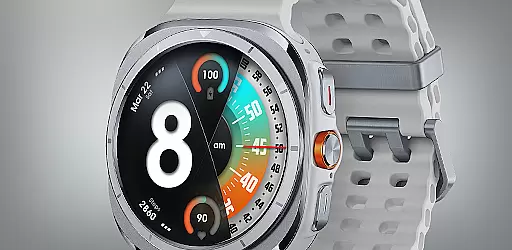
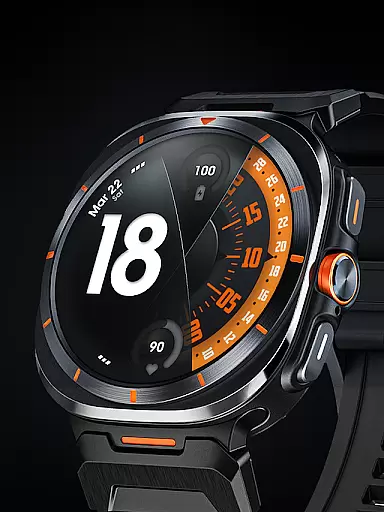
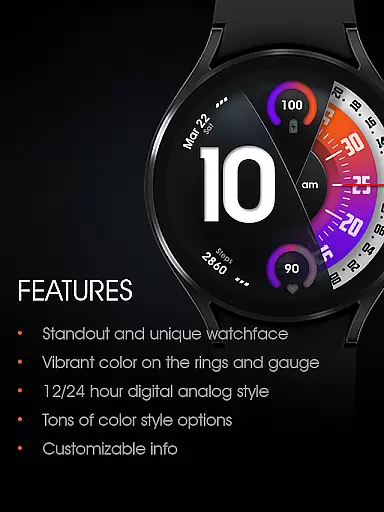
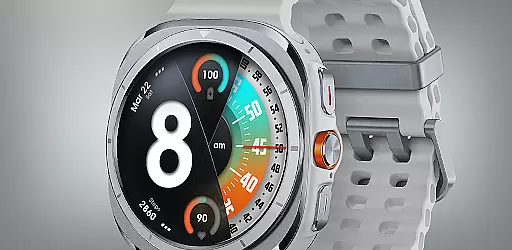
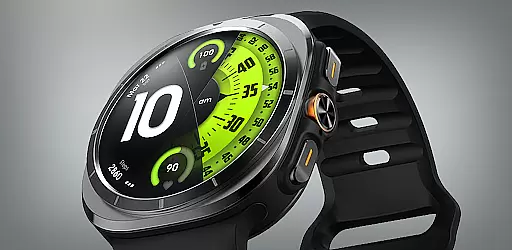
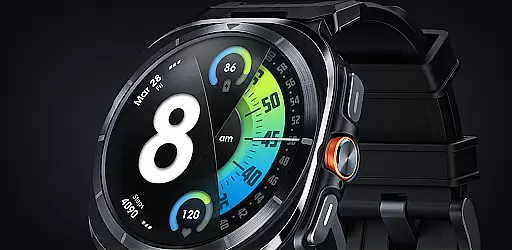
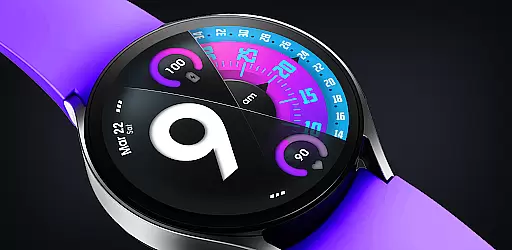
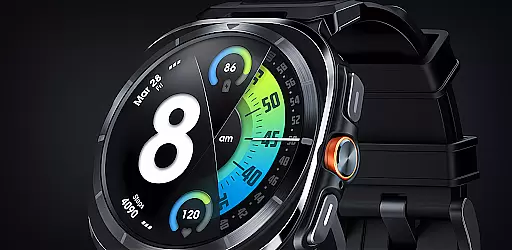
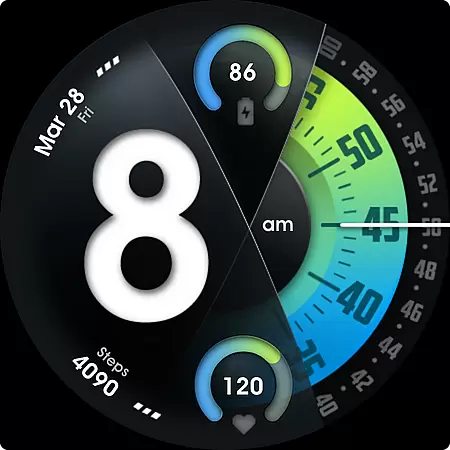
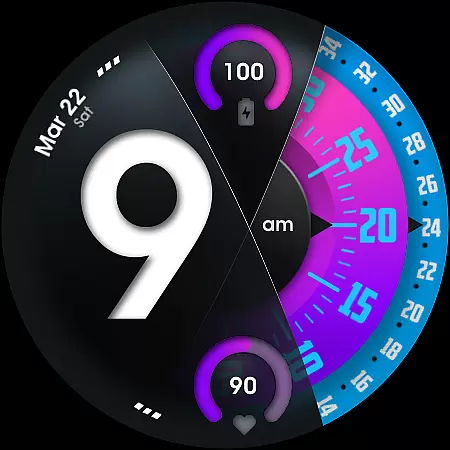
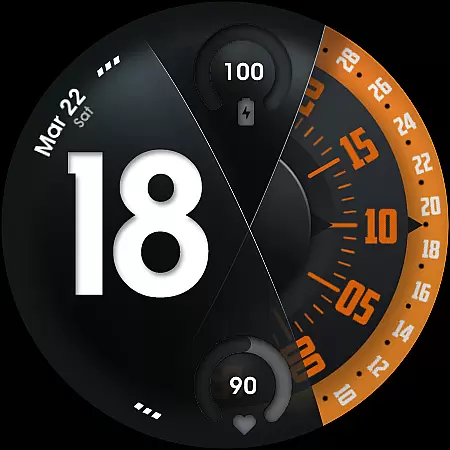
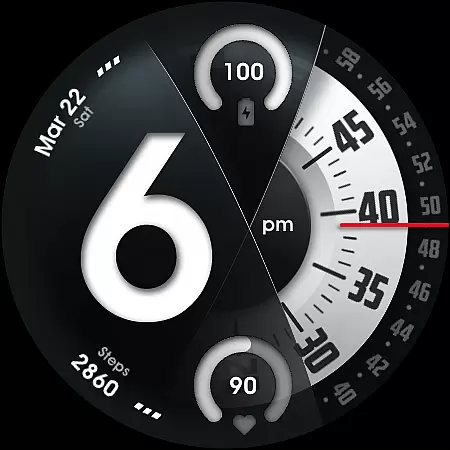
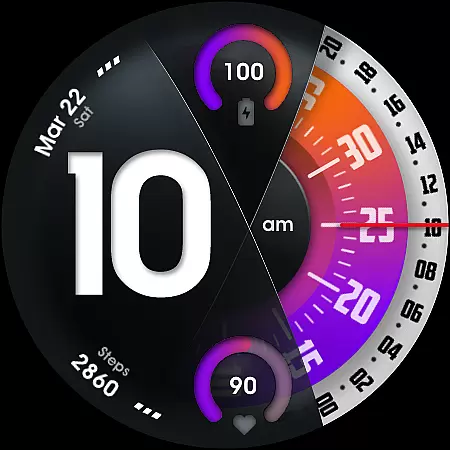
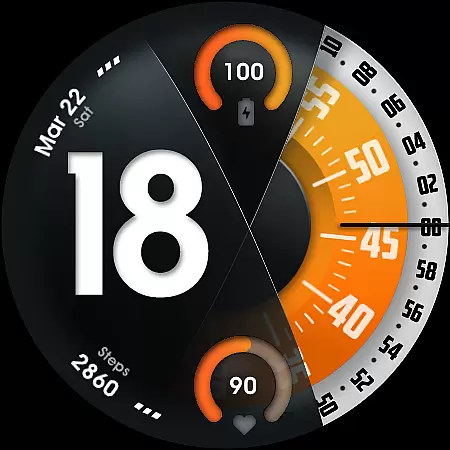
UsA Florencia Neo represents a modern take on watch face design, blending digital and analog elements. This Wear OS application offers users a unique timepiece experience with its 12/24 hour digital-analog display, setting it apart from traditional watch faces. Compatible with Wear OS 4 or newer, this app is ideal for Galaxy Watch 4/5/6/7/8 Series, Pixel Watch series, and other Wear OS devices.
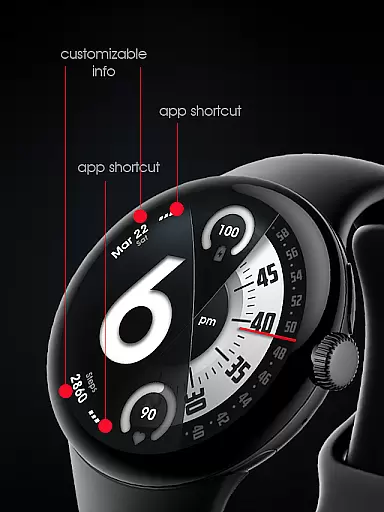
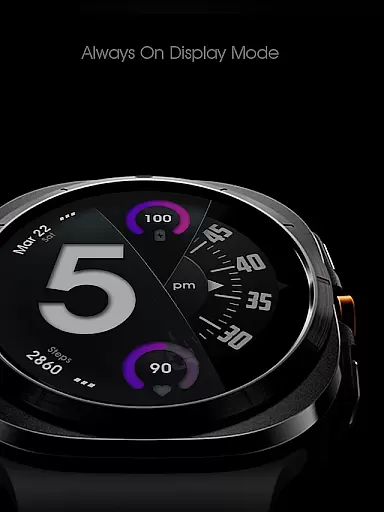
Beyond its aesthetic appeal, UsA Florencia Neo provides practical features such as battery and heart rate gauges, multiple color style combinations, and customizable seconds blade styles. The inclusion of two custom info complications and app shortcuts enhances user interaction. Its special Always On Display (AOD) mode ensures visibility even when idle, albeit with increased battery consumption. This makes the app not only stylish but also functional for health and fitness tracking.
UsA Florencia Neo stands out with its array of features tailored to enhance personalization and usability. The app supports both 12 and 24-hour digital-analog styles, catering to user preferences. It integrates seamlessly with body sensors to display current heart rate data, syncing with built-in settings for measurement intervals.
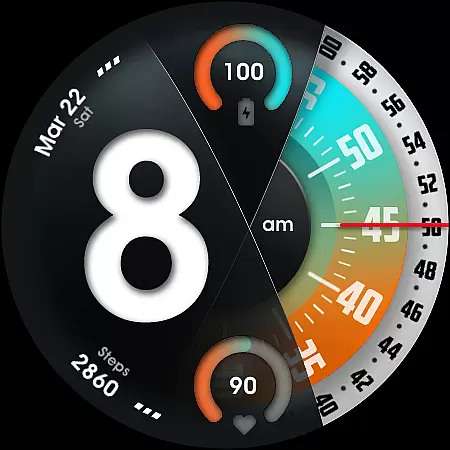
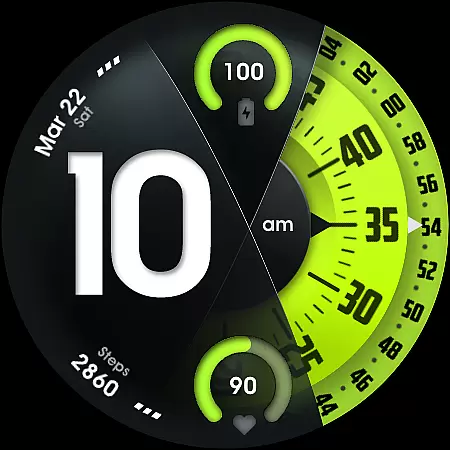
Customization is at the core of UsA Florencia Neo, allowing users to modify seconds blade styles, line index indicators, and enjoy various color combinations. Two custom info complications and app shortcuts provide quick access to essential functions. Additionally, the specially designed AOD ensures minimal power usage while maintaining visibility. These features collectively offer a sophisticated, user-centric watch face experience that adapts to individual lifestyles and needs.
Companion app integration is essential for a seamless wearable experience. UsA Florencia Neo ensures that your watch face settings are perfectly synced with your smartphone.
This application allows users to customize their watch face directly from their phone, providing a user-friendly interface to adjust various settings. The synchronization process is automatic and efficient, ensuring that any changes made on the phone reflect instantly on the watch.
Users benefit from this integration by having centralized control over their wearable device. Whether it's adjusting the 12/24 hour mode or managing custom shortcuts, the companion app makes it effortless.
The value of such integration lies in its convenience and time-saving features. With everything accessible from your phone, managing your smartwatch becomes an intuitive and streamlined process.
Ensuring compatibility with Wear OS and various devices is crucial for maximizing usability. UsA Florencia Neo is designed to work seamlessly with Wear OS API 33+ (Wear OS 4 or newer).
This watch face supports a wide range of devices including Galaxy Watch 4/5/6/7/8 Series, Pixel Watch series, and other watches running Wear OS 4 or newer. Such broad compatibility guarantees that most users can enjoy the unique design aesthetic without worrying about device restrictions.
By supporting the latest Wear OS versions, the application leverages advanced features like enhanced battery information, heart rate monitoring, and customizable styles. This ensures an optimal user experience across different devices.
The importance of this compatibility cannot be overstated. It not only expands the potential user base but also ensures that all users receive consistent performance and access to innovative features regardless of their specific device.
Unique digital-analog style
Heart rate monitoring
Customizable design
Always On Display mode
Wide device compatibility
Battery consumption in AOD
Limited to Wear OS 4+
No data saving feature
Requires specific permissions
Premium customization options

Christmas watch face. For Wear OS devices.
 4.30
4.30
Deck out your Wear OS Watch face with a beautifully decorated pine wreath!
4.50
Watch face designed for Thanksgiving Day. 7 Background Styles included.
3.20
Stylish digital watch face for Wear OS devices with customizable features
4.3
Locate your family members by GPS phone location tracker everywhere and anytime
4.30
Reliable phone calls with spam protection, caller ID and more helpful features
4.40
Viewer for Wyze/Yi/Eufy/Arlo/ONVIF/RTSP/P2P IP cams w/ adv. features & DIY DVR
4.00
Connect, create, and collaborate with Gmail, part of Google Workspace.
4.10
Fitbit is dedicated to helping people lead healthier, more active lives.
4.10
Real-time weather radar with temperatures, warnings, hurricanes, and widgets
4.80
Rose gold watch face with festive lights & customizable features.
4.60
To-Do List: daily schedule planner, task organizer, to do reminder app, calendar
4.60
Calming & relaxing sounds for sleeping and stress relief. Stay focused all day!
4.20
Watch face for Wear OS.
4.20
Let's celebrate Thanksgiving - Wear Os watch face
4.20
Your local weather forecast, storm tracker, radar maps & live weather news
3.40
Wear Os Watch Face - Animated Snow - Sesonal for Christmas & Winter
4.3
Christmas is near, let's count together the days left until Santa comes
4.0
A heartwarming Christmas scene featuring a cute image of Santa and Rudolf
4.0


User Reviews