
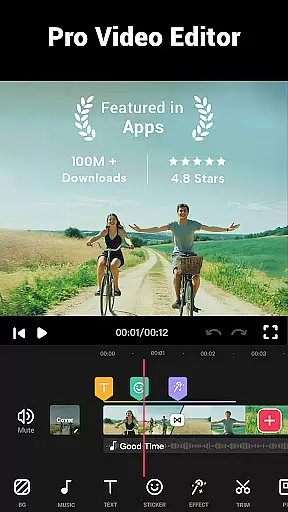
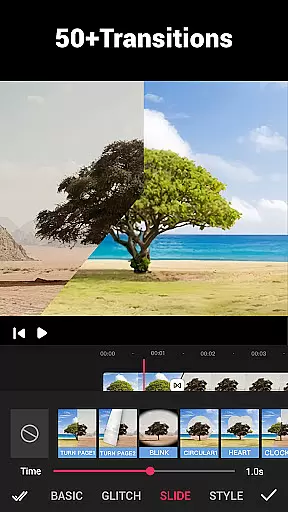
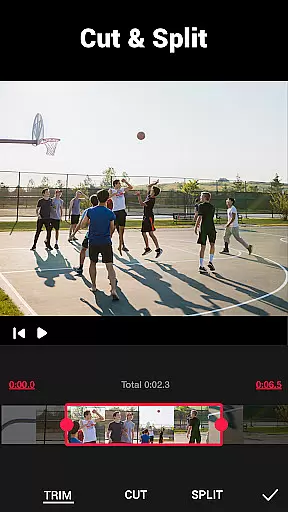
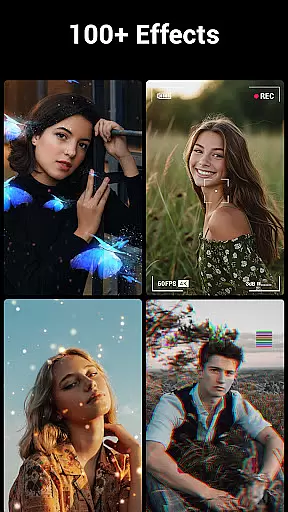
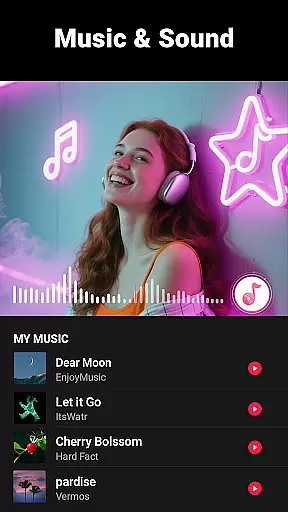
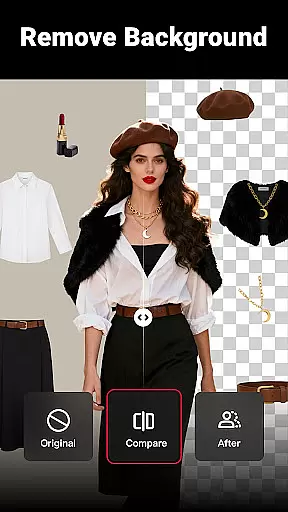
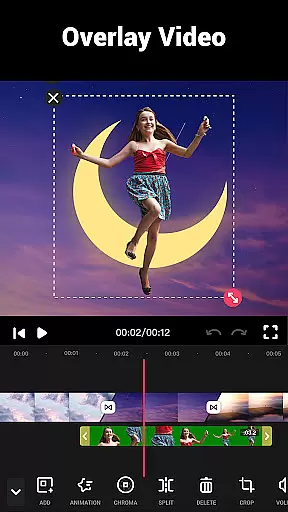
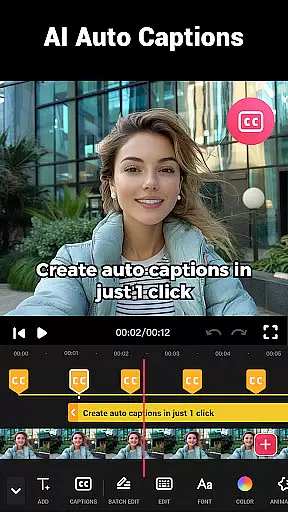
Video Maker is a versatile AI-powered video editing app that allows users to create professional-quality videos from photos and music. The app offers an extensive range of features including trimming, cutting, adjusting video speed, and applying transition effects. With support for multi-layer editing, users can add music, voice-overs, sound effects, and stylish filters to enhance their videos.
This all-in-one video editor stands out with its user-friendly interface and powerful free editing tools. It enables exporting videos in 4K resolution without watermarks, making it ideal for content creators who want to share their work on platforms like YouTube, Instagram, and TikTok. Whether you're a beginner or a pro, Video Maker provides the necessary tools to edit videos with ease and precision.
Video Maker distinguishes itself through its comprehensive feature set tailored for both amateur and professional video editors. The app includes advanced tools such as video trimming, splitting, and merging capabilities, alongside speed adjustments for creating fast or slow-motion effects. Its rich library of over 50 transition effects and various filters adds a cinematic touch to any project.
One notable aspect is its seamless integration with social media platforms, allowing users to directly share their edited videos. Additionally, the app supports extracting audio from videos and adding custom soundtracks from your device. With no banner ads or watermarks, Video Maker ensures an uninterrupted editing experience while maintaining high-quality output across all creations.
Video format compatibility is a crucial feature for any video editing application, ensuring that users can work with a wide range of video files without conversion hassles. Video Maker excels in this aspect by supporting various popular formats, allowing creators to import and export videos seamlessly.
The app's powerful processing engine ensures that regardless of the original format, videos maintain their quality throughout the editing process. This flexibility empowers users to focus on their creative vision rather than technical limitations, making video production more accessible to everyone.
Moreover, Video Maker enables exporting in high resolutions, including 4K, without imposing watermarks. This feature is particularly beneficial for content creators who wish to share their work on platforms like YouTube or Instagram without compromising on quality or dealing with unwanted branding.
AI-powered editing features represent the cutting edge of video editing technology, automating complex tasks and enhancing creativity. Video Maker incorporates advanced AI algorithms that simplify processes such as trimming, cutting, and applying effects, thus streamlining the workflow for both beginners and professionals.
One standout feature is the automatic audio extraction and rhythm-based marking, which allows users to synchronize video edits with music beats effortlessly. Additionally, the AI-driven filters and transition effects enable creators to produce visually stunning videos with minimal effort, elevating the overall aesthetic appeal.
By leveraging these intelligent tools, Video Maker not only accelerates the editing process but also democratizes video creation, enabling anyone to craft professional-quality videos. The app's commitment to innovation ensures that users have access to the latest advancements in video editing technology.
User-friendly interface
Extensive editing features
4K video export
No watermark
Free to use
Limited advanced options
Occasional bugs
Heavy on storage
Ads in free version
Learning curve

Connect 2 UVC devices for recording and broadcast video/audio stream
 3.90
3.90
Cast Videos from Web Browser, IPTV to Roku, Chromecast, DLNA, Smart TV +more
4.60
Video Downloader is an utility that can save videos and music from web sites
4.20
VLC Remote lets you control your VLC Media Player on Mac, PC or Linux.
4.60
Download videos easily & play them all in one smart, powerful video manager.
3.40
Movie maker & video editing app with AI effects and green screen
4.30
All in one multi protocols stream receiver for AirPlay, Cast and DLNA.
3.60
LumaFusion: The Ultimate Storytelling Experience for Video Editing
4.10
Livestream, news, & gaming content. Watch, chat, and upload. Join Rumble today!
3.80
#1 Torrent App on Android ** No Ads Ever + Battery Saver **
4.80
Video Trimmer, Video to MP3 Converter. Extract music from video, Easy & Fast.
4.80
Screen recorder with audio to take live videos & Screenshot in high quality!
4.70
?100% FREE! Download & save videos? safely in this app. All formats supported.
4.60
Search & download videos from net with all video downloader, auto-detect & safe.
4.60
Fast & easy HD video downloader for all formats, support 4K playback & download.
4.60
Fast & Private HD Video Downloader with Built-in Proxy Browser and Video Player.
4.50
Video player, file manager for all formats, 4K/HD media player supports subtitle
4.30
Fast private browser with secure, seamless access & supported video downloads!
4.00
Cast to Smart TV, Fire TV. Cast video, photo - Fast & Stable!
3.90


User Reviews