

Walking app for weight loss: walk & step tracker, pedometer, indoor treadmill
 4.60
4.60
Watch the sharpness of the sky on your wrist..
3.70
Rose gold watch face with festive lights & customizable features.
4.60
A watch face that fuses motorsport precision with contemporary smartwatch design
4.1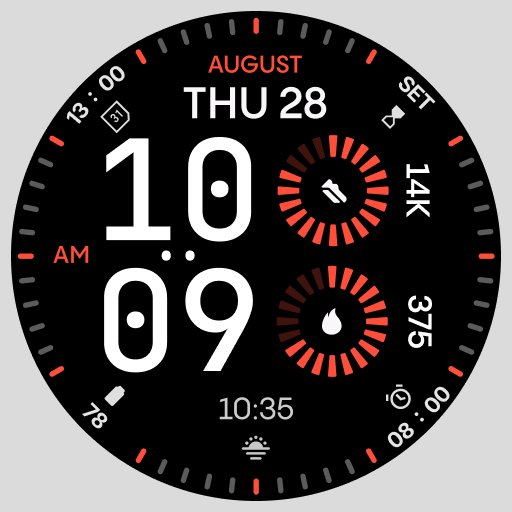
Stunning modern digital watch face with 7 complications and strong contrast
4.4
Artistic Digital Watchface
4.0
Watch face for Wear OS.
4.20
Hyperlocal rain alerts by MyRadar using patent-pending technology, radar & more
4.80
Real-time results, stats, schedules and player profiles for all leagues
4.60
Be an elegant and classy secret agent, with this carefully detailed watch face
4.70
MyNISSAN® lets you remotely control your car from your phone.*
4.50
Connect to your Bluelink equipped Hyundai vehicle from your smartphone.
4.50
Digital watch face. For Wear OS devices.
4.40
A white realistic classic analog watch face with many customization options.
4.40
Animated video-game inspired “secret agent” simulation, right on your wrist!
4.20
"PER27 Galaxy Digital" is a digital Wear OS watch face designed by PERSONA
4.10
Hyper-Realistic Airplane Dashboard Watch Face With 10 Skins and Custom AOD
4.00
A digital watch face that celebrates Christmas.
4.00
Precision analog watch face with 7 complications and style options
4.1


