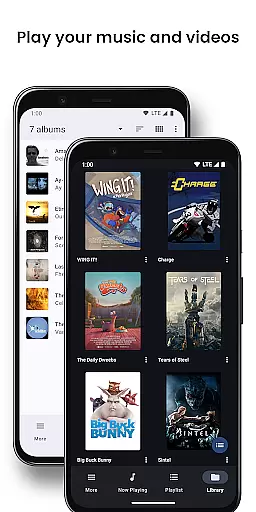
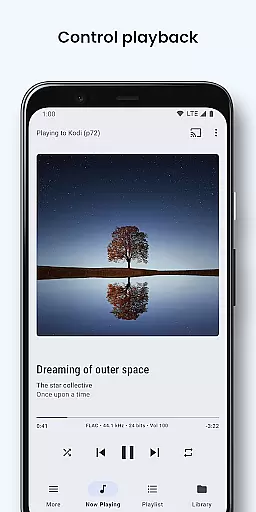
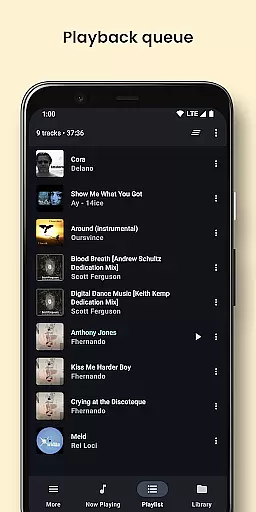
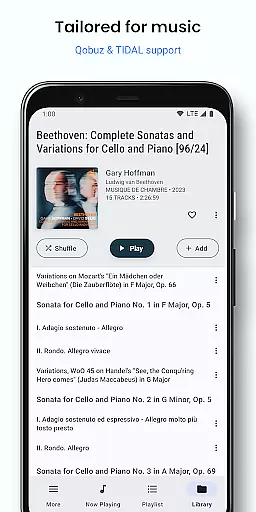
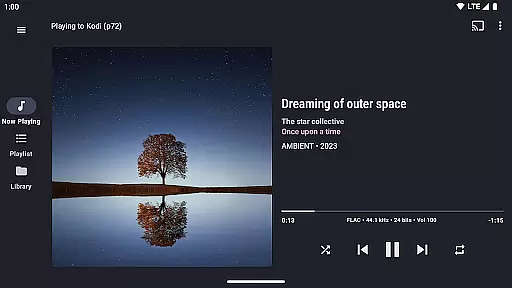
BubbleUPnP UPnP/DLNA License is a premium upgrade for the BubbleUPnP app, removing ads and limitations of the free version. This license app allows users to enjoy uninterrupted streaming of music, videos, and photos to multiple devices within their home network. Once installed, the license is automatically recognized by the main BubbleUPnP app, enhancing its capabilities without requiring direct user interaction through this license app.
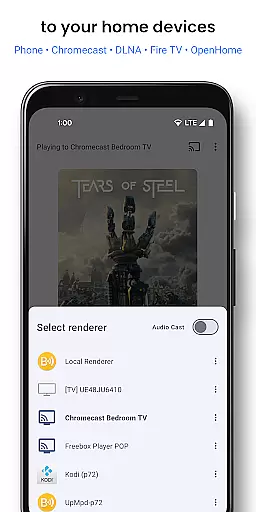
The app supports a wide range of devices including Chromecast, DLNA TVs, Smart TVs, HiFi music receivers, gaming consoles like Xbox and PlayStation, as well as Amazon Fire TV. It provides extensive access to media from local storage, cloud services such as Google Drive and Dropbox, and popular music platforms like TIDAL and Qobuz. With advanced features like smart transcoding, subtitles support, and playback control, BubbleUPnP becomes a versatile tool for all your media streaming needs.
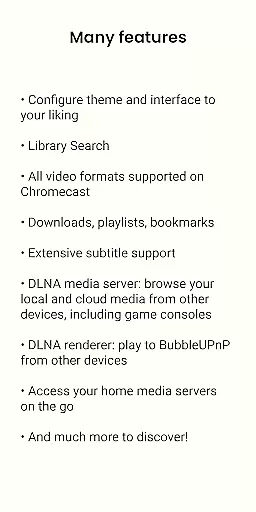
BubbleUPnP UPnP/DLNA License enhances the free version with several advanced features. One notable feature is the extensive Chromecast support, enabling smart transcoding for incompatible media formats, custom subtitle appearance, and audio/video track selection. This ensures that users can stream high-quality content without worrying about format compatibility issues.
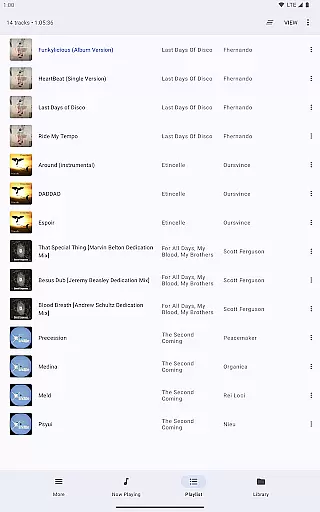
Another significant advantage is secure Internet access to home media while on the go. Users can remotely access their media library from mobile or WiFi networks, making it convenient to enjoy personal content anywhere. Additional functionalities include editable playlists, scrobbling, sleep timer options, various shuffle modes, and DLNA media server capabilities. These features collectively provide an enriched multimedia experience tailored to individual preferences and requirements.
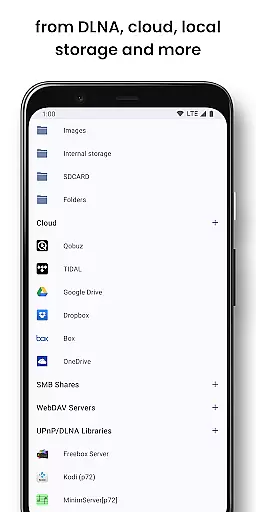
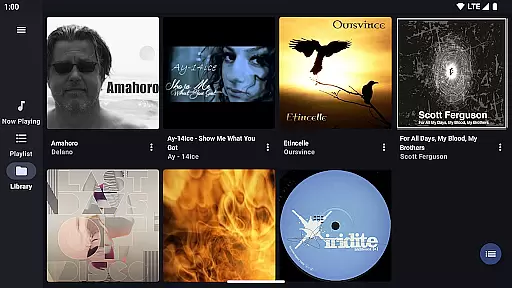
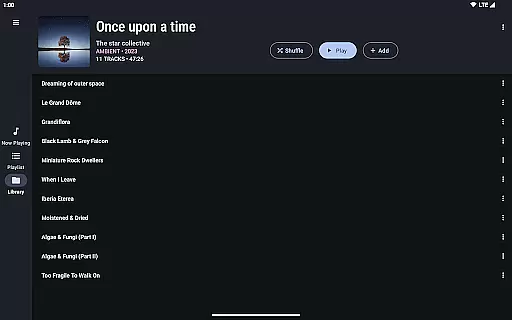
BubbleUPnP offers an extensive music library that includes local media stored on your Android device, popular cloud storage providers like Google Drive and Dropbox, and music services such as TIDAL and Qobuz. This vast array of sources ensures users have access to a diverse range of audio content.
The app guarantees copyright authenticity by allowing users to stream their legally owned media or access content through legitimate services. By supporting direct streaming from cloud storage and music platforms, BubbleUPnP ensures that all played content is properly licensed and sourced.
Users benefit from this comprehensive integration as they can enjoy their favorite tracks without worrying about legal issues or unauthorized content. The ability to connect with various media servers on the local network further expands the available music library while maintaining proper copyright compliance.
BubbleUPnP provides advanced audio quality options, including smart transcoding for incompatible Chromecast media. This feature allows users to play high-quality audio streams even if the receiving device does not natively support the file format, ensuring optimal sound reproduction.
The app supports customizable subtitles and audio/video track selection, giving users control over their listening experience. These options enable listeners to tailor the playback according to their preferences, whether they prioritize audio fidelity or specific language tracks.
With BubbleUPnP, audiophiles can enjoy enhanced sound quality across multiple devices in their home, from Chromecast Audio to DLNA-enabled receivers. The app's support for various audio formats and bitrates ensures that users experience their music exactly as intended by the artists and producers.
Ad-free experience
Enhanced media streaming
Wide device compatibility
Remote media access
Advanced Chromecast support
No standalone functionality
Requires BubbleUPnP app
Premium cost
Limited offline info
Dependent on network

Fun & Easy Voice Changer – Record, Edit & Add Hilarious Effects!
 4.50
4.50
DJ Music Mixer Pro is a real DJ controllers and DJ Music Studio to remix DJ.
4.40
Remove ads permanently from Music Visualizer
4.3
DJ Music Mixer - DJ Remix: remix songs, make beat music & record mix of DJ.
4.40
Listen to live FM radio stations, sports, music and news on global radios online
4.70
Enhance the sound quality of your devices, listen to what you want
4.50
The ultimate media player for Android devices
3.90
Super Sound Editor, Song Maker & Mixer, Vocal Remover, Voice Recorder & Changer!
4.60
The official Sonos app
4.10
Over 100 million tracks available for high quality streaming and download
4.60
10-Band Audio Equalizer, Sound / Bass Booster for Spotify Users & Music Players
4.40
Ringtone Maker is free app create ringtone from music files or your recording.
4.40
Equalizer, Bass Booster and Volume Booster (Eq & Bass) improve sound quality
4.30
A High-Precision Audio Spectrum Analysis App
4.20
Network/Cloud Streaming, Visualization, Graphic Equalizer and Sound Effects.
4.20
A sleek, no-frills player designed for true music lovers.
4.20
The original SP-1200 experience on your iPad
4.20
Turn your Android phone into a professional audio analyser with up to 120 bands.
4.00
Learn to play the piano using falling notes!
3.80


User Reviews