
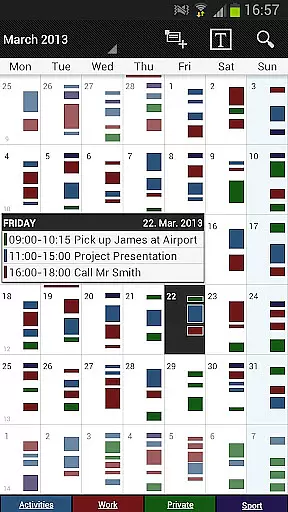
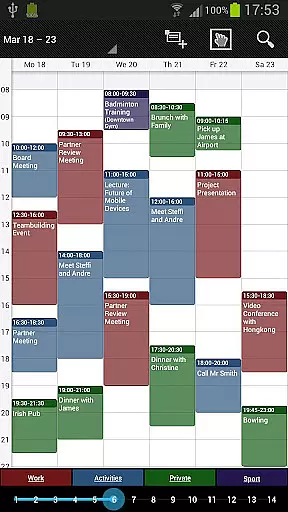
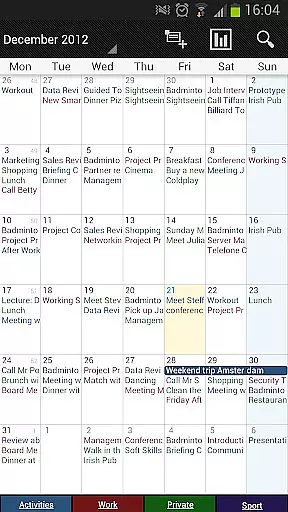
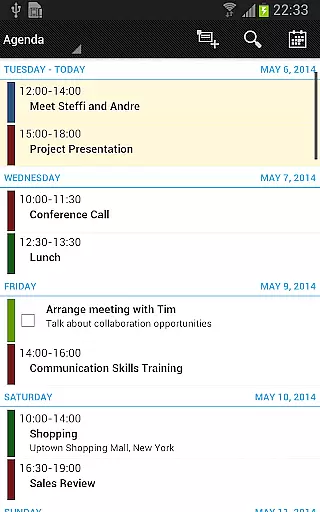
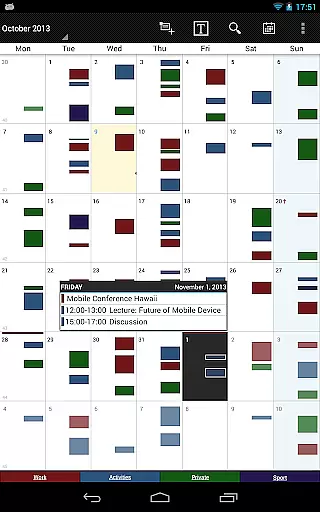
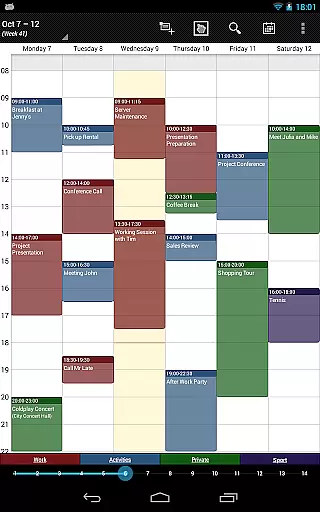
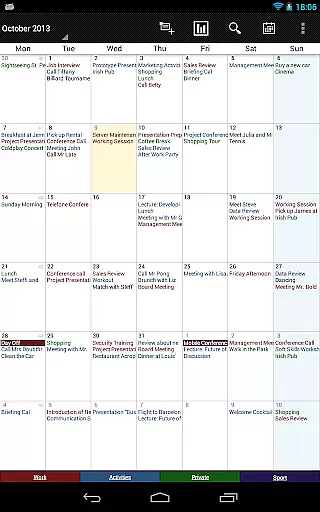
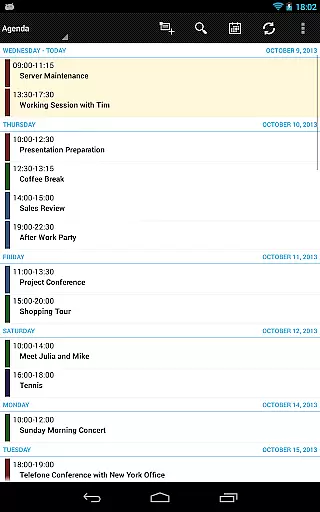
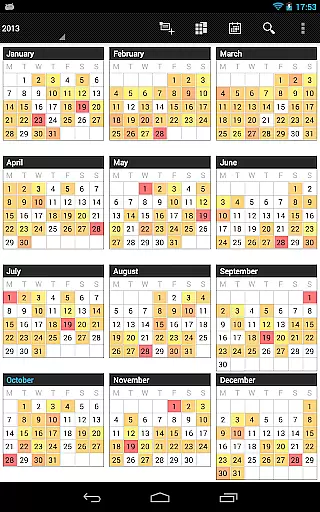
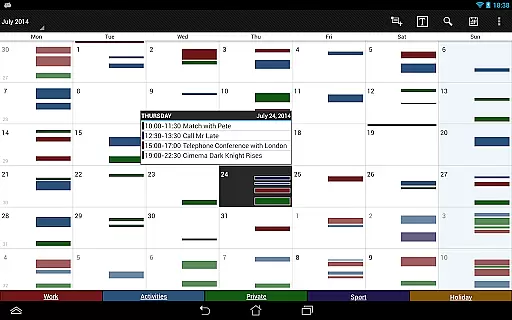
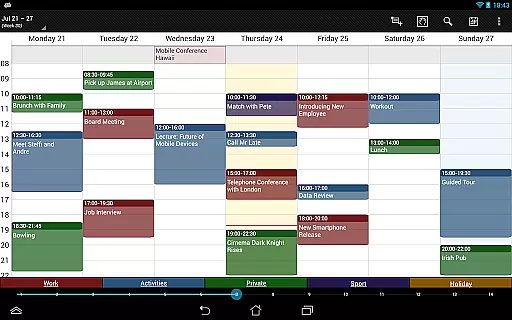
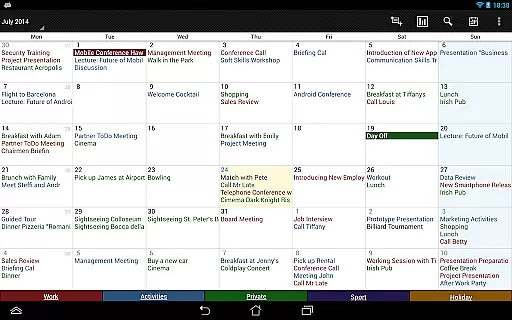

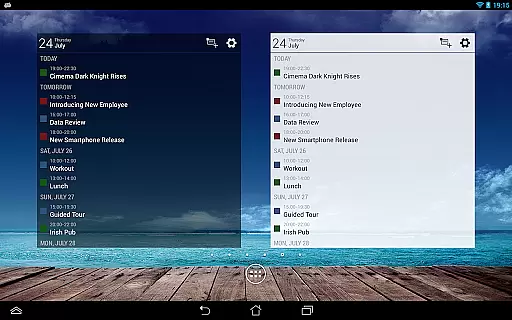
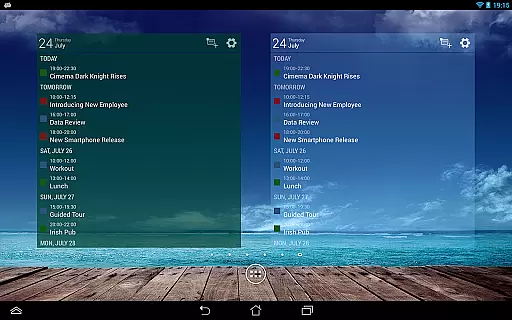
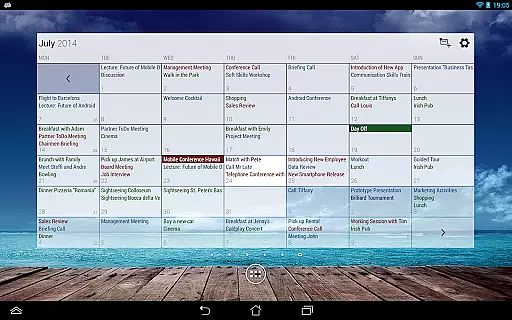
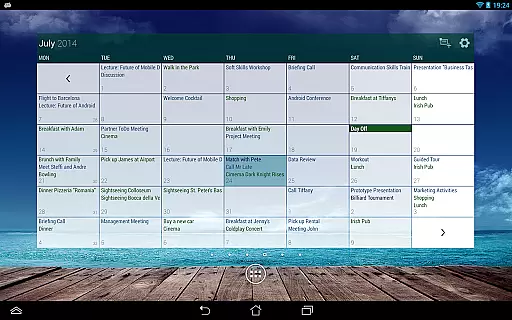
Business Calendar Pro is a comprehensive productivity tool designed for professionals who need an efficient way to manage their schedules. The app offers an intuitive interface with quick day views, smooth scrolling, and zoomable multi-day views, making it easy to navigate through your appointments. Its standout feature is the ability to customize every aspect of the calendar, from individual reminders with specific sounds and vibrations to adjustable font sizes for both the app and widgets.
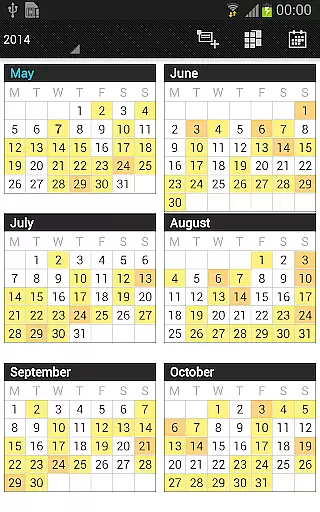
In addition to its core scheduling capabilities, Business Calendar Pro provides advanced functionalities such as color-coded year views, professional widgets, and options for handling recurrent events. Users can sync their events with various platforms like Google Calendar and Microsoft Outlook, ensuring seamless integration into existing workflows. Whether you're managing personal tasks or coordinating team schedules, this app delivers the tools needed to stay organized and productive.
Business Calendar Pro stands out with its extensive customization options and powerful event management features. The app allows users to adapt all views and widgets to their preferences, including setting up individual reminders with specific vibration patterns, sounds, and repetition intervals. With adjustable font sizes and color settings, users can tailor the appearance to match their workflow needs perfectly.
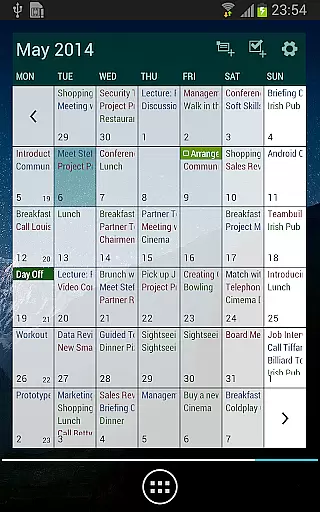
The app includes multiple viewing modes such as month, week, day, agenda, and event views, along with a unique scroll-and-zoom multi-day view that spans 1-14 days. It also supports advanced functionalities like drag-and-drop for moving or copying events, context-sensitive help systems, and integrated task management tools that sync with services like Google Tasks and Toodledo. These features make Business Calendar Pro not just a calendar app but a complete productivity suite tailored for power users.
Task management is a cornerstone of productivity applications, and Business Calendar Pro excels in this area. The app provides users with powerful tools to create, manipulate, and organize their events efficiently.
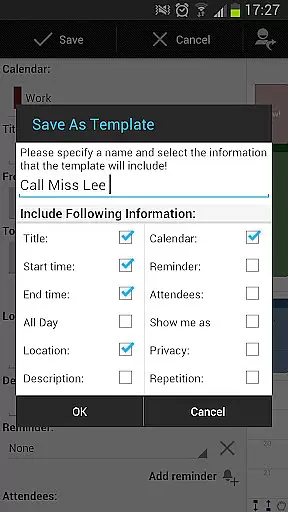
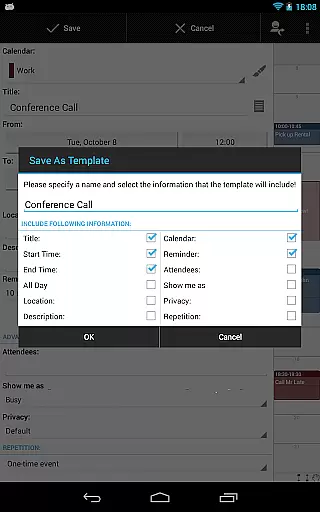
With features like customizable templates for new events, multi-selection options to delete, move, or copy multiple events at once, and drag & drop functionality within the multi-day view, users can manage their schedules with precision and ease.
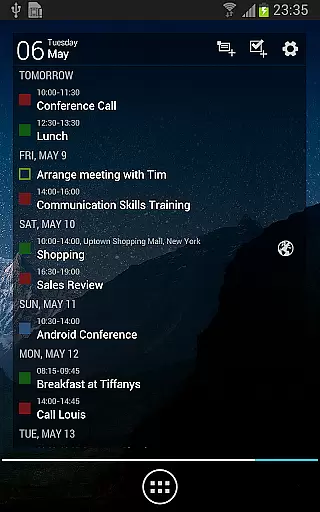
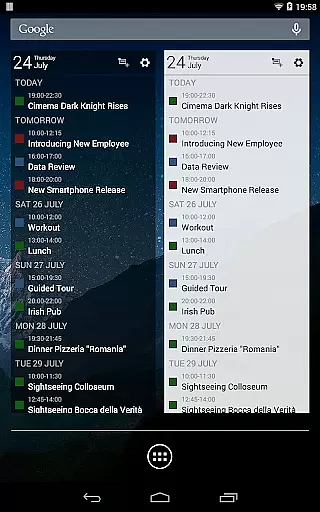
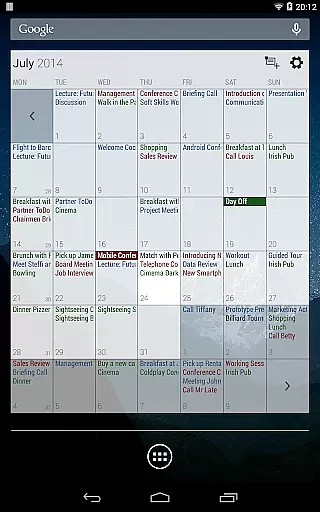
The inclusion of advanced widgets allows users to set colors, font sizes, and individual calendars, ensuring that each user's experience is tailored to their specific needs. This level of customization empowers users to prioritize tasks effectively and maintain an organized workflow.
Cross-device synchronization is vital for maintaining consistency across all your devices, and Business Calendar Pro ensures reliable performance in this aspect. By syncing events with Google Calendar, Microsoft Outlook, Exchange, and other services using Android calendar synchronization, it guarantees up-to-date information wherever you are.
Users benefit from comprehensive reminder functionality through notifications that keep them informed about upcoming events regardless of the device they use. This seamless integration enhances accessibility and convenience by providing real-time updates on any changes made to their schedules.
Moreover, the ability to quickly import or export all calendars in .ics format adds another layer of flexibility for those who need to transfer data between different platforms or backup their calendar information securely.
User-friendly interface
Highly customizable
Advanced widget options
Comprehensive reminder system
Seamless synchronization
Complex for beginners
Higher cost than alternatives
Limited free version
Occasional sync issues
Resource-intensive

Android Wallet Password Manager
 4.80
4.80
Send files, sync SMS, notifications & clipboard across devices via local network
4.40
The upgraded version of Name Wheel with AI and the power to add your own wheels.
4.3
Remotely view listen control and record cameras.
3.70
Font maker keyboard with your own handwriting
4.10
Simple and reliable communication between inmates, friends and family
3.20
All document reader, all in one file viewer read PDF, DOCX, XLS, PPT, TXT files.
4.60
Translate text/voice/photos in 150+ languages. Offline & fast translator app.
4.50
A comprehensive suite of tools designed specifically for Lactation Consultants
4.0
Understand anything with a personalized AI research assistant
4.80
QuickBooks Workforce lets teams view pay info and track time in one place.
4.70
PDF scanner & converter for files, photos, lottery, QR codes. One swipe away!
4.50
A lightweight JSON & XML files creator, editor and viewer (Premium Version)
4.40
All in One PDF Reader: Manage, Read and Edit your Documents
4.20
Secure, open-source, SPICE and SSH Remote Desktop for QEMU KVM virtual machines
4.00
* block pre-roll ads, pop-up and forced redirect ads * Samsung certification app
4.00
Mega cloud explorer plugin for Solid Explorer
3.80
Auto-shutoff Alarm with Sunrise, Sunset & Fixed Options.
3.50
Experience and share your SolidWorks designs on your Android® phone and tablet.
2.50


User Reviews