
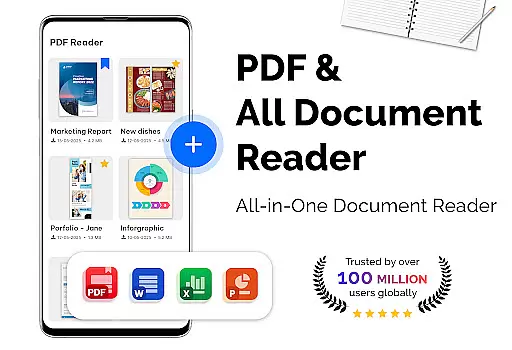
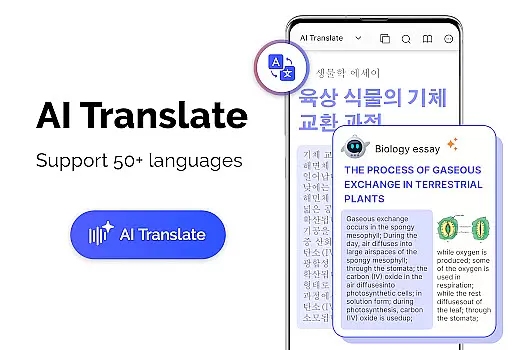
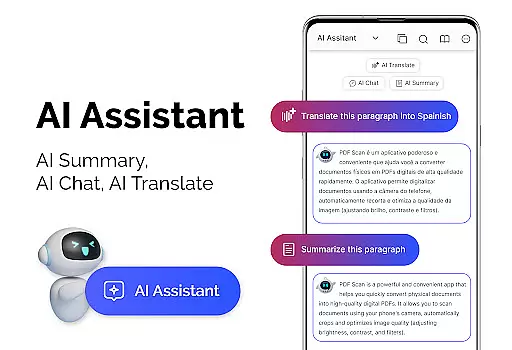
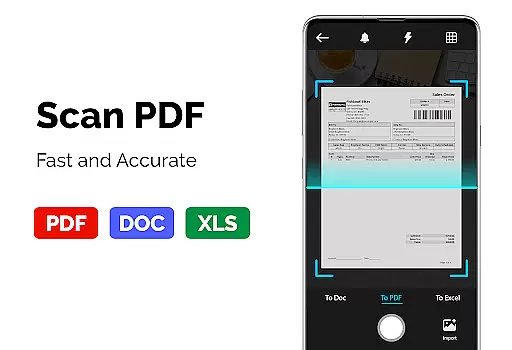
PDF Reader - PDF Viewer is a versatile productivity app designed for seamless document management. This application allows users to read and manage all types of PDF files stored locally on their devices, including those with password protection. With advanced technology, it ensures quick loading even for large PDFs, making it an ideal choice for professionals and students alike.
The app offers multiple display modes such as single page, two-page, book mode, or full-screen reading, providing a personalized reading experience. Users can easily navigate through documents using features like bookmarks and quick page moving. Additionally, the customizable theme options enhance user comfort by allowing a choice between dark and light themes. Whether you need to review extensive reports or study materials, this app provides a smooth and efficient reading experience.
PDF Reader - PDF Viewer stands out with its comprehensive feature set tailored for productive document handling. The app's quick display technology ensures that even large PDF files load swiftly, saving valuable time. It supports various display modes including single page, two-page, book mode, and full-screen reading, catering to different user preferences.
One of the key highlights is its ability to handle password-protected PDFs effortlessly. The app also includes practical navigation tools such as bookmarks and quick page moving, enabling intuitive movement through lengthy documents. Furthermore, users can convert images to PDFs and vice versa, create PDFs from multiple image formats, and customize their viewing experience with theme color options. These robust features make PDF management both efficient and user-friendly.
In the realm of productivity, managing tasks efficiently is paramount. PDF Reader u2013 PDF Viewer excels in organizing and handling PDF documents, which are often critical in task management. The app's ability to swiftly load large files ensures that users can manage their document-based tasks without delay.
The application provides various features aiding in core task management. With options like bookmarks and multiple display modes, users can easily navigate through complex documents. This functionality is crucial for professionals who need quick access to specific sections of reports or research papers, enhancing their workflow and efficiency.
Moreover, the app supports password-protected files, adding a layer of security to task management. Users can be confident that sensitive information remains protected while they organize and review their documents. This feature is particularly beneficial for businesses that handle confidential data regularly.
For any productivity tool, cross-device synchronization is key to maintaining workflow across different environments. PDF Reader u2013 PDF Viewer ensures that your PDF documents are accessible and consistent across all devices. Whether you're switching from a phone to a tablet, the transition is seamless, preserving all annotations and bookmarks.
The reliability of this synchronization is evident in its quick display technology. Even with large files, the app maintains speed and performance, ensuring that users have up-to-date information at their fingertips. This consistency is vital for professionals who depend on timely access to accurate data, regardless of the device they are using.
Additionally, the app's support for various file formats, including conversion features from PDF to images and vice versa, enhances its synchronization capabilities. Users can create and convert documents on one device and access them on another without compatibility issues, streamlining their document management process.
User-friendly interface
Fast PDF loading
Multiple display modes
Supports password-protected files
Customizable themes
Limited cloud integration
No collaboration features
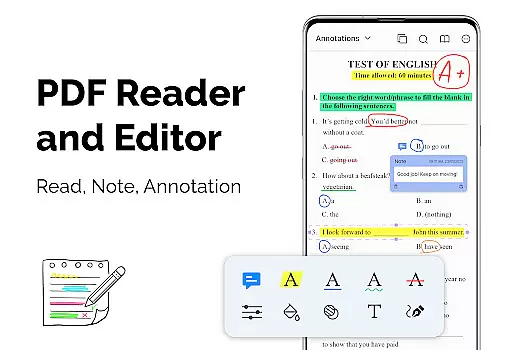
Basic annotation tools
Occasional ads in free version
Advanced features require subscription

Secure, fast, open-source, VNC and SSH Remote Desktop for Windows, Linux and Mac
 4.70
4.70
Wake up & get tasks done! Add alarms & reminders on the Clock Launcher.
4.00
A simple, portable logger for POTA, SOTA, Field Day, and more
4.5
Absolutely the best CNC machinist speed and feed calculator around. fswizard.com
4.60
Experience and share your SolidWorks designs on your Android® phone and tablet.
2.50
Intelligent AI Assistant
4.10
Okta MFA
4.70
AT&T Internet customers can use this app to personalize their Wi-Fi network.
4.40
Set up, print, and get support—in one place
4.20
Android Wallet Password Manager
4.80
Client for Nextcloud Deck
4.60
Lightweight PDF, Word, Excel reader.
4.60
Planet Free VPN - The best Fast Unlimited and Secure VPN Without Logs
4.50
Subscribe to Webcal & .ics calendars and keep them up-to-date!
4.50
Automates browsing any website and notifies you of important changes or events
4.30
Enjoy classic gameplay with customizable features and retro-style graphics.
4.30
A customizable calendar for your Wear OS watch
4.20
Mega cloud explorer plugin for Solid Explorer
3.80
Create study competitions, track your hours, and stay consistent with friends
4.5


User Reviews