
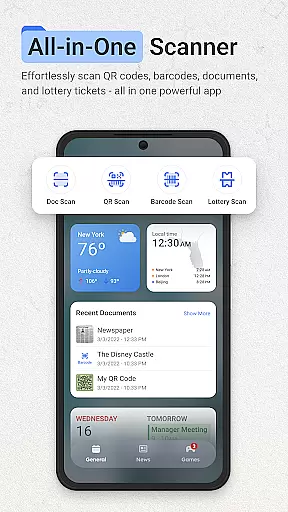
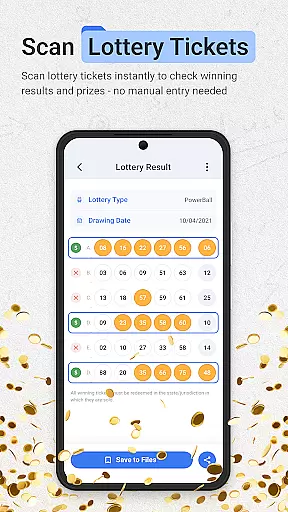
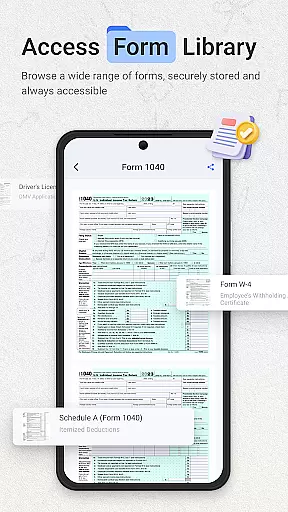
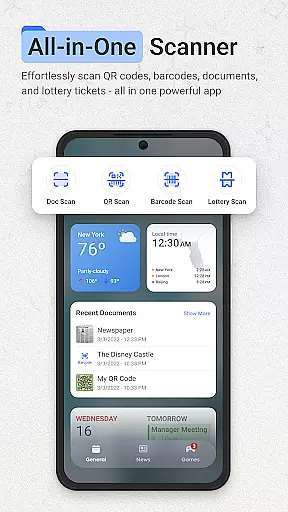
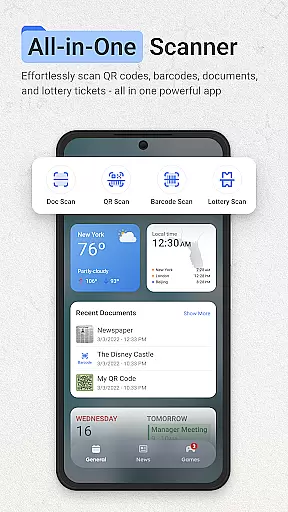
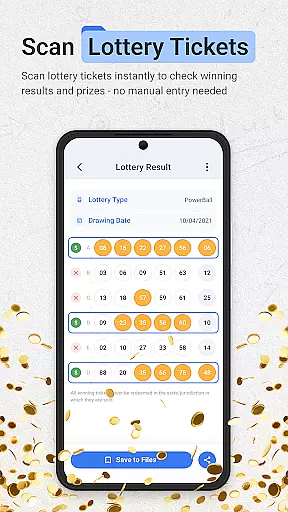
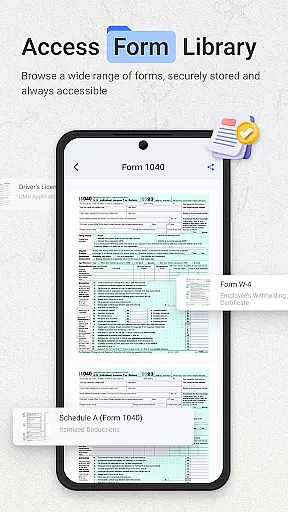
ScanNow Home revolutionizes productivity by integrating advanced scanning tools directly into your home screen experience. This innovative launcher combines essential document, barcode, and lottery ticket scanning with a clean, customizable interface. Users can instantly access powerful scanning features while enjoying the benefits of a modern Android launcher.
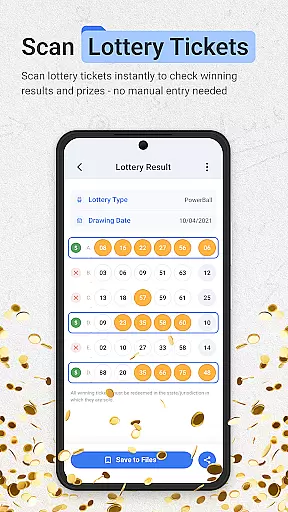
The application's standout feature is its seamless integration of multiple scanning tools. The document scanner offers auto-edge detection, perspective correction, and multi-page support, while the barcode scanner provides instant price comparisons and scan history. Additionally, the lottery validator helps users track their playing history and receive winning notifications. These features make ScanNow Home an indispensable tool for both personal and professional use.
Ideal for busy professionals and organized individuals alike, ScanNow Home streamlines daily tasks by keeping essential tools within easy reach. Whether you're digitizing important documents or checking lottery results, this app ensures you can work more efficiently without cluttering your device with multiple single-purpose applications.
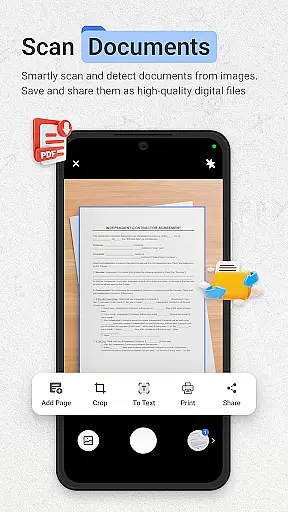
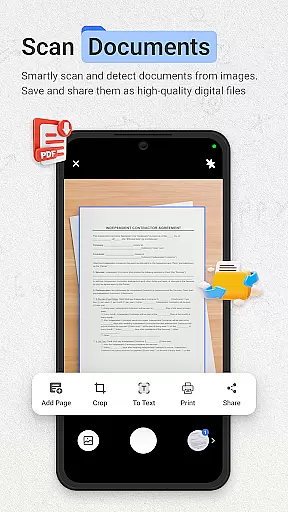
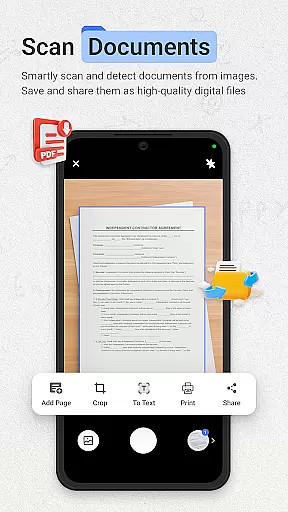
ScanNow Home distinguishes itself through its comprehensive feature set that combines productivity tools with launcher functionality. The application's document scanner supports advanced image enhancement, batch processing, and multiple export formats including PDF, JPG, and searchable text. Its intelligent auto-detection capabilities ensure consistently clear scans even in challenging lighting conditions.
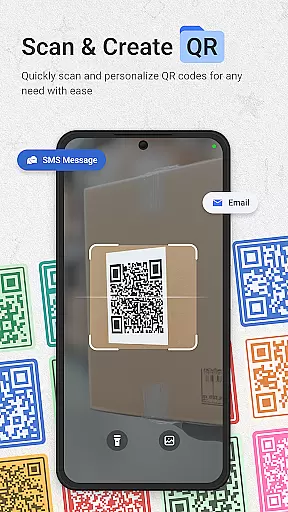
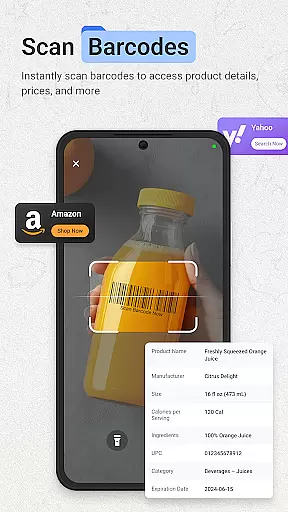
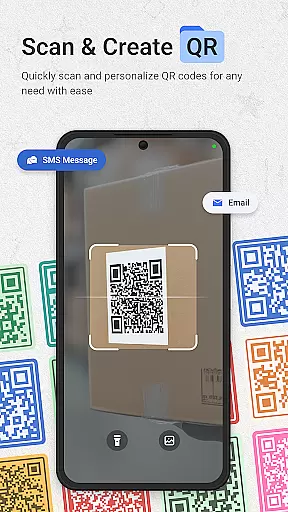
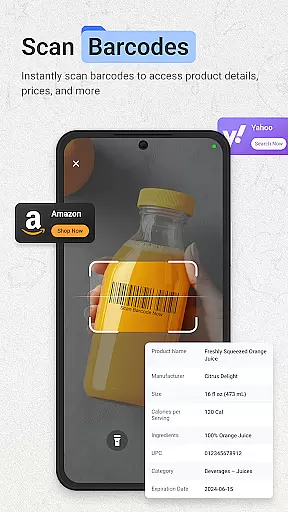
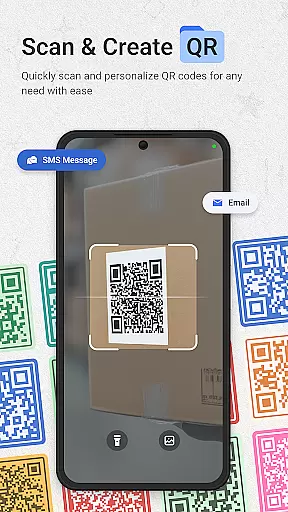
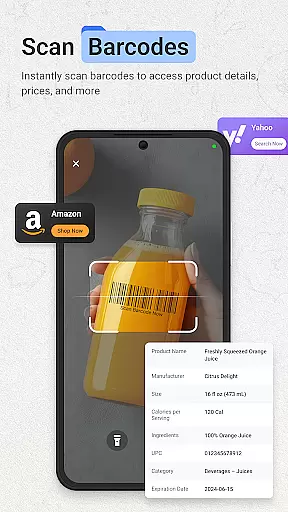
The integrated barcode and QR code scanner demonstrates exceptional speed and accuracy across all major formats. Beyond basic scanning, it offers practical features like price comparison for products and instant URL browsing for QR codes. The scan history function maintains detailed records, enabling users to search and retrieve past scans effortlessly.
What sets ScanNow Home apart is its thoughtful combination of scanning tools with launcher capabilities. The Yahoo-powered search functionality, adaptive icon support, and smart app categorization create a unified user experience. Additional features like dark mode support and battery optimization demonstrate the developers' attention to detail, making this app both powerful and considerate of system resources.
ScanNow Home redefines productivity by integrating essential scanning tools directly into your home screen, making task management seamless and efficient. The app offers a robust document scanner with auto-edge detection, perspective correction, and batch scanning capabilities, allowing users to digitize documents, receipts, and notes effortlessly.
In addition to document management, the app includes a barcode and QR scanner that supports all major formats. This feature enables users to perform price comparisons for products and browse URLs embedded in QR codes quickly. With a scan history function and the ability to share scans instantly, ScanNow Home ensures that users can manage their tasks without interruption.
The launcher interface is designed with a clean, material design and smart app categorization, ensuring that users can access scanning features instantly while enjoying an organized home screen experience. Adaptive icon support and dark mode further enhance usability, providing both aesthetic appeal and functional benefits.
One of ScanNow Home's standout features is its reliable cross-device synchronization, which ensures that all scanned documents and results are consistently updated across multiple devices. This functionality is particularly beneficial for users who need to access their scanned documents or ticket validations from different locations or devices.
The app also provides advanced image enhancement options, ensuring crystal-clear results even when scanning in less-than-ideal conditions. With improved scanning accuracy and better low-light performance, users can trust that their documents will be clear and legible regardless of where they are captured.
Battery optimization and bug fixes further enhance the reliability of the app, ensuring that it runs smoothly without draining device resources. These optimizations make ScanNow Home a dependable tool for anyone looking to streamline their productivity and maintain synchronization across all their devices.
Instant access to scanning tools
Multi-functional productivity suite
Clean and customizable interface
Advanced document processing features
Comprehensive scan history management
Some features require in-app purchases
Requires multiple permissions
May drain battery faster
Only compatible with Android 8.0+
Search functionality tied to Yahoo

Send files, sync SMS, notifications & clipboard across devices via local network
 4.40
4.40
aCalendar+ makes your day, week and month
4.70
Todo reminder
4.10
App lock - lock apps with fingerprint, password, pin or pattern, protect privacy
4.70
All document reader, all in one file viewer read PDF, DOCX, XLS, PPT, TXT files.
4.60
Calendar 2023 widget for Android. Appointment scheduler, planner, and reminder
4.60
A beautiful digital clock with autostart and many other functions
4.70
Secure your apps with lock screens, use custom themes and different features.
4.40
Seamlessly read, manage, and organize all your PDF files solution in one place
4.40
Direct Chat without saving contacts & Dual WA Account on Single Device
4.70
To do list widget with a notebook organizer, checklist, simple shopping list
4.60
A Pixel Art watchface inspired by other iconic 90s designs for Wear OS devices!
4.40
Easily read and manage all your PDF files
4.10
Unlock AutoNotification
4.00
Create and edit presentations with Google Slides, part of Google Workspace.
4.00
Experience and share your SolidWorks designs on your Android® phone and tablet.
2.50
Ads Free App! Editor, Hide File, Copy, Move, Delete and Rename.. all facility av
1.70
AI Video AI Image Private LLM AI Browser Llama Gemma Ollama Connect LLM Studio
4.0
Create study competitions, track your hours, and stay consistent with friends
4.3


User Reviews