
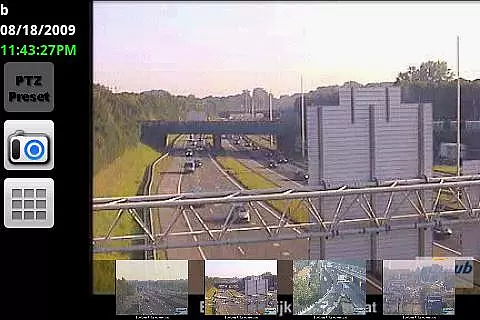
IP Cam Viewer Pro is a leading productivity tool designed for remote video monitoring. This award-winning utility allows users to access their video cameras, DVRs, and webcams from anywhere. Supporting over 1,600 devices with automatic driver detection, it ensures broad compatibility.
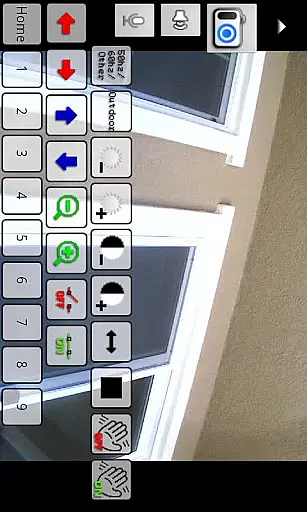
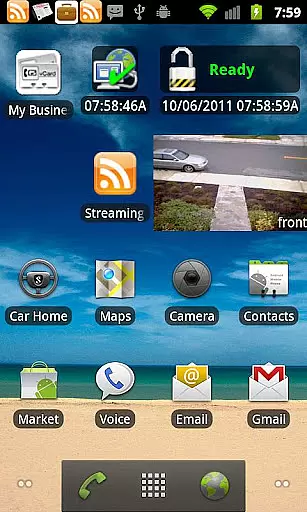
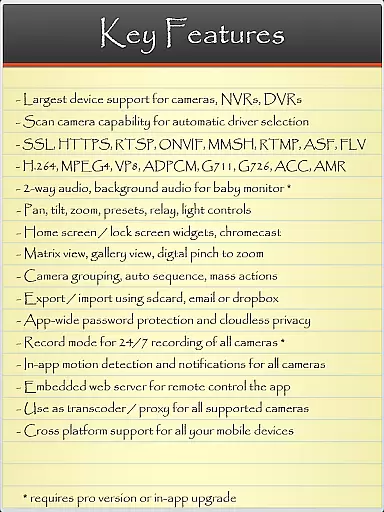
The app features advanced protocols like HTTPS, RTSP, and ONVIF, along with essential functionalities such as pan-tilt-zoom control, motion detection, and home screen widgets. Its comprehensive feature set makes it ideal for both personal security and professional surveillance needs.
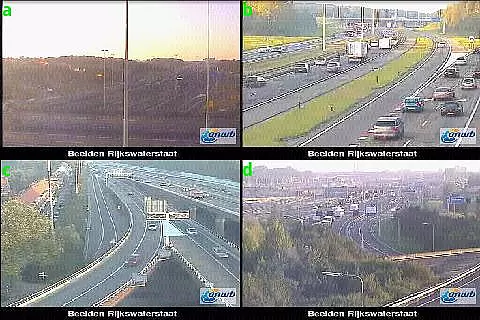
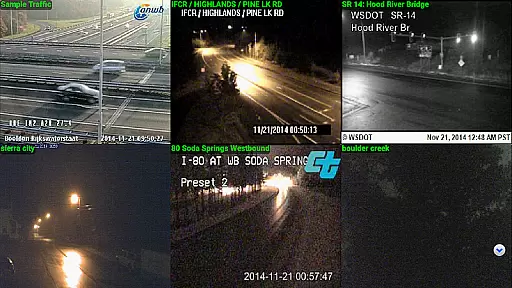
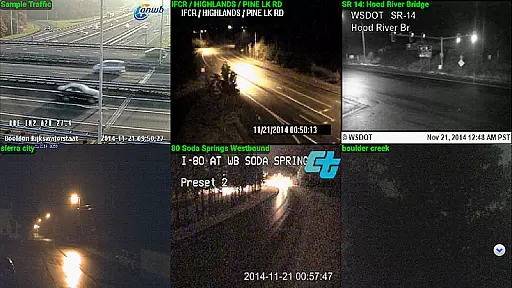
IP Cam Viewer Pro stands out with its extensive protocol support including HTTPS, RTSP, and ONVIF. The app offers unique features like matrix view for multiple camera monitoring and in-app motion detection that enhances security measures.
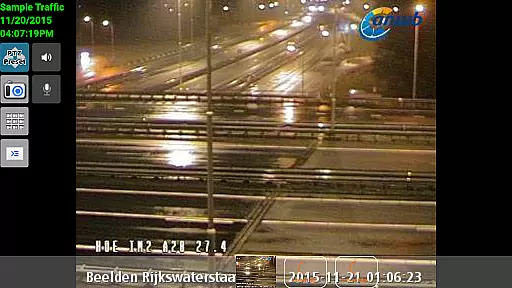
Additional capabilities include 2-way audio communication, background audio support, and customizable home/lock screen widgets. With over five years of development, the app provides reliable encryption, grouping options, and remote recording controls, making it a complete surveillance solution.
IP Cam Viewer Pro excels in core task management by offering a comprehensive suite of tools for video surveillance. The app supports over 1,600 devices, ensuring compatibility with a wide range of cameras and recorders.
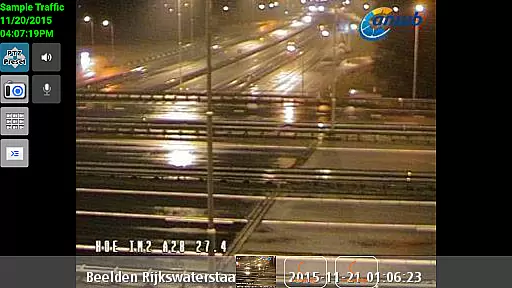
With features like matrix view and pan-tilt-zoom functionality, users can efficiently monitor multiple camera feeds simultaneously. This allows for seamless navigation and control, making it easier to manage various surveillance tasks from a single interface.
The inclusion of home and lock screen widgets enhances productivity by providing quick access to frequently used functions. Users can conveniently check camera views or control settings without having to open the full application.
Additionally, advanced features such as grouping and encryption ensure that users can organize their surveillance network effectively while maintaining security. These robust task management capabilities make IP Cam Viewer Pro an essential tool for both personal and professional surveillance needs.
Cross-device synchronization is a critical feature of IP Cam Viewer Pro, enabling reliable access to surveillance feeds across multiple devices. The app supports various protocols including HTTPS, RTSP, and ONVIF, ensuring stable connections regardless of the device used.
One of the standout aspects is its ability to maintain consistent performance whether accessed via smartphone, tablet, or computer. This reliability extends to background operations, where the app continues to record and detect motion even when running in the background.
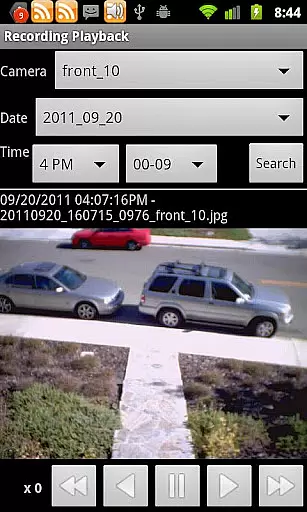
The support for two-way audio and remote control further enhances synchronization capabilities. Users can communicate through their cameras and control recording settings from any connected device, ensuring they never miss important events.
Moreover, the app's five years of development have resulted in refined synchronization processes that guarantee data integrity and minimal latency. This makes IP Cam Viewer Pro a dependable choice for those requiring constant and reliable surveillance across different platforms.
User-friendly interface
Wide device compatibility
Advanced security features
Excellent motion detection
Comprehensive protocol support
Premium version cost
Complex setup process
Occasional connection issues
Limited free features
Heavy on system resources

Auto-shutoff Alarm with Sunrise, Sunset & Fixed Options.
 3.50
3.50
Professional calendar app for Google Calendar, MS Outlook & Exchange
4.20
App lock - lock apps with fingerprint, password, pin or pattern, protect privacy
4.70
Stay on top of your to-dos with Google Tasks, part of Google Workspace.
4.60
Find and delete junk files & block unwanted notifications & manage files
3.70
Multilingual translator for text, voice, and image translation!
4.90
Create and edit presentations with Google Slides, part of Google Workspace.
4.00
Subscribe to Webcal & .ics calendars and keep them up-to-date!
4.50
Set up, print, and get support—in one place
4.20
aCalendar+ makes your day, week and month
4.70
A simple Whisper AI keyboard for reliable speech transcription and rewording
4.60
Fill, sign & send docs, forms, agreements & contracts via electronic signature.
4.50
All in One PDF Reader: Manage, Read and Edit your Documents
4.20
Easily read and manage all your PDF files
4.10
Intelligent AI Assistant
4.10
Take control of your clipboard with Clipper!
3.90
Make your handwriting beautiful, even more than pen on paper.
3.60
Simple and reliable communication between inmates, friends and family
3.20
IP Camera Viewer - Android TV : RTSP Surveillance camera viewer for Android TV
4.1


User Reviews