
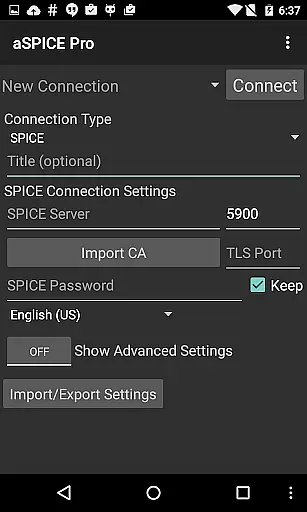
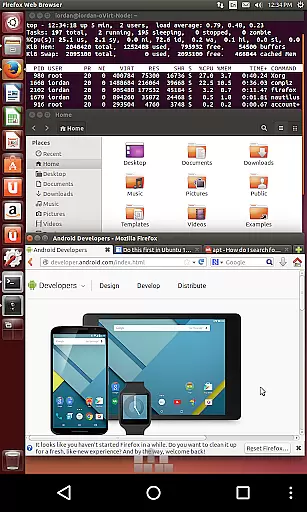
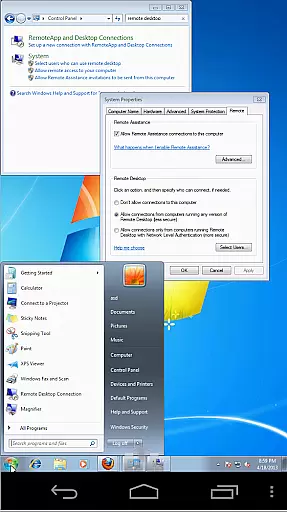
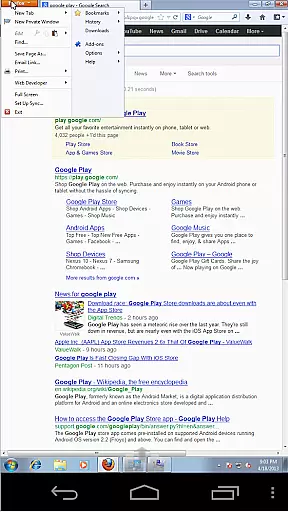

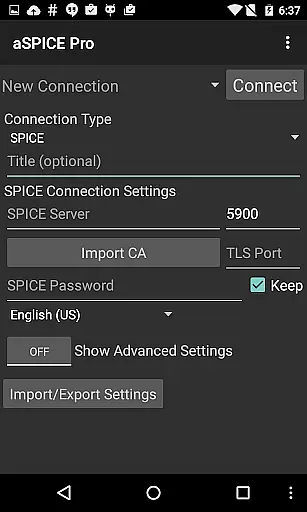
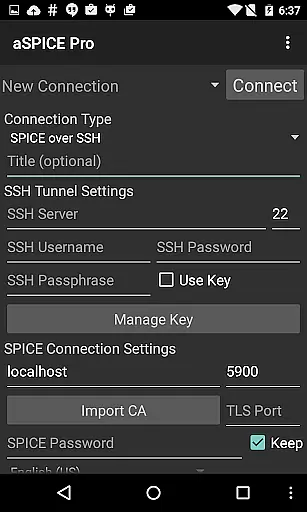
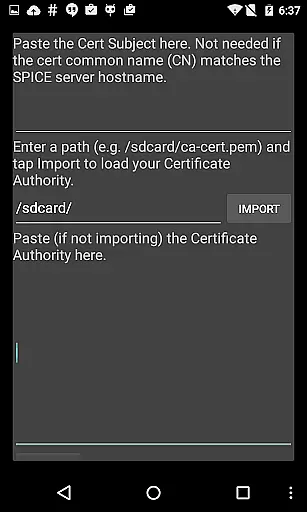
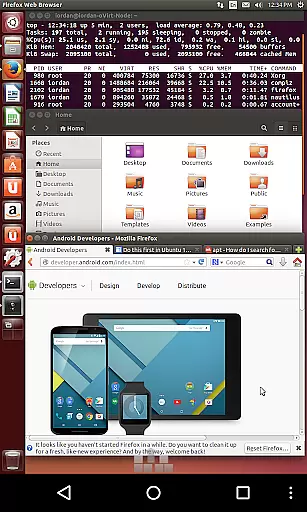
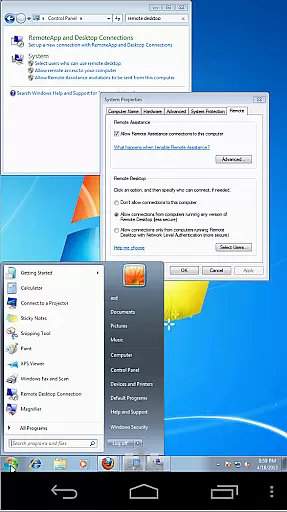
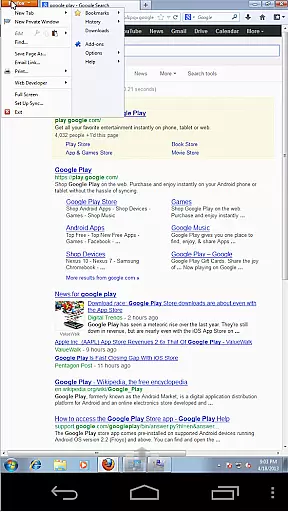

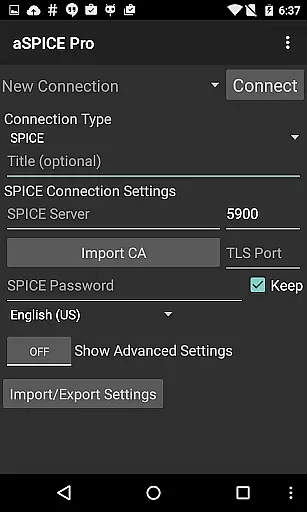
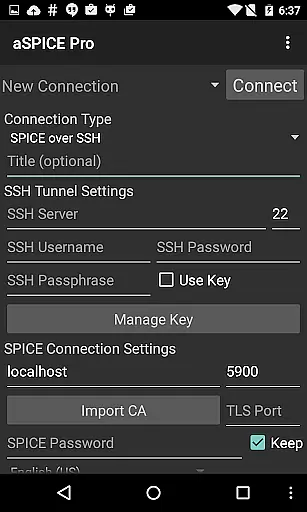
aSPICE Pro Secure SPICE Client is a robust productivity tool designed for users who need to remotely control virtual machines with precision and security. This application supports the SPICE protocol, enabling seamless interaction with any SPICE-enabled QEMU virtual machine regardless of the guest operating system. With features like multi-touch controls, dynamic resolution adjustments, and full mouse support on Android 4.0+, it ensures an intuitive user experience across different devices.
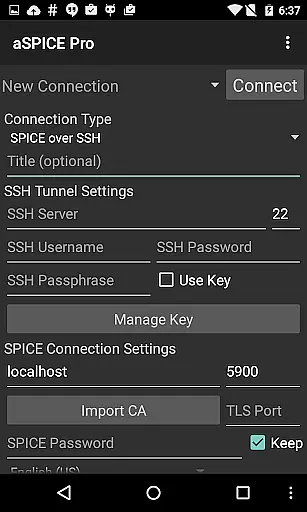
One of the standout capabilities of aSPICE is its SSH tunneling feature, which adds an extra layer of security or allows access to machines behind firewalls. The app also offers UI optimizations for various screen sizes, making it versatile for both tablets and smartphones. Whether you're managing BIOS settings or navigating through your OS, aSPICE provides the tools necessary for efficient remote desktop management.
aSPICE Pro Secure SPICE Client boasts a comprehensive set of features tailored for secure and efficient remote access. It includes master password support, MFA/2FA SSH authentication, and USB redirection, ensuring that your connections are not only fast but also secure. The app's audio and sound support enhance multimedia interactions, while multi-touch controls allow for natural gestures such as pinch-zooming and scrolling.
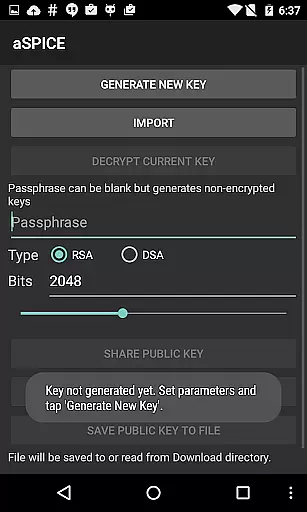
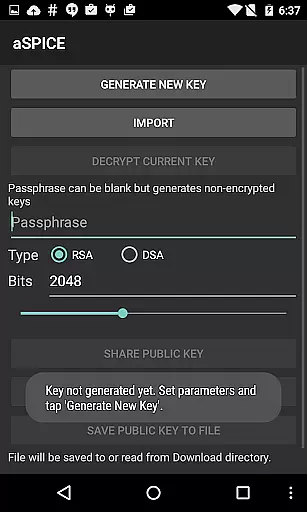
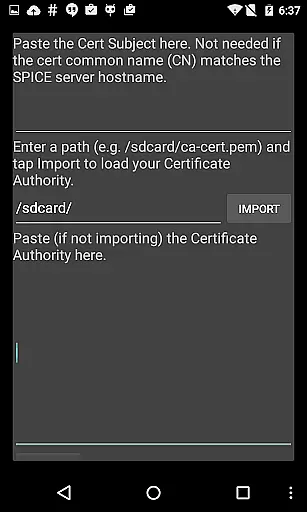
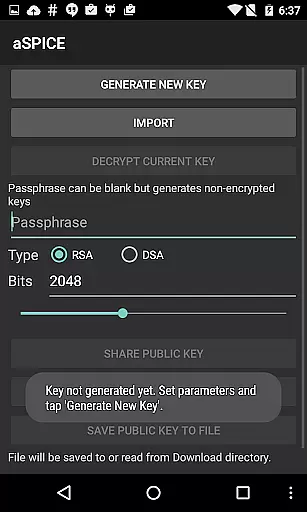
For power users, aSPICE offers advanced functionalities like simulated touchpad input modes, stowable on-screen keys, and D-pad support for precise navigation. Additionally, the app supports importing encrypted RSA keys in PEM format and unencrypted DSA keys in PKCS#8 format, catering to diverse security needs. These features collectively make aSPICE a versatile tool for both casual and professional remote desktop management.
aSPICE Pro Secure SPICE Client excels in core task management by offering users comprehensive control over SPICE-enabled virtual machines. This functionality is crucial for IT professionals and system administrators who require seamless access to remote systems.
The application provides multiple input modes, including Direct, Simulated Touchpad, and Single-handed modes, ensuring that users can interact with their virtual environments efficiently. These input methods are designed to mimic real-world interactions, making the experience intuitive and productive.
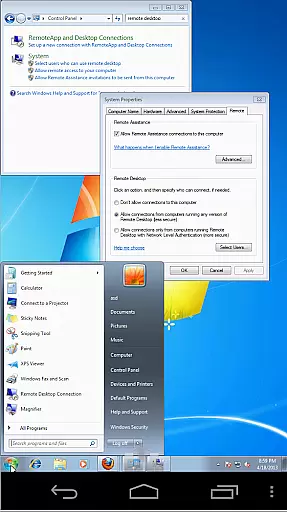
Additionally, aSPICE supports dynamic resolution changes, allowing users to adjust their desktop configurations on-the-fly. This feature ensures that productivity is not hindered by fixed resolutions, providing flexibility in managing various tasks across different screen sizes and orientations.
With SSH tunneling capabilities, aSPICE adds an extra layer of security while enabling access to machines behind firewalls. This secure connection method allows users to perform their tasks without compromising sensitive data, thus enhancing overall task management efficiency.
Cross-device synchronization is a vital feature for users who operate in multi-device environments. aSPICE Pro Secure SPICE Client ensures reliable synchronization across devices, maintaining consistency and continuity in user workflows.
The application supports automatic connection session saving, which means users can seamlessly switch between devices without losing their progress or settings. This feature is particularly beneficial for those who manage virtual machines from both smartphones and tablets, as it eliminates the need to reconfigure sessions manually.
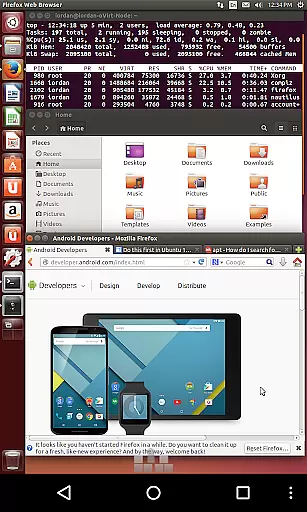
aSPICE also offers UI optimizations tailored for different screen sizes, ensuring that whether you're using a smartphone or a tablet, the interface remains user-friendly and efficient. Samsung multi-window support further enhances this capability, allowing for multitasking without sacrificing performance or usability.
Moreover, the inclusion of multi-language support and full mouse functionality on Android 4.0+ guarantees that users worldwide can rely on aSPICE for their cross-device needs. By prioritizing synchronization reliability, aSPICE ensures that all devices remain in sync, empowering users to focus on their tasks rather than technical inconsistencies.
Secure SSH connections
Multi-touch controls
Dynamic resolution changes
Full rotation support
SSH tunneling
Complex setup process
Limited clipboard integration
No built-in VNC support
Advanced features require technical knowledge
Interface may overwhelm new users

When you Focus, so will your Bean in this cozy focus timer
 4.30
4.30
Total remote control for your Android device, PC and cloud services (IFTTT)!
4.20
Android Wallet Password Manager
4.80
⏰ Finally a timer app which can run multiple timers simultaneously on your watch
3.90
CalenGoo is a very flexible and feature-rich calendar app
4.40
Cloud storage, automatic phone backup, and more.
4.10
Tally and goal counter for Wear OS & mobile
4.50
Secure your apps with lock screens, use custom themes and different features.
4.40
Okta MFA
4.70
Native client for Forgejo and Gitea
5.00
Direct Chat without saving contacts & Dual WA Account on Single Device
4.70
Functional QR scanner and barcode reader that requires little storage space.
4.60
To do list widget with a notebook organizer, checklist, simple shopping list
4.60
Subscribe to Webcal & .ics calendars and keep them up-to-date!
4.50
Enjoy classic gameplay with customizable features and retro-style graphics.
4.30
Professional calendar app for Google Calendar, MS Outlook & Exchange
4.20
A Revolutionary All-in-One Artificial Intelligence Tools
3.80
The upgraded version of Name Wheel with AI and the power to add your own wheels.
4.5
A simple, portable logger for POTA, SOTA, Field Day, and more
4.4


User Reviews