
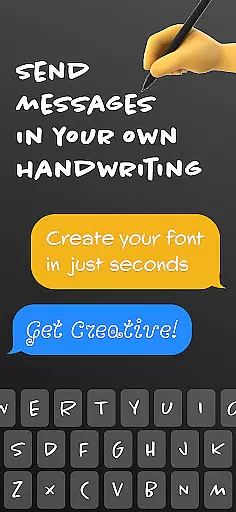
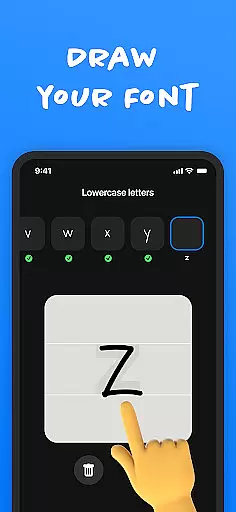
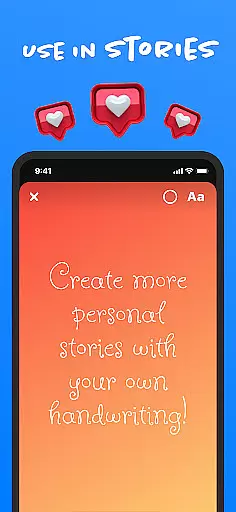
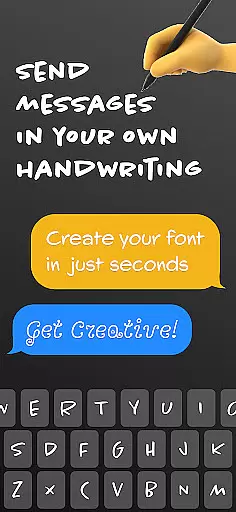
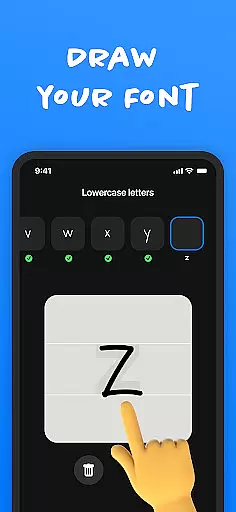
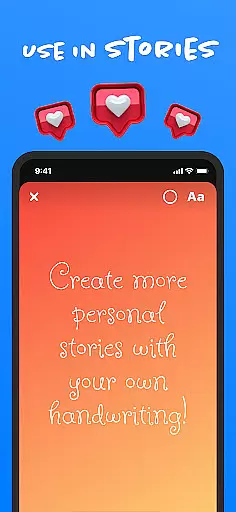
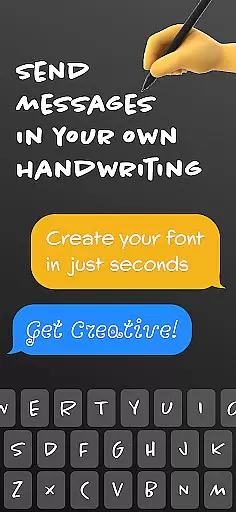
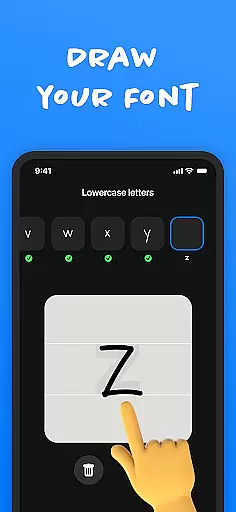
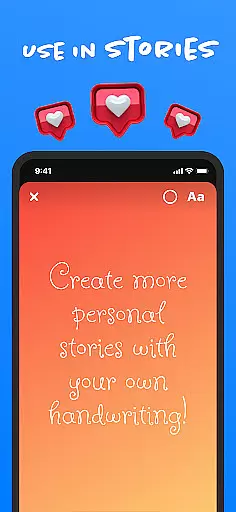
Fontmaker is a productivity app that allows users to create custom cursive and handwritten fonts for their messaging needs. With this app, you can design your own unique font styles based on your handwriting, making your messages stand out on platforms like Messenger, Instagram, Snapchat, TikTok, and Facebook.
The app's core feature is its font creator tool, which lets you generate personalized fonts. These fonts can then be used across social media and messaging apps, giving your content a distinctive touch. Whether you want to enhance your online presence or express your creativity, Fontmaker provides the tools to make your communication truly individualistic.
For anyone looking to add a personal flair to their digital interactions, Fontmaker offers an innovative solution. By using your own handwriting as a font, you can ensure that your messages are not only unique but also reflective of your personal style.
Fontmaker stands out with its comprehensive set of features designed to enhance text customization. The primary feature is the font creator, which enables users to craft custom fonts based on their handwriting. This functionality ensures that every message you send is imbued with your personal style.
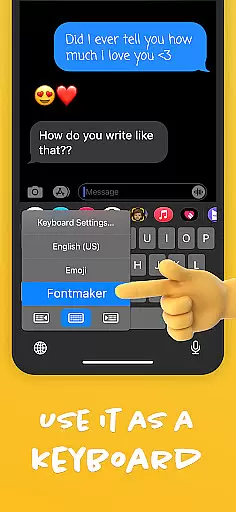
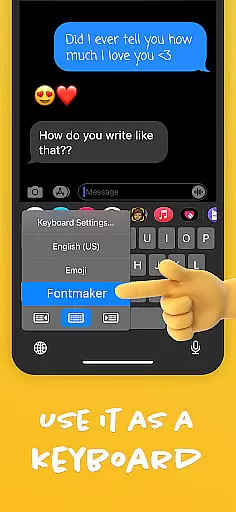
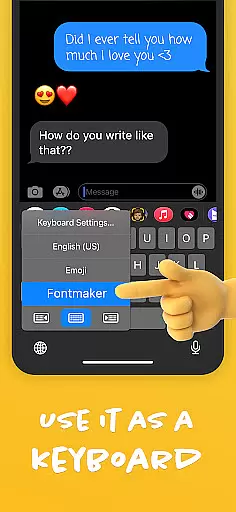
In addition to the font creator, Fontmaker includes a font keyboard feature. This keyboard can be used across various social media and messaging platforms, allowing for seamless integration of your custom fonts into everyday communication. The app enhances your online presence by letting you use your own handwriting, thus adding authenticity to your messages.
Another notable feature is the ability to express creativity through text. By customizing your fonts, you can add flair to your messages and posts, making them more engaging and memorable. Overall, Fontmaker empowers users to revolutionize their text customization, ensuring that their social media and messaging stand out.
Fontmaker revolutionizes the way users manage their text customization tasks by offering a seamless font creation experience. The app's core function centers around creating personalized fonts, allowing users to convert their unique handwriting into digital formats.
This innovative approach to task management ensures that every step, from designing your custom font to integrating it with your keyboard for immediate use, is intuitive and efficient. Users can easily navigate through the app's interface to generate their own cursive or handwritten styles, making it simple to apply these across various social media platforms and messaging apps.
The value of this feature lies in its ability to save time while enhancing personal expression. Rather than searching for pre-made fonts that may not fully capture an individualu2019s style, Fontmaker empowers users to produce exactly what they envision, streamlining the entire process of font customization.
In todayu2019s interconnected world, having reliable cross-device synchronization is crucial for productivity apps like Fontmaker. This app ensures that once you create your custom font, it can be seamlessly integrated into a personalized keyboard that works across all your devices.
Whether you're typing on Instagram from your phone or drafting a document on your tablet, the synchronized font library guarantees consistency in your textual presentation. By maintaining uniformity in how your texts appear regardless of device, Fontmaker enhances both professionalism and personal branding.
This synchronization feature provides peace of mind, knowing that any new font created will automatically be available wherever you choose to communicate. Such reliability not only boosts efficiency but also allows users to focus more on content creation rather than technical adjustments.
User-friendly interface
Highly customizable fonts
Unique handwriting feature
Wide platform compatibility
Enhances creative expression
Limited free features
Requires manual input
Learning curve for new users
Occasional bugs reported
Premium version costly

Client for Nextcloud Deck
 4.60
4.60
Direct Chat without saving contacts & Dual WA Account on Single Device
4.70
8 custom complications. Custom Time Fonts. Beautiful color schemes. A++ Design.
5.00
Remotely view listen control and record cameras.
3.70
Secure, fast, open-source, Remote Desktop Client for Windows and Linux with SSH
4.60
IP Camera Viewer - Android TV : RTSP Surveillance camera viewer for Android TV
4.0
Simple notepad & memo. Take notes, to-do list, shopping list with reminders.
4.80
Okta MFA
4.70
Browse and view your photos and videos from the phone with photo & video hide.
4.10
We're working to become the best machining app on the market! www.cncdirt.com
4.80
Scan paperwork into PDF/JPG, generate your own e-signature and send fax or email
4.70
CalenGoo is a very flexible and feature-rich calendar app
4.40
When you Focus, so will your Bean in this cozy focus timer
4.30
Professional calendar app for Google Calendar, MS Outlook & Exchange
4.20
Activate Two Factor Authentication (2FA or Multi OTP), Password manager and more
4.10
Wake up & get tasks done! Add alarms & reminders on the Clock Launcher.
4.00
Access your phone's notifications, calls, apps, photos & texts on your PC
3.90
Find and delete junk files & block unwanted notifications & manage files
3.70
Create study competitions, track your hours, and stay consistent with friends
4.4


User Reviews