
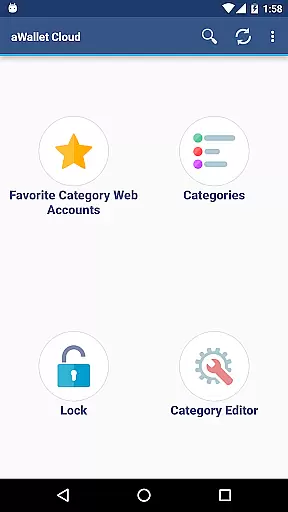
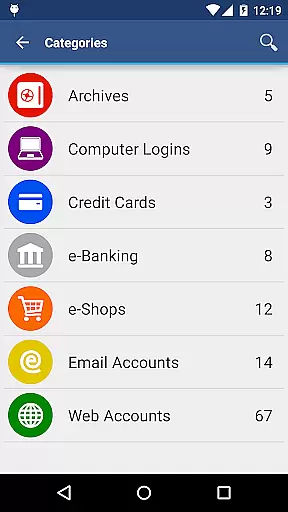
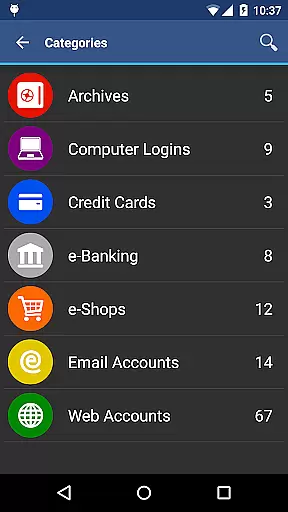
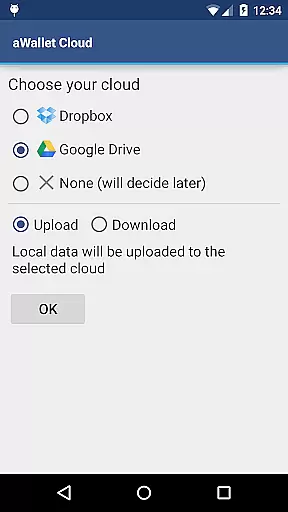
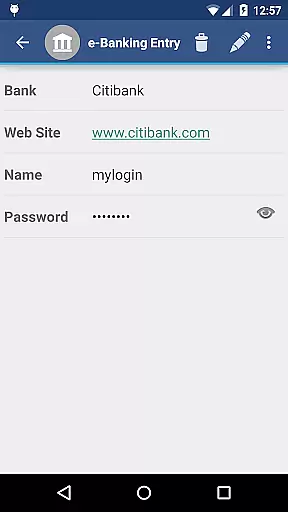
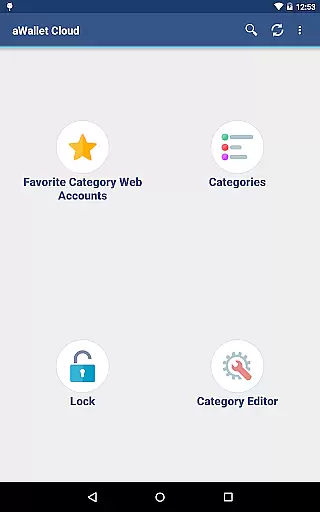
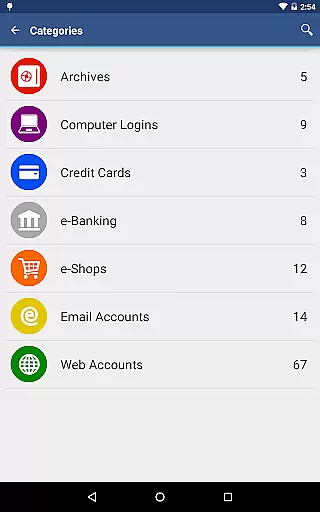
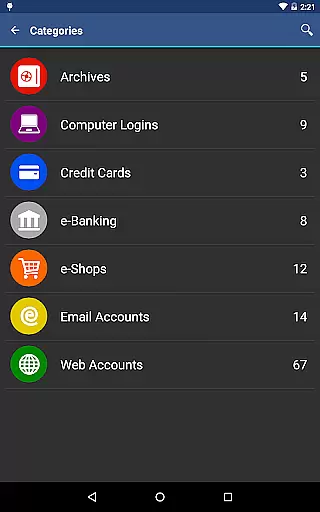
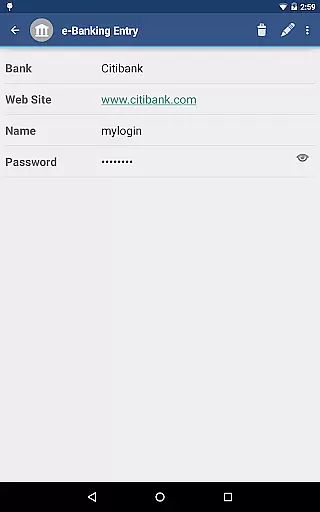
aWallet Cloud Password Manager is a robust productivity application designed to securely store and manage sensitive information such as passwords, credit card details, e-banking credentials, and web accounts. The app synchronizes encrypted data with your personal cloud storage services like Dropbox or Google Drive, ensuring that your information is accessible yet secure across all devices.
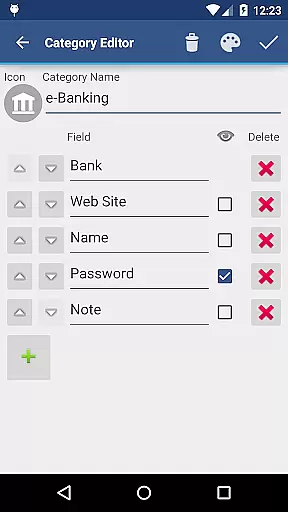
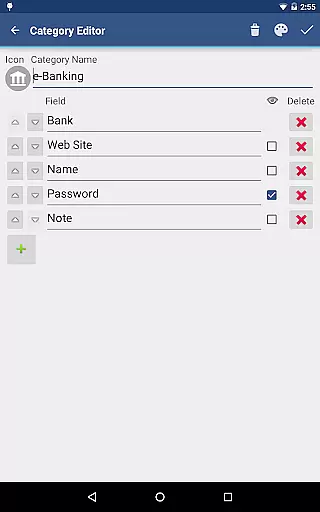
With features like a built-in editor for customizing data categories, field-specific search capabilities, and an auto-lock feature for enhanced security, aWallet provides both convenience and peace of mind. It also supports backup and restore functions to Android USB devices and offers unencrypted data export in CSV format, making it versatile for various user needs.
This app is ideal for individuals who require a reliable way to manage their digital identities and financial information without compromising on security or accessibility. Its comprehensive set of features ensures that users can maintain control over their personal data efficiently and effectively.
aWallet Cloud Password Manager stands out with its advanced security measures and user-friendly functionalities. One of its key features is the ability to encrypt all stored data using AES or Blowfish algorithms with key sizes up to 256 bits, providing top-tier protection against unauthorized access.
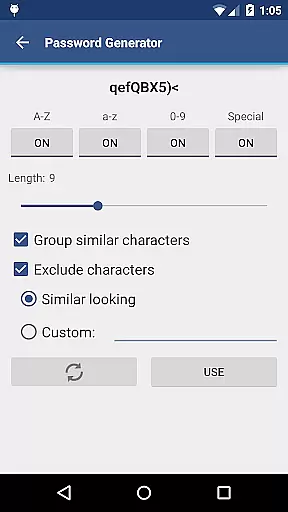
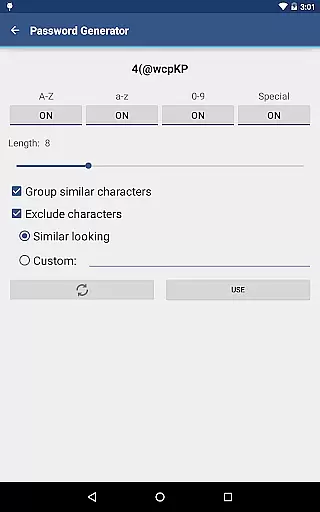
The app includes pro features such as fingerprint and facial recognition unlock options for compatible devices, a password generator, and CSV import capabilities. These tools not only enhance security but also streamline the user experience by simplifying access and data management processes.
Additionally, aWallet incorporates protective measures like a randomly generated 'salt' combined with the master password, repetitive hashing, and support for auto-destruction of the data file after multiple failed unlock attempts. These features collectively ensure that users' confidential information remains safeguarded against brute force and off-line dictionary attacks.
aWallet Cloud Password Manager excels in core task management by offering a comprehensive suite of features designed to securely handle sensitive information. The app allows users to store various types of data, including passwords, credit card details, and e-banking credentials, all within a secure environment.
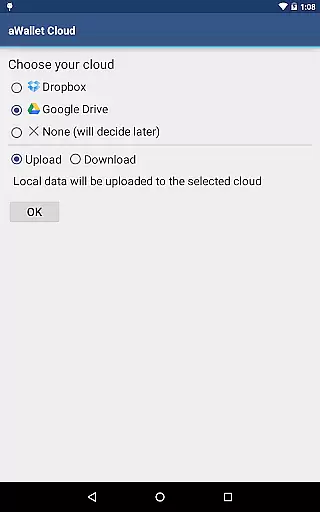
With its synchronization capabilities, users can seamlessly integrate their encrypted data with personal cloud accounts such as Dropbox or Google Drive. This ensures that your critical information is accessible wherever you are, while maintaining top-notch security standards.
The inclusion of an Auto lock feature adds another layer of protection, automatically securing the app after a period of inactivity. Additionally, advanced PRO FEATURES like fingerprint and face unlock provide convenient yet secure access methods for compatible devices.
Overall, aWallet Cloud Password Manager's robust set of tools empowers users to efficiently manage their digital lives without compromising on security or convenience.
Cross-device synchronization is a pivotal feature of aWallet Cloud Password Manager, ensuring reliable access to your encrypted data across multiple platforms. By leveraging popular cloud services like Dropbox and Google Drive, the app provides a seamless experience for users who need consistent access to their sensitive information.
This synchronization process not only enhances accessibility but also maintains the integrity and security of your data. All synchronized information is encrypted using strong algorithms such as AES or Blowfish, safeguarding your data during transfer and storage.
Moreover, the app supports backup and restore functionalities to external USB devices, allowing for an extra layer of data redundancy. Users can also export unencrypted data in CSV format, providing flexibility for various use cases while ensuring data portability.
By focusing on secure and dependable cross-device synchronization, aWallet Cloud Password Manager delivers peace of mind and uninterrupted productivity, no matter where you are or which device you use.
High-level encryption
User-friendly interface
Cloud synchronization
Auto-lock feature
No advertisements
Limited free features
Requires cloud account
Complex setup
Premium version costly
Device compatibility issues

Native client for Forgejo and Gitea
 5.00
5.00
Mega cloud explorer plugin for Solid Explorer
3.80
A simple, portable logger for POTA, SOTA, Field Day, and more
4.5
Mind Map and brainstorm, note taking and idea collection
4.80
Activate Two Factor Authentication (2FA or Multi OTP), Password manager and more
4.10
Great calculator for Android named one of USA TODAY's "25 Essential Apps".
4.90
Use powerful, industry-leading AI tools to generate visual charts from any data
4.80
Simple notepad & memo. Take notes, to-do list, shopping list with reminders.
4.80
Put a lock on your cloud: Take the security of your data into your own hands
3.70
Understand anything with a personalized AI research assistant
4.80
Secure, fast, open-source, VNC and SSH Remote Desktop for Windows, Linux and Mac
4.70
aCalendar+ makes your day, week and month
4.70
A beautiful digital clock with autostart and many other functions
4.70
The Pro Version of Android's tiniest Notepad app. Just 0.3MB but feature-packed!
4.60
Functional QR scanner and barcode reader that requires little storage space.
4.60
All document reader, all in one file viewer read PDF, DOCX, XLS, PPT, TXT files.
4.60 4.20
4.20
Todo reminder
4.10
The upgraded version of Name Wheel with AI and the power to add your own wheels.
4.3


User Reviews