
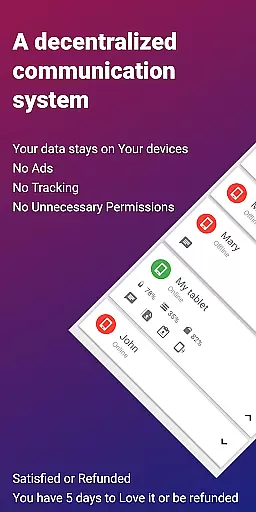
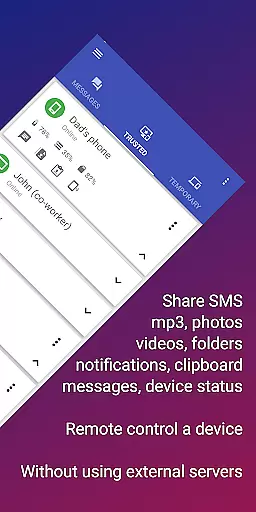
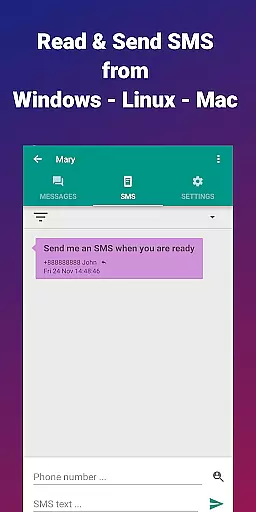
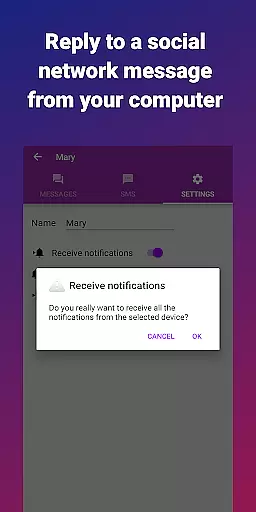
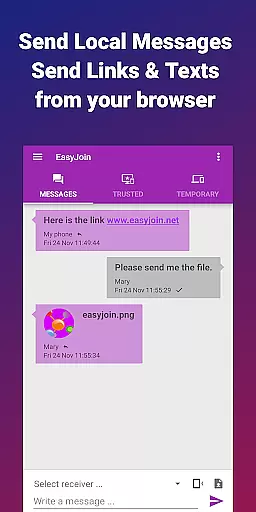
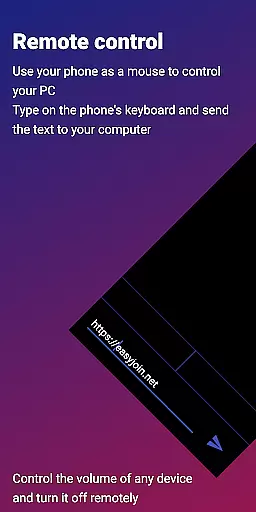

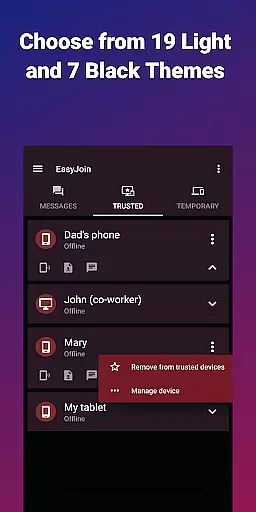
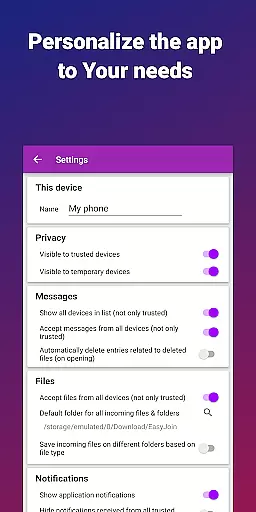

EasyJoin is a productivity-focused application designed to seamlessly connect your devices and transfer files instantly without relying on cloud services, advertisements, or tracking mechanisms. The app enables users to send files, sync clipboards, manage SMS, read notifications, and control devices using only their local network, ensuring privacy and encryption of data.
Key features include fast file transfer across devices like Phone, PC, and Tablet, clipboard synchronization, peer-to-peer encrypted sharing, remote notifications and SMS management, remote device control, secure local network messaging, and cross-platform support for Windows, macOS, Linux, iPhone, iPad, and Android. EasyJoin emphasizes security with end-to-end encryption and operates entirely within the user's local network, making it perfect for private LAN file sharing and replacing cloud-based solutions with a secure alternative.
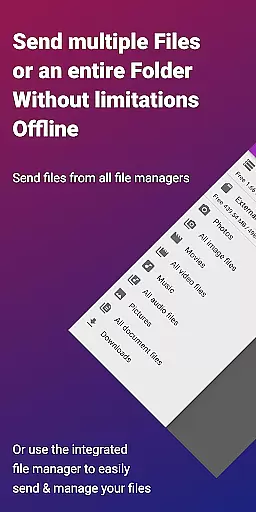
EasyJoin offers a comprehensive suite of features that enhance productivity by simplifying device connectivity and data sharing. One standout feature is its ability to facilitate fast file transfers between various devices such as phones, PCs, and tablets without requiring an internet connection, cloud storage, or external servers. This ensures rapid and secure exchanges of photos, videos, documents, and folders.
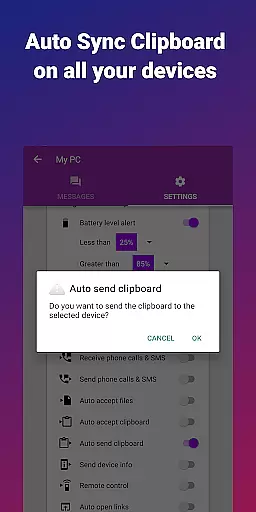
Another notable feature is clipboard synchronization, allowing users to copy content on one device and paste it on another across different platforms including Android, Windows, macOS, iPhone, iPad, and Linux. Additionally, EasyJoin provides peer-to-peer encrypted sharing, remote notification and SMS management, remote control functionalities, secure local network messaging, and broad cross-platform compatibility. These features collectively ensure that all data remains private, encrypted, and accessible only on the user's devices, reinforcing the app’s commitment to privacy-first operations.
Efficient task management is essential for productivity applications, and EasyJoin excels in this area by offering a suite of features that streamline device connectivity and file sharing.
The app enables instant file transfers between various devices such as phones, PCs, and tablets without the need for internet or cloud services. This seamless integration ensures that users can manage their tasks and share resources within a secure environment, directly enhancing workflow efficiency.
Moreover, EasyJoin's clipboard sync and local network messaging further augment its task management capabilities. Users can copy content on one device and paste it on another, regardless of platform differences, thus simplifying cross-device operations.
By providing these robust tools, EasyJoin empowers users to handle their digital tasks more effectively, ensuring privacy and convenience without compromising on speed or security.
Cross-device synchronization is a pivotal feature for modern productivity tools, and EasyJoin delivers reliable performance by maintaining a private and encrypted connection across the local network.
With end-to-end encryption, all data shared between devices remain confidential and secure, never leaving the safety of the user's local network. This approach not only safeguards sensitive information but also eliminates dependency on external servers or cloud storage.
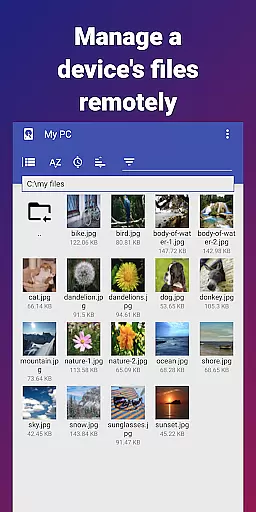
EasyJoin supports a wide range of platforms including Windows, macOS, Linux, Android, and iOS, which means users can synchronize their work effortlessly across different operating systems. The ability to read notifications, respond to SMS, and even control devices remotely adds another layer of utility.
This high level of synchronization reliability ensures that teams and individuals can collaborate efficiently, with the peace of mind that their data is protected and accessible only on their linked devices.
Fast file transfer
Clipboard sync
P2P encryption
Cross-platform
No subscriptions
Limited to LAN
One-time cost
Setup required
No cloud backup
Advanced features

Unlock AutoNotification
 4.00
4.00
Automates browsing any website and notifies you of important changes or events
4.30
⏰ Finally a timer app which can run multiple timers simultaneously on your watch
3.90
Activate Two Factor Authentication (2FA or Multi OTP), Password manager and more
4.10
Secure, open-source, SPICE and SSH Remote Desktop for QEMU KVM virtual machines
4.00
Tally and goal counter for Wear OS & mobile
4.50
A Pixel Art watchface inspired by other iconic 90s designs for Wear OS devices!
4.40
Lightweight PDF, Word, Excel reader.
4.60
Scan paperwork into PDF/JPG, generate your own e-signature and send fax or email
4.70
Native client for Forgejo and Gitea
5.00
Mind Map and brainstorm, note taking and idea collection
4.80
Quickly and easily keep track of your work shifts
4.70
Functional QR scanner and barcode reader that requires little storage space.
4.60
A lightweight JSON & XML files creator, editor and viewer (Premium Version)
4.40
When you Focus, so will your Bean in this cozy focus timer
4.30
Access, manage and transfer files on Android, PC, Mac, NAS and cloud storages.
4.30 4.20
4.20
Todo reminder
4.10
Ultimate Virtual AI Character for immersive Roleplay Chat. Perfect Companion
3.90


User Reviews