
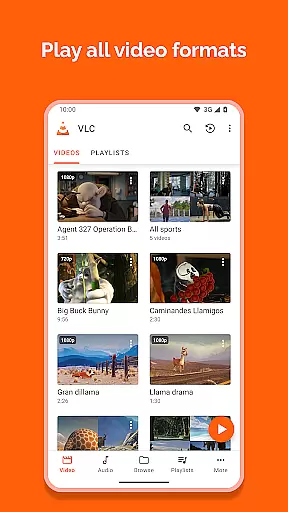
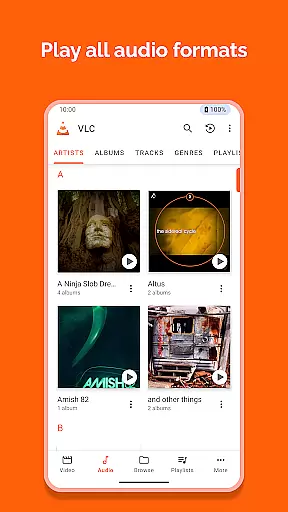
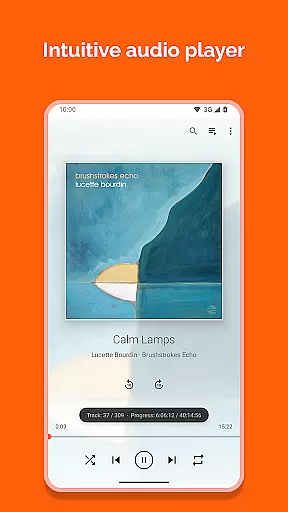
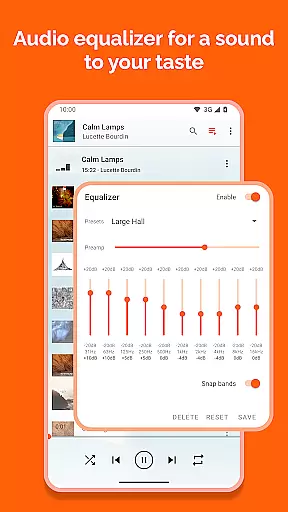
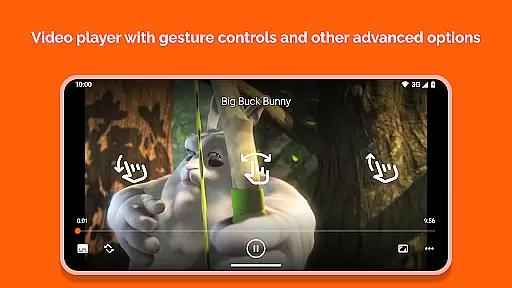
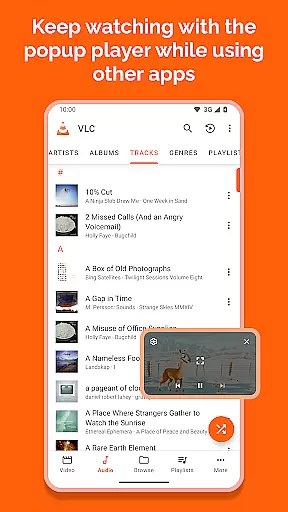
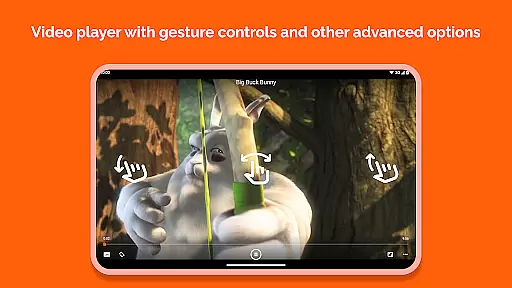
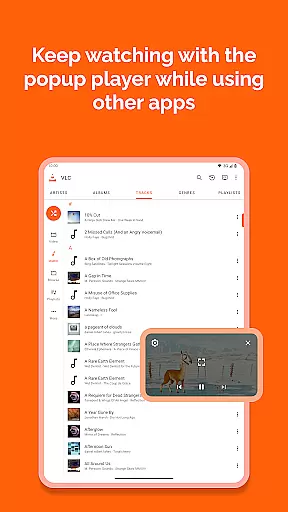
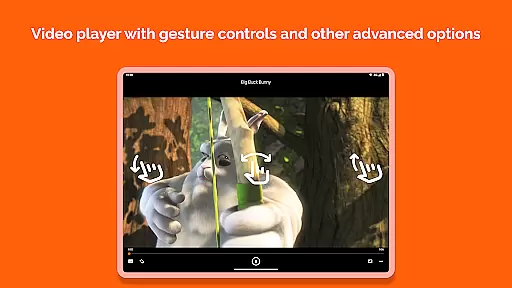
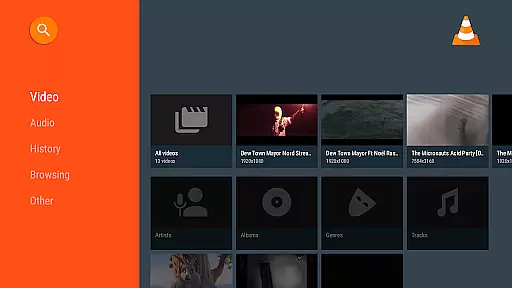
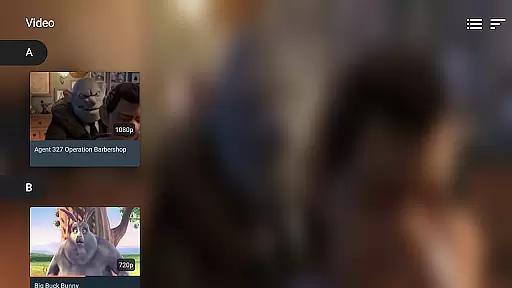

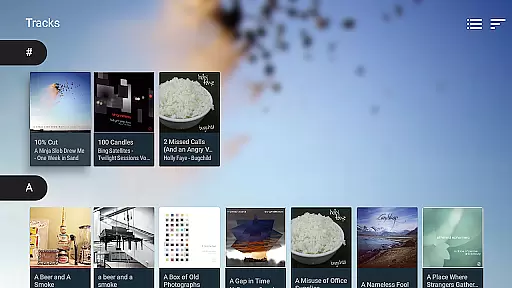
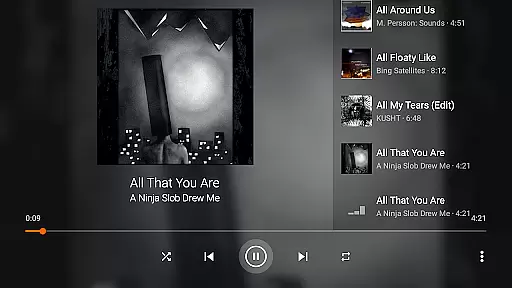
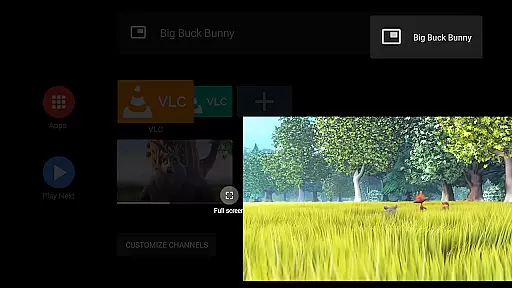
VLC for Android is a versatile, free, and open-source media player that supports a wide range of multimedia formats. It plays videos, audio files, network streams, DVDs, and more without requiring additional codecs. Designed for all users, it offers advanced features like multi-track audio support, auto-rotation, and gesture controls for volume and brightness.
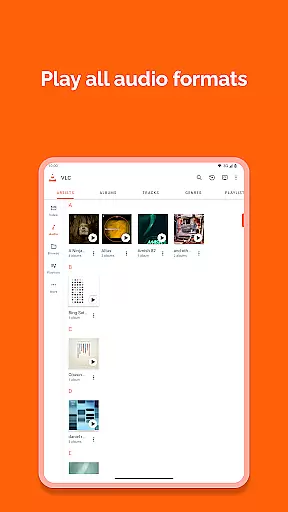
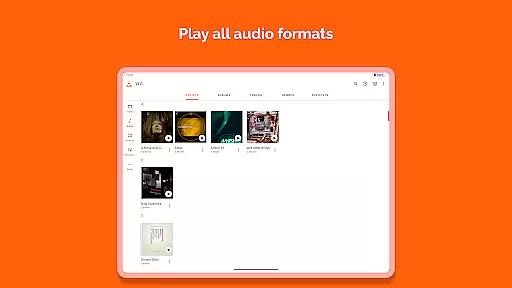
One standout feature is its ability to handle virtually any file format, including MKV, MP4, FLAC, and AAC. With integrated subtitle support, an equalizer, and a complete media library, VLC ensures a seamless playback experience. Whether you're streaming content or managing local files, this app provides a robust solution for all your media needs on Android devices.
Ideal for users who want a reliable media player, VLC for Android excels in both functionality and accessibility. Its ad-free, no-spyware approach makes it perfect for those seeking privacy and performance in one package.
VLC for Android stands out with its extensive format compatibility, supporting everything from standard MP4 files to complex formats like M2TS and Wv. The app includes advanced playback options such as adaptive streaming, multi-track audio, and subtitle synchronization. These features ensure smooth playback regardless of file type or source.
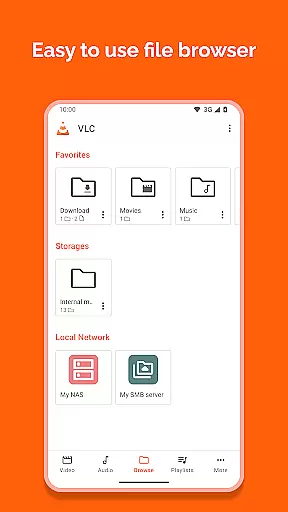
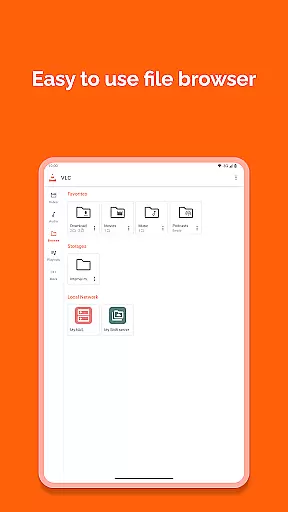
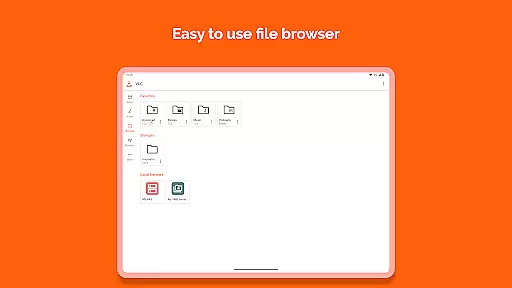
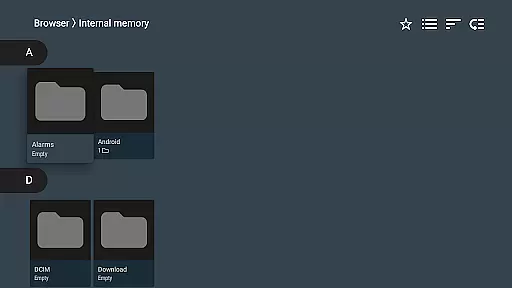
The app also offers practical tools like a media library for organizing audio and video files, folder browsing, and a widget for quick audio control. Additional functionalities include Teletext support, aspect-ratio adjustments, and gesture-based controls for volume and brightness. These capabilities make VLC not just a media player but a comprehensive entertainment hub.
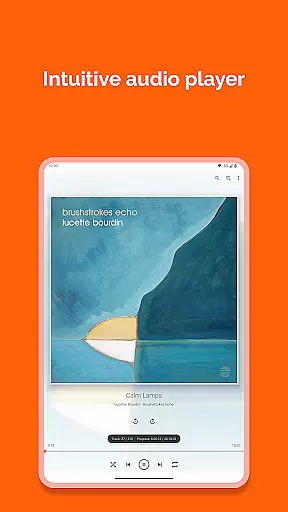
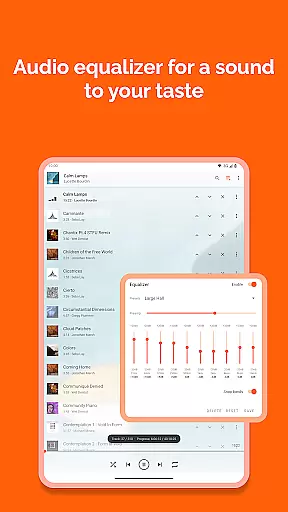
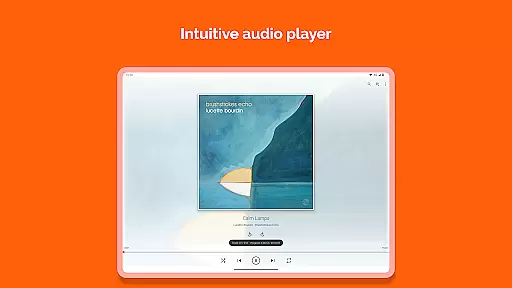
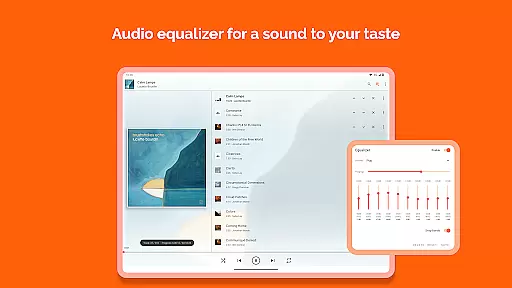
For power users, VLC provides customization options such as equalizers, filters, and network stream integration. Its ability to play disk shares and DVD ISOs further enhances its utility. By combining these features with an intuitive interface, VLC delivers a top-tier media experience tailored to diverse user needs.
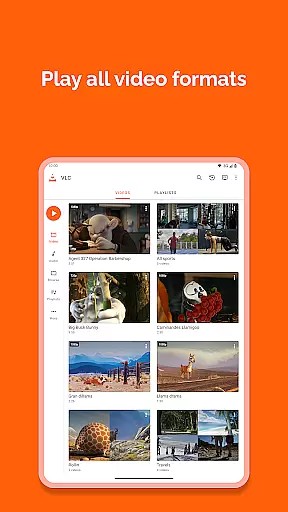
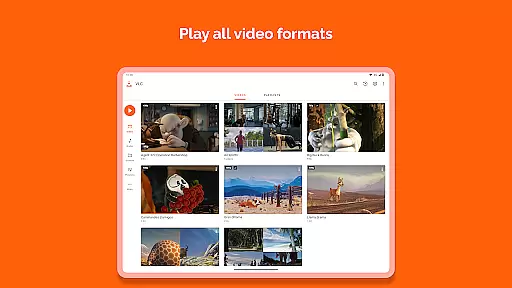
Video format compatibility is a crucial feature for any video player, ensuring that users can enjoy their media files without worrying about format restrictions. VLC for Android excels in this area by supporting all major video formats, including MKV, MP4, AVI, MOV, Ogg, FLAC, TS, M2TS, Wv, and AAC.
The application comes with all necessary codecs built-in, eliminating the need for users to download additional software or plugins. This comprehensive support allows seamless playback of local files, network streams, DVDs, and even adaptive streaming protocols.
Beyond basic video playback, VLC for Android also supports advanced features like subtitles, Teletext, and Closed Captions across various formats. This ensures an inclusive viewing experience for users who rely on these accessibility features.
By offering such extensive format compatibility, VLC for Android empowers users to manage their entire media library without limitations, making it an ideal choice for those seeking a versatile mobile media player.
While primarily known as a media player, VLC for Android incorporates several AI-powered editing features that enhance the user's multimedia experience. These intelligent tools help optimize video playback and audio processing based on content analysis and user preferences.
The application automatically adjusts video parameters such as aspect ratio, rotation, and resolution based on device orientation and content type. Its smart equalizer analyzes audio tracks to provide optimal sound quality across different genres and media types.
VLC's AI capabilities extend to network stream optimization, where the player intelligently selects the best available quality based on current network conditions. The application also includes automatic subtitle synchronization and correction features.
These AI-powered enhancements work behind the scenes to provide users with a smoother, more optimized media consumption experience without requiring manual adjustments or technical expertise.
User-friendly interface
Wide format support
No ads or in-app purchases
Advanced playback controls
Regular updates
Occasional bugs
Complex for beginners
Limited aesthetic customization
Heavy on older devices
No native cloud integration

Kodi media center, a free and open source cross-platform entertainment hub
 3.60
3.60
Powerful, professional, versatile teleprompter. Developed by an active film crew
4.00
IPTV-Smarters Player Pro M3U - Watch Live Stream TV Channels with Chromecast
4.00
Watch a large amount of high-definition short drama content
4.60
Snaptubè Video Downloader app allows to download videos and music in Snaptube. .
4.60
Search & download videos from net with all video downloader, auto-detect & safe.
4.60
1)AirPlay/DLNA Mirroring/Streaming, up to 4 connections; 2)Samba/NAS/DMS Player.
4.00
Fast & Private HD Video Downloader with Built-in Proxy Browser and Video Player.
4.50
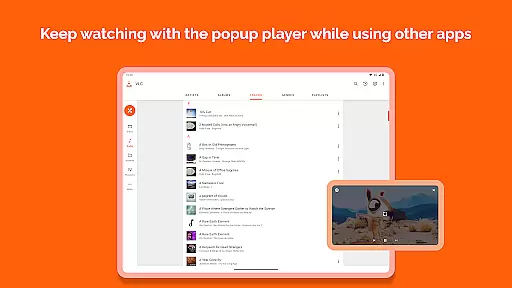
Video player with 4K & 1080P support, popup play, background play and subtitle.
4.20
Pro video editor app for Instagram, edit video with song, AI, effect & slowmo.
4.80
Browser + Remote for Roku to stream webvideos, online movies and livestreams
4.60
Full HD Video mp3 Player, MP4 player play 1080p, File manager, Video Downloader
4.40
Download website videos fast&privacy
4.40
Viddo: Generate Action Figure, AI Anime, AI kiss, AI hug Video from image & text
4.40
Powerful video player with advanced hardware acceleration and subtitle supports
4.20
Capture images & record videos for USB Camera, Webcam, Microscopes, Endoscopes
3.80
Live TV, anywhere in your home
3.80
A full editing room to accompany your Insta360 cameras and handheld gimbals.
3.30
Powerful HD video player with support for all formats & subtitles.
4.1


User Reviews