
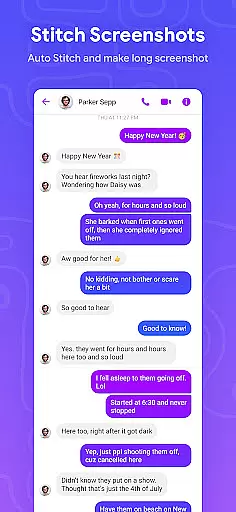
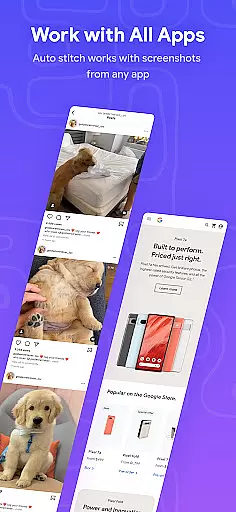
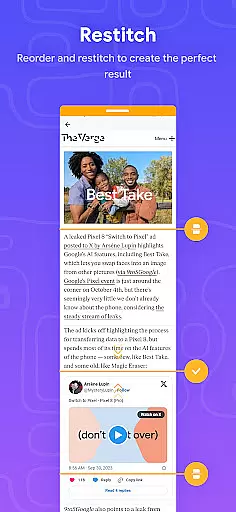
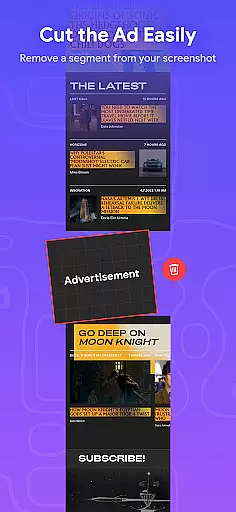
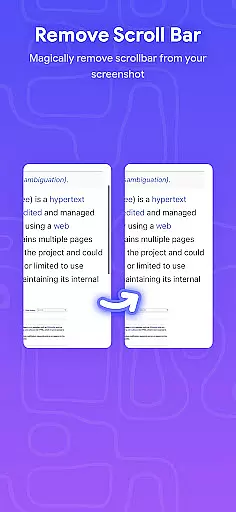
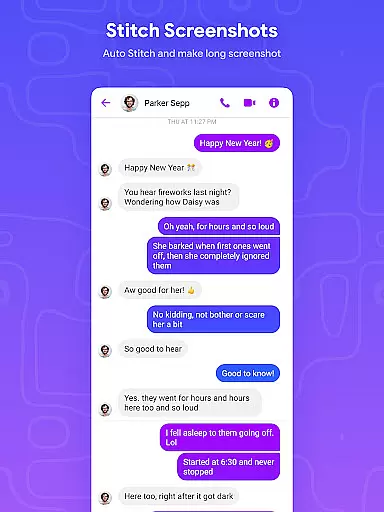
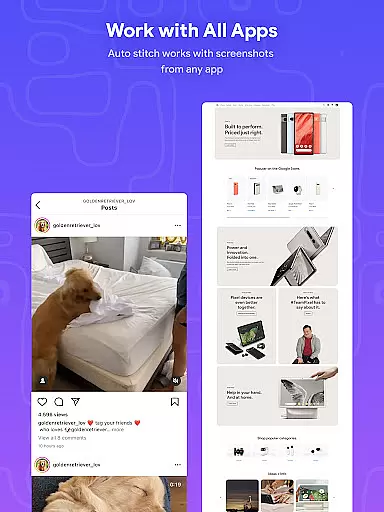
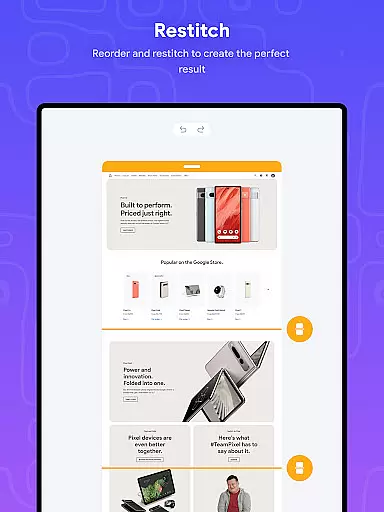
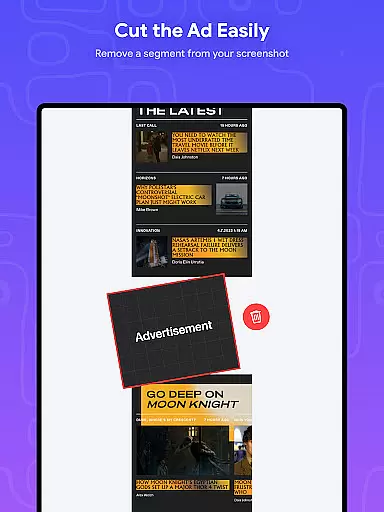
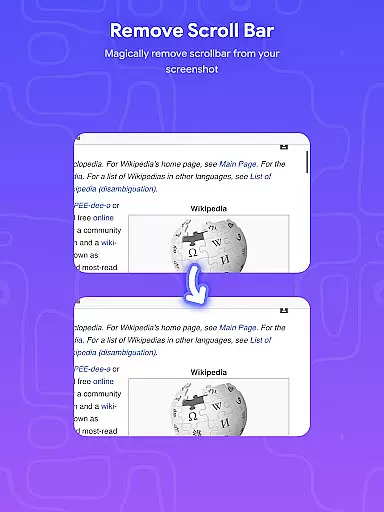
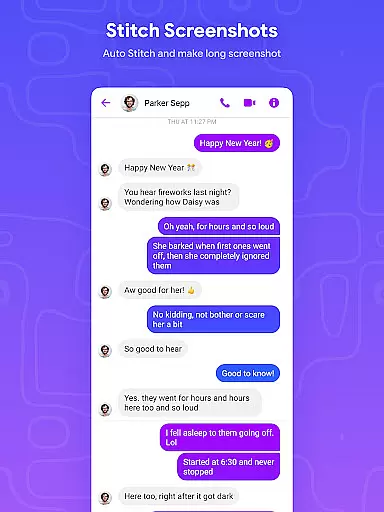
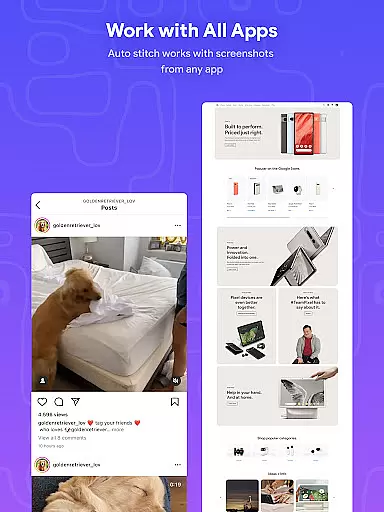
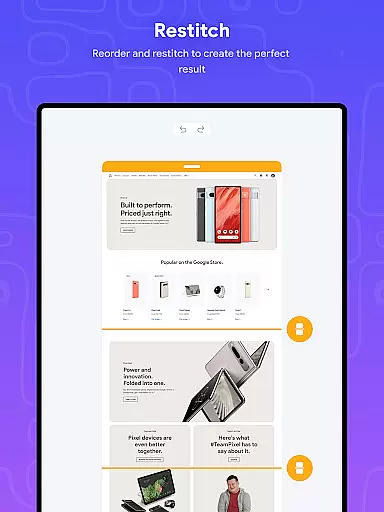
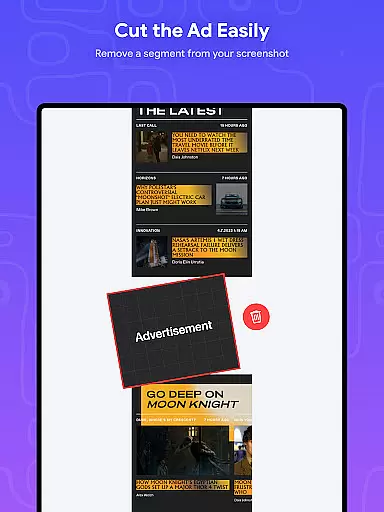
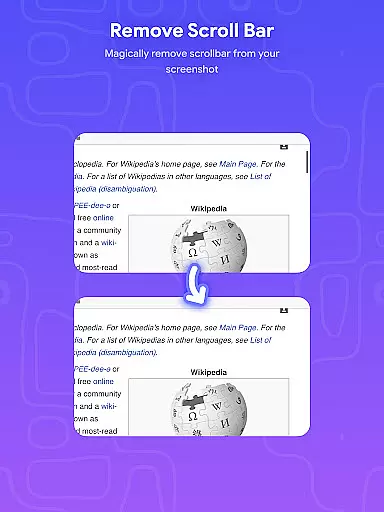
Stitch Photos is an innovative photo stitching application designed for users who want to create seamless panoramas and document scans with ease. Powered by advanced AI technology, the app can automatically recognize and stitch screenshots or long website captures both vertically and horizontally.
The app's standout feature is its ability to produce high-resolution images while maintaining a user-friendly interface. Whether you're capturing majestic landscapes or creating long screenshots of web pages, Stitch Photos ensures that every detail is preserved. This makes it an ideal tool for designers, photographers, and anyone needing to compile large-scale visuals without compromising quality.
Stitch Photos offers a comprehensive suite of features that cater to various photo stitching needs. The app supports automatic stitching in both vertical and horizontal orientations, making it versatile for different types of projects. Its AI-powered technology ensures that each stitched image is free from glitches and alignment issues.
In addition to its core functionality, Stitch Photos provides users with the ability to save high-resolution long screenshots. The app also boasts a seamless experience when stitching long screenshots or entire websites, eliminating the need for manual adjustments. With its intuitive interface, users can effortlessly create and share their stitched images directly via social media platforms.
In the realm of digital creativity, having access to comprehensive tools is paramount. Stitch Photos rises to the occasion by offering an array of features that cater to both amateur and professional artists alike. The app's AI-powered technology allows for automatic recognition and stitching of images, both vertically and horizontally, providing a versatile platform for creative expression.
Users can effortlessly create high-resolution panoramas, document scans, and capture majestic landscapes with precision. This photo stitcher doesn't just stop at basic functionality; it extends to provide seamless long screenshot capabilities, making it indispensable for those who need to capture entire web pages or detailed imagery without losing quality.
The true value of Stitch Photos lies in its ability to ensure that no detail is missed. With a user-friendly interface designed for hassle-free photo stitching, creatives can focus on their art rather than the process. Whether you're looking to tell a story through your images or simply want an easy way to compile visual information, this app ensures every element is perfectly aligned and presented.
Flexibility in canvas and format options is crucial for any design application, and Stitch Photos excels in this area. The app supports high-resolution long screenshot saving, allowing users to work with large files without compromising on quality. This feature is particularly beneficial for designers who require detailed imagery for print or digital media projects.
Stitch Photos provides a smooth, glitch-free experience when stitching photos both vertically and horizontally. This versatility enables artists to experiment with different formats and orientations, ensuring their creative vision is fully realized. Whether capturing expansive landscapes or compiling extensive website captures, the app maintains clarity and coherence throughout.
Moreover, the ease of sharing stitched results directly via social media or other platforms enhances workflow efficiency. By eliminating the need for multiple shots and manual alignment, Stitch Photos streamlines the creative process. Download today to explore how flexible canvas options can elevate your artistic endeavors.
User-friendly design
High-resolution output
AI-powered stitching
Seamless panorama creation
Versatile orientation options
Limited customization
Occasional processing delays
Subscription required for premium features
Basic editing tools
Interface could be more visually appealing

Pose and morph realistic male and female models! 3D poser app
 3.00
3.00
Image/ Text to Video Generator
4.40
Remove Background, Magic Eraser, Photo Enhancer, Story Templates, Collage Maker
4.30
See Color, Paint Color
4.90
The perfect place to start sketching! Use Sketchbook to draw and paint sketches.
4.50
Draw Trace image sketch by, AR art projector app, Easy to trace any image.
4.50
Share the joy of painting with ibis Paint! Drawing anime and manga art.
4.50
Create Logos, Tattoos, AI Art & more with our AI Photo Generator & Design Editor
4.20
Create amazing pictures and unleash your creative genius with AR Drawing Sketch
4.40
Minecraft & Roblox Clothes
4.70
Digital, Abstract, Classic - all types of color wheels in one app!
4.60
Draw anime & manga drawing, art with templates to create stunning picture!
4.50
Create neon drawing with magic doodle and fun doodle art effects!
4.50
Painting, drawing, & sketching
4.50
Custom Character Creator & PFP Maker!
4.20
AI Art Generator transforms your words into AI generated art & paintings.
3.70
Premium version of Shimeji-ee app with no ads & no limit active shimeji
4.3
Download now for a stylish and functional timepiece
4.0
Transform photos into amazing monochrome dither art with professional algorithms
4.4


User Reviews