
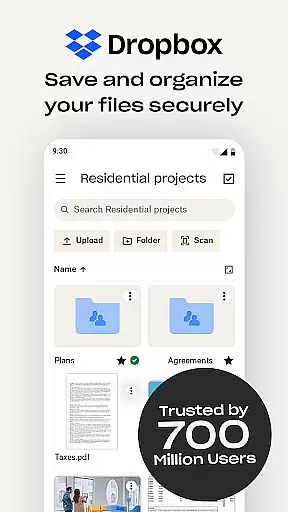
Dropbox is a leading cloud storage solution that allows users to securely backup, access, and manage their essential files from any location. Trusted by over 700 million registered users, it offers reliable and private file management for individuals and teams alike. The app provides seamless synchronization across devices, ensuring your data is always up-to-date and accessible.
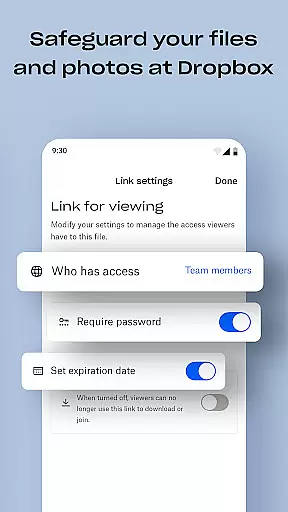
With features like automatic camera roll uploads, offline file access, and document scanning, Dropbox enhances productivity by simplifying how you store and share content. Its advanced security measures and user-friendly interface make it an ideal choice for both personal use and business needs. Whether you're managing family albums or handling sensitive corporate data, Dropbox ensures your files are safe and easily accessible.
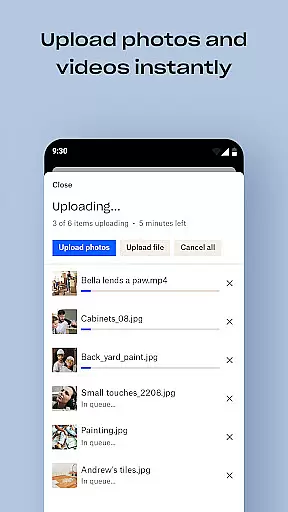
Dropbox stands out with its comprehensive feature set tailored for productivity. The app automatically uploads photos from your camera roll to cloud storage, making photo sharing effortless. It supports previewing over 175 file types without requiring special software, enabling smooth collaboration and file access even when offline.
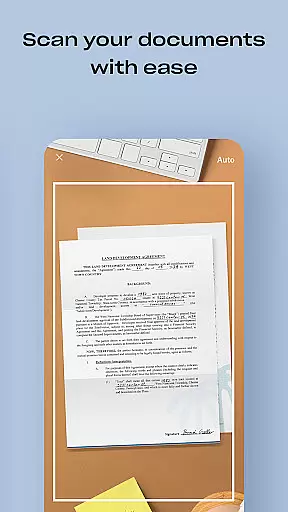
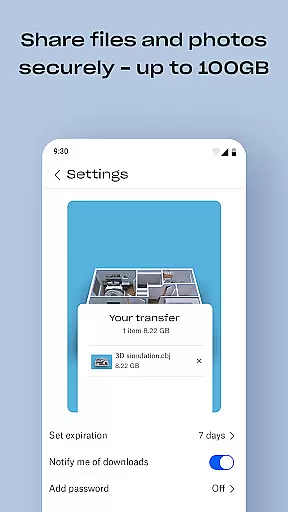
One of the key highlights is the ability to send large files by simply sharing a link, eliminating the need for recipients to have a Dropbox account. Additionally, Dropbox's document scanning feature transforms mobile-captured images into high-quality PDFs. With options like Dropbox Passwords, Vault, and Rewind on the Plus plan, users gain enhanced security and control over their data, ensuring peace of mind while managing sensitive information.
Dropbox excels in core task management by offering a comprehensive suite of tools designed to streamline file handling and organization. The app allows users to automatically upload photos, access files offline, and preview various file types without the need for special software.
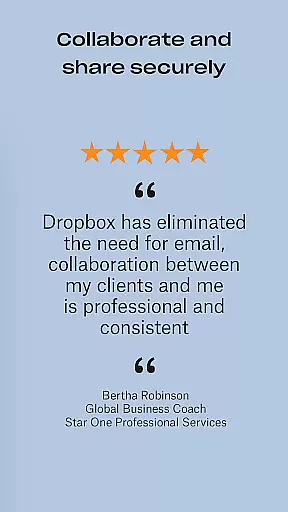
With its intuitive interface, Dropbox makes it easy to send large files by simply sharing a link, even with those who do not have a Dropbox account. This seamless integration ensures that collaboration and file sharing are as efficient as possible, enhancing productivity.
The ability to scan documents and transform them into high-quality PDFs adds another layer of utility, allowing users to digitize important paperwork directly from their mobile devices. This feature is particularly beneficial for professionals who need quick and reliable access to document scans.
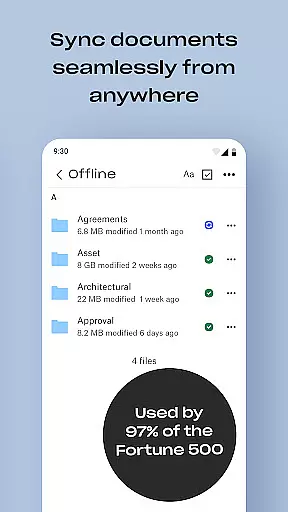
Furthermore, Dropbox's sync capabilities ensure that folders on your PC or Mac are always up-to-date, providing peace of mind with version history and file recovery options. This robust task management system empowers users to focus on their work without worrying about data loss or synchronization issues.
Cross-device synchronization is a cornerstone of Dropbox's functionality, ensuring that users can rely on consistent and up-to-date access to their files across all devices. Whether you're using a PC, Mac, or mobile device, Dropbox maintains a seamless connection, keeping your data synchronized in real-time.
This reliability is bolstered by Dropbox's cloud storage solution, which offers automatic camera roll uploads and easy photo sharing. By leveraging the cloud, Dropbox guarantees that your files are not only accessible but also protected against local hardware failures.
Moreover, Dropbox's advanced features such as Dropbox Vault and Dropbox Rewind enhance synchronization reliability. With Dropbox Vault, users can secure sensitive documents and photos, while Dropbox Rewind allows rolling back any file, folder, or the entire account for up to 30 days, ensuring data integrity.
For professionals and teams relying on accurate and timely data access, Dropbox's cross-device synchronization provides a dependable solution. This ensures that whether you're working from home, the office, or on the go, your files are always at your fingertips, ready for collaboration or review.
User-friendly interface
Strong security measures
Seamless cross-device sync
Comprehensive free trial
Extensive file compatibility
Limited free storage
Paid features are costly
Occasional sync issues
No built-in editor
Basic mobile functionality

QuickBooks Workforce lets teams view pay info and track time in one place.
 4.70
4.70
Wake up & get tasks done! Add alarms & reminders on the Clock Launcher.
4.00
Send files, sync SMS, notifications & clipboard across devices via local network
4.40
Automates browsing any website and notifies you of important changes or events
4.30
Todo reminder
4.10
Functional QR scanner and barcode reader that requires little storage space.
4.60
Secure your apps with lock screens, use custom themes and different features.
4.40
Understand anything with a personalized AI research assistant
4.80
Okta MFA
4.70
Scientific calculator for Android - looks and operates like the real thing!
4.90
Android Wallet Password Manager
4.80
Protect and view your important info on your phone and tablet with eWallet®
4.80
Direct Chat without saving contacts & Dual WA Account on Single Device
4.70
PDF scanner & converter for files, photos, lottery, QR codes. One swipe away!
4.50
Ultimate Virtual AI Character for immersive Roleplay Chat. Perfect Companion
3.90
Mega cloud explorer plugin for Solid Explorer
3.80
Simple and reliable communication between inmates, friends and family
3.20
Experience and share your SolidWorks designs on your Android® phone and tablet.
2.50
Create study competitions, track your hours, and stay consistent with friends
4.0


User Reviews