
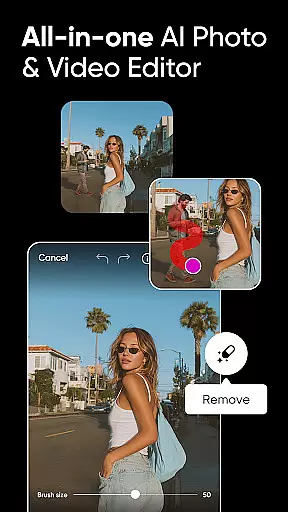
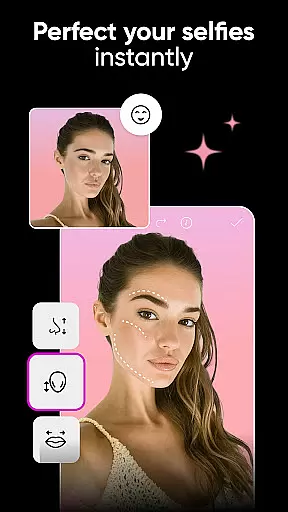
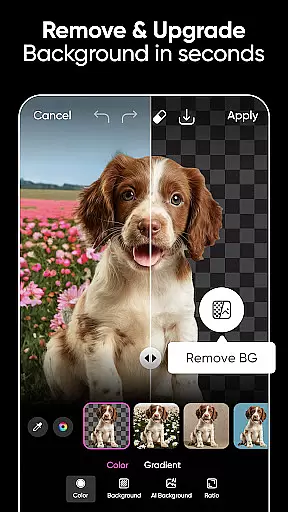
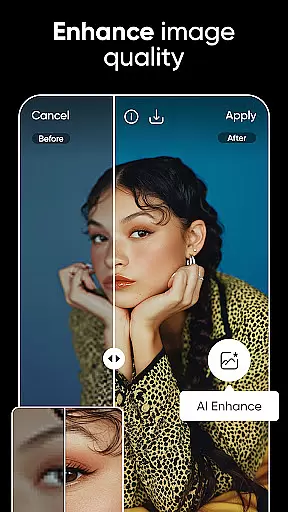


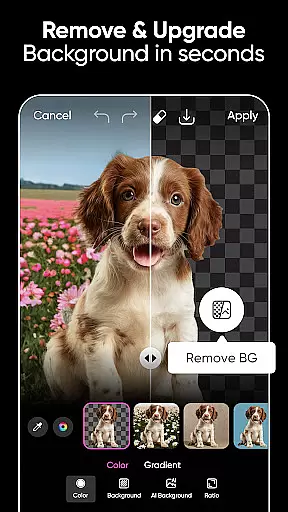
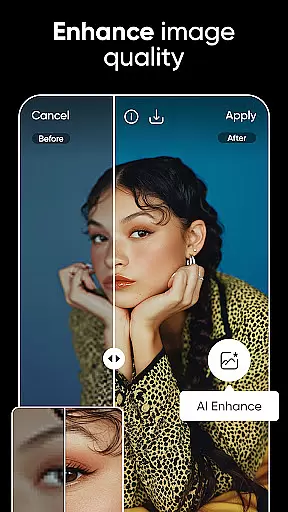
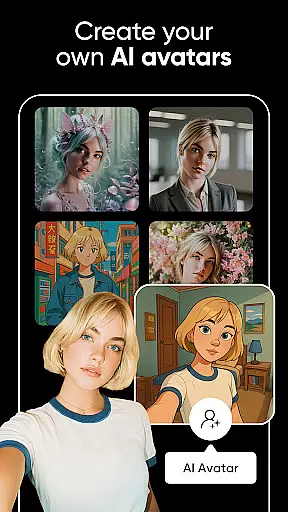

Picsart is a comprehensive AI-powered design studio that offers an extensive suite of graphic design tools for both personal and professional use. This free-to-use application enables users to create pro-quality designs, from business logos to social media content, with ease. The app's standout features include Background Remover, photo and video editor tools, customizable templates, and AI-driven enhancements.
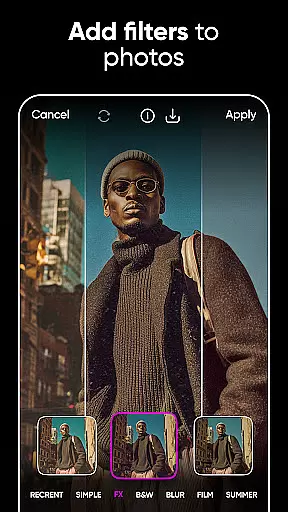
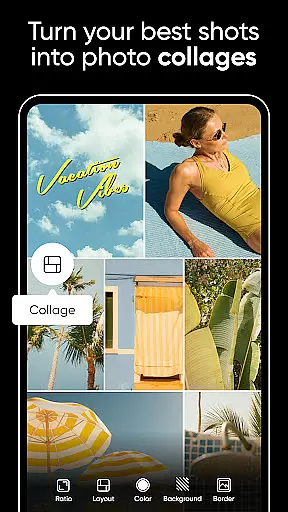
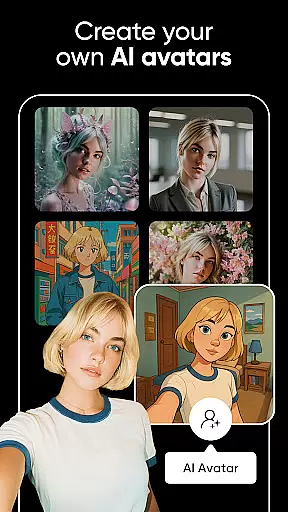
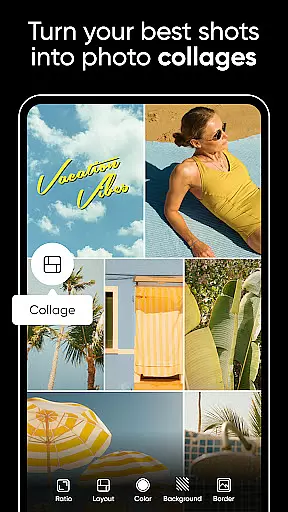
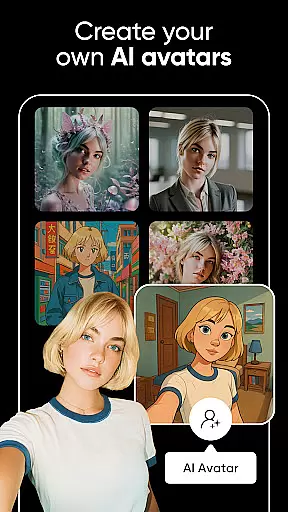
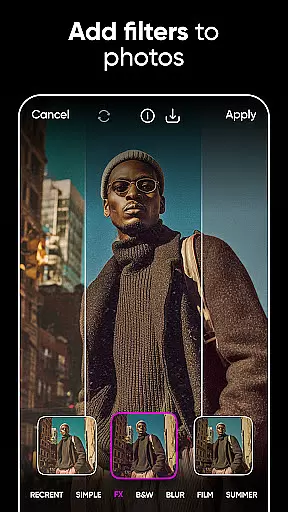
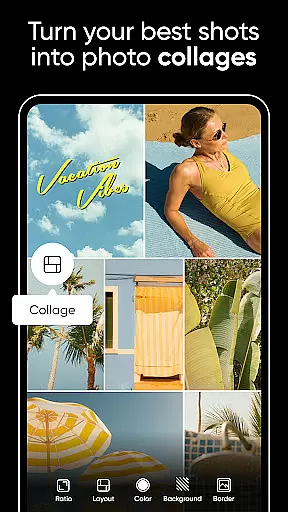
With Picsart, users can seamlessly switch scenes, apply effects and filters, and create mood boards using photo collages. It caters to a wide range of creative projects, making it suitable for online sellers, solopreneurs, and design enthusiasts. Whether you're looking to enhance your photos, generate AI avatars, or edit videos like a pro, Picsart provides the necessary tools to bring your ideas to life.
The app's intuitive interface and powerful capabilities ensure that users can go from inspiration to creation quickly. From AI Image Generator to video editing with music, Picsart supports endless creative possibilities, making it an essential tool for anyone looking to elevate their design game.
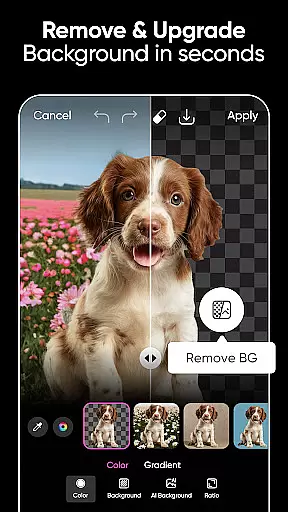
Picsart boasts a rich array of features designed to cater to diverse creative needs. One of its core functionalities is the Background Remover tool, which allows users to create professional-quality product shots by seamlessly merging contextually suitable backgrounds. This feature is particularly beneficial for online sellers and entrepreneurs who require polished images for their businesses.
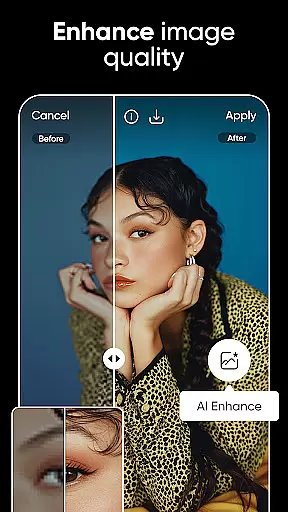
In addition to background editing, Picsart leverages AI to enhance user experience. The AI Enhance tool transforms low-quality images into stunning visuals, while AI Replace offers fun edits such as face swaps and hair color changes. Users can also explore AI-generated art and customize avatars in various styles, providing a unique touch to their creations.
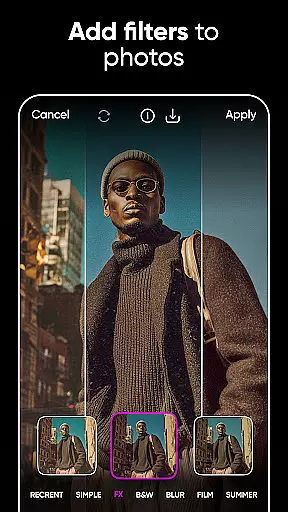
Video editing is another strong suit of Picsart, enabling users to create engaging clips enhanced with music and trendy filters. The app's sticker maker library, brimming with millions of options, allows for personalized designs. Moreover, Picsart's Text Editor and vast font selection empower users to craft memorable text-based designs, ensuring every project stands out.
Real-time capture and preview functionality is essential for ensuring that every photo or video taken meets the user's expectations immediately. Picsart AI Photo Editor offers a seamless experience by allowing users to see the results of their edits in real time, thus enhancing the creative process.
The app leverages advanced processing capabilities to deliver instantaneous feedback on filters, effects, and other editing tools applied to both photos and videos. This ensures that creators can make precise adjustments without any lag, providing a smooth editing workflow.
For users, this means they can experiment with different styles and settings confidently, knowing exactly how the final output will look. The ability to preview changes instantly not only saves time but also encourages creativity by making the editing process more interactive and engaging.
Ultimately, Picsart's real-time capture and preview feature empowers users to produce high-quality content efficiently, catering to both amateur photographers looking to enhance their social media posts and professionals needing reliable editing tools for their projects.
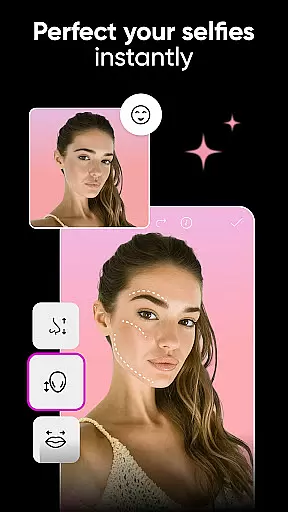
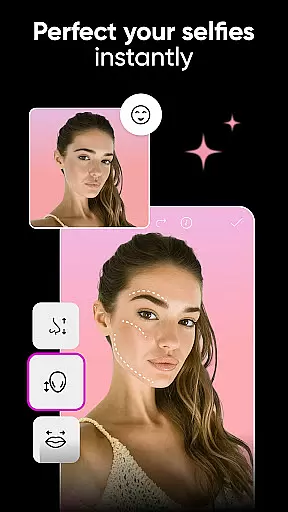
AI beauty and enhancement features are revolutionizing the way users improve their photos, focusing on delivering natural-looking results. Picsart incorporates sophisticated AI algorithms that intelligently apply enhancements while preserving the authenticity of the original image.
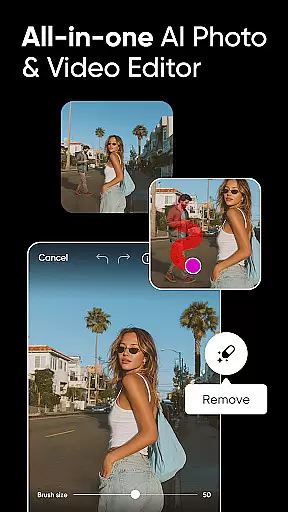
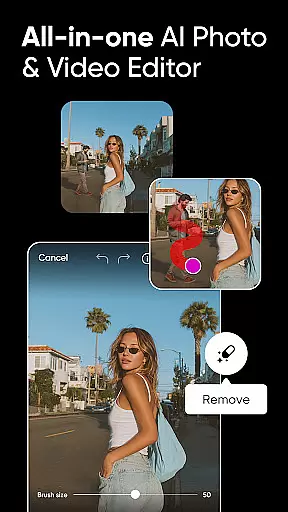
With tools like AI Enhance, users can elevate low-quality images, remove unwanted objects, and apply stylized filters that adapt to the photo's context. These features ensure that edits appear organic, avoiding the over-processed look that can detract from an image's appeal.
This approach benefits users by allowing them to achieve polished yet genuine outcomes, whether they're editing personal photos or professional content. The emphasis on naturalness helps maintain the integrity of the subject, making it ideal for portraits, product shots, and more.
By prioritizing natural enhancement, Picsart ensures that users can create visually stunning images that resonate with viewers, enhancing engagement across social platforms and professional portfolios alike.
User-friendly interface
Extensive AI tools
Versatile design options
Rich template library
Powerful video editing
Some features are premium
Occasional ads
Storage limitations
Advanced tools may overwhelm beginners
Export quality varies

Remote control of the phone camera from your Wear OS smartwatch
 3.70
3.70
AI portrait generator and polaroid AI selfie, fun AI generated AI photo creator!
4.30
How old age camera Gender Swap App Face Shape Hairstyle App Hair Styler App fun!
4.00
Transform photos into videos! Create realistic or anime-style images easily!
4.50
HD Camera Pro with HD Video shooting, Panorama, Photo editor , Beauty Camera.
4.50
Add a dreamy vibe to your selfies and videos with soft style filters
4.1
Pro version: AR sun/moon tracker for any date. Tool for photographers & planners
4.90
Your personal guide to the sun and moon. Plan ahead, visualize and predict!
4.70
PhotoSync Bundle Add-On License. Enables all features and services in PhotoSync.
4.60
Easily view, share, delete photos with Gallery.
4.70
A must-have app for landscape photographers
4.60
Easily create custom gifts, cards, photo books & more on the Shutterfly app!
4.60
AI photo editor with hair editor, retouch tools, hair color changer & filters!
4.50
Natural Beauty, Selfie Retouch
4.30
All-in-One Editor & AI Photo Enhancer, Beautify & Retouch, Collage, Cartoonify
4.20
Luminar: Photo Editor - easy picture editing with AI
4.20
Professional quality photo edits with the new Snapseed.
4.00
Be your best in every shot! Fix, edit and retouch your face in selfies & photos.
3.70
HD Photo gallery and photo manager to edit, hide private photos, videos & albums
4.4


User Reviews