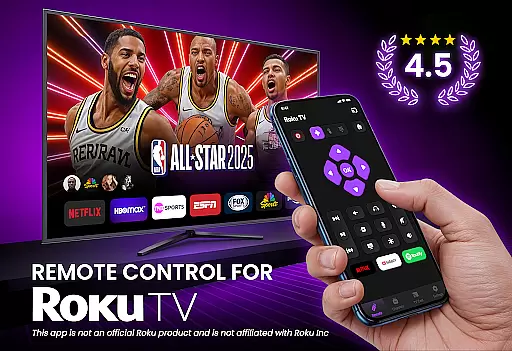
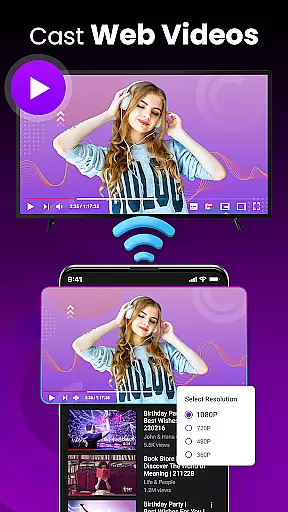
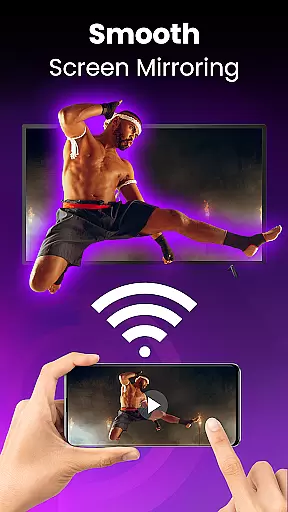
TV Remote Control for RokuTV transforms your smartphone into a universal remote control, offering complete functionality to manage your Roku TV effortlessly. With features like instant setup, full remote functionality, and screen mirroring, this app provides a seamless experience.
The swipe pad navigation, smart keyboard for fast typing, and quick launch shortcuts make controlling your TV intuitive and efficient. Compatible with all Roku TV models, it combines convenience and power in one sleek application, enhancing how you interact with your television.
This app stands out with its effortless connectivity and comprehensive control options. By simply connecting your phone and Roku TV to the same Wi-Fi network, the app detects your device instantly, providing immediate access to controls.
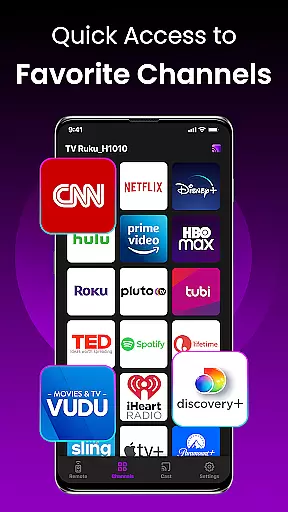
Enjoy advanced features such as a responsive touchpad for smooth navigation, integrated smart keyboard for easy text input, and quick launch shortcuts to your favorite channels. These innovations ensure that users can operate their TVs with precision and ease, making it an indispensable tool for Roku TV owners.
TV Remote Control for RokuTV ensures precise and effective functionality by offering a comprehensive set of features that mirror the capabilities of a physical remote. The app provides seamless control over all aspects of your Roku TV, including navigation, media playback, volume adjustment, and channel switching.
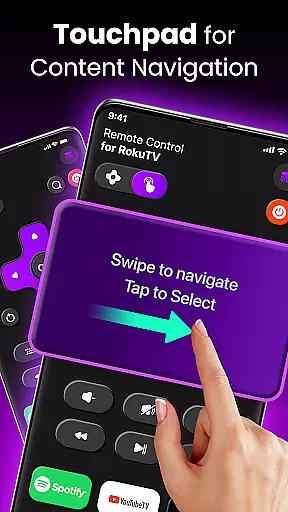
The application's design emphasizes user experience with an intuitive swipe pad for effortless navigation through Roku's interface. This touch-based control scheme eliminates the need for traditional buttons, streamlining interactions and making menu exploration faster and more fluid.
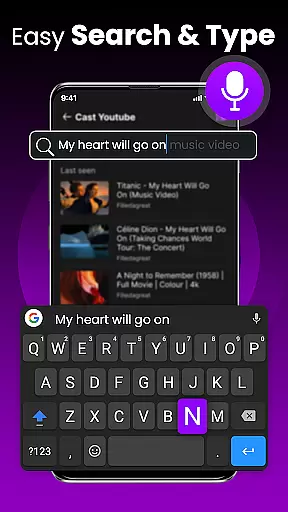
For users who require text input, the integrated smart keyboard significantly enhances typing speed and accuracy. Whether entering passwords or searching for content, this feature transforms a typically cumbersome process into a swift and efficient one.
By combining reliable connectivity with universal compatibility across Roku TV models, the app delivers consistent performance. Its ability to automatically detect and connect to your TV ensures that you can start controlling your device within seconds of opening the app.
The interface of TV Remote Control for RokuTV is crafted to offer simplicity and intuitiveness, ensuring users can easily adapt to its features without a steep learning curve. Upon launching the app, users are greeted with a clean layout that prioritizes essential functions, making it straightforward to locate and utilize needed controls.
A key aspect of the app's design is the modern swipe pad, which replaces traditional button navigation with a touch-based system. This innovation allows users to glide through menus and options effortlessly, providing a natural and engaging way to interact with their Roku TV.
In addition to physical navigation, the app includes a smart keyboard that simplifies text entry tasks. With this feature, users can type quickly and efficiently, whether they're entering search queries or logging into apps, thus enhancing overall usability.
Designed with user-friendliness in mind, the app maintains a consistent connection to the Roku TV, eliminating the need for repeated pairing. This reliability, coupled with an uncluttered interface, ensures that users can focus on enjoying their entertainment without distraction.
User-friendly interface
Quick device connection
Comprehensive remote functions
Efficient screen mirroring
Smart keyboard integration
Requires Wi-Fi connection
Limited to Roku devices
No physical buttons
Dependent on phone battery
Third-party application

Change your GPS location instantly. Simulate routes anywhere in the world.
 4.90
4.90
Quickly switch to an encrypted DNS server on Android TV
4.50
Universal TV remote control all TVs, Roku, LG, Samsung, Fire, Vizio, Sony, TCL.
4.40
Keep track of your Palia friendships, tasks, and inventory with Palia Notebook
4.60
Excellent scientific calculator with symbolic algebra, integrals, derivatives
4.80
Screen Mirroring for Roku Sticks, Roku TCL TV and Roku Hisense TV
4.50
Pro Emulator is an easy to use game console emulator for a range of consoles.
4.40
Fun lie-detection pranks for friends and parties.
3.80
Enhance your Beats
3.70
Enjoy smooth gameplay with Game Booster
4.90
Navigate with Ease and Style
4.90
Unit and currency converter with easy and simple UI.
4.80
HD Camera captures every special moment.
4.60
Game Booster, GFX Tool is now compatible with newer game update
4.50
Clean up large files and similar photos, fast and easy to use
4.40
Fluid navigation gestures for all of us!
4.30
A convenient photo, video, and file recovery tool.
4.00
Smart and comfortable browsing experience.
3.80
This app unlocks the Pro features of the Central for DayZ app
3.60


User Reviews