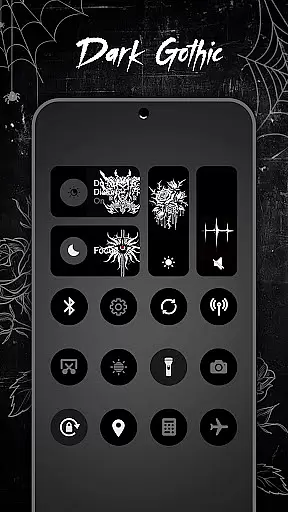
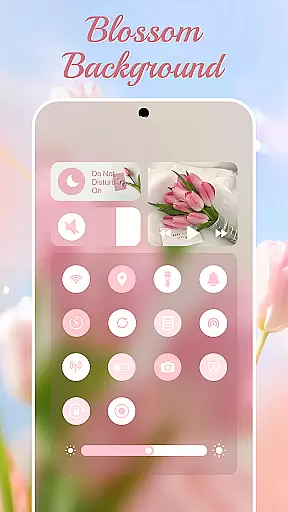
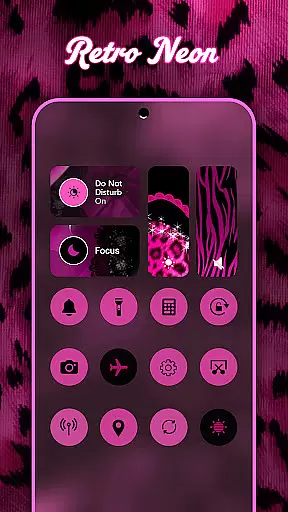
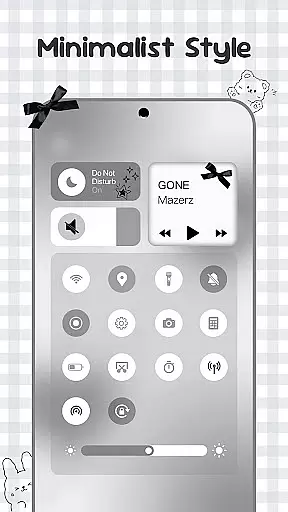
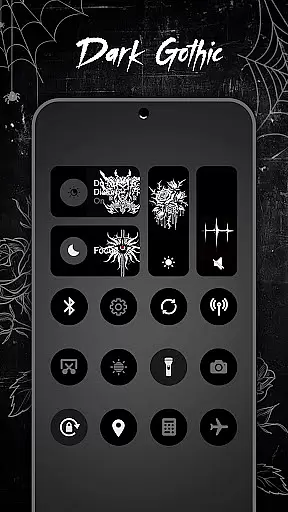
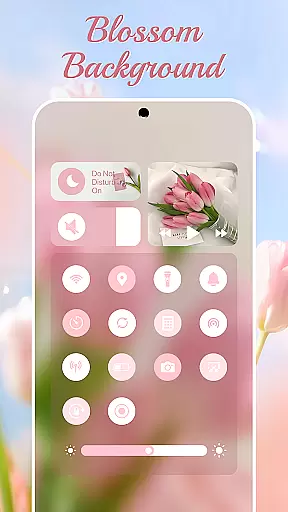
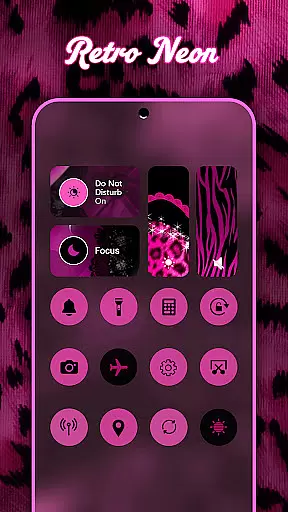
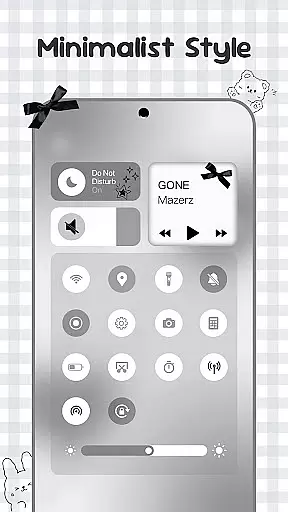
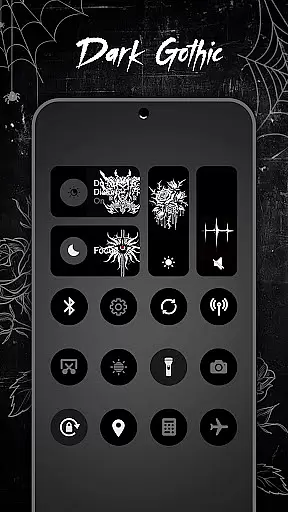
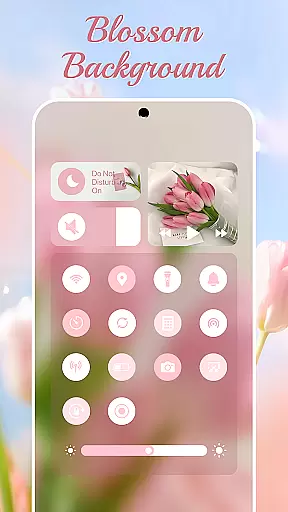
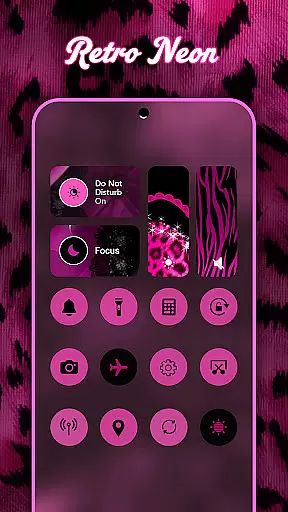
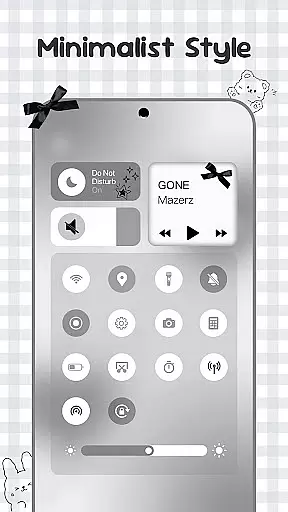
Control Widget is a highly customizable quick settings panel for Android devices, offering users both functional control and aesthetic personalization. This app allows you to manage essential device functions such as Wi-Fi, Bluetooth, brightness, and volume through beautifully designed interfaces.
What sets Control Widget apart is its extensive theme library, featuring thousands of design options including anime, K-pop, neon gradients, minimalism, and more. Users can switch themes effortlessly to match their mood or home screen setup. The app also provides practical tools like screenshot capture, screen recording, and flashlight activation, all accessible with one tap.
This application is ideal for Android users who value both form and function in their device's control center. By combining sleek design with essential utilities, Control Widget enhances the overall user experience while maintaining complete personalization freedom.
Control Widget stands out with its rich feature set that blends functionality with personalization. The app offers a comprehensive control panel that includes essential tools such as brightness adjustment, volume control, Wi-Fi and Bluetooth toggles, and Do Not Disturb mode activation.
One of the key highlights is the theming system, which provides thousands of aesthetic options ranging from popular culture themes like anime and K-pop to design styles such as minimalism and neon gradients. Users can customize their control panel to perfectly match their device's home screen and personal style.
The app also incorporates smart tools like screenshot capture, screen recording, and flashlight activation, all optimized for smooth performance. With Accessibility Services enabled, users can take advantage of advanced features like music control and secure screen management, making it a complete solution for both utility and customization needs.
Control Widget offers an extensive range of customization options, allowing users to tailor their Android control panel to match their personal style. With thousands of aesthetic themes available, including Anime, K-pop, neon gradients, and more, users can curate a unique look that resonates with their preferences.
The app's live style updates feature ensures that your control panel remains dynamic and fresh. Whether you want to align your device's appearance with your current mood or the latest design trends, Control Widget makes it possible to switch themes effortlessly. This flexibility enhances user engagement by providing unlimited personalization possibilities.
One-tap magic transformation is at the heart of Control Widget's appeal. Users can instantly apply entire control panel themes, experiencing immediate visual changes that reflect their chosen aesthetics. This seamless process not only simplifies customization but also encourages creative exploration, making it easy for anyone to personalize their device without technical expertise.
Theme compatibility is a standout feature of Control Widget, ensuring that all customizations integrate smoothly with various Android devices and existing setups. The app supports a wide array of wallpapers, icon packs, and widgets, creating a cohesive and visually appealing interface that complements any home screen configuration.
By focusing on sleek design and synchronization readiness, Control Widget guarantees that every theme will enhance rather than disrupt the user experience. Its ability to blend stylish layouts with functional controls means users don't have to compromise between aesthetics and usability. This balance is crucial for maintaining both form and function on mobile devices.
Moreover, Control Widget invites user participation in design through custom theme requests. This collaborative approach ensures that individual visions are realized within the appu2019s framework, offering a personalized touch that aligns perfectly with each user's unique tastes. Such attention to detail underscores the app's commitment to delivering a superior personalization experience.
Highly customizable
Extensive theme library
One-tap functionality
User-friendly interface
Comprehensive control options
Requires accessibility permissions
May overwhelm new users
Advanced features need setup
Some themes feel repetitive
Occasional performance lags

Make your phone look simple & luxury, like iDevice
 4.60
4.60
Sparkle your screen with Glitter Wallpapers For Girls and Cute Backgrounds!
4.80
Customizable screen pets that play, climb, and keep you company.
4.50
Aesthetic Widgets, HD Wallpapers, Themes in Mico Widget for Home and Lock Screen
4.50
Stylish Pink Cute Hippo keyboard with 10000+ customized keyboard themes!
4.60
Crystal-clear, square icon provides a sleek and sophisticated visual upgrade
4.00
300+ Stunning and well-designed widgets inspired by NOTHING.
4.70
350+ widgets with a premium glass-style finish, perfect for home & lock screens.
4.70
Your home screen, just the way you like it.
3.80
Only for Wear OS devices!
4.90
400+ Beautifully crafted widgets inspired by NOTHING.
4.70
A minimalist productivity launcher. One-hand-friendly. Zero ads.
4.70 4.50
4.50
The definitive Icon pack maker and editor
4.30
Wear Os Watch Face - Seasonal - Animated Snow Effect - 9 Animals
4.20
Unique Fonts, typefaces and stylish text. Fonts for Instagram, Whatsapp & others
4.20
Unleash Your Creativity and Connect with Loved Ones with Lockscreen Drawing!
4.20
Ultimate widget creator. Design custom widgets for a truly unique home screen!
3.90 3.50
3.50


User Reviews