
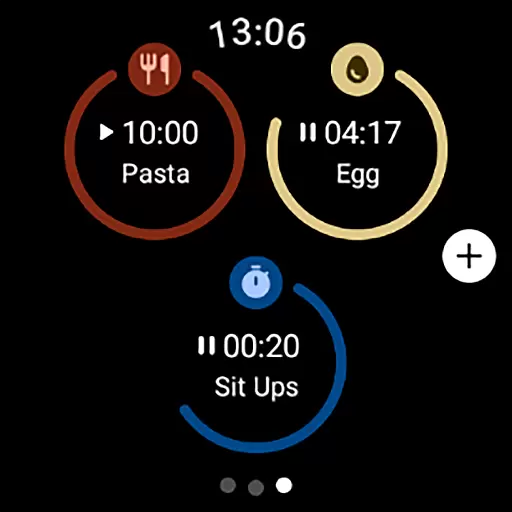
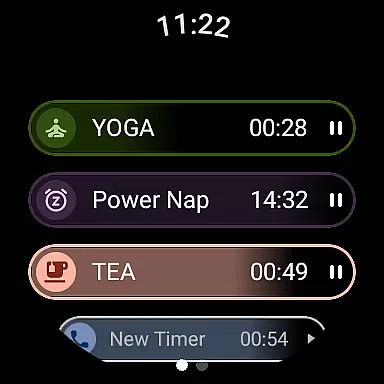
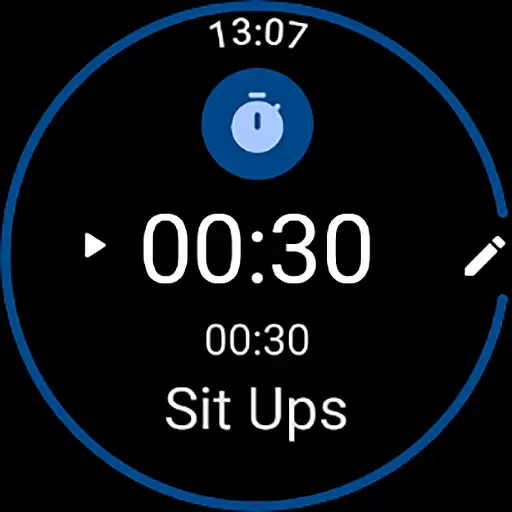
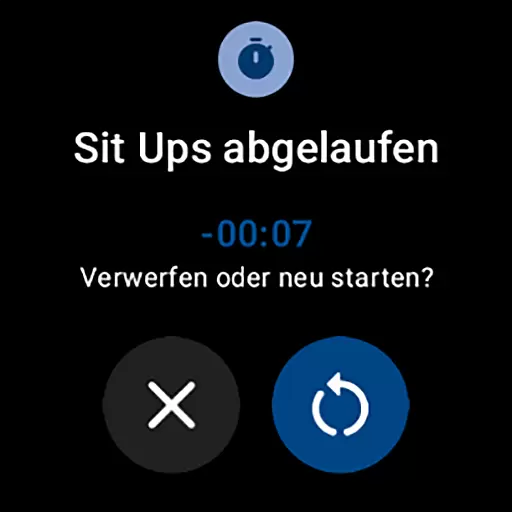
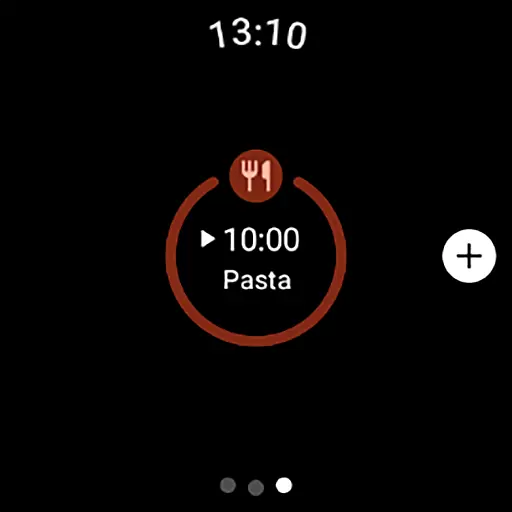
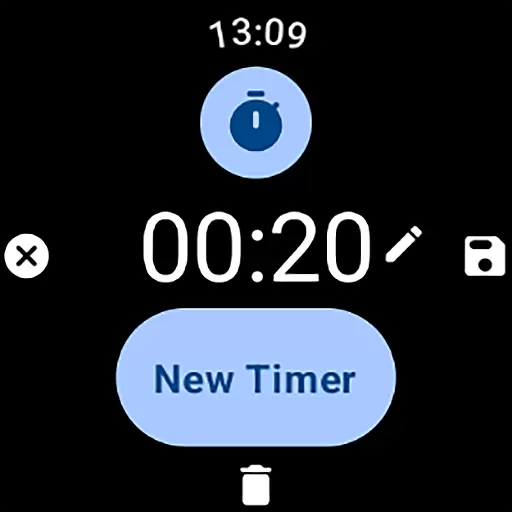
MultiTimerPro for Wear OS is a powerful productivity tool designed to help users manage their time with precision. This app allows you to run multiple timers simultaneously, making it perfect for multitasking scenarios like cooking, exercising, or work sprints.
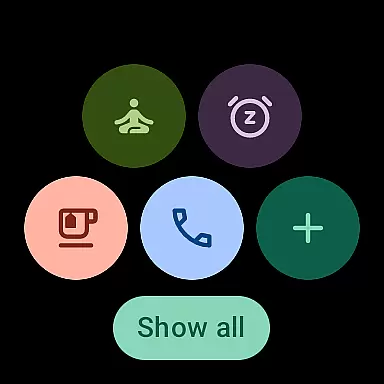
With an intuitive interface and customization options such as personalized names, durations, icons, and colors, MultiTimerPro ensures that each timer fits your specific needs. The newly added Tile feature provides quick access to favorite timers, enhancing efficiency on your smartwatch.
Whether you're managing complex schedules or simple daily tasks, this app transforms how you handle time management, offering both practicality and convenience in one compact solution.
MultiTimerPro stands out with its multi-timer functionality, allowing users to track various activities at once without losing focus. This feature is particularly beneficial for those who need to monitor several tasks simultaneously, such as chefs timing different dishes or athletes tracking workout intervals.
The app also offers sound notifications, ensuring you never miss a timer alert. Customization options are abundant, letting you tailor each timer's name, duration, icon, and color to suit your preferences. These features collectively create a personalized and efficient time management experience.
Additionally, the introduction of the Tile feature means you can directly access your favorite timers from the main screen, streamlining your workflow even further. With these capabilities, MultiTimerPro redefines productivity by combining versatility with user-centric design.
Effective task management is essential for productivity, and MultiTimerPro excels in this area by offering users the ability to handle multiple tasks simultaneously. This Wear OS app allows you to set and manage various timers at once, which is perfect for organizing different activities throughout your day.
The app's multi-timer functionality ensures that whether you're cooking, exercising, or working, you can keep track of each activity without losing focus on any. The intuitive interface makes it simple to create, edit, and oversee these timers, streamlining your daily routines.
With customizable options for naming, setting durations, and even choosing icons and colors for each timer, MultiTimerPro adapts to your specific needs. This level of personalization not only enhances usability but also makes managing your tasks more engaging and efficient.
Cross-device synchronization is a pivotal feature for those who use multiple devices and need their data to be consistent across all platforms. MultiTimerPro addresses this need by ensuring reliable synchronization between your Wear OS smartwatch and other devices.
By integrating with the newly added Tile feature, MultiTimerPro allows direct access to your favorite timers, making multitasking on-the-go more seamless than ever. This means you can start a timer on your watch and have peace of mind knowing it's synced accurately with your mobile device.
In addition to visual cues, sound notifications further enhance the reliability of timer alerts, so you never miss an important moment. With MultiTimerPro, staying in control of your schedule across devices has never been easier or more dependable.
User-friendly interface
Multiple timers support
Customizable settings
Sound notifications
Quick-access Tile
Limited to Wear OS
No web version available
Premium features locked
Occasional sync issues
Small learning curve

A lightweight JSON & XML files creator, editor and viewer (Premium Version)
 4.40
4.40
Mind Map and brainstorm, note taking and idea collection
4.80
Make your handwriting beautiful, even more than pen on paper.
3.60
Secure, fast, open-source, Remote Desktop Client for Windows and Linux with SSH
4.60
Font maker keyboard with your own handwriting
4.10
Create and edit presentations with Google Slides, part of Google Workspace.
4.00
Tally and goal counter for Wear OS & mobile
4.50
Secure your apps with lock screens, use custom themes and different features.
4.40
Simple notepad & memo. Take notes, to-do list, shopping list with reminders.
4.80
8 custom complications. Custom Time Fonts. Beautiful color schemes. A++ Design.
5.00
Great calculator for Android named one of USA TODAY's "25 Essential Apps".
4.90
A simple Whisper AI keyboard for reliable speech transcription and rewording
4.60
Subscribe to Webcal & .ics calendars and keep them up-to-date!
4.50
Total remote control for your Android device, PC and cloud services (IFTTT)!
4.20
Pwnagotchi companion app
4.20
Make apps & sites with natural language prompts
4.10
Cloud storage, automatic phone backup, and more.
4.10
Smart PDF reader & editor to view, organize and manage PDF documents easily.
3.70
IP Camera Viewer - Android TV : RTSP Surveillance camera viewer for Android TV
4.5


User Reviews