
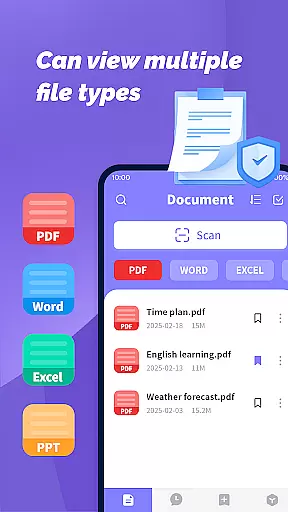
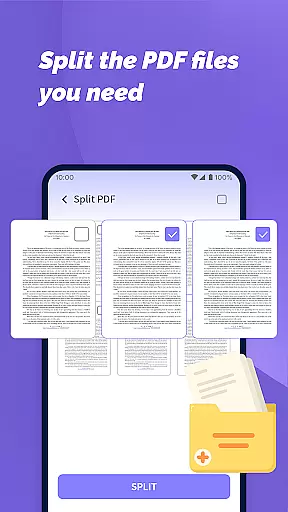
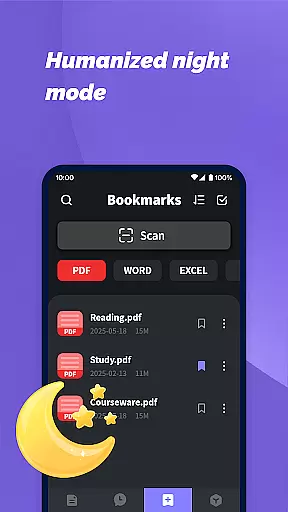
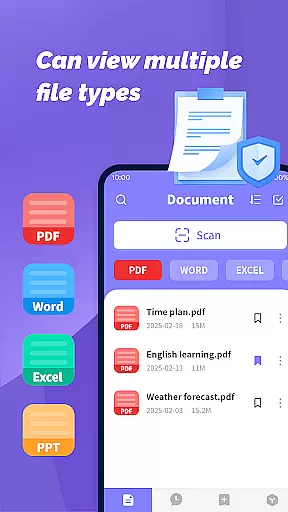
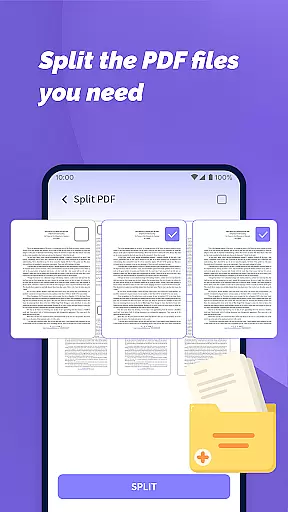
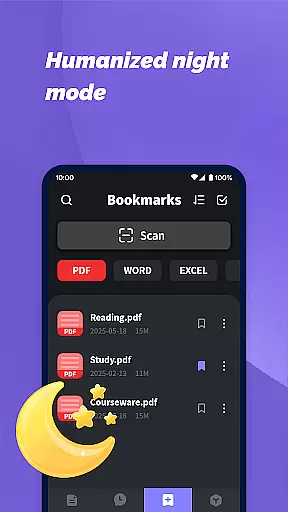
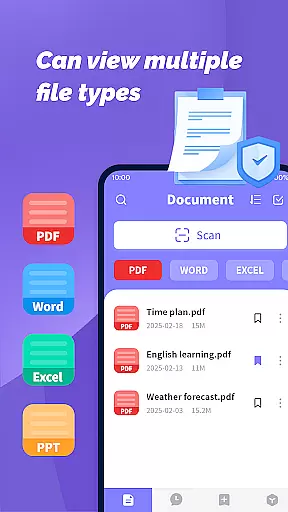
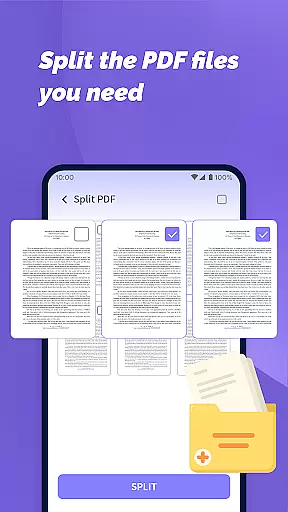
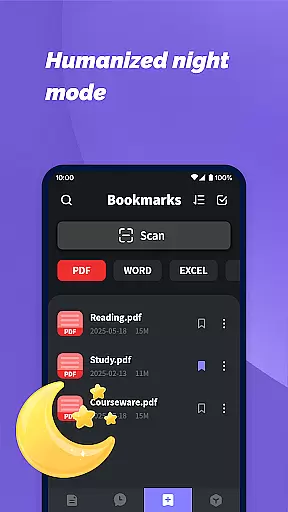
PDF File Plus is a comprehensive productivity tool designed specifically for managing and reading PDF documents on Android devices. The app allows users to not only view PDF files but also annotate them with features like underlining and strikethroughs, making document review more efficient. Beyond PDFs, the app supports multiple file formats including Word, PPT, and Excel, enabling seamless sharing and organization of various document types directly from mobile devices.
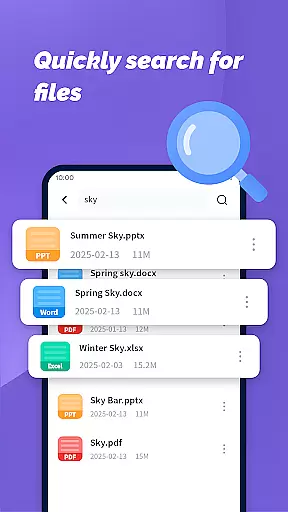
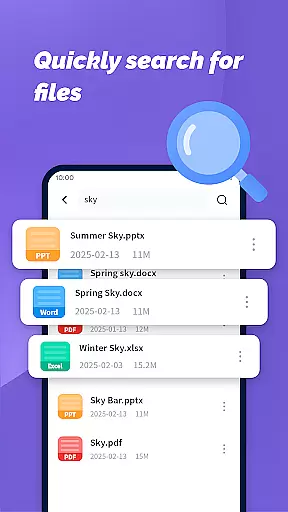
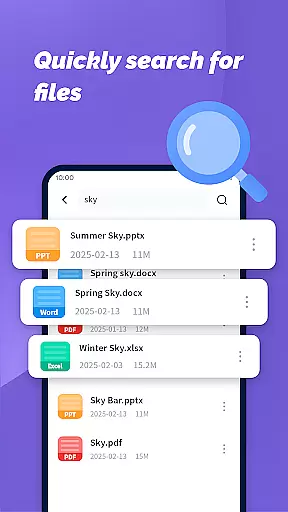
In addition to its annotation capabilities, PDF File Plus offers powerful document search functionality, allowing users to quickly locate specific files based on their needs. This feature is particularly useful for professionals who need to manage large volumes of documents while on the go. With this app, users can easily organize, share, and access their files anytime, anywhere, without being tied to a desktop computer.
The true value of PDF File Plus lies in its ability to centralize document management on mobile devices. Whether you're reviewing work documents during your commute or sharing important files with colleagues, this app ensures that all your productivity needs are met efficiently and conveniently.
PDF File Plus stands out with its rich set of features tailored for document management and productivity. One of its core functionalities is the ability to annotate PDF documents directly on your phone. Users can add underlines, strikethroughs, and other markups, which makes it an ideal tool for reviewing and editing documents on the go. This feature is especially beneficial for students, professionals, and anyone who frequently works with PDF files.
Beyond PDF handling, the app provides extensive support for other popular file formats such as Word, PPT, and Excel. This versatility allows users to manage different types of documents within a single platform. Files can be easily shared via various methods, ensuring smooth collaboration between team members or friends. Additionally, the app's powerful search function enables users to find specific documents quickly, saving valuable time when managing large collections of files.
Another notable feature is the app's intuitive interface, which simplifies file organization even for less tech-savvy users. The ability to handle documents across multiple formats, coupled with its mobile accessibility, positions PDF File Plus as a must-have tool for anyone seeking to boost their productivity without being tied to a desktop environment.
PDF File Plus offers a comprehensive solution for managing PDF documents efficiently on Android devices. This functionality is crucial for users who need to organize, edit, and share files on the go.
The app allows you to underline and strikethrough text directly in PDFs, making it easy to highlight important information or mark sections for review. Additionally, it supports seamless sharing and collection of various file formats including Word, PPT, and Excel, enhancing productivity by centralizing document management.
With its powerful search feature, users can quickly locate specific documents based on their daily needs. This ensures that important files are always at your fingertips, whether you're working from home, commuting, or traveling.
By providing tools to manage files without needing a computer, PDF File Plus empowers users to handle their documents anytime, anywhere. This flexibility significantly boosts productivity and ensures you never miss an important update or change in your files.
In today's interconnected world, reliable cross-device synchronization is essential for maintaining workflow continuity. PDF File Plus excels in this area by ensuring that all your documents are consistently updated across multiple devices.
Whether you're switching between your phone, tablet, or computer, the app guarantees that every change you make is instantly reflected everywhere. This means you can start editing a document on your phone during your commute and continue right where you left off once you reach your office.
The synchronization process is designed to be both fast and secure, protecting your data while ensuring minimal delay. This reliability gives users peace of mind, knowing their documents are safe and up-to-date regardless of the device they choose to use.
Moreover, the ability to access and manage files remotely adds another layer of convenience. Whether you're presenting at a meeting or collaborating with colleagues, PDF File Plus ensures you have the most current version of your documents available, enhancing both individual and team productivity.
User-friendly interface
Multi-format support
Powerful search function
Mobile accessibility
Efficient annotation tools
Limited advanced editing
No cloud integration
Occasional bugs
Ads in free version
Large file slowdown

Seamlessly integrate data and reports to build your presentation to impress
 4.80
4.80
8 custom complications. Custom Time Fonts. Beautiful color schemes. A++ Design.
5.00
Stay on top of your to-dos with Google Tasks, part of Google Workspace.
4.60
Activate Two Factor Authentication (2FA or Multi OTP), Password manager and more
4.10
The AI assistant that thinks with you - write, code, and solve complex tasks
4.60
Calendar 2023 widget for Android. Appointment scheduler, planner, and reminder
4.60
Experience and share your SolidWorks designs on your Android® phone and tablet.
2.50
Secure your apps with lock screens, use custom themes and different features.
4.40
Intelligent AI Assistant
4.10
The long-awaited modern gallery app for your Nextcloud server
4.70
App lock - lock apps with fingerprint, password, pin or pattern, protect privacy
4.70
Fill, sign & send docs, forms, agreements & contracts via electronic signature.
4.50
Tally and goal counter for Wear OS & mobile
4.50
Access, manage and transfer files on Android, PC, Mac, NAS and cloud storages.
4.30
The ultimate file manager for rooted devices. The original and still the best.
4.00
Take control of your clipboard with Clipper!
3.90
All in one sketching tool. Technical and General drawing. Online Maps support.
3.70
Make your handwriting beautiful, even more than pen on paper.
3.60
A comprehensive suite of tools designed specifically for Lactation Consultants
4.4


User Reviews