
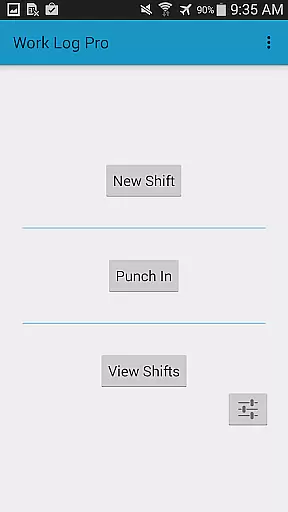
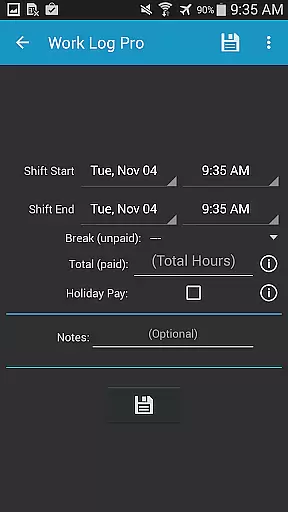
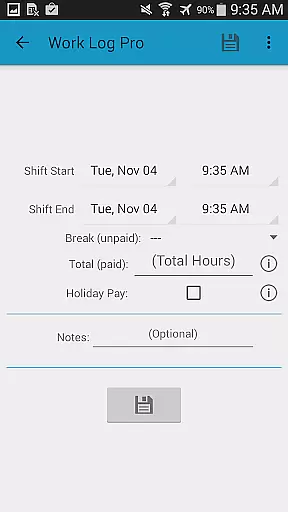
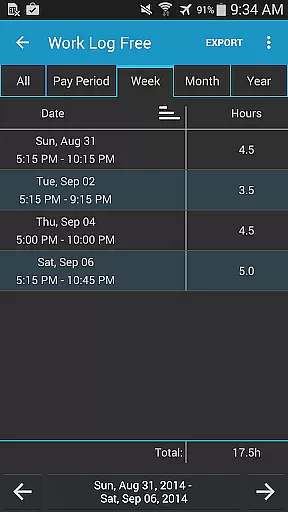
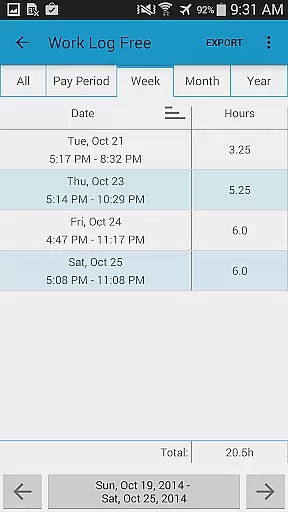
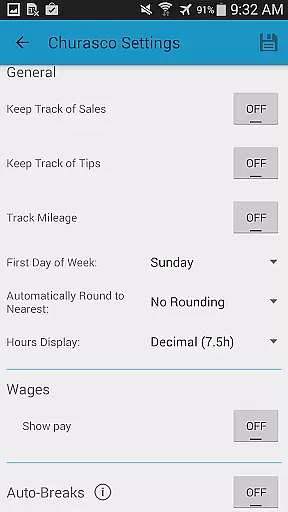
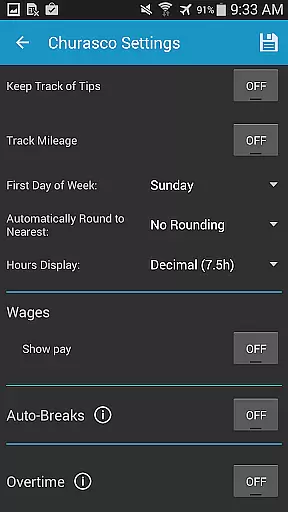
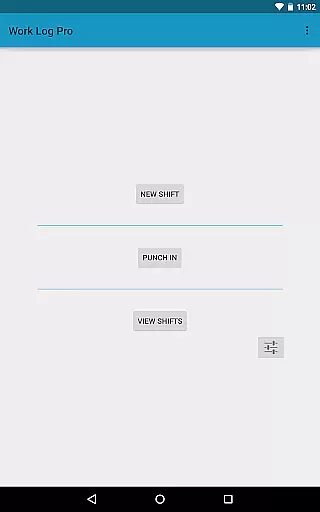
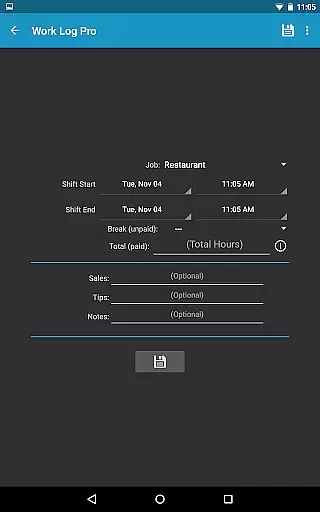
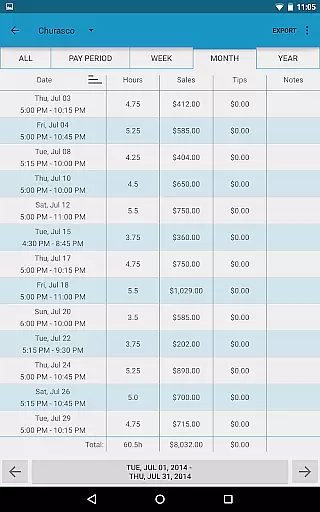
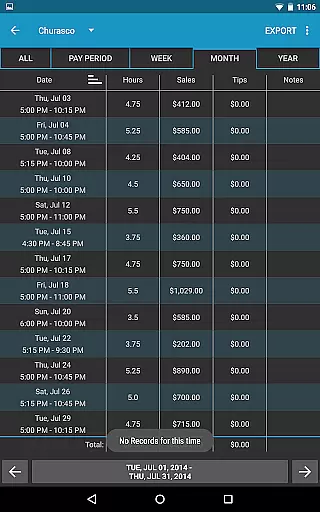
Work Log Pro is a comprehensive productivity tool designed for professionals who need to efficiently track their work hours and manage multiple jobs. The app offers an intuitive interface that allows users to punch in and out, manually enter shift hours, and customize various settings to suit individual preferences. With features like automatic break deductions, pay period calculations, and overtime tracking, it ensures accurate wage computations.
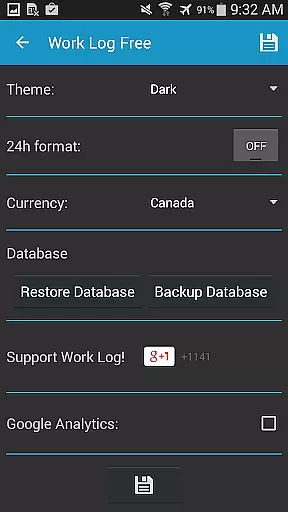
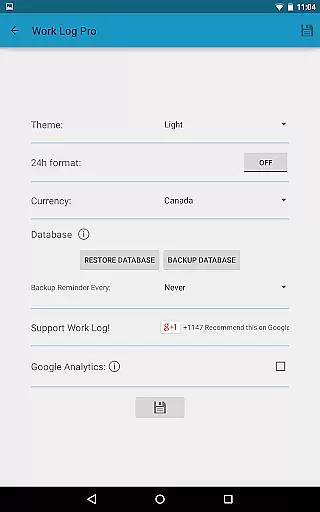
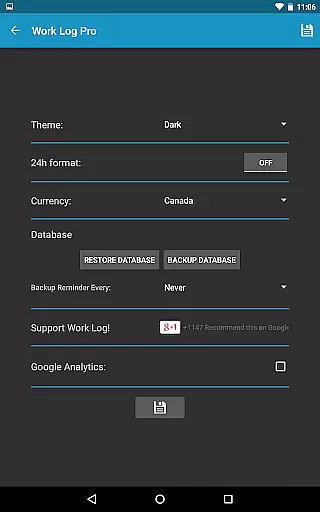
One of the standout capabilities of Work Log Pro is its extensive customization options. Users can choose between light and dark themes, 12-hour or 24-hour time formats, and set reminders for backups. Additionally, the app supports exporting data as spreadsheets or PDFs, making it easy to share work records with employers or for personal record-keeping. This functionality is particularly beneficial for freelancers, contractors, and employees who need detailed reports of their work hours and earnings.
Work Log Pro stands out due to its rich feature set tailored for productivity and efficiency. One of the key functionalities is the ability to track multiple jobs, each with customizable settings such as pay rates, overtime rules, and break deductions. This makes it incredibly versatile for users managing different types of employment or projects simultaneously.
The app also excels in automation and ease of use. It includes time-saving features like automatic break deductions, paycheck calculations with tax and bonus considerations, and widgets for quick access. Furthermore, the option to backup and restore data ensures that users never lose their valuable information. Exporting capabilities add another layer of utility, allowing users to generate CSV files for any specified period, thus facilitating better financial management and reporting.
Work Log Pro excels in core task management by offering users a comprehensive set of tools to track and manage their work hours efficiently. The app allows both manual entry and automatic time tracking, ensuring flexibility for different work styles.
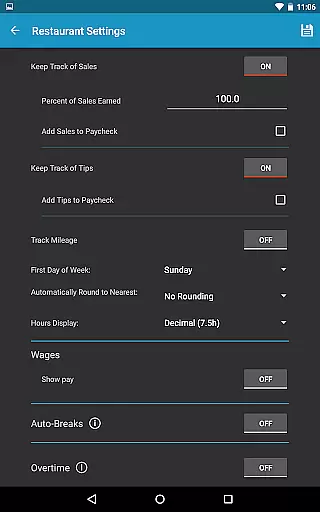
One of the standout features is its ability to handle multiple jobs, each with customizable settings such as pay rates, overtime calculations, and break deductions. This ensures that users can tailor the app to fit their unique work scenarios while maintaining accurate records.
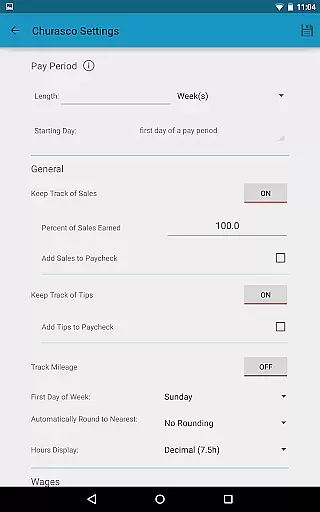
The app also provides powerful automation features like automatic break deductions based on shift length and customizable pay period settings. These features save users significant time and effort, allowing them to focus more on their work and less on administrative tasks.
By integrating widgets for quick access, Work Log Pro enhances productivity further. Users can punch in and out effortlessly or add new shifts directly from their home screen, streamlining the entire time-tracking process.
Cross-device synchronization is a critical feature for users who switch between multiple devices. Work Log Pro addresses this need by providing reliable backup and restore options, ensuring that all data remains consistent and up-to-date across devices.
Users can create backups of their shifts and transfer them via email using the Backup Database option. This method ensures that even if a device is lost or replaced, all recorded work hours and settings can be easily restored on a new device.
In addition to manual backups, the app offers an automated backup reminder feature. Users can set reminders to back up their database at regular intervalsu2014weekly, bi-weekly, monthly, or bi-monthlyu2014ensuring data safety without requiring constant user intervention.
Furthermore, the ability to export shifts as spreadsheets or PDFs adds another layer of reliability. Whether it's for personal record-keeping or sharing with employers, these export options ensure that users always have access to their data in a usable format, regardless of the device they are using.
User-friendly interface
Extensive customization
Multi-job tracking
Automatic calculations
Data export options
Requires separate free version
No built-in cloud sync
Paid upgrade necessary
Complex for beginners
Ad-free at a cost

A Revolutionary All-in-One Artificial Intelligence Tools
 3.80
3.80
When you Focus, so will your Bean in this cozy focus timer
4.30
Experience real multitasking on your Android!
4.00
Automates browsing any website and notifies you of important changes or events
4.30
Code on-the-go with VScode for Android. Edit,debug and collaborate from mobile!!
3.10
Access, manage and transfer files on Android, PC, Mac, NAS and cloud storages.
4.30
* block pre-roll ads, pop-up and forced redirect ads * Samsung certification app
4.00
Secure your apps with lock screens, use custom themes and different features.
4.40
Put a lock on your cloud: Take the security of your data into your own hands
3.70
Great calculator for Android named one of USA TODAY's "25 Essential Apps".
4.90
Use powerful, industry-leading AI tools to generate visual charts from any data
4.80
Secure, fast, open-source, Remote Desktop Client for Windows and Linux with SSH
4.60
Lightweight PDF, Word, Excel reader.
4.60
Tally and goal counter for Wear OS & mobile
4.50
A customizable calendar for your Wear OS watch
4.20
Device's storage information in a simple and clear graphical form (infographics)
4.10
Cloud storage, automatic phone backup, and more.
4.10
Customizable calendar widget for seamless event sync, planning & scheduling.
4.00
ID.me Authenticator is a simple and free Two Factor Authentication solution
3.50


User Reviews