
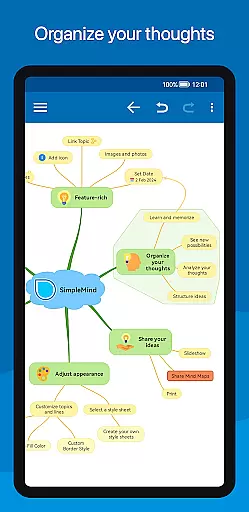
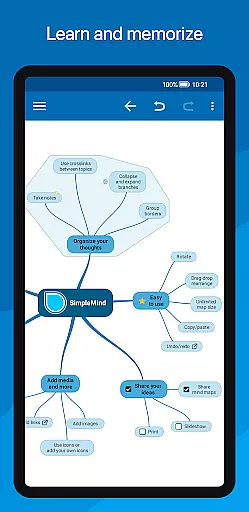
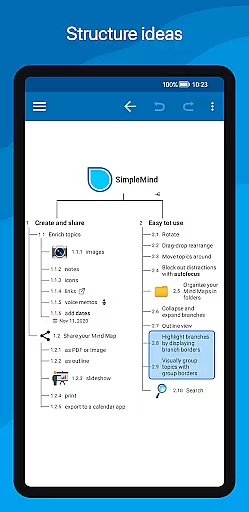
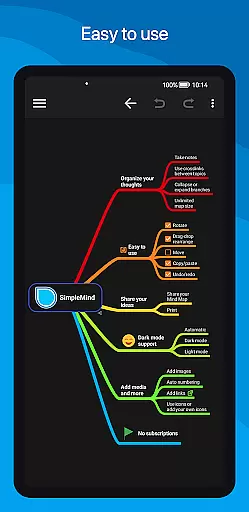
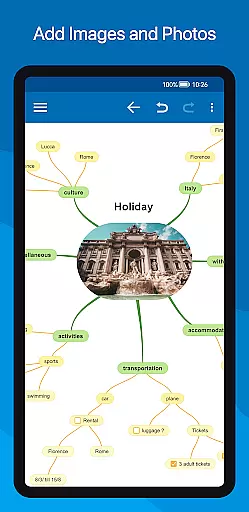
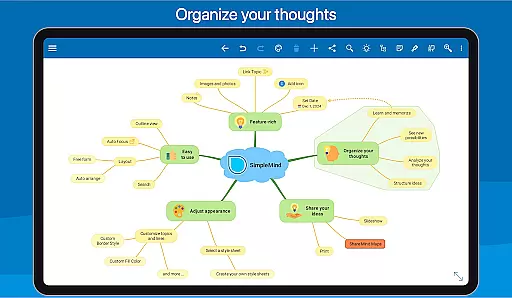
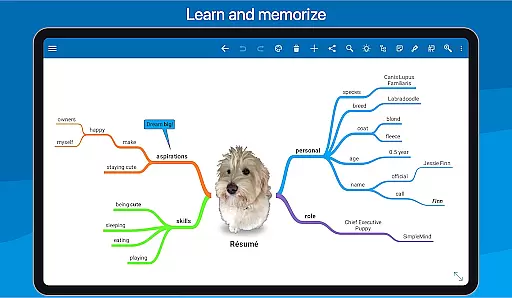
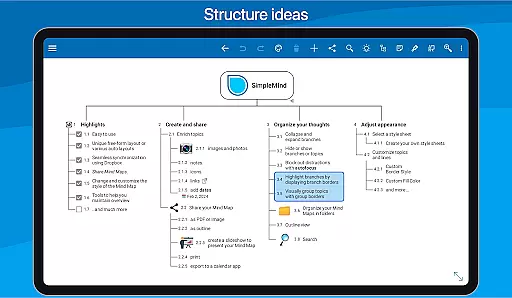
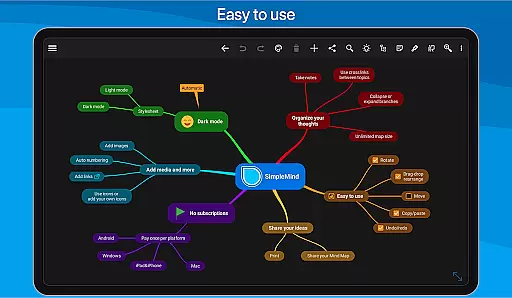
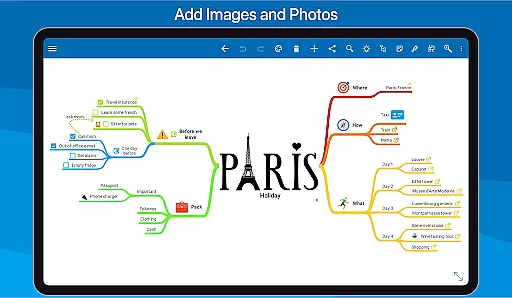
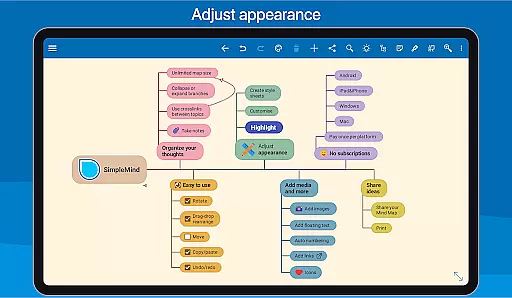
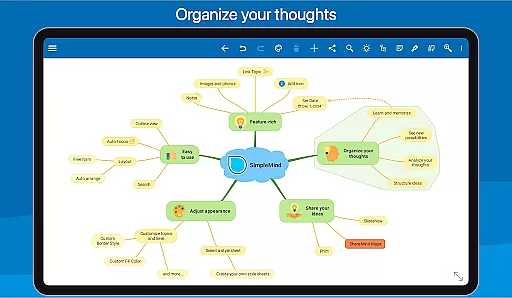
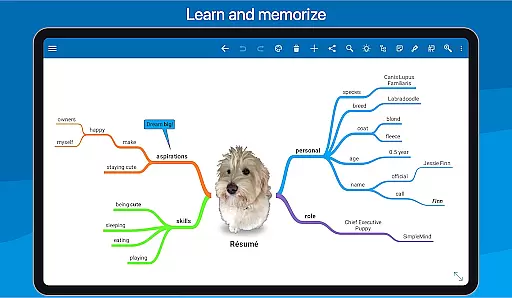
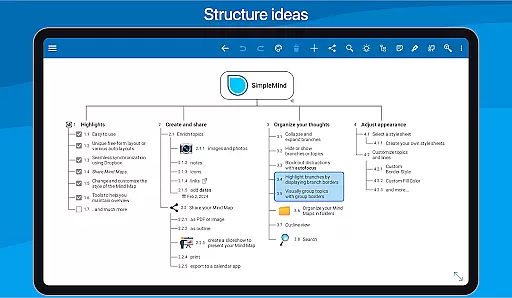
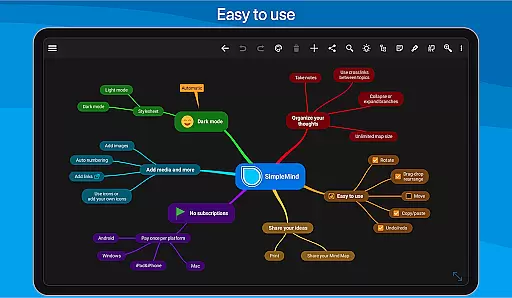
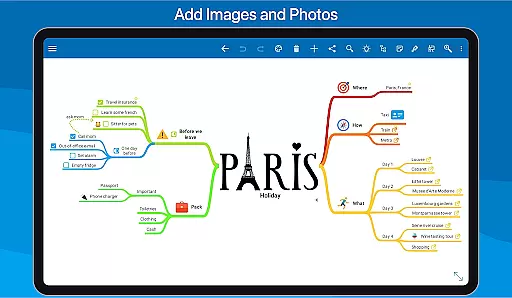
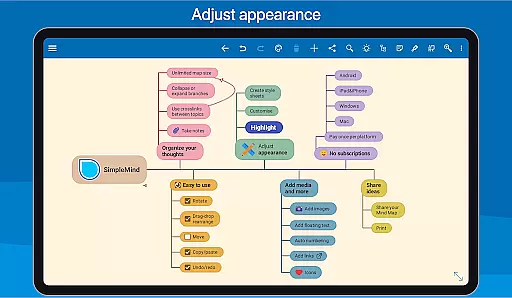
SimpleMind Pro is a versatile mind mapping application designed to help users organize thoughts, retain information, and generate innovative ideas. The app offers an intuitive interface that enables seamless mind mapping across various platforms, including Android, Windows, and Mac. Its synchronization feature ensures your mind maps are always up-to-date, regardless of the device you're using.
The app stands out with its unique free-form layout and auto-layout options, catering to different thinking styles. Whether you're in business, education, or any professional field, SimpleMind Pro provides tools for brainstorming, structuring, and presenting ideas effectively. With features like media integration, style customization, and sharing capabilities, it's an essential tool for enhancing productivity and creativity.
SimpleMind Pro boasts an array of powerful features tailored to optimize your mind mapping experience. One of its key strengths is the flexible layout options, allowing users to place topics freely or utilize auto-layout for structured brainstorming sessions. The app supports virtually unlimited page sizes and elements, ensuring scalability for projects of any size.
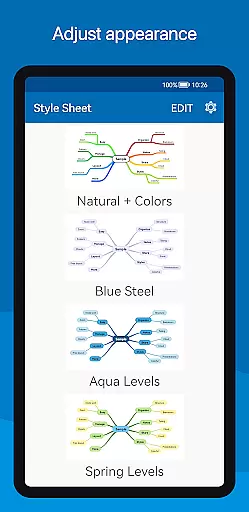
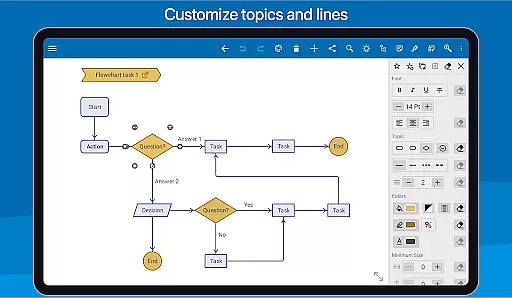
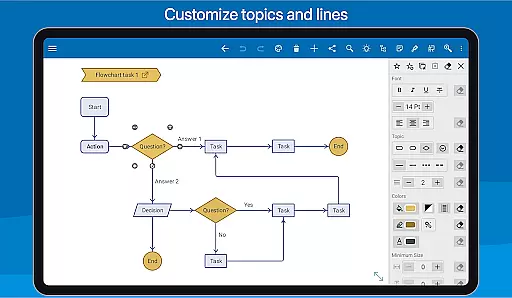
Another standout feature is the seamless synchronization across devices using cloud services like Dropbox. This allows users to access and edit their mind maps from multiple devices effortlessly. Additionally, the app offers extensive styling options, enabling users to customize every aspect of their mind maps, from colors to borders, ensuring each project reflects personal or brand identity.
SimpleMind Pro excels in core task management by offering a versatile mind mapping experience that helps users organize thoughts and generate ideas effectively. The app provides both free-form and auto-layout options, allowing users to place topics anywhere or utilize the brainstorming-friendly auto layout.
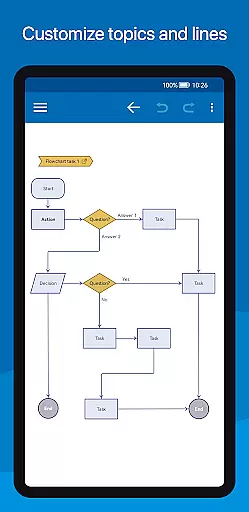
The ability to restructure maps through drag-and-drop, rotation, and reconnection ensures that users can easily adapt their mind maps as tasks evolve. Additionally, features like checkboxes and progress bars enable clear tracking of task completion, while crosslinks between topics help establish connections between related tasks.
With virtually unlimited page size and support for multiple mind maps on one page, this app is ideal for managing complex projects. These capabilities ensure that users can maintain an organized workflow without being constrained by the software, making SimpleMind Pro a reliable tool for task management across various fields such as business, education, and healthcare.
Cross-device synchronization is a critical feature of SimpleMind Pro, ensuring that your mind maps are always up-to-date across all your devices. By leveraging cloud services like Dropbox, the app allows seamless sync of mind maps between Android devices and even across platforms with Windows or Mac versions available as separate purchases.
This synchronization capability means you can start a mind map on your phone during a commute and continue working on it from your tablet or computer at home. The reliability of this feature ensures that no data is lost and all updates are accurately reflected, providing peace of mind for users who rely on consistent access to their information.
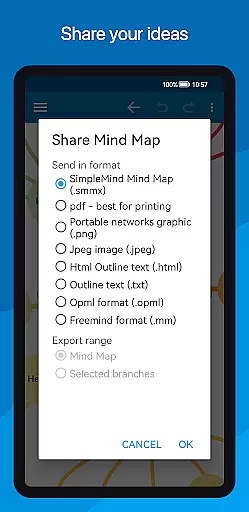
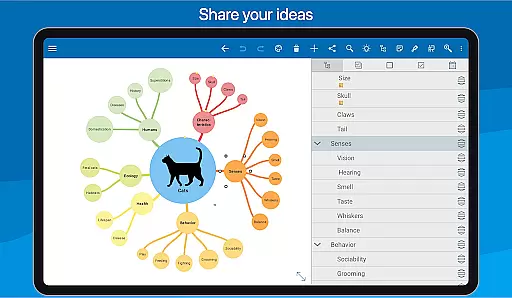
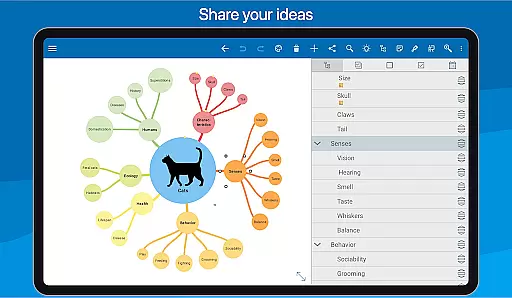
Furthermore, sharing options enhance collaboration by allowing exported maps in formats like PDF or images to be shared effortlessly. This makes SimpleMind Pro not just a personal productivity tool but also a collaborative asset in team environments where maintaining document integrity and availability across devices is crucial.
User-friendly interface
Reliable synchronization
Versatile layout options
Extensive style customization
Cross-platform compatibility
Premium price point
Separate purchases for desktop versions
Limited free features
Advanced tools may overwhelm beginners
Occasional sync issues reported

Send files, sync SMS, notifications & clipboard across devices via local network
 4.40
4.40
Device's storage information in a simple and clear graphical form (infographics)
4.10
CalenGoo is a very flexible and feature-rich calendar app
4.40
All document reader, all in one file viewer read PDF, DOCX, XLS, PPT, TXT files.
4.60
Subscribe to Webcal & .ics calendars and keep them up-to-date!
4.50
Calendar 2023 widget for Android. Appointment scheduler, planner, and reminder
4.60
A Pixel Art watchface inspired by other iconic 90s designs for Wear OS devices!
4.40
Simple notepad & memo. Take notes, to-do list, shopping list with reminders.
4.80
AI Chatbot and AI writing assistant powered by ChatGPT.
4.60
aCalendar+ makes your day, week and month
4.70
App lock - lock apps with fingerprint, password, pin or pattern, protect privacy
4.70
Quickly and easily keep track of your work shifts
4.70
App Lock with fingerprint, password: Lock apps & hide photos with lock screens
4.60
Automates browsing any website and notifies you of important changes or events
4.30
Font maker keyboard with your own handwriting
4.10
Take control of your clipboard with Clipper!
3.90
Access your phone's notifications, calls, apps, photos & texts on your PC
3.90
Ultimate Virtual AI Character for immersive Roleplay Chat. Perfect Companion
3.90
A simple, portable logger for POTA, SOTA, Field Day, and more
4.5


User Reviews