
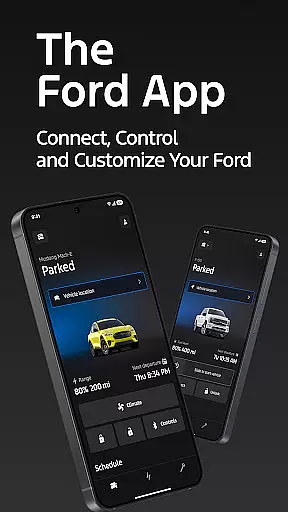
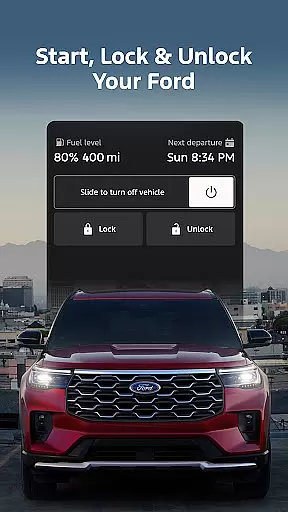
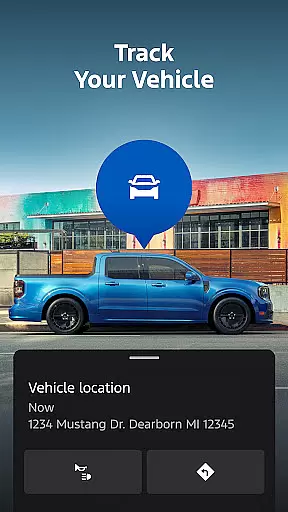
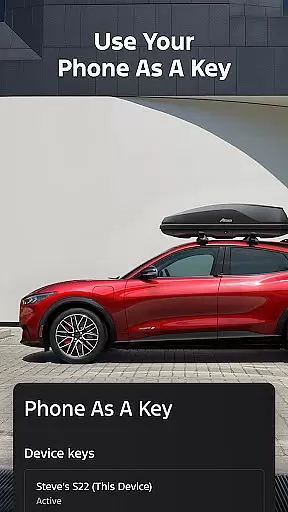
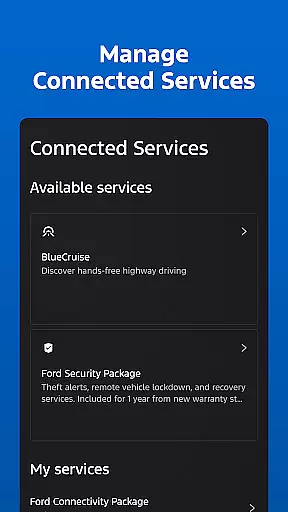
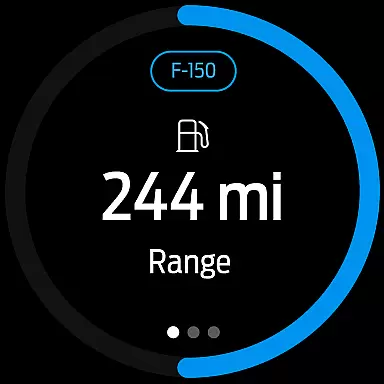
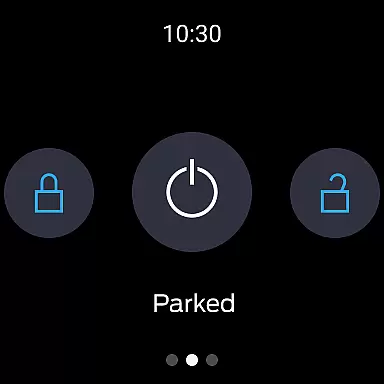
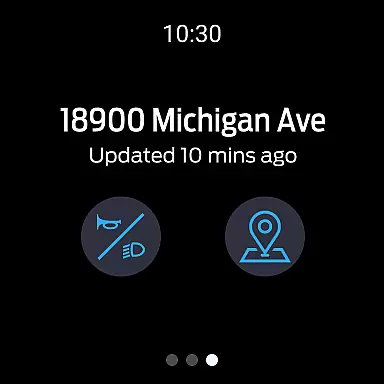
The Ford app is a comprehensive mobile solution designed to enhance the ownership experience for Ford vehicle owners. This application serves as a centralized platform that provides users with remote access and control over their vehicles, including features such as remote start, lock and unlock capabilities, and GPS tracking. All these functionalities are offered at no additional cost, making it an economical choice for Ford drivers.
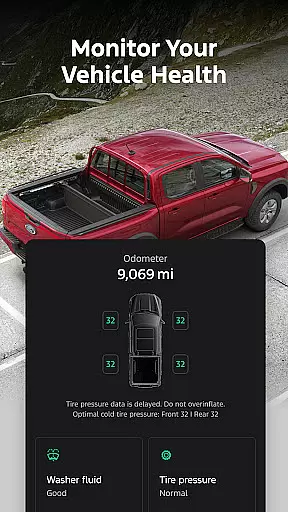
One of the standout features of the Ford app is its ability to transform your smartphone into a key, allowing you to manage your vehicle's status with just a tap. Whether you need to check fuel levels, schedule maintenance, or monitor electric vehicle charging, this app puts all the necessary tools right in the palm of your hand. Additionally, regular updates ensure that users have access to the latest features and information, keeping them connected and informed about their Ford vehicles.
The Ford app boasts an impressive array of features tailored to simplify vehicle management. Remote functionalities allow users to start their car, lock and unlock doors, and even precondition the interior climate remotely. These features provide unparalleled convenience, especially during extreme weather conditions or when you're away from your vehicle.
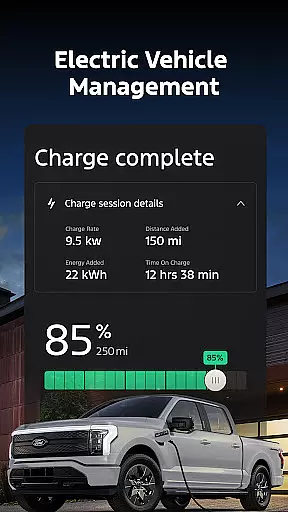
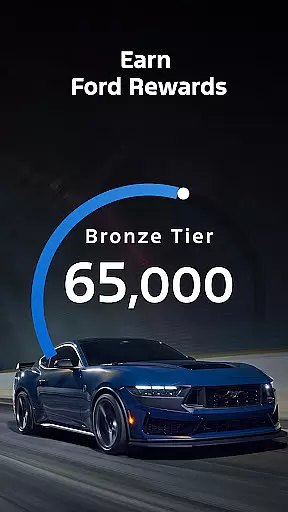
For electric vehicle owners, the app offers specialized tools to monitor charge levels, locate public charging stations, and precondition the car's interior. The integration with Ford Rewards adds another layer of value, enabling users to earn points redeemable for services and accessories. Moreover, the app supports over-the-air software updates, ensuring that your vehicle's software remains up-to-date without needing to visit a dealership. With compatibility extended to Wear OS smartwatches, users can send commands and check vehicle status directly from their wrist, further enhancing accessibility and convenience.
Companion app integration is essential for users who want seamless connectivity between their smart devices and vehicles. The Ford app excels in this area by offering a comprehensive suite of features that work in harmony with Wear OS smartwatches.
Through the Ford app, users can send commands and check vehicle status directly from their wrists, providing unparalleled convenience and real-time access to critical information. This integration ensures that whether you're at home or on the go, your vehicle remains within reach.
The benefits of such integration include enhanced user experience through quick access to remote start, lock and unlock features, and GPS tracking without needing to pull out your phone. This makes daily interactions with your vehicle more efficient and enjoyable.
Ultimately, companion app integration transforms how users interact with their vehicles, making it an indispensable feature for modern car owners seeking to maximize their Ford journey.
Wear OS/device compatibility ensures that users can fully leverage their smartwatches to interact with their vehicles. The Ford app supports this by being compatible with select smartphone platforms and Wear OS devices, enhancing accessibility and functionality.
This compatibility allows users to receive updates and notifications directly on their smartwatches, streamlining the process of staying informed about their vehicle's status. Whether it's checking fuel levels or receiving alerts, everything is accessible right from your wrist.
By supporting various devices, the Ford app caters to a broad audience, ensuring that most users can take advantage of its innovative features regardless of their device preferences. This inclusivity enhances user satisfaction and engagement.
In summary, Wear OS/device compatibility not only expands the utility of the Ford app but also enriches the overall ownership experience by integrating advanced technology into everyday life.
User-friendly interface
Comprehensive vehicle management
Remote access convenience
Regular feature updates
Integration with smartwatches
Limited to select models
Requires active modem
Dependent on cellular networks
Potential connectivity issues
Points not redeemable for cash

an Analog Watch Face for winter season with freeze winter background for Wear OS
 4.1
4.1
A heartwarming Christmas scene featuring a cute image of Santa and Rudolf
4.5
Simple Analog-Digital Watchface For Wear OS 3.0 and Up Smartwatches
4.5
Watch face for Wear OS.
4.20
Digital, flexibly customizable watch face. For Wear OS 5.0, API 34+ and later.
5.00
Nutrition, Macro tracker: Food, fitness & healthy diet tracking for weight loss
4.60
Connect to your Bluelink equipped Hyundai vehicle from your smartphone.
4.50
Real-time weather radar with temperatures, warnings, hurricanes, and widgets
4.80
Hyper-Realistic Airplane Dashboard Watch Face With 10 Skins and Custom AOD
4.00
WTW M17 is a premium and luxurious hybrid watch face
4.70
Easy Voice Recorder is your everyday companion to record important moments.
4.70
Hybrid watch face for Wear OS with customizable complications by Matteo Dini MD
4.70
Real-time results, stats, schedules and player profiles for all leagues
4.60
Fast and smart typing with Emojis, GIFs, and more
4.50
Beautiful artistic animated digital watch face, with a customizable layout!
4.40
Premium hybrid watch face with many customizations for Wear OS devices.
4.40
Locate your family members by GPS phone location tracker everywhere and anytime
4.30
Your music, your playlists, and more—offline and unlimited.
4.20
Fitness interactive virtual pet super fighter boy watch face
4.2


User Reviews