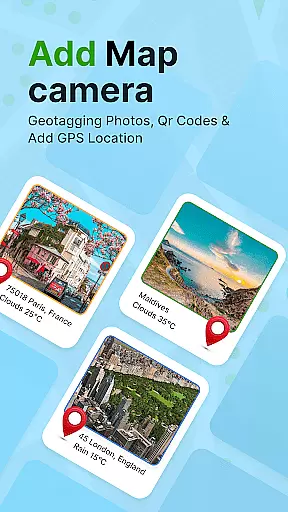
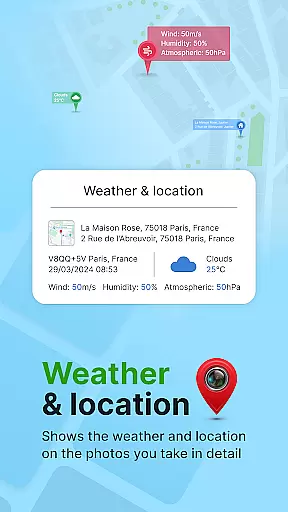
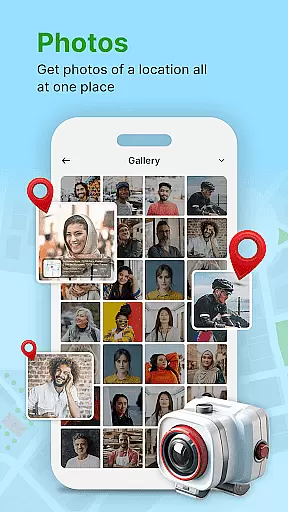
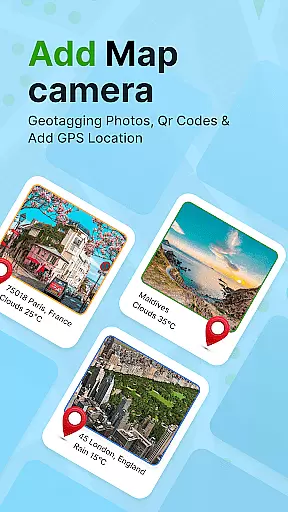
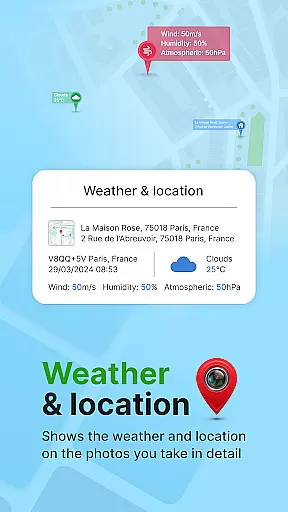
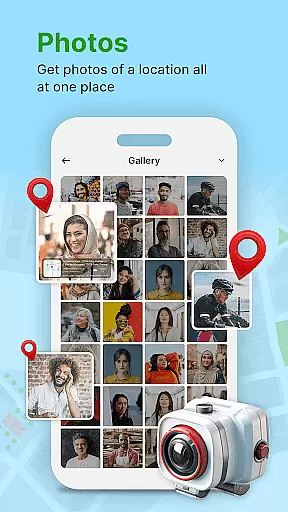
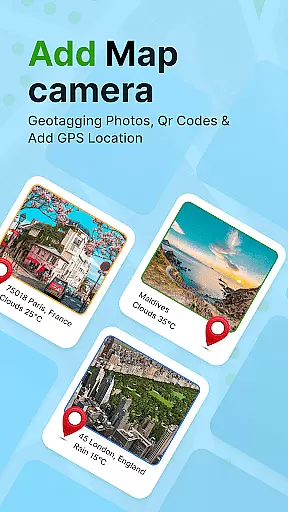
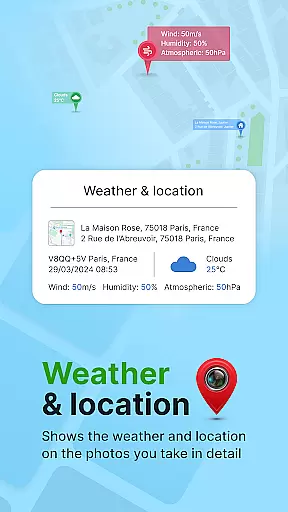
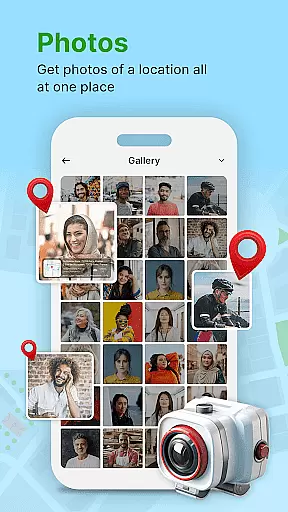
GPS Geotag Photos & Camera Map is a powerful photography app designed to enhance your photo-taking experience by embedding precise location data into your images. The app automatically adds GPS coordinates, altitude, and even weather information to your photos' metadata, making it easy to track where and when each photo was taken.
In addition to geotagging, the app offers advanced customization options. Users can modify the font, size, color, and position of timestamps on their photos. It also includes a QR code scanner for added functionality. Whether you're a traveler wanting to remember scenic locations or a professional needing to organize photoshoots, this app provides an efficient solution.
This app is especially useful for photographers who need accurate geolocation data for their work. By using GPS Geotag Photos & Camera Map, users can easily share their geotagged photos with family and friends, ensuring that every captured moment comes with its unique spatial and temporal context.
One of the standout features of GPS Geotag Photos & Camera Map is its ability to automatically embed GPS data into photos. This includes not only latitude and longitude but also altitude and address information, providing comprehensive metadata for each image captured.
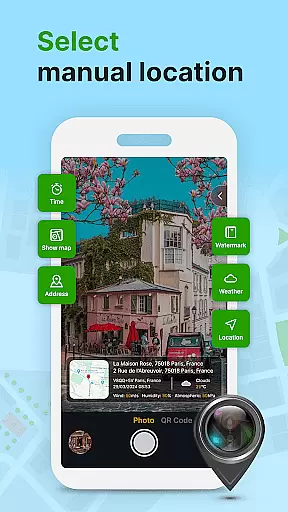
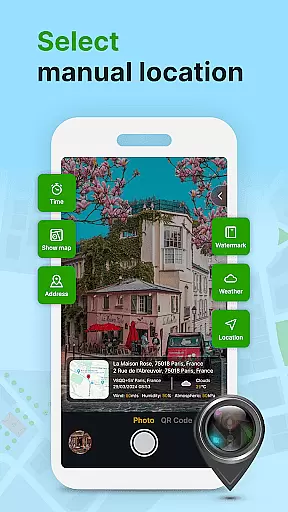
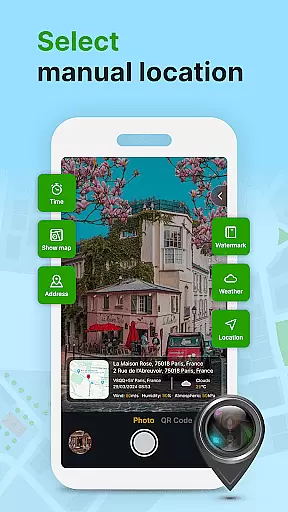
The app also supports extensive customization options. Users can adjust the appearance of location stamps, including font style, size, color, and placement on the photo. For those needing more control, manual adjustments of GPS coordinates are available, allowing fine-tuning of the geotagging process.
Other notable features include a built-in QR code scanner and the ability to add short location descriptions and weather information to photos. These functionalities make the app versatile for various use cases, from personal memory-keeping to professional photography projects.
Real-time capture and preview functionality is essential for ensuring that each photo taken with GPS Geotag Photos & Camera Map app accurately reflects the desired composition. This feature allows users to see exactly what the camera sees, in real time, before capturing the image.
The app supports stunning photo capture while embedding crucial metadata such as GPS coordinates, altitude, and address directly into the image. This ensures that every photo taken not only captures a moment but also its context in terms of location and environmental conditions.
Users benefit from this feature by being able to trust that their photos are enriched with accurate geotagged information without needing to make adjustments post-capture. The ability to preview these details live on the map enhances the user experience significantly.
While primarily focused on geotagging, GPS Geotag Photos & Camera Map app also offers features akin to AI beauty and enhancement tools, aiming to maintain the natural look of photos. These enhancements ensure that images retain their authenticity while benefiting from improved quality.
Customization options within the app allow users to adjust font, size, color, and position of timestamps, adding an element of personalization and control over how additional information is displayed on photos. This subtle enhancement does not detract from the original image but rather complements it.
By supporting manual setup of latitude and longitude, the app provides flexibility for fine-tuning locations, ensuring that even the most specific details can be adjusted for accuracy. This level of detail ensures that users have complete control over both the aesthetic and informational aspects of their photos.
User-friendly interface
Comprehensive geotagging
Customizable timestamp options
Includes QR code scanner
Supports manual GPS adjustments
Requires constant GPS usage
May drain battery quickly
Some features are complex
Limited offline functionality
Weather data not always accurate

HD Photo gallery and photo manager to edit, hide private photos, videos & albums
 4.5
4.5
Automatically backup your photos and videos to computer, NAS and Cloud services
4.60
Fit multiple photos on one post. Create carousels & scroll layouts for Instagram
4.50
Hair color changer, AI haircut app, fun hair editor and buzz cut filter for all!
3.80
Remote control the phone camera shutter from your smartwatch and take a picture
1.60
Discover & download millions of art for The Frame TV or Hisense CanvasTV
4.60
Unlock the full potential of your DJI drone with Litchi
4.50
A unique animation app. Powerful, easy to use, and lots of fun.
4.30
Try an anime version, cartoon yourself, and generate AI hug or aging videos!
3.70
Easily view, share, delete photos with Gallery.
4.70
Enhance, retouch & create your story - Share the moment with Photoshop Express.
4.60
Easily create custom gifts, cards, photo books & more on the Shutterfly app!
4.60
Cut and paste photo editor & eraser to customize photos easy and swap faces fun
4.50
Future baby face generator: AI kids generator, kid face! What my baby look like?
4.40
All-in-One Editor & AI Photo Enhancer, Beautify & Retouch, Collage, Cartoonify
4.20
Create AI Photos, Improve and restore quality of blurry, old or damaged pics.
4.20
What celebrity do you look like? Celebs will find your celebrity match!
4.10
Professional quality photo edits with the new Snapseed.
4.00
Superimpose one photo on top of another using the original Superimpose app!
3.20


User Reviews