
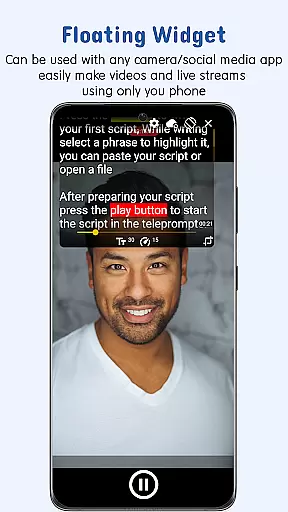
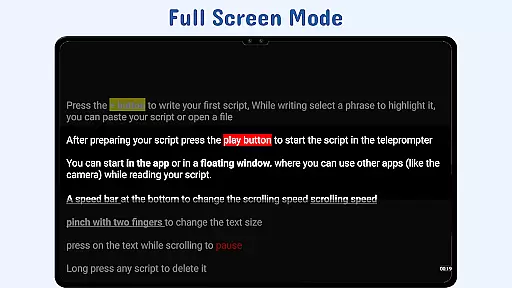
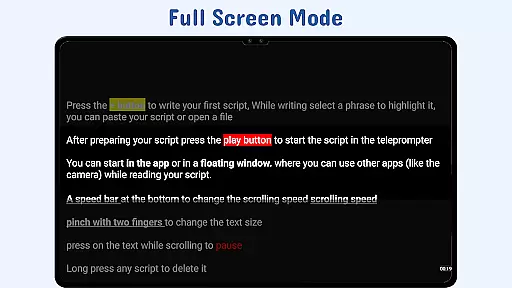
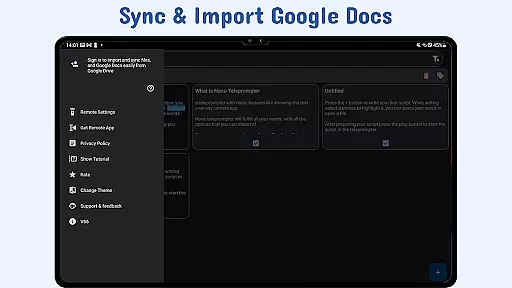
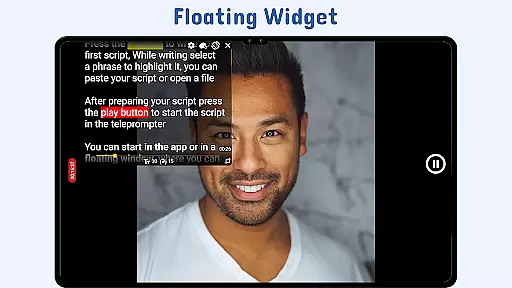
Nano Teleprompter is a versatile productivity tool designed to streamline the process of script management and delivery for content creators, public speakers, and professionals. The app offers an intuitive floating widget that works seamlessly with any camera app, allowing users to record videos or deliver speeches without losing sight of their scripts. Its real-time Google Drive sync ensures that all scripts are automatically updated across devices, providing unmatched convenience.
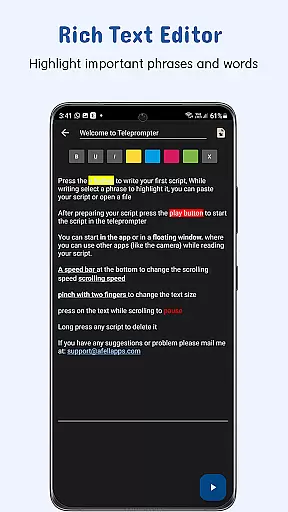
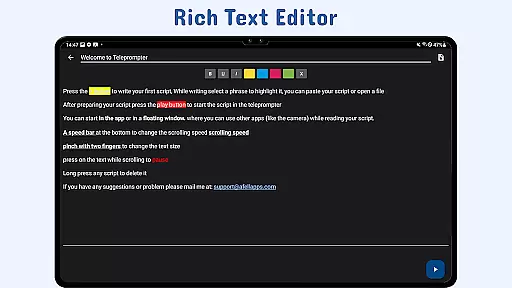
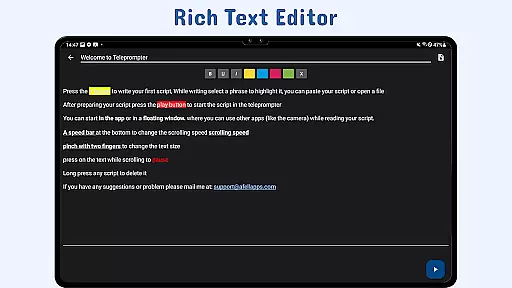
With features like customizable text and background settings, gesture controls, and adjustable scroll delay, Nano Teleprompter caters to various presentation needs. Whether you're live streaming, recording, or speaking in front of an audience, this app helps maintain a smooth flow while ensuring your key messages are delivered effectively. The ability to highlight important phrases adds emphasis where needed, making it ideal for professional use.
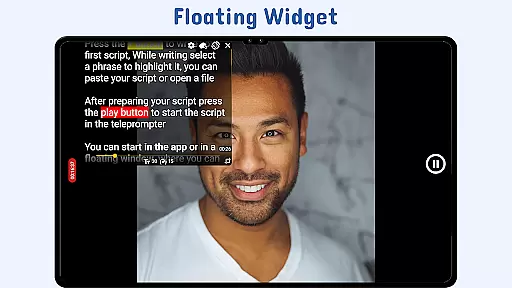
Nano Teleprompter stands out with its robust feature set tailored for productivity-focused users. One of its core strengths is the Floating Teleprompter Widget, which can be freely resized and moved across the screen. This allows users to position their scripts exactly where needed while using any camera app in both landscape and portrait modes. Additionally, the app supports real-time Google Drive integration, enabling automatic updates whenever changes are made to scripts stored in the cloud.
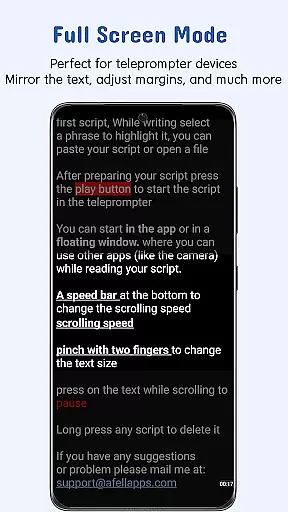
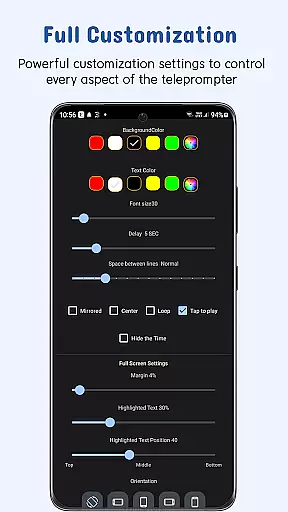
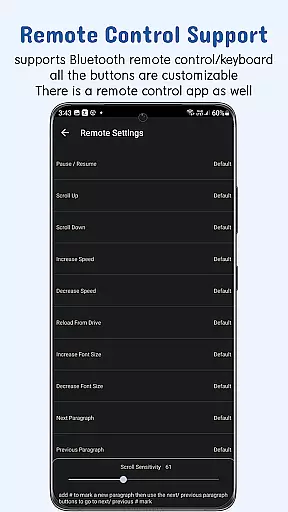
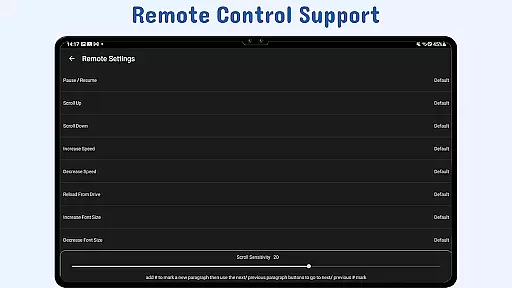
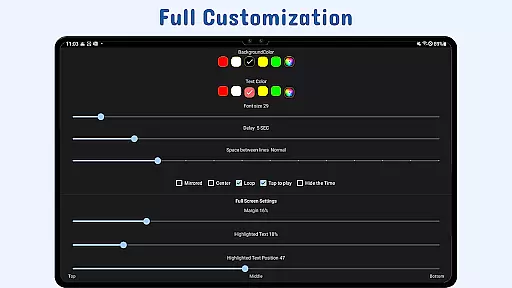
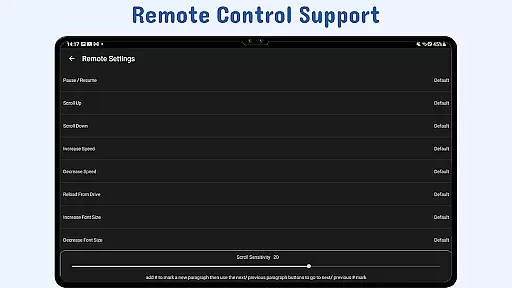
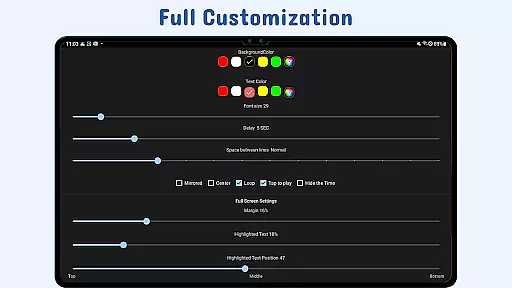
The app also provides extensive customization options, including adjustable text size, color, background opacity, margins, and line spacing. These features ensure optimal readability under different lighting conditions. Gesture controls add another layer of convenience, allowing users to zoom or resize the widget effortlessly. Furthermore, remote control support enhances hands-free operation by letting users manage playback speed, pause, resume, and navigate through scripts with ease.
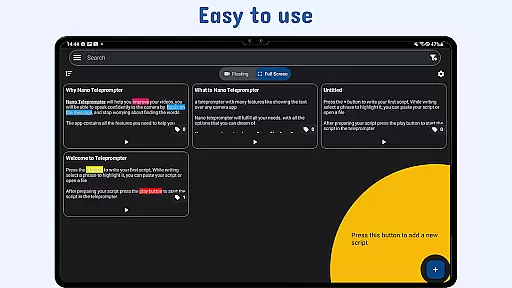
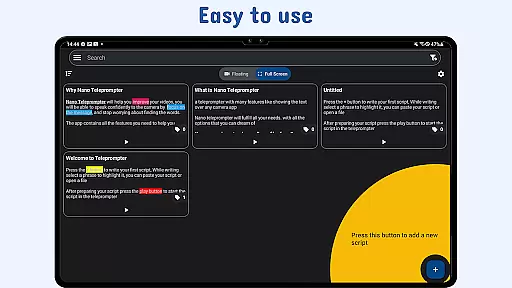
Task management is a cornerstone of productivity applications, and Nano Teleprompter excels in this area by offering users an intuitive way to handle their scripts efficiently. The app's seamless integration with Google Drive allows for real-time updates, ensuring that any changes made to your documents are immediately reflected within the app.
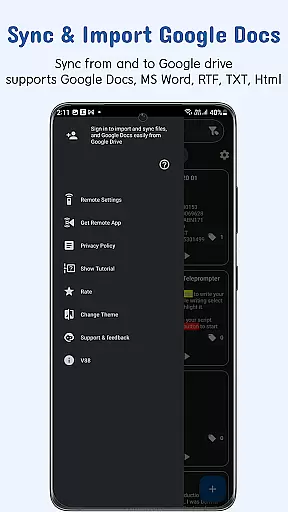
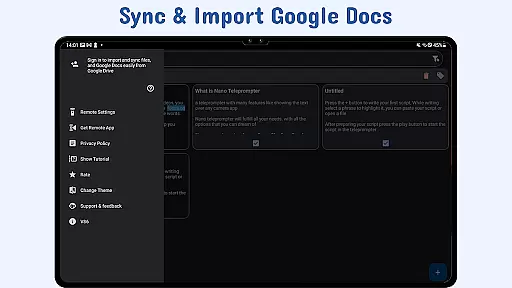
The ability to create, edit, and manage scripts directly from Google Drive streamlines the workflow significantly. Users can drag and drop files or write directly in the browser, making script management not only efficient but also versatile with support for various formats such as Google Docs, MS Word, RTF, TXT, and HTML.
With Nano Teleprompter's customizable text options, users gain better control over their reading experience. This includes adjusting text size, color, background opacity, margins, and line spacing which collectively contribute to enhanced readability and focus during presentations or recordings.
Ultimately, these features culminate in a robust system that empowers users to maintain complete command over their content while delivering speeches or recording videos, thus greatly improving both efficiency and effectiveness in managing teleprompting tasks.
Cross-device synchronization is vital for users who operate on multiple platforms, and Nano Teleprompter addresses this need with reliable cloud syncing capabilities. By leveraging Google Drive, the app ensures that all your scripts are automatically backed up and kept up-to-date across different devices.
This synchronization feature means you can start working on a script from your computer and then continue editing or rehearsing it on your mobile device without missing a beat. Any modifications made will be reflected instantly, providing a consistent experience no matter where you are or what device you're using.
In addition to convenience, this reliable sync function also provides peace of mind. Knowing that your work is safely stored in the cloud allows you to focus on your presentations or recordings without worrying about data loss or version control issues.
By choosing Nano Teleprompter, professionals can enjoy uninterrupted productivity and assurance that their valuable content is always current and accessible, regardless of the device they choose to use at any given moment.
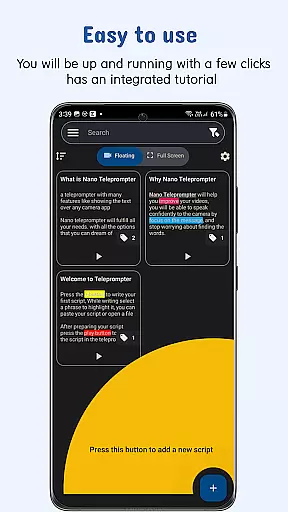
User-friendly interface
Real-time sync
Customizable settings
Remote control support
Cross-device access
Limited offline functionality
Premium feature lock
Occasional sync delays
Complex setup for beginners
Device compatibility issues

QuickBooks Workforce lets teams view pay info and track time in one place.
 4.70
4.70
A lightweight JSON & XML files creator, editor and viewer (Premium Version)
4.40
Secure, fast, open-source, Remote Desktop Client for Windows and Linux with SSH
4.60
Customizable calendar widget for seamless event sync, planning & scheduling.
4.00
PDF scanner & converter for files, photos, lottery, QR codes. One swipe away!
4.50
Cloud storage, automatic phone backup, and more.
4.10
Subscribe to Webcal & .ics calendars and keep them up-to-date!
4.50
Ultimate Virtual AI Character for immersive Roleplay Chat. Perfect Companion
3.90
Understand anything with a personalized AI research assistant
4.80
Mind Map and brainstorm, note taking and idea collection
4.80
A simple Whisper AI keyboard for reliable speech transcription and rewording
4.60
To do list widget with a notebook organizer, checklist, simple shopping list
4.60
Translate text/voice/photos in 150+ languages. Offline & fast translator app.
4.50
Secure your apps with lock screens, use custom themes and different features.
4.40
When you Focus, so will your Bean in this cozy focus timer
4.30
Intelligent AI Assistant
4.10
⏰ Finally a timer app which can run multiple timers simultaneously on your watch
3.90
Simple and reliable communication between inmates, friends and family
3.20
IP Camera Viewer - Android TV : RTSP Surveillance camera viewer for Android TV
4.3


User Reviews