
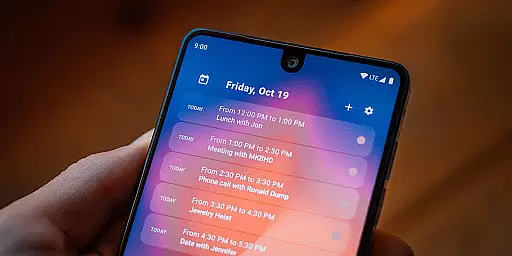
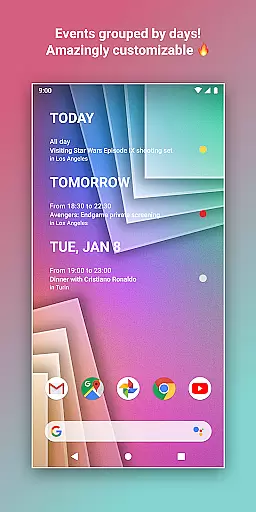
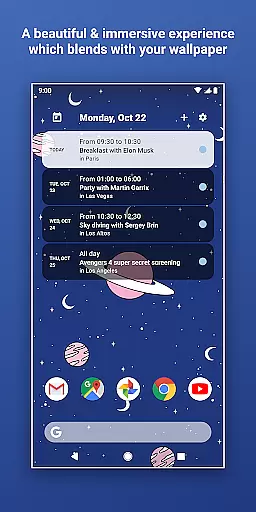
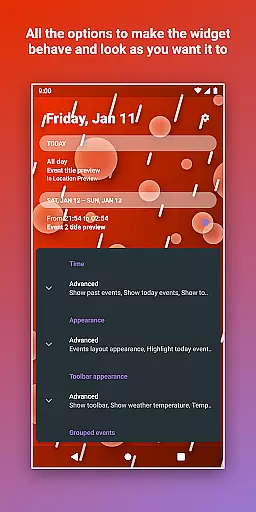
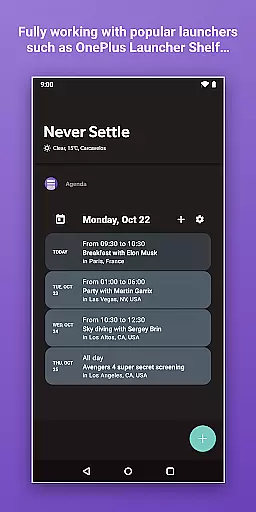
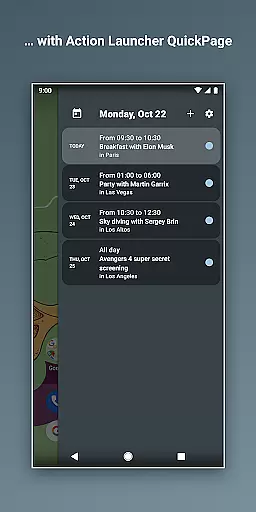
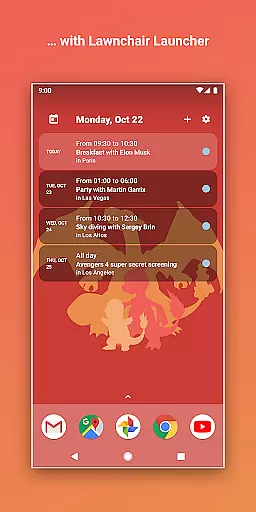
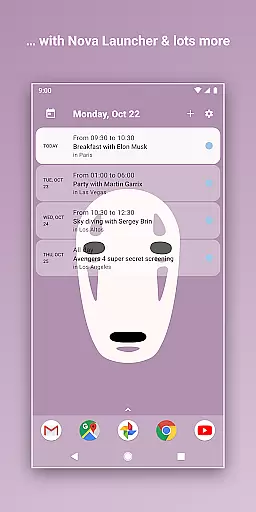
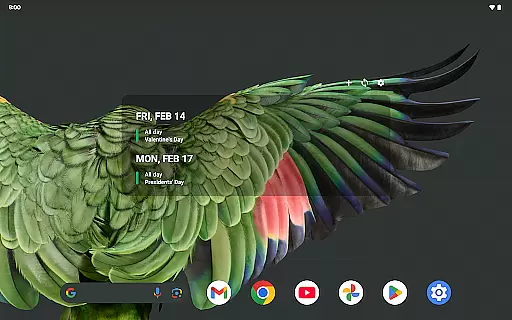
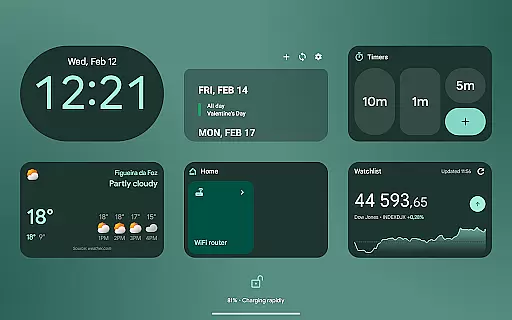
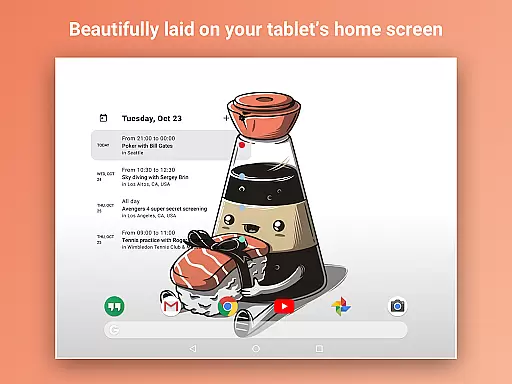
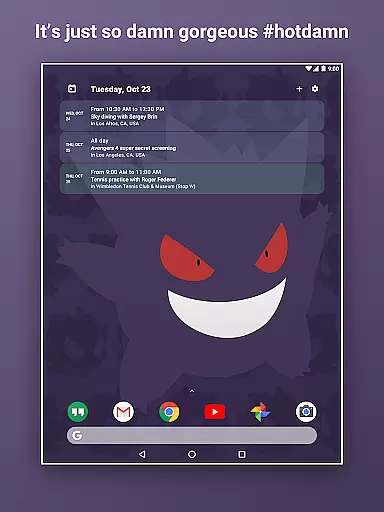
Home Agenda is a powerful productivity tool designed to streamline your daily planning and organization. This customizable calendar widget, agenda, and planner for Android offers seamless integration with popular calendar services like Google Calendar and Outlook. With instant synchronization capabilities, users can effortlessly manage their events and appointments directly from their home screen.
The app stands out with its custom design options, allowing users to personalize widget sizes and themes to match their unique style. Its user-friendly interface provides easy access to event management features, enabling quick viewing, adding, and editing of tasks. The app's optimized performance ensures minimal battery impact, making it an ideal companion for everyday use.
Whether you're a busy professional or a student managing multiple schedules, Home Agenda transforms your home screen into a dynamic planning hub. The app's 100% local processing guarantees complete data privacy, giving users peace of mind while staying organized and on schedule.
Home Agenda distinguishes itself through its comprehensive feature set tailored for productivity enthusiasts. The app's most remarkable feature is its deep customization capability, where users can create personalized themes and adjust widget dimensions to perfectly fit their home screen layout. This flexibility extends to its integration capabilities, connecting seamlessly with various calendar services including Google Calendar and Outlook.
Another standout feature is its efficient event management system. Users can instantly view, add, and modify events with intuitive touch controls. The app's real-time notification system ensures you never miss an important appointment. Its optimized architecture maintains low battery consumption while delivering consistent performance throughout the day.
What truly sets Home Agenda apart is its commitment to user privacy. Unlike many competitors, this app processes all data locally without tracking user information or displaying advertisements. The clean, modern interface combines functionality with aesthetics, providing both practical utility and visual appeal. These features collectively create a superior planning experience that adapts to various user needs and preferences.
Task management is at the heart of any productivity app, and Home Agenda excels in this area. The application allows users to effortlessly sync events from multiple calendar services such as Google Calendar and Outlook.
This seamless integration ensures that all your important appointments and deadlines are centralized in one accessible location. With real-time notifications, you're always alerted to upcoming events, ensuring you never miss an important date.
Users can quickly view, add, and edit events directly from their home screen widget, making planning both efficient and intuitive. This instant access to your schedule enhances daily productivity by keeping you organized and on track.
The app's ability to manage tasks without compromising privacy adds significant value, offering a secure environment where personal data remains local and under your control.
Cross-device synchronization is crucial for users managing their schedules across multiple devices. Home Agenda provides reliable performance with its optimized sync capabilities that ensure your calendar data is consistent everywhere.
By connecting seamlessly with various calendar services like Google Calendar and Outlook, it offers automatic updates that keep all your devices in sync. This means whether you're at work or on the go, your schedule is always up-to-date.
The low battery impact of Home Agenda ensures that even with frequent syncing, your deviceu2019s performance isn't compromised. This optimization makes it ideal for daily use without worrying about excessive power consumption.
With hassle-free integration and real-time notifications, staying updated has never been easier. Enjoy peace of mind knowing your information is reliably synchronized across all platforms while maintaining complete control over your personal data.
User-friendly interface
Highly customizable widgets
Instant calendar sync
Local data processing
Battery-efficient operation
Limited reminder support
No public API access
Premium features locked
Complex initial setup
Occasional sync delays

 4.20
4.20
AI Video AI Image Private LLM AI Browser Llama Gemma Ollama Connect LLM Studio
4.3
Mega cloud explorer plugin for Solid Explorer
3.80
Android Wallet Password Manager
4.80
To do list widget with a notebook organizer, checklist, simple shopping list
4.60
Secure your apps with lock screens, use custom themes and different features.
4.40
Share files & memories safely. Keep your photos and videos secure.
4.40
AT&T Internet customers can use this app to personalize their Wi-Fi network.
4.40
Seamlessly read, manage, and organize all your PDF files solution in one place
4.40
Great calculator for Android named one of USA TODAY's "25 Essential Apps".
4.90
We're working to become the best machining app on the market! www.cncdirt.com
4.80
Absolutely the best CNC machinist speed and feed calculator around. fswizard.com
4.60
Tally and goal counter for Wear OS & mobile
4.50
Easily read and manage all your PDF files
4.10
Cloud storage, automatic phone backup, and more.
4.10
Take control of your clipboard with Clipper!
3.90
Access your phone's notifications, calls, apps, photos & texts on your PC
3.90
Easiest event planning, volunteer signups & parent teacher conference scheduling
2.20
Ads Free App! Editor, Hide File, Copy, Move, Delete and Rename.. all facility av
1.70


User Reviews