
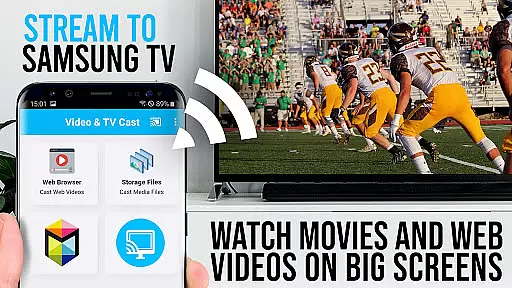
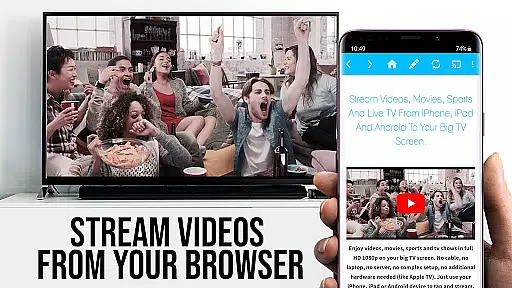
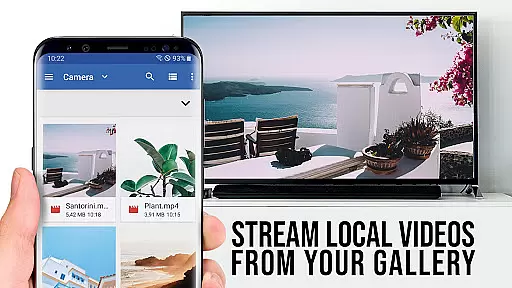
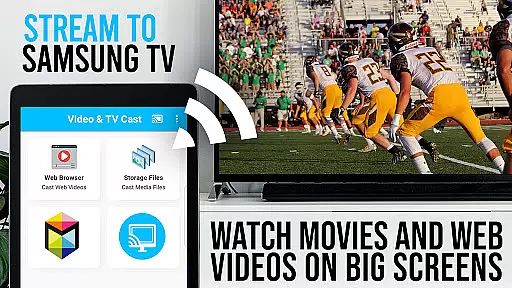
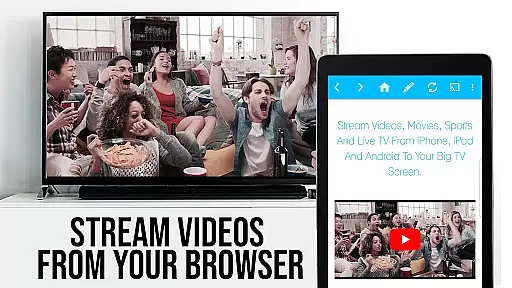
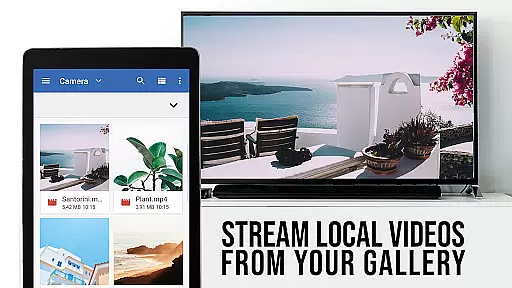
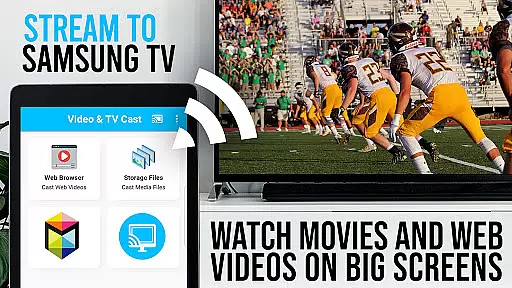
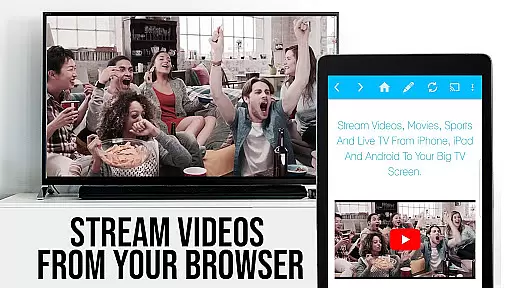
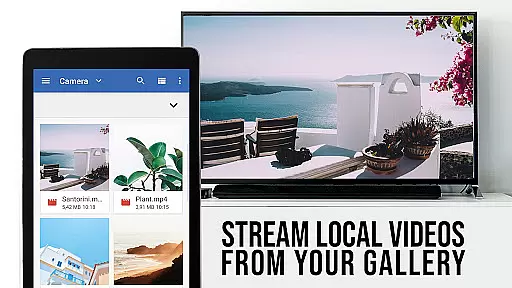
TV Cast Pro for Samsung TV is a premier application designed to enhance your home entertainment experience by streaming web videos, online movies, livestreams, and live TV shows directly to your Samsung Smart TV or Blu-ray Player. This app eliminates the need for additional streaming hardware, supporting formats like mp4, m3u8, hls, and Full HD content over https. Compatible with Samsung TV models from 2010 (C series) to 2017 (new M/MU/Q series), as well as Blu-ray Players equipped with Smart Hub or VEWD, it offers seamless integration and an intuitive user interface.
The app allows users to browse the web and cast any video content to their TV with a single tap. By installing the complimentary 'TV Cast' companion app from the Samsung App Store, users can unlock the full potential of their viewing experience. With features such as remote playbar control, ad-blocking, bookmarks, desktop mode, and customizable homepage settings, TV Cast Pro provides a versatile and personalized streaming solution.
TV Cast Pro stands out with its comprehensive feature set tailored for an optimal streaming experience. The Remote Playbar functionality offers advanced video controls including scrubbing, forward, rewind, play, pause, and stop, all manageable from your device. This feature ensures that you have complete command over your viewing experience without needing to interact directly with the TV.
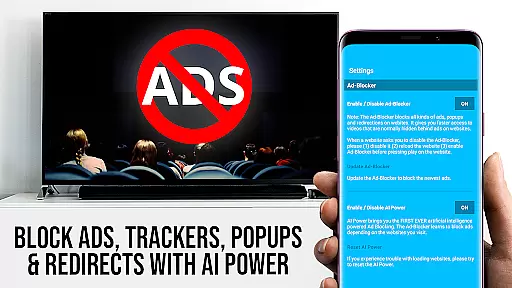
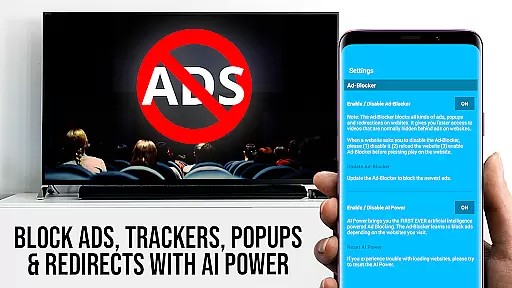
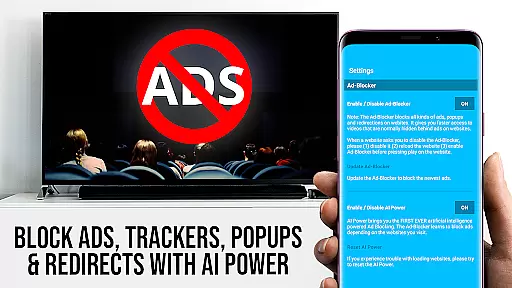
In addition to superior control options, the app includes an Ad-Blocker that enhances your browsing by blocking ads and popups on most websites. Users also benefit from the ability to save and manage bookmarks directly within the browser, facilitating quick access to favorite sites. The Desktop Mode feature allows users to view desktop versions of websites, which is particularly useful for sites that default to mobile views. Furthermore, customization options such as setting a personal homepage provide added convenience and personalization, making TV Cast Pro a robust choice for streaming enthusiasts.
TV Cast Pro for Samsung TV stands out with its extensive video format compatibility, ensuring users can enjoy a wide range of content without limitations. The app supports popular formats such as Mp4, m3u8, and HLS livestreams, making it versatile for different types of media.
With the capability to handle videos over https and Full HD content, this application guarantees high-quality streaming directly to Samsung Smart TVs and Blu-ray Players. This eliminates the need for additional streaming devices, offering convenience and efficiency in accessing web videos, online movies, and live streams.
The importance of format compatibility cannot be overstated, as it directly impacts user experience by allowing seamless playback without format-related interruptions. Users benefit from uninterrupted streaming sessions, enhancing their viewing pleasure on the largest screen in their home.
By focusing on comprehensive video format support, TV Cast Pro ensures that users can cast virtually any video they find online, providing them with the freedom to explore and enjoy content from various sources without worrying about compatibility issues.
While TV Cast Pro for Samsung TV focuses primarily on streaming capabilities, it incorporates AI-powered features that enhance the overall user experience. Although not a traditional video editor, the app leverages intelligent algorithms to optimize video playback and ensure smooth streaming sessions.
The app's Ad-Blocker feature uses AI to detect and block ads & popups on most websites visited through its browser. This functionality improves the viewing experience by reducing interruptions and unwanted content, showcasing an innovative use of AI in managing web-based distractions.
Additionally, the Remote Playbar offers advanced video control while browsing, including video scrubbing, forward, rewind, play, pause, and stop functions. These controls work seamlessly across all Samsung Smart TVs, demonstrating how AI-driven interfaces can simplify complex operations.
Through these AI-powered features, TV Cast Pro demonstrates its commitment to providing users with a sophisticated yet user-friendly interface that enhances both content discovery and playback management, setting a new standard in smart TV applications.
User-friendly interface
Wide format compatibility
Comprehensive remote control
Effective ad-blocking
Customizable settings
No support for DRM protected content
Limited to specific Samsung models
Occasional connectivity issues
Requires companion app installation
Some features need manual activation

A full editing room to accompany your Insta360 cameras and handheld gimbals.
 3.30
3.30
Kodi media center, a free and open source cross-platform entertainment hub
3.60
Cast to Chromecast, Xbox, Fire Stick, Roku, DLNA, Smart TV & No Feature Limited!
4.50
Full HD Video mp3 Player, MP4 player play 1080p, File manager, Video Downloader
4.40
Pro video editor app for Instagram, edit video with song, AI, effect & slowmo.
4.80
Explore the largest library of free GIFs, Stickers & Memes - or create your own!
3.90
Connect EasyCap or UVC devices for recording and broadcast video/audio stream
3.60
Screen recorder with audio to take live videos & Screenshot in high quality!
4.70
VLC for Android is the best open source video and music player, fast and easy!
4.10
Play ALL formats in 4K & HD. Video downloader, MP3 player, Chromecast & more.
4.80
VLC Remote lets you control your VLC Media Player on Mac, PC or Linux.
4.60
Fast & easy HD video downloader for all formats, support 4K playback & download.
4.60
Movie maker & video editing app with AI effects and green screen
4.30
Web Browser for LG TV to stream webvideos, online movies and livestreams in HD
4.20
LumaFusion: The Ultimate Storytelling Experience for Video Editing
4.10
Fast private browser with secure, seamless access & supported video downloads!
4.00
Online Videos Player
3.90
Cast to Smart TV, Fire TV. Cast video, photo - Fast & Stable!
3.90
Browser for Sony TV to stream web videos, online movies and live tv
3.20


User Reviews