
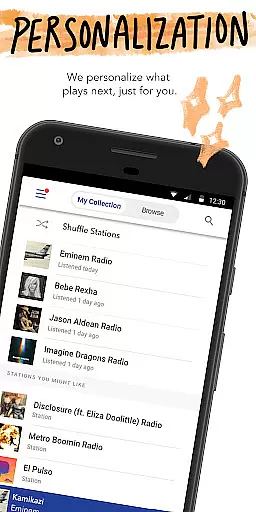
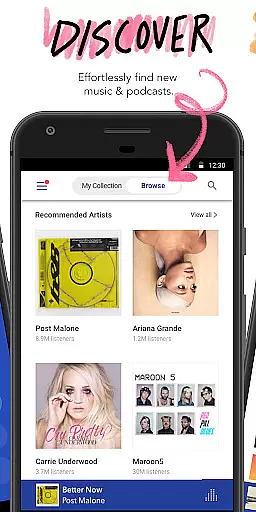
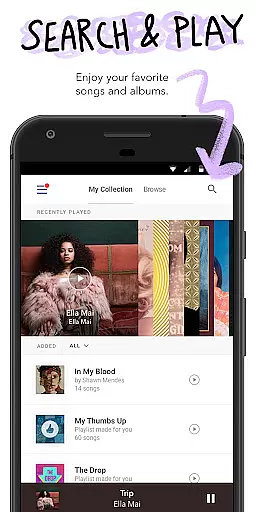
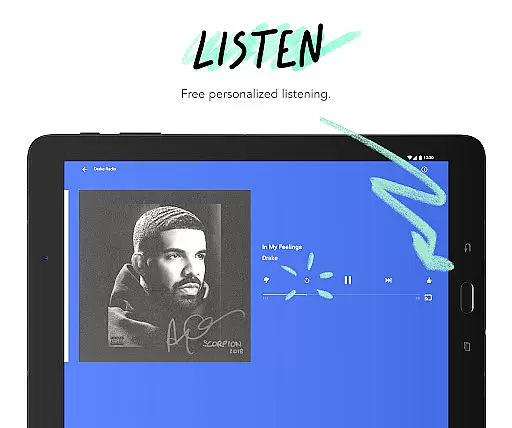
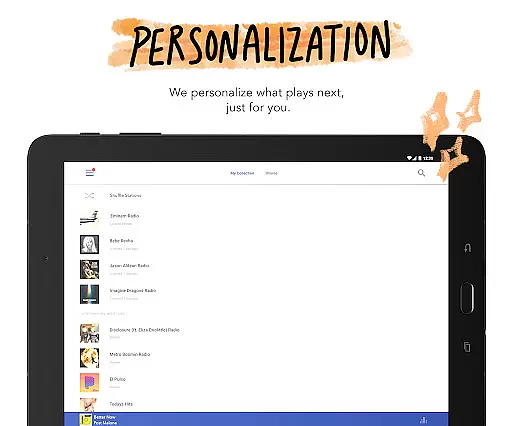
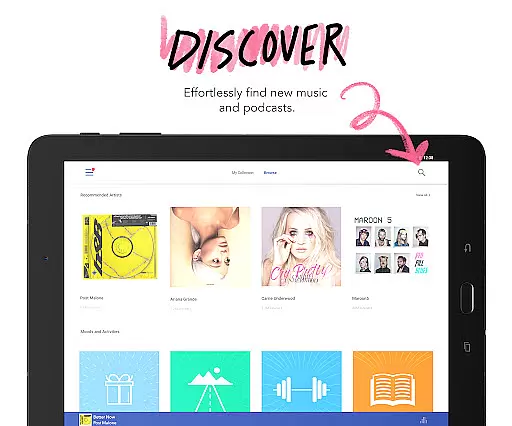
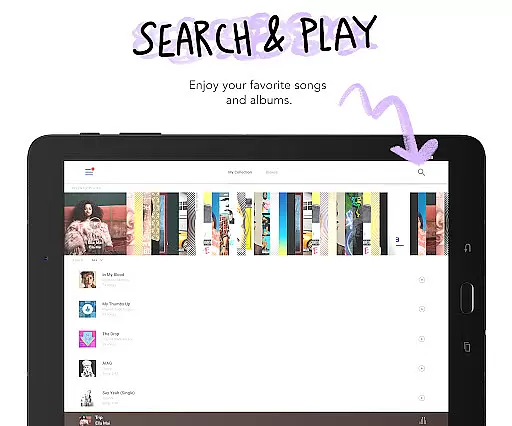
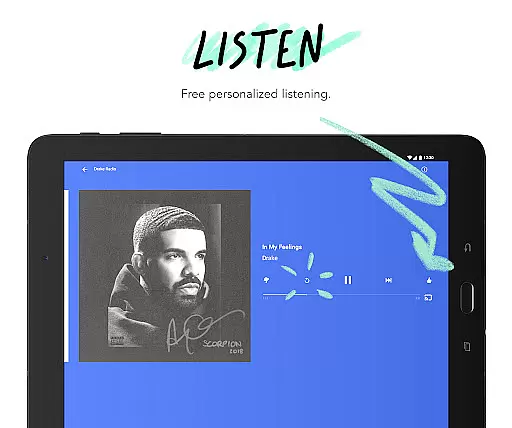
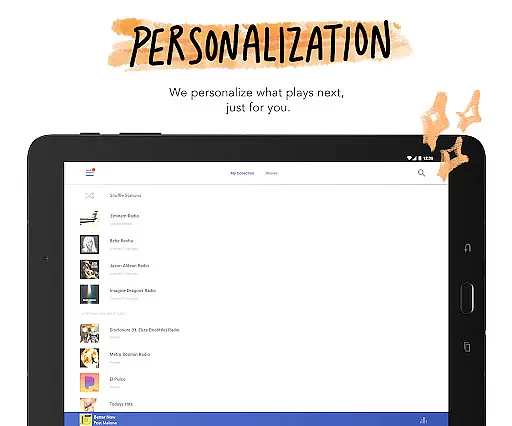
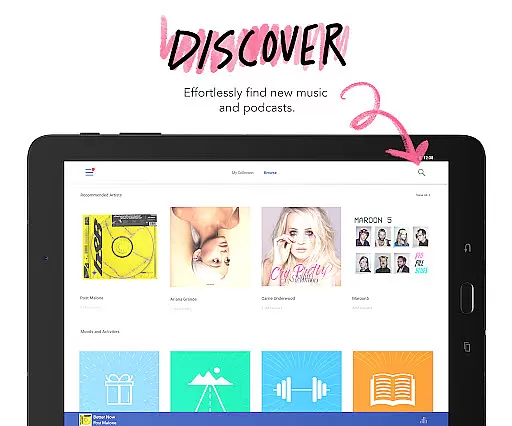
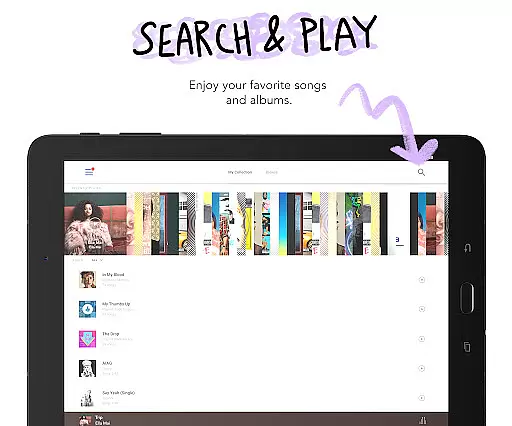


Pandora is a leading music streaming service that offers users a personalized listening experience across multiple devices. The app allows you to create custom stations based on your favorite songs, artists, or genres, and provides curated recommendations for different moods and activities. With features like Android Auto integration, voice commands, and Wear OS support, Pandora ensures you can enjoy your music anywhere, anytime.
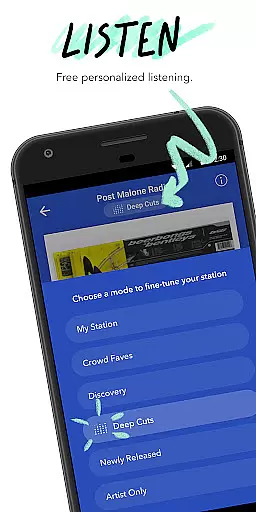
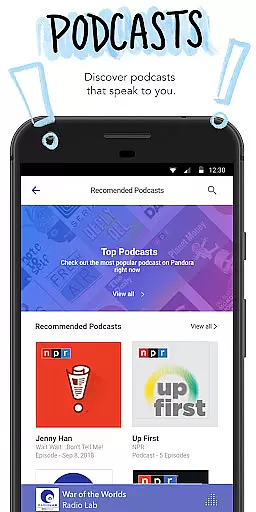
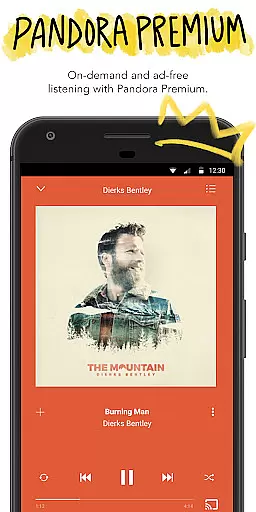
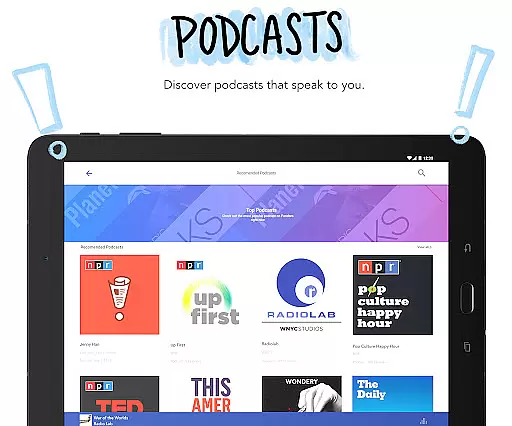
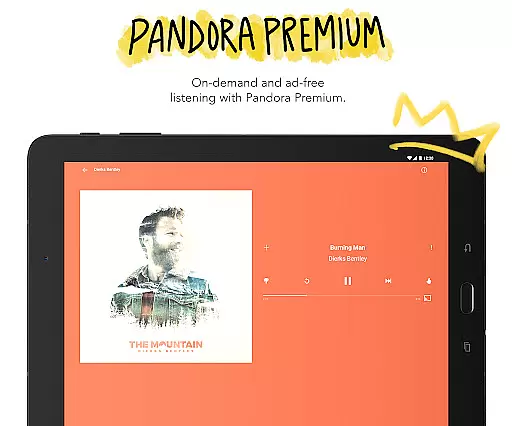
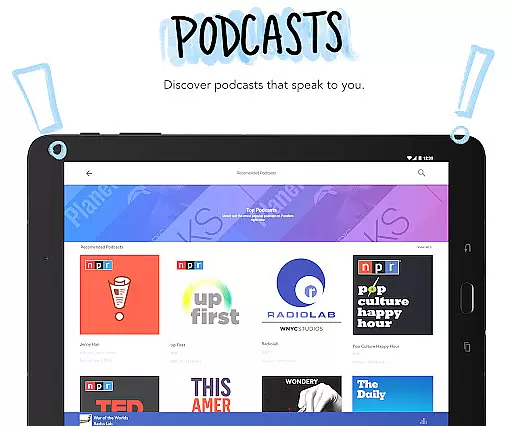
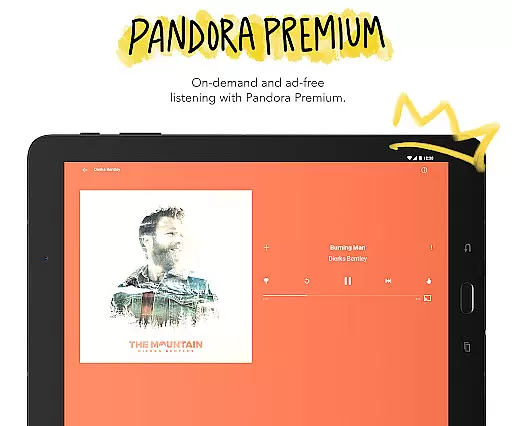
One of the standout features of Pandora is its Podcasts section, which offers personalized podcast recommendations. Additionally, Pandora Modes let you customize your station experience with options like Crowd Faves, Deep Cuts, and Discovery. For those seeking an ad-free experience, Pandora Plus and Pandora Premium subscriptions provide enhanced features such as offline listening, unlimited skips, and higher audio quality. Whether you're commuting, working out, or relaxing at home, Pandora adapts to your lifestyle and musical preferences.
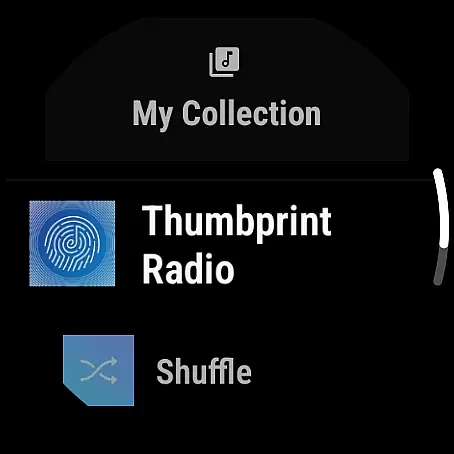
Pandora's feature set is designed to enhance user engagement and personalization. The app supports Android Auto, allowing seamless integration into your car for hands-free operation during commutes. Voice Mode enables users to control playback through simple voice commands, making it easier to manage music while driving or multitasking. Another notable feature is Wear OS compatibility, which lets users stream music directly from their smartwatch without needing their phone nearby.
The introduction of Pandora Modes adds another layer of customization, letting listeners tailor their stations to specific tastes. Options include My Station for traditional listening, Deep Cuts for lesser-known tracks, and Artist Only for focusing solely on one musician's work. Subscribers to Pandora Plus or Premium gain access to additional perks like ad-free listening, offline downloads, and improved audio fidelity. These subscription tiers cater to diverse user needs, ensuring there's something for everyone within the Pandora ecosystem.
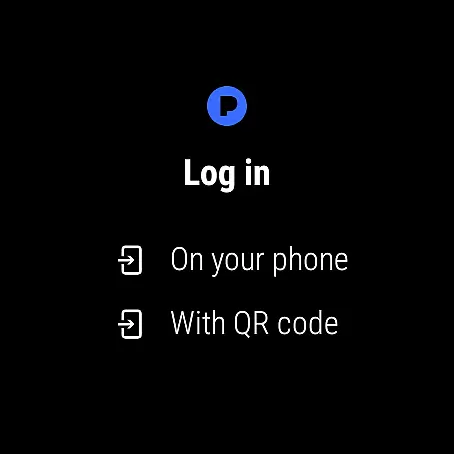
Companion app integration is essential for a seamless wearable experience. Pandora excels in this area by offering robust synchronization between its mobile application and Wear OS devices. This ensures that your music preferences, station selections, and listening history are consistently updated across all platforms.
The integration allows users to control their music directly from their smartwatch without needing to interact with their phone. Whether you're commuting, exercising, or simply away from your device, you can effortlessly manage playback, change stations, and even adjust volume levels right from your wrist.
This feature significantly enhances user convenience. With Pandora's companion app integration, listeners can enjoy uninterrupted music streaming during various activities. The ability to access personalized stations and podcasts directly from a Wear OS watch makes it an indispensable tool for those who value mobility and ease of use.
Device compatibility is crucial for ensuring optimal performance on wearable technology. Pandora demonstrates excellent compatibility with Wear OS, supporting a wide range of smartwatches and providing users with a versatile listening experience. This broad compatibility means that regardless of your specific Wear OS device, you can expect consistent functionality and performance.
The application is optimized to work efficiently within the constraints of wearable devices. It offers features such as Wi-Fi and cellular streaming, allowing users to enjoy music even when they don't have their phones nearby. Additionally, the interface is designed to be intuitive and responsive on smaller screens, making navigation straightforward and enjoyable.
Pandora's commitment to Wear OS compatibility extends beyond basic functionality. Regular updates ensure that new devices and software versions are supported, maintaining a high standard of service. This dedication to compatibility provides peace of mind for users, knowing they can rely on Pandora to deliver exceptional audio experiences across different devices and scenarios.
User-friendly interface
Extensive music library
Customizable stations
Voice command support
Offline listening option
Limited free version
Geographic restrictions
Data usage concerns
Occasional ads
Premium pricing

Christmas - Festive - Christmas Village - Winter - Christmas lights
 5.00
5.00
Ideal for surviving in the wasteland left after nuclear fallout
4.50
sleep, alarm, snoring, stress, healing, focus, sound therapy, circadian rhythm
4.10
The #1 source of faces for your smartwatch!
4.00
Stay in touch with your friends and family using LINE!
3.40
Bold weather Digital watchface with forecast & optional animated background
4.40
Hybrid Vibrant Health Watch Face for Wear OS
4.4
Premium hybrid watch face with many customizations for Wear OS devices.
4.40
Want to take charge of your health? Let Google Fit help you reach your goals.
3.50
Easy Voice Recorder is your everyday companion to record important moments.
4.70
Simple, helpful messaging by Google
4.60
Animated video-game inspired “secret agent” simulation, right on your wrist!
4.20
"PER27 Galaxy Digital" is a digital Wear OS watch face designed by PERSONA
4.10
A digital watch face that celebrates Christmas.
4.00
Animated Watch Face and Customizable with 24 Backgrounds. Perfect for Christmas!
3.90
Professional weather radar and more
3.90
A heartwarming Christmas scene featuring a cute image of Santa and Rudolf
4.2
Fitness interactive virtual pet super fighter boy watch face
4.5
Funny animated watch face for Thanksgiving
4.3


User Reviews