
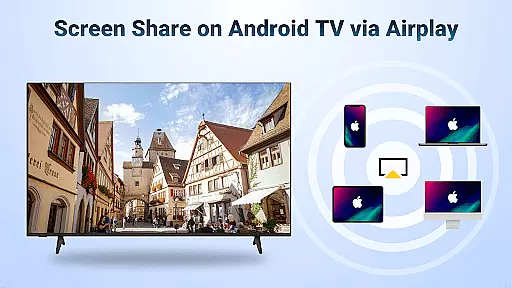
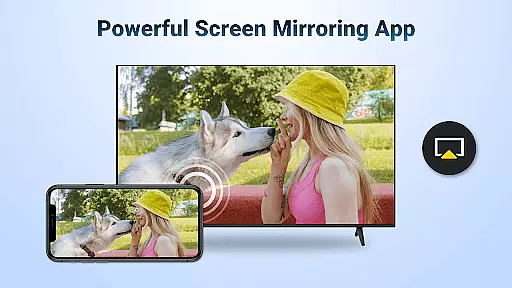
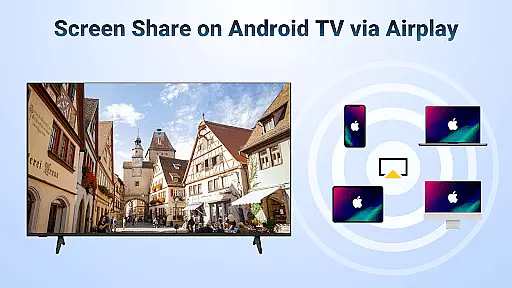

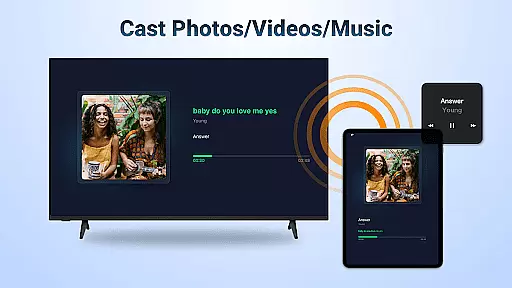
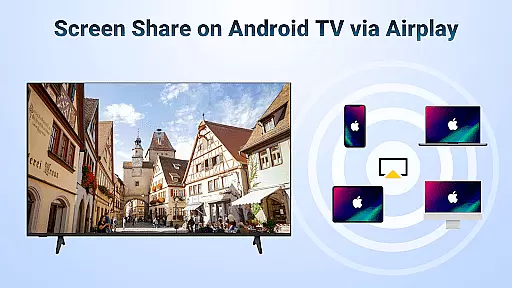

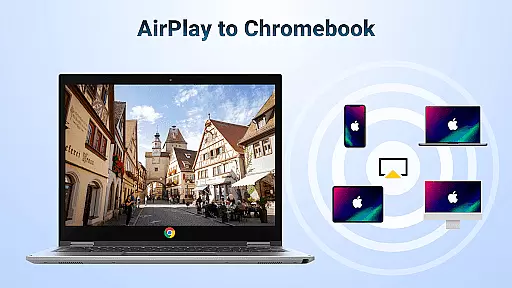
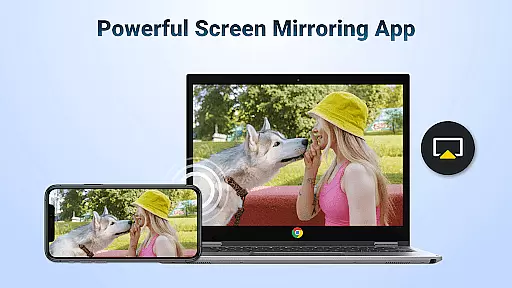
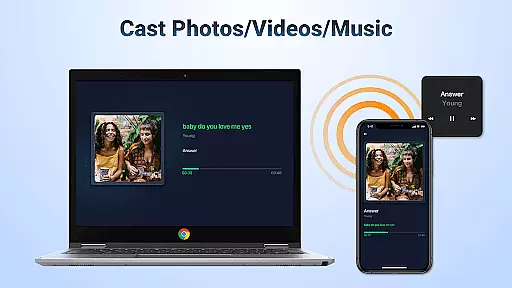
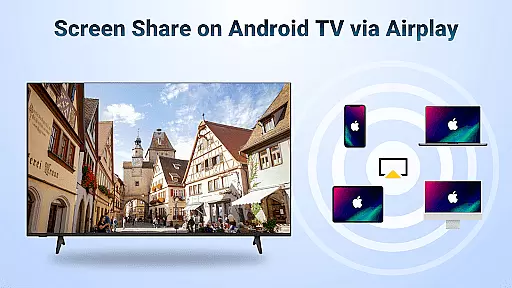

AirMirror is a powerful wireless streaming receiver app that allows users to seamlessly mirror and cast content from iOS devices to Android TV. With its AirPlay-enabled functionality, this application bridges the gap between Apple and Android ecosystems, offering a simple yet effective solution for screen sharing without requiring additional converters or cables.
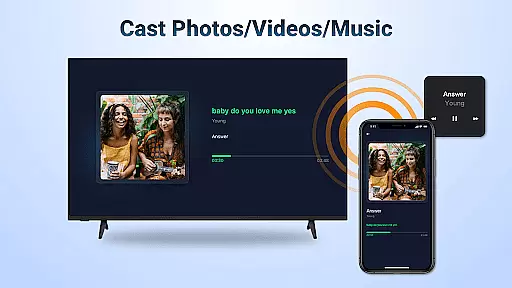
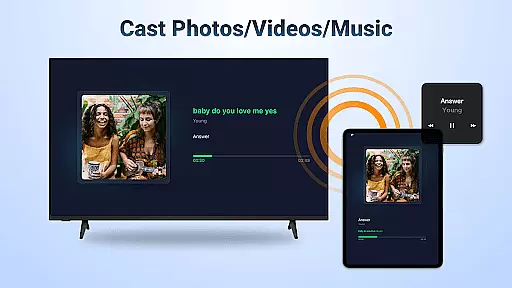
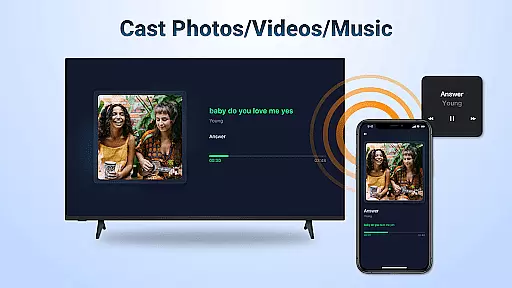
The app supports a wide range of content types including photos, videos, music, and even live screen mirroring. Whether you're conducting business presentations, enjoying multiplayer games with friends, or sharing travel memories with family, AirMirror provides a smooth and high-quality streaming experience. Its intuitive interface ensures stable connectivity and effortless operation, making it an ideal tool for both personal entertainment and professional use.
By leveraging AirMirror, users can enjoy features like landscape/portrait mode switching, direct playback controls, and DRM-compliant web video casting. This makes it versatile enough for various scenarios such as fitness sessions, movie nights, or classroom teaching, all while maintaining excellent audiovisual quality.
AirMirror stands out with its comprehensive feature set tailored for seamless cross-platform streaming. One of its core strengths is the ability to stream audio, video, and photos directly from AirPlay-enabled devices such as iPhones, iPads, and Macs. The app also supports casting from popular streaming services where DRM restrictions allow, ensuring broad compatibility.
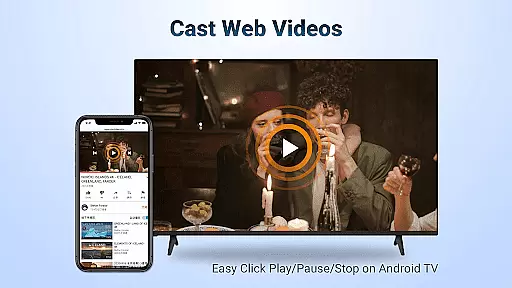
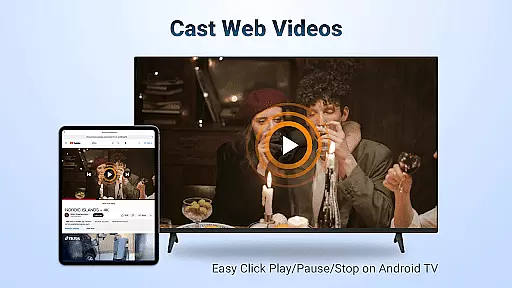
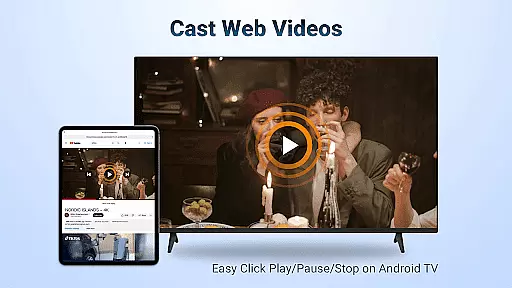
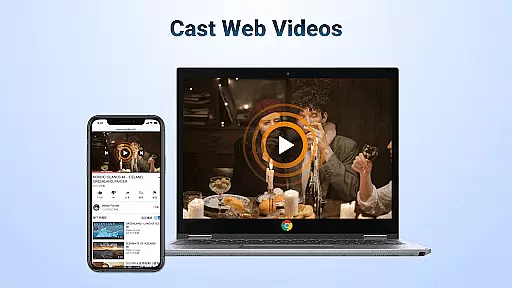
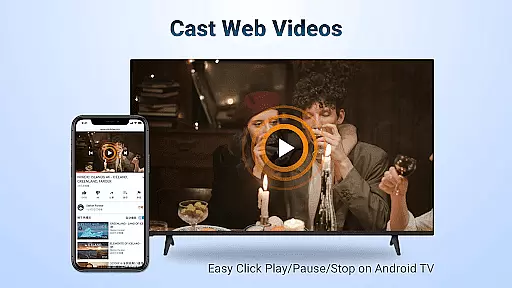
Another notable feature is the smooth and fast performance when casting web videos via AirPlay. Users can control playback options like Play, Pause, and Stop directly on the receiving Android TV. Additionally, the app offers flexible orientation settings, enabling users to switch between landscape and portrait modes based on their preferences.
AirMirror emphasizes simplicity and stability in connectivity. By requiring only a shared WiFi network, it eliminates complicated setup processes. Furthermore, troubleshooting common connection issues is straightforward thanks to clear instructions provided within the app. These thoughtful design elements ensure a reliable and user-friendly experience for individuals and businesses alike.
Video format compatibility is a crucial feature for any video player and editor, ensuring that users can access and manipulate a wide range of video files without hassle. AirMirror: TV Cast via AirPlay supports streaming audio, video, and photos from devices enabled with Airplay, including iTunes and iOS devices.
This application facilitates the casting of web videos via Airplay with smooth and super-fast transmission speeds. Users can directly control playback functions such as Play, Pause, and Stop on the receiving end that is enabled with Airplay, providing an uninterrupted viewing experience.
The benefit to users is the ability to switch between landscape and portrait orientations at will, accommodating different types of content and personal viewing preferences. This flexibility ensures that regardless of the source device or file type, AirMirror provides a seamless transition and high-quality playback.
AI-powered editing features represent the cutting edge of video editing technology, automating complex processes and enhancing user creativity. While AirMirror: TV Cast via AirPlay focuses primarily on screen mirroring and media casting, it incorporates intelligent connectivity for simple and stable mirroring.
Although this app does not offer traditional AI-driven editing tools like scene detection or auto-color correction, its sophisticated streaming algorithm ensures a stable and high-quality transmission of multimedia content. This allows users to share presentations, gaming sessions, photos, and even fitness videos effortlessly from their iOS devices to an Android TV.
Users benefit from the app's intuitive design which requires no additional converters or complicated setup procedures. By following simple stepsu2014connecting both devices to the same WiFi, launching the app, and selecting the TV nameu2014users can enjoy a streamlined experience that brings their content to life on a bigger screen.
User-friendly interface
Wide content compatibility
Stable WiFi-based connection
Direct playback controls
Versatile orientation options
No DRM-protected content support
Limited to same WiFi networks
Occasional connectivity issues
Requires manual restarts
Dependent on AirPlay protocol

Snaptubè Video Downloader app allows to download videos and music in Snaptube. .
 4.60
4.60
Create photo video with music & template. AI video maker for stunning slideshow.
4.60
Support 1000+ Video Format, Subtitle Download, mp3 & Background Play, Cast On TV
4.60
AirMirror is Receiver for Screen Mirroring and Casting from Apple Devices.
3.60
Cast to Smart TV, Fire TV. Cast video, photo - Fast & Stable!
3.90
Mix with Virtual DJ directly from your phone or tablet !
3.10
Manage your IPTV live channels and VOD playlists (no playlist included)
3.80
Powerful video player with advanced hardware acceleration and subtitle supports
4.20
Video player with 4K & 1080P support, popup play, background play and subtitle.
4.20
All in one HD video downloader & player for multiple formats with full privacy
4.70
Screen recorder with audio to take live videos & Screenshot in high quality!
4.70
Video Player - Unlimited features, 30 days money back guarantee.
4.60
Video Downloader, Multiple Resolution Options, Video Player
4.50
VLC for Android is the best open source video and music player, fast and easy!
4.10
All format media Player, no need video converter any more!
4.00
Fast private browser with secure, seamless access & supported video downloads!
4.00
HD video & music player - All format support with floating & PIP mode!
3.80
All in one multi protocols stream receiver for AirPlay, Cast and DLNA.
3.60
Play and download HD videos from all sources — fast, simple, and all-in-one.
4.3


User Reviews