
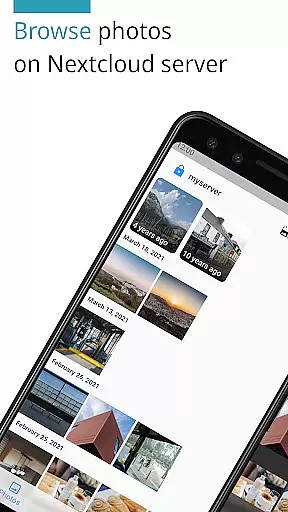
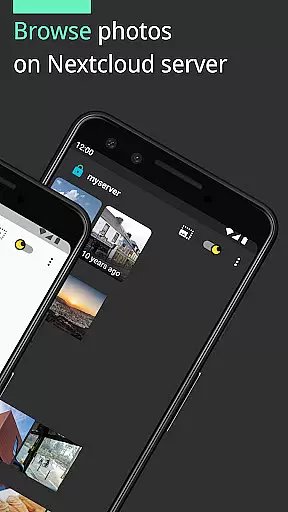
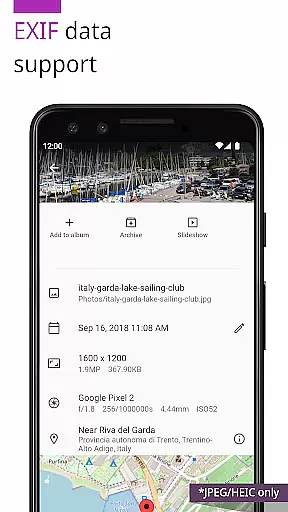
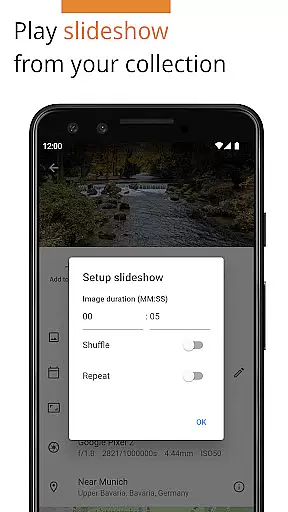
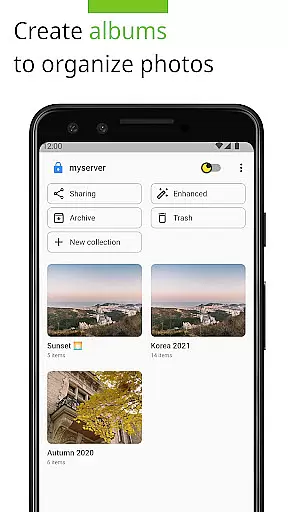
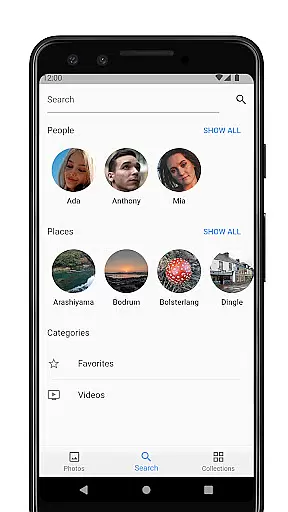

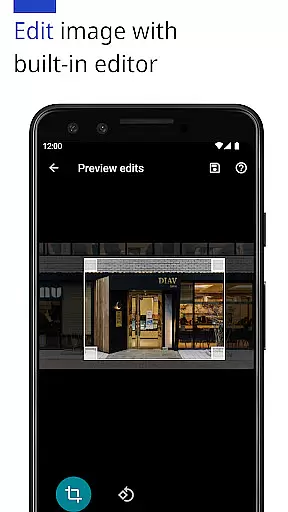
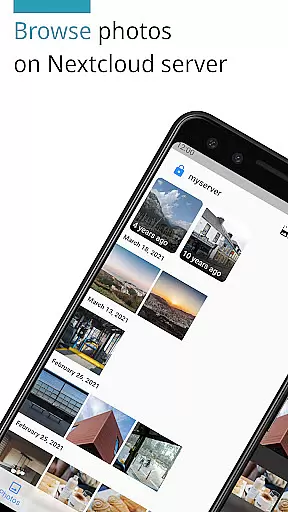
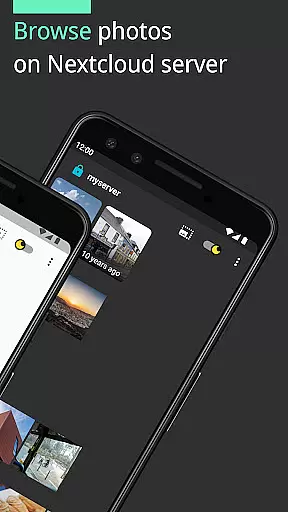
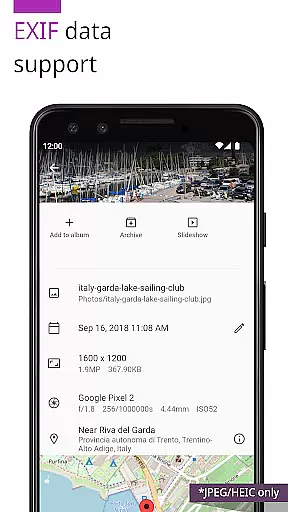
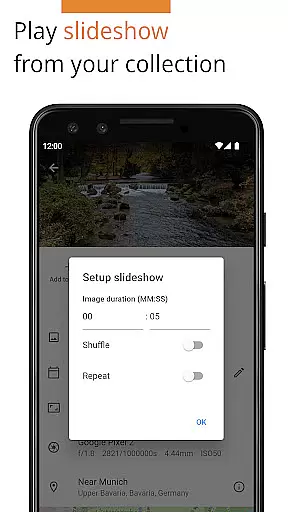
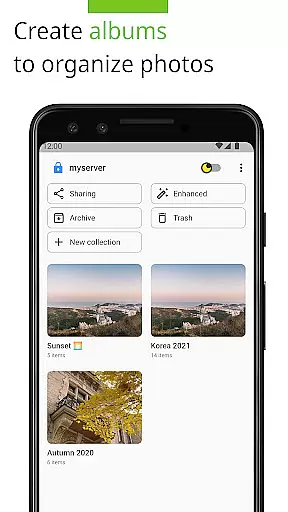
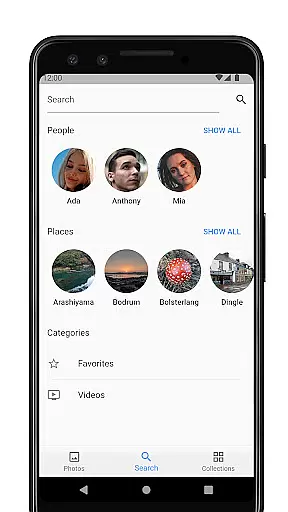
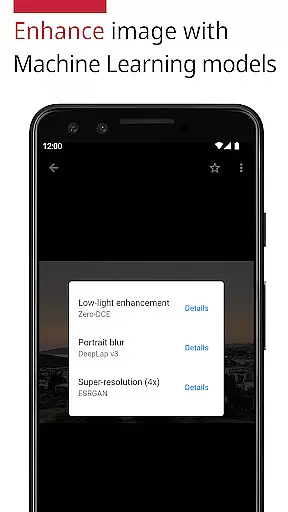
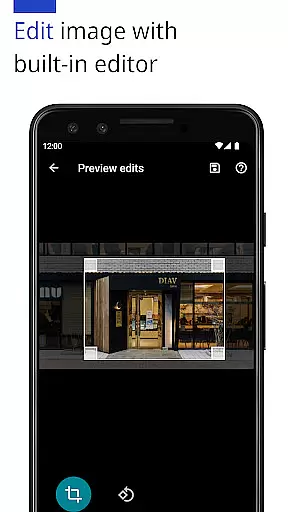
Photos for Nextcloud is a powerful productivity app designed to enhance photo management within the self-hosted Nextcloud ecosystem. This app offers advanced features such as JPEG XL support, client-side EXIF extraction, and machine learning-based photo enhancement. Users can edit images with the built-in editor, create flexible albums, and even perform reverse geocoding.
The app supports multiple sign-in servers and allows experimental shared albums with users on the same server. With broad format compatibility including JPEG, PNG, WebP, HEIC, GIF, JPEG XL, MP4, and WebM, it ensures comprehensive media handling. Its seamless integration with Nextcloud apps like Face Recognition makes it an essential tool for efficient digital asset management while maintaining user control over data.
Photos for Nextcloud distinguishes itself through innovative features tailored for efficient photo management. The app provides cutting-edge functionalities such as client-side EXIF extraction, which works even for formats unsupported by the server, and machine learning models that enhance photo quality. These capabilities ensure metadata preservation and improved visual results without relying on server compatibility.
Another standout feature is its versatile album management system, allowing more flexible organization of photos. Additionally, the app supports signing into multiple servers and creating shared albums experimentally. It also includes a built-in photo editor and supports various formats like JPEG XL, HEIC, and WebM. These features collectively offer a robust solution for managing extensive photo libraries while maintaining high performance and user control.
Task management is a critical aspect of productivity applications, ensuring users can efficiently organize and prioritize their work. Photos (for Nextcloud) offers robust features that enhance photo management, akin to task management systems. The app supports multiple formats including JPEG, PNG, WebP, HEIC, GIF, JPEG XL, MP4, and WebM, allowing users to handle diverse media types within a unified interface.
The application provides advanced functionalities such as client-side EXIF extraction, reverse geocoding, and machine learning-based photo enhancement. These features enable users to extract detailed metadata, tag locations accurately, and improve photo quality automatically. Such capabilities streamline the process of managing extensive photo libraries, making it easier for users to categorize and retrieve images based on specific criteria.
Moreover, Photos (for Nextcloud) facilitates collaboration through shared albums, an experimental feature that allows users on the same server to create and manage collective photo repositories. This fosters teamwork and ensures that all members have access to up-to-date visual content, enhancing productivity in collaborative environments.
Overall, the app's comprehensive task management features empower users to maintain an organized and efficient photo library, significantly boosting productivity by simplifying complex organizational tasks.
Cross-device synchronization is essential for maintaining consistency and accessibility across various platforms. Photos (for Nextcloud) excels in this area by providing reliable synchronization capabilities that ensure your photos and albums are always up-to-date, regardless of the device you use. This seamless integration is particularly beneficial for individuals who switch between smartphones, tablets, and computers throughout their day.
The app supports signing into multiple servers, which enhances its flexibility and reliability. Users can connect to different Nextcloud instances, ensuring that their data remains synchronized and accessible from any location. This feature is crucial for professionals who rely on cloud storage solutions to keep their workflows uninterrupted.
Furthermore, Photos (for Nextcloud) leverages the power of Nextcloud's self-hosted infrastructure, giving users complete control over their data. By hosting their own servers, users can guarantee high availability and fast synchronization speeds, tailored to their specific needs. This level of customization and control is unparalleled in traditional cloud services, offering a superior user experience.
In summary, Photos (for Nextcloud) delivers dependable cross-device synchronization, empowering users to manage their digital assets efficiently and securely across multiple devices without compromising performance or privacy.
Advanced photo enhancement
Flexible album creation
Multiple server support
Built-in photo editor
Extensive format compatibility
Experimental sharing features
Reverse geocoding limitations
Paid version only
No offline mode
Complex setup required

AI Video AI Image Private LLM AI Browser Llama Gemma Ollama Connect LLM Studio
 4.3
4.3
Automates browsing any website and notifies you of important changes or events
4.30
Mind Map and brainstorm, note taking and idea collection
4.80
Make apps & sites with natural language prompts
4.10
Stay on top of your to-dos with Google Tasks, part of Google Workspace.
4.60
Subscribe to Webcal & .ics calendars and keep them up-to-date!
4.50
A beautiful digital clock with autostart and many other functions
4.70
Simple notepad & memo. Take notes, to-do list, shopping list with reminders.
4.80
QuickEdit is a fast, stable and full featured text and code editor.
4.20
Secure, fast, open-source, VNC and SSH Remote Desktop for Windows, Linux and Mac
4.70
App lock - lock apps with fingerprint, password, pin or pattern, protect privacy
4.70
To do list widget with a notebook organizer, checklist, simple shopping list
4.60
A lightweight JSON & XML files creator, editor and viewer (Premium Version)
4.40
All in One PDF Reader: Manage, Read and Edit your Documents
4.20
Activate Two Factor Authentication (2FA or Multi OTP), Password manager and more
4.10
Customizable calendar widget for seamless event sync, planning & scheduling.
4.00
⏰ Finally a timer app which can run multiple timers simultaneously on your watch
3.90
Simple and reliable communication between inmates, friends and family
3.20
Ads Free App! Editor, Hide File, Copy, Move, Delete and Rename.. all facility av
1.70


User Reviews