
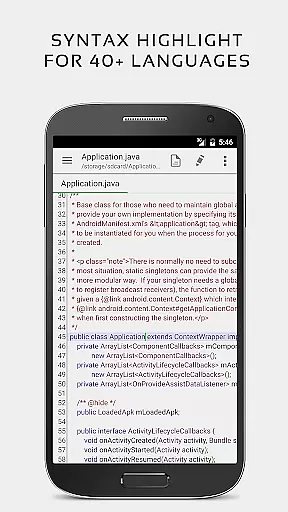


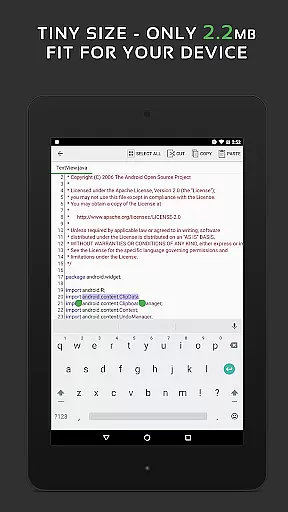
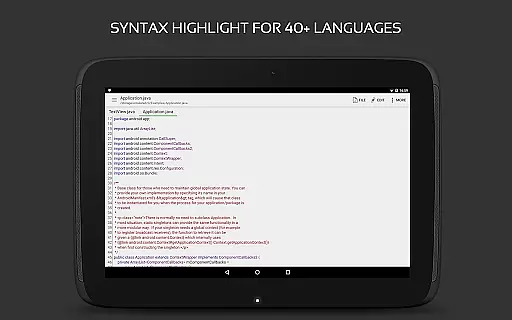
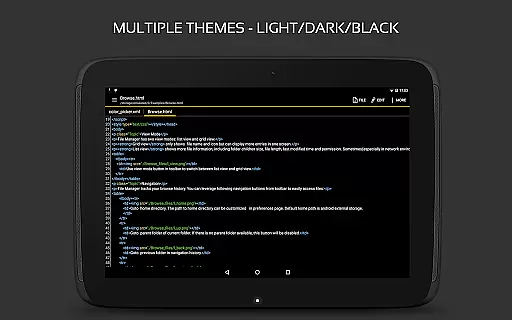
QuickEdit Text Editor Pro is a premium text editing solution designed for both casual and professional users. This app combines the functionality of a standard notepad with advanced code editing capabilities, making it suitable for programming tasks as well as general text editing. With support for over 170 programming languages and syntax highlighting, QuickEdit stands out as a versatile tool for developers.
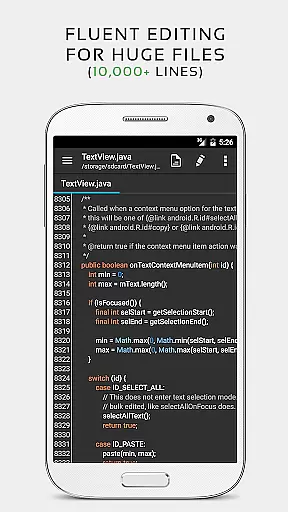
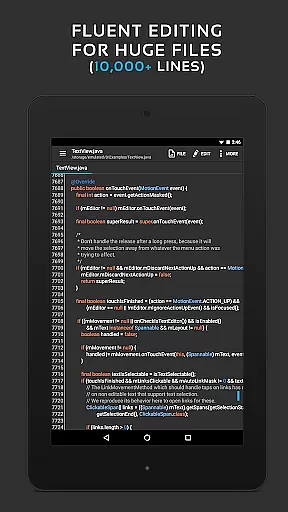
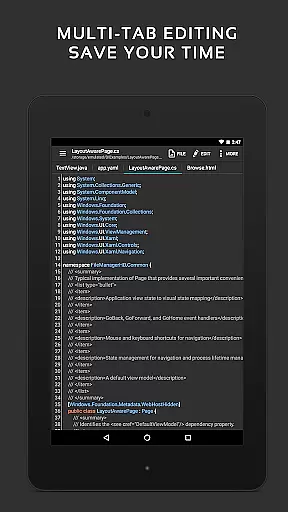
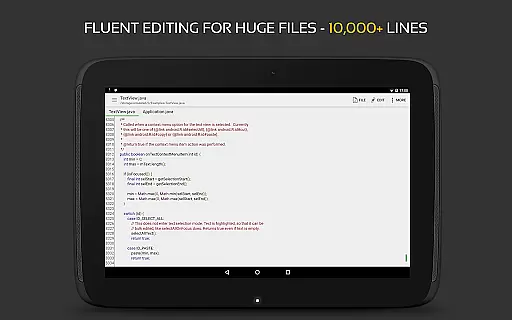
The app is optimized for performance, offering smooth scrolling and fast response times even with large files containing more than 10,000 lines. Its user-friendly interface includes features such as line numbering, unlimited undo/redo, and customizable themes. Whether you're working on a smartphone or tablet, QuickEdit ensures an efficient workflow by allowing easy navigation between multiple open tabs and providing direct access to cloud storage services like Google Drive and Dropbox.
For professionals who require additional functionality, QuickEdit offers an online compiler that supports over 30 programming languages. This feature enables users to compile and run code directly within the app, streamlining the development process. The app's ability to preview HTML, CSS, AsciiDoc, and Markdown files further enhances its utility for web developers and content creators.
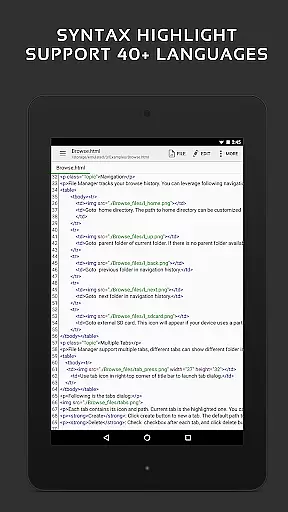
QuickEdit Text Editor Pro boasts an impressive array of features that cater to both novice and experienced users. One of its standout capabilities is the syntax highlighting for over 170 programming languages, including C++, Java, Python, and Ruby. This feature assists developers in writing clean and error-free code by visually distinguishing different elements of the syntax. Additionally, the built-in online compiler supports over 30 languages, allowing users to test their code without leaving the app.
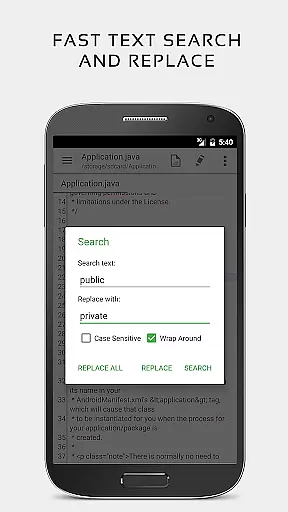
The app's performance optimization ensures a lag-free experience, even when handling large text files. QuickEdit's enhanced notepad functionality includes advanced text manipulation tools such as find and replace, line indentation control, and quick navigation to specific lines. These features significantly improve productivity by reducing the time spent on routine editing tasks. The app also supports physical keyboards with key combinations, making it ideal for power users who prefer external input devices.
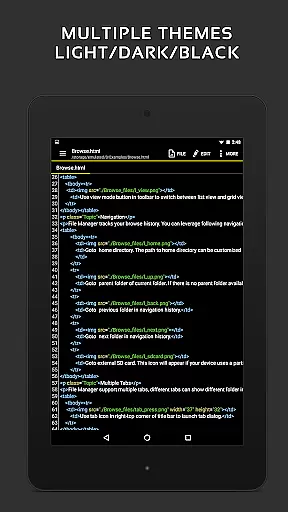
QuickEdit offers seamless integration with various cloud storage services, including Google Drive, Dropbox, and OneDrive. This allows users to access and edit their files from anywhere while maintaining version control. The app's dual-theme support (light and dark) and customizable font options ensure comfortable viewing in any environment. Furthermore, its ability to handle system files on rooted devices makes it an invaluable tool for advanced Android users who need to modify core system configurations.
Task management is a critical aspect of productivity applications, especially for text editors like QuickEdit Text Editor Pro. This feature ensures that users can efficiently handle multiple tasks without losing track of their progress.
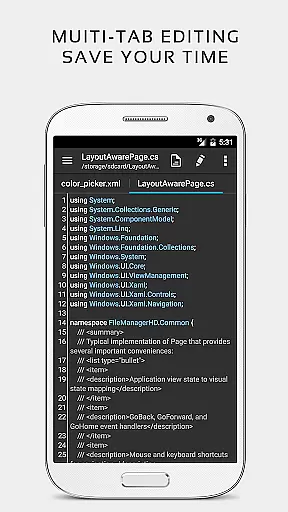
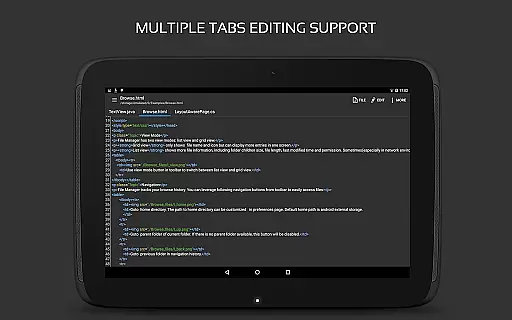
QuickEdit excels in this area by providing enhanced notepad functionalities and supporting over 170 programming languages with syntax highlighting. The app allows users to navigate between multiple open tabs effortlessly, making it easier to manage different coding or writing projects simultaneously.
Additionally, the application offers unlimited undo and redo capabilities, ensuring that users can easily correct mistakes or experiment with new ideas without the fear of losing previous work. This contributes significantly to a seamless task management experience.
The ability to access files from various cloud services such as Google Drive, Dropbox, and OneDrive further enhances its task management features. Users can quickly search and replace content, directly target any specified line number, and preview HTML, CSS, AsciiDoc, and markdown files, thus streamlining their workflow and boosting productivity.
Cross-device synchronization is essential for users who work across multiple devices and need their data to be consistently updated and accessible. QuickEdit Text Editor Pro addresses this need by ensuring reliable synchronization across different platforms.
The app supports physical keyboard input and key combinations, which is particularly beneficial for users who switch between mobile devices and desktop computers. This feature provides a uniform experience, allowing users to continue their work seamlessly regardless of the device they are using.
Moreover, QuickEdit's high performance and responsiveness, even with large text files exceeding 10,000 lines, ensure that users can rely on the app for their editing needs without experiencing lag or delays. This reliability extends to its cloud service integrations, including FTP, Google Drive, Dropbox, and OneDrive, enabling users to access their files from anywhere.
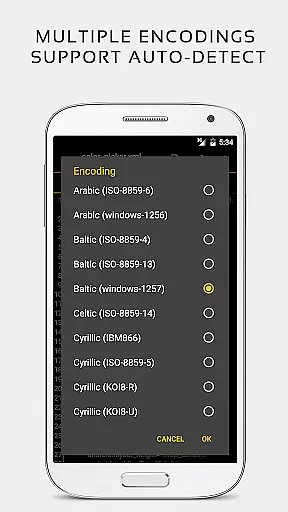
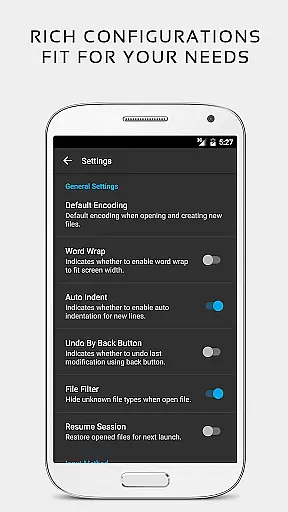
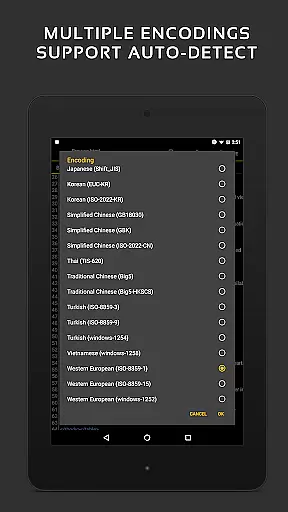
With options to automatically detect charset and encoding, and automatically indent new lines, QuickEdit ensures that the useru2019s work environment remains consistent across devices. This synchronization reliability makes it an invaluable tool for professionals who require constant access to their projects, thereby enhancing overall productivity.
Fast and responsive performance
Extensive language support
Integrated online compiler
Cloud storage integration
User-friendly interface
No free version available
Advanced features may overwhelm beginners
Limited offline help resources
Occasional compatibility issues
Premium price point

Seamlessly integrate data and reports to build your presentation to impress
 4.80
4.80
When you Focus, so will your Bean in this cozy focus timer
4.30
⏰ Finally a timer app which can run multiple timers simultaneously on your watch
3.90
Make apps & sites with natural language prompts
4.10
ID.me Authenticator is a simple and free Two Factor Authentication solution
3.50
A beautiful digital clock with autostart and many other functions
4.70
The ultimate file manager for rooted devices. The original and still the best.
4.00
Access your phone's notifications, calls, apps, photos & texts on your PC
3.90
Daily processing of PDF documents.
4.40
Understand anything with a personalized AI research assistant
4.80
aCalendar+ makes your day, week and month
4.70
Client for Nextcloud Deck
4.60
The Pro Version of Android's tiniest Notepad app. Just 0.3MB but feature-packed!
4.60
Fill, sign & send docs, forms, agreements & contracts via electronic signature.
4.50 4.20
4.20
Font maker keyboard with your own handwriting
4.10
Customizable calendar widget for seamless event sync, planning & scheduling.
4.00
Create and edit presentations with Google Slides, part of Google Workspace.
4.00
Take control of your clipboard with Clipper!
3.90


User Reviews